


Home lighting automation lets homeowners control lights using apps, schedules, or voice commands. It makes homes more energy-efficient, convenient, and safer.
Automated lights can turn on or off at set times, respond to motion, or adjust based on activity, reducing energy waste.
Smart bulbs, LED controllers, and full-home control systems can be integrated with popular voice assistants such as Alexa, Google Assistant, and HomeKit.
With the right setup, managing home lighting becomes easier and more practical for everyday life. Take control of your home lighting today and see the difference automation can make!
What is Home Lighting Automation?
Home lighting automation is a system in which lights operate automatically via smart devices and connected networks.
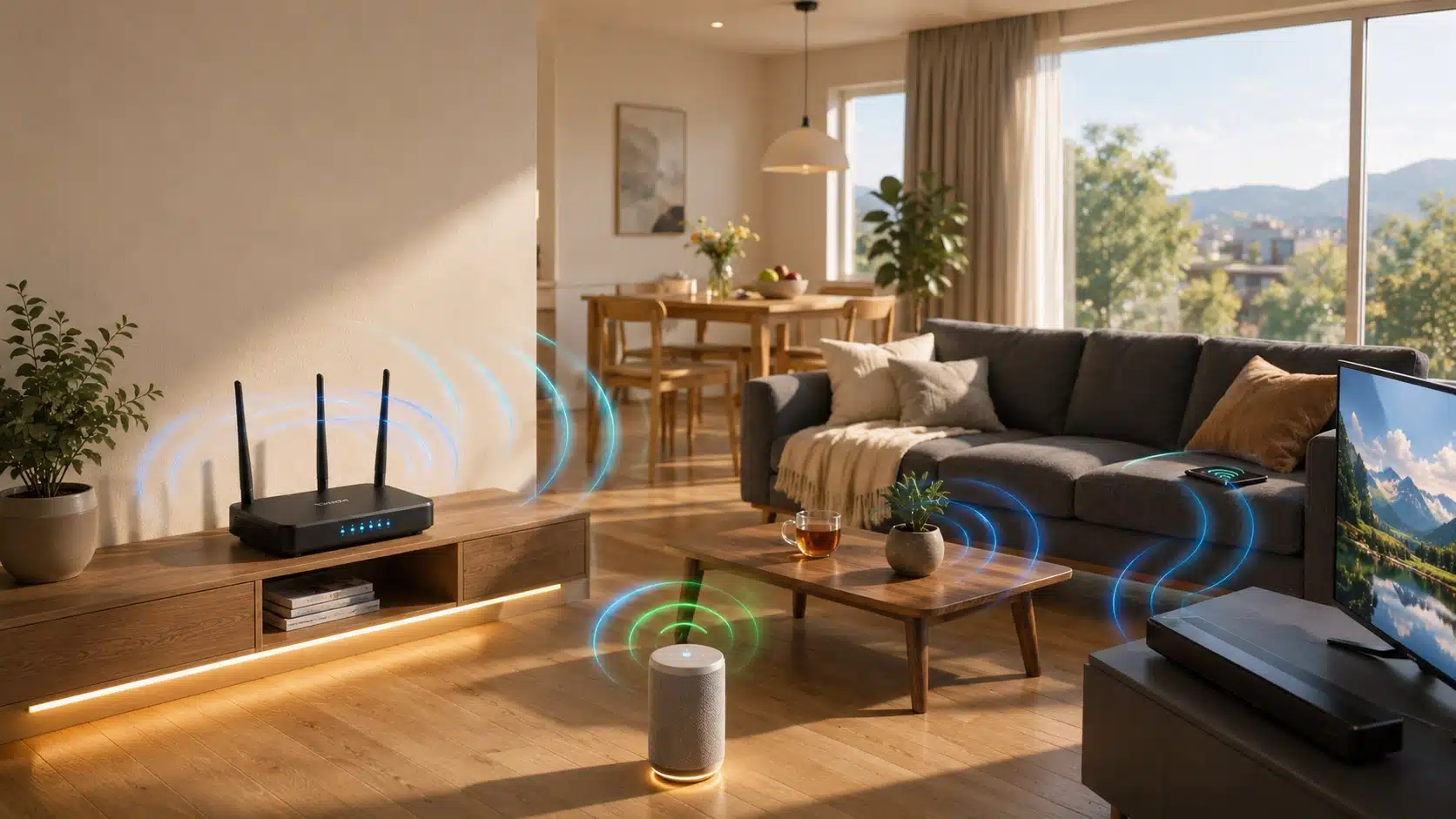
Smart lights connect to a household network using three main wireless methods:
1. Wi-Fi Systems: These lights connect directly to your internet router and do not need an extra hub, making your initial setup very simple.
2. Zigbee and Z-Wave Networks: These devices usually require a central hub or bridge. However, they provide much more stable connections, especially in larger houses with multiple fixtures.
How Automated Lighting Works
Automated lighting can be managed through four main methods depending on your daily routine:
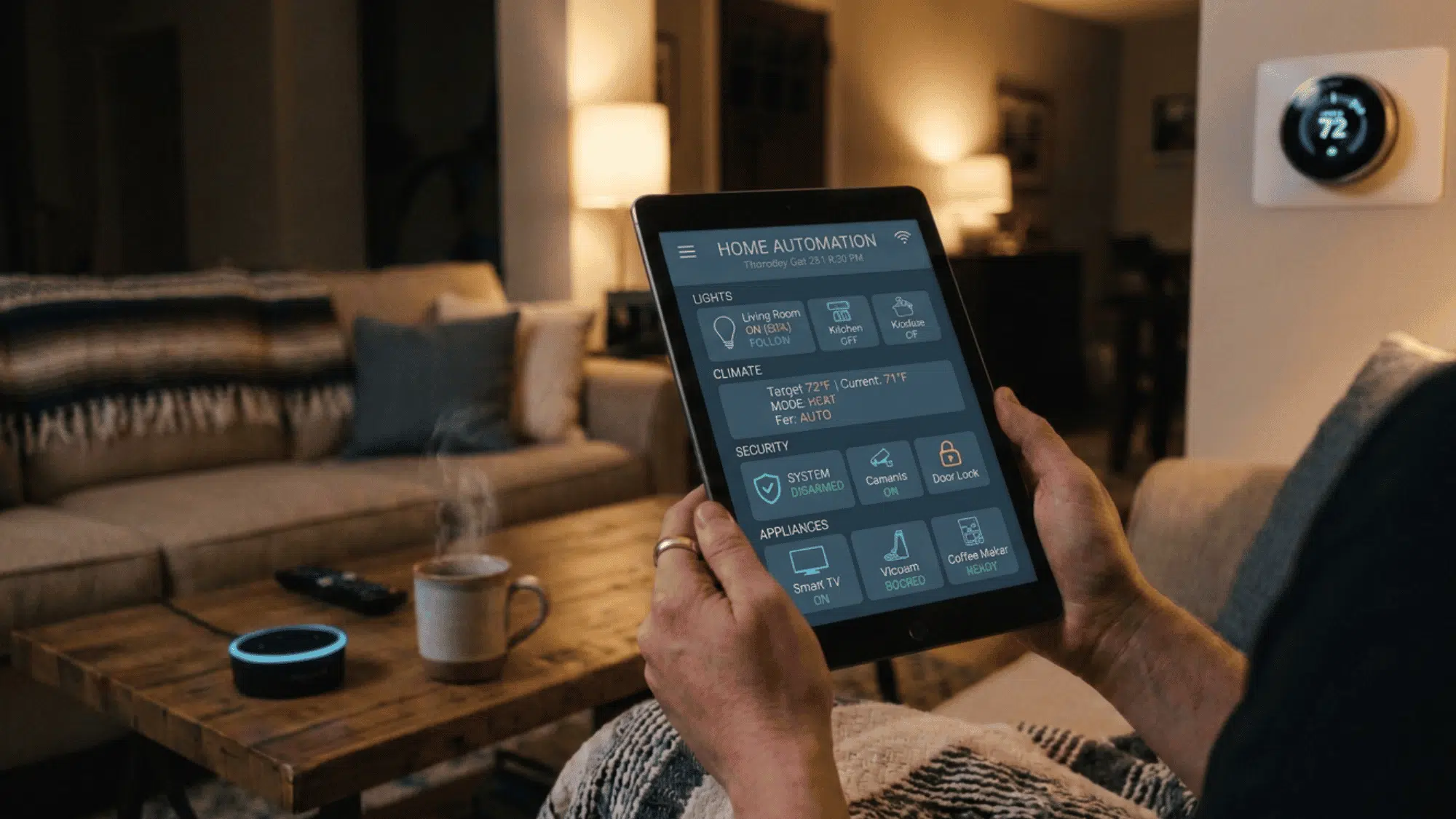
- Mobile Apps: Adjust brightness, modify color settings, or set specific operating times on your phone or tablet.
- Voice Commands: Connect your system to smart assistants such as Alexa, Google Assistant, or HomeKit for fully hands-free control.
- Scheduled Routines: Program your fixtures to change automatically based on specific hours of the day or your regular habits.
- Smart Sensors: Detect movement or natural daylight levels to turn fixtures on only when a room is occupied, maximizing convenience and lowering your energy bill.
Each option offers a unique range and set of integration features, allowing you to link your lights to other smart devices while maintaining reliable performance throughout the house.
Main Parts of a Lighting Automation Setup
Discover the essential hardware components for building a reliable, responsive smart light network in your home.
Smart Bulbs

Smart bulbs are standard LED lights with built-in wireless control receivers. They let you change brightness and colors using phone apps or voice commands.
These units are simple to install because they screw directly into existing fixtures.
They work beautifully for quick, single-room updates and can be easily grouped in your app to manage larger living areas simultaneously.
LED Controllers

LED controllers are specialized hardware that manage low-voltage strip lights and multi-color ribbon lighting throughout your home.
These devices offer incredibly precise adjustments, allowing you to fine-tune brightness levels, mix exact color shades, and choose custom flashing patterns.
They are highly recommended for hidden cabinet lighting, media room entertainment systems, or creative decorative setups that require flexible, hands-free management.
Lighting Control Systems

Control systems act as central hubs that connect multiple smart devices. They integrate your bulbs, sensors, and controllers into one simple interface.
From here, you can create custom zones, automatic schedules, and distinct scenes across your whole house.
These hub-based setups are especially helpful for larger properties. They keep your local network traffic stable, prevent communication lag, and ensure your entire home automation network runs smoothly without dropped connections.
Sensors

Sensors allow lights to operate automatically without manual control.
Motion sensors switch the lights on when someone enters a room, while light sensors adjust the brightness based on available daylight.
These features help reduce energy use by preventing lights from staying on unnecessarily.
Sensors add convenience and safety, making them ideal for areas like hallways, bathrooms, garages, and entryways, where lights are needed only when someone is present.
How to Choose the Right Lighting System
Use these simple Do’s and Don’ts to pick a lighting system that fits your home, needs, and budget.
| Do’s | Don’ts |
| Check that devices are compatible with your existing hubs and Wi-Fi network. | Buy devices without verifying compatibility; they may not work together. |
| Consider how easy the system is to install and use. | Choose complex systems that require professional setup unless prepared to handle it. |
| Review the app interface for usability and control features. | Pick products with confusing or unstable apps. |
| Ensure the system can expand if you want to add more lights later. | Select a system that cannot grow with your home’s needs. |
| Compare pricing and long-term value, not just upfront cost. | Focus only on the cheapest option without considering performance or reliability. |
Setup and Installation Steps
This section provides step-by-step guidance for setting up smart lighting at home, from network preparation to voice control.
Step 1: Prepare Your Network
Ensure Wi-Fi covers all areas where lights will be installed.
Check router placement and signal strength. Larger homes may need mesh networks or range extenders. A stable network ensures lights and hubs respond quickly and reliably.
Step 2: Install Smart Bulbs or Controllers
Replace bulbs or attach LED controllers as needed.
Turn off power before installation for safety. Verify devices are within range of hubs or Wi-Fi. Follow the manufacturer’s instructions for proper placement and operation.
Step 3: Use the App
Download the manufacturer’s app and pair devices.
Apps allow room grouping, brightness control, and schedule creation. Follow prompts to complete pairing. Keep firmware updated for smooth operation.
Step 4: Create Zones and Schedules
Group lights by room or area.
Set schedules based on daily routines. Create scenes for work, relaxation, or entertainment. Scheduled control improves energy efficiency and ensures lights are available when needed.
Step 5: Add Voice Control
Connect lights to Alexa, Google Assistant, or HomeKit.
Test voice commands to ensure proper operation. You can turn lights on/off, dim them, or adjust colors hands-free. Voice control adds convenience for all household members.
Common Problems and How to Fix Them
This section highlights common problems along with simple steps to fix them and keep devices running smoothly.
- Lights Not Showing in App: Restart the app and check the Wi-Fi signal. If issues continue, reboot hubs or devices, update firmware, and re-pair devices. Strong network connections help prevent this problem.
- Delayed Response: Move lights closer to hubs or routers. Weak connections or interference can slow responses. Restart devices to restore normal function. Range extenders are useful in larger homes.
- Controller Not Working: Update the controller’s firmware and reset it if needed. Follow pairing instructions in the app, check power and connectivity, and use a factory reset to restore full functionality when devices fail to respond.
Practical Home Use Ideas
This section explains practical ways to use smart lighting at home for convenience, safety, and energy savings.
| Practical Home Use | How to Use | Benefits |
|---|---|---|
| Morning Lighting | Set lights to gradually brighten bedrooms or kitchens. | Provides gentle wake-up lighting and efficiently matches daily routines. |
| Night Lighting | Use low-level lights in hallways or bathrooms with motion sensors. | Improves safety and reduces unnecessary energy use at night. |
| Motion-Activated Lights | Install sensors in entryways, garages, or closets. | Lights turn on automatically, enhancing convenience, security, and energy efficiency. |
Wrapping Up
Home lighting automation brings convenience, control, and energy savings to everyday life.
By choosing the right combination of smart bulbs, LED controllers, sensors, and control systems, homeowners can create a lighting setup that responds to daily routines and personal needs.
Proper installation, thoughtful scheduling, and sensor placement ensure lights work efficiently while reducing waste. For safety, productivity, or comfort, automated lighting adds practical value to any home and makes daily life easier to manage.
Start planning your smart lighting setup today and see how effortless home control can be.
Frequently Asked Questions
What is the Easiest Smart Lighting Setup?
Smart bulbs controlled via an app are the simplest. They require minimal installation and can be managed individually or in groups.
Do You Need a Hub?
Wi-Fi bulbs may not require a hub, but larger setups benefit from one for more stable connections and coordinated control.
Can Lighting Automation Save Money?
Yes. Lights that turn off automatically or adjust to schedules reduce energy consumption and electricity costs.