




Have you ever wondered how data centers keep so many servers, cables, and devices organized in one place?
That’s where server racks come in. A server rack gives IT equipment a structured space, making it easier to organize, access, and manage within a data center.
It also helps support cleaner setups and smoother day-to-day operations.
In this, we’ll explain what a server rack is, how it works, and why it matters. Keep reading to understand the basics of server racks and their role in modern data centers.
What is a Server Rack?
A server rack is a standardized metal frame or cabinet designed to hold servers, networking devices, storage systems, power equipment, and other IT hardware in a vertical, organized structure.
In simple terms, it provides data center equipment with a dedicated place for efficient mounting, arrangement, and management.
A server rack houses multiple servers and devices in one compact area, saves floor space, improves cable organization, and supports better airflow and cooling, so the equipment can run more reliably.
What Does a Server Rack Do?
A server rack keeps servers, switches, storage devices, cables, and power units organized in a single, structured space.
It saves floor space by stacking equipment vertically and supports better airflow to help prevent overheating.
Server racks also make maintenance easier by keeping cables, devices, and power connections cleaner, safer, and more accessible.
This helps data center teams manage equipment more efficiently and reduce unnecessary downtime
Role of a Server Rack in Housing IT Equipment
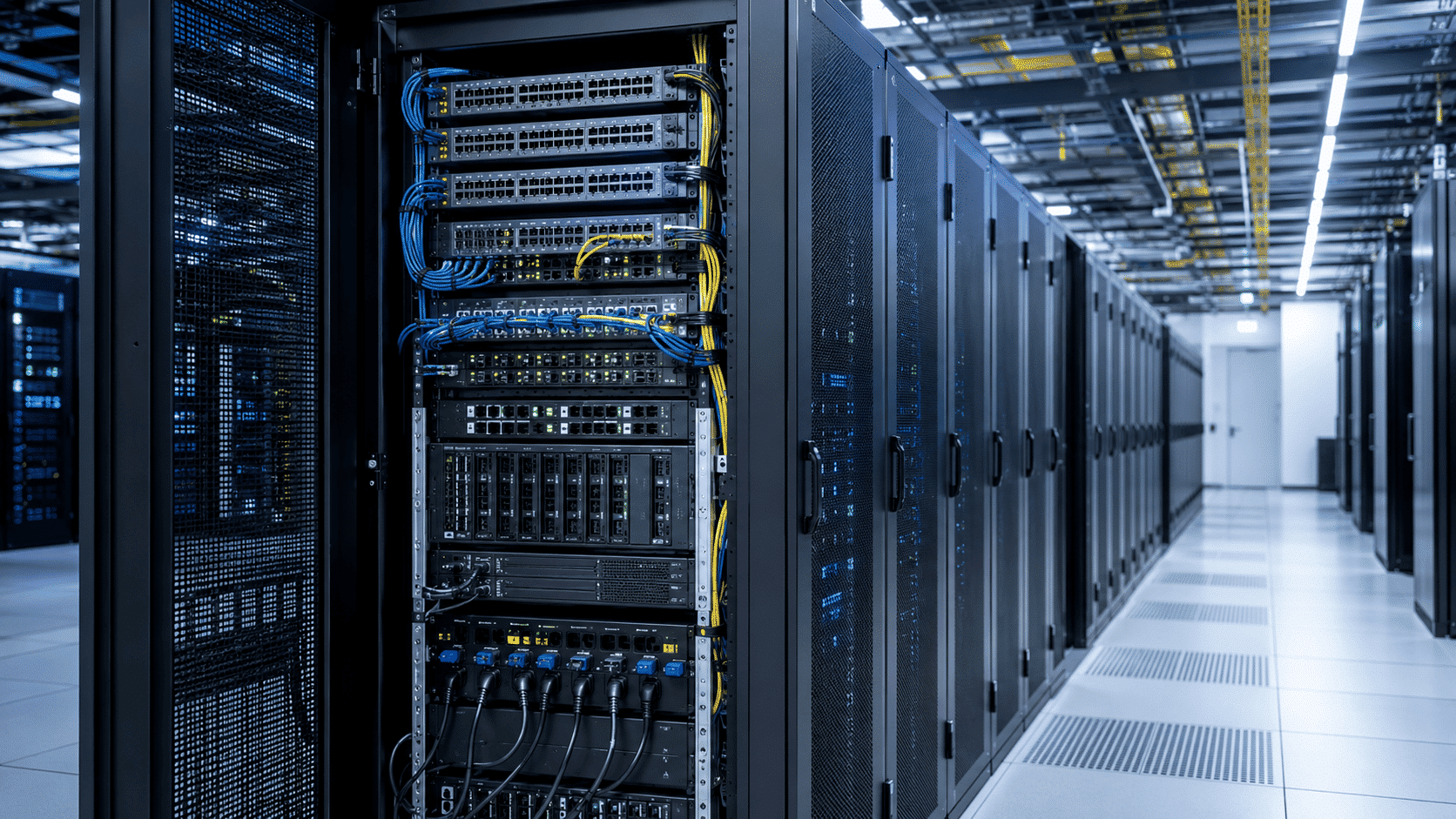
A server rack provides a dedicated structure for placing and organizing servers and related IT devices in one secure, accessible, and space-efficient setup.
Provides a Dedicated Space for Servers
A server rack provides servers with a fixed, reliable place to be installed rather than on desks, shelves, or open floors.
This helps keep equipment stable, properly arranged, and protected from unnecessary movement.
In data centers, racks make it possible to house multiple servers in a clean vertical layout, which improves space usage and keeps the setup easier to manage
Organizes Multiple IT Devices
A server rack not only holds servers but can also house switches, storage devices, patch panels, power distribution units, and cables in a single structured system.
Keeping these devices together makes the overall setup cleaner and more efficient. It also helps IT teams understand how equipment is connected.
Locate devices faster and manage hardware without confusion during daily operations or upgrades.
Pairing a well-structured rack with CISA’s guidance on backing up business data helps make sure your storage devices are backed up properly, not just neatly arranged.
Supports Easier Access and Maintenance
A server rack makes it easier for technicians to inspect, repair, replace, or upgrade hardware when needed.
Since servers and related devices are arranged in a clear layout, teams can quickly identify the right equipment, trace connections, and access components without disturbing the entire setup.
This saves time during troubleshooting, reduces errors, and helps keep data center operations running smoothly
How are Server Racks Used in Data Centers?
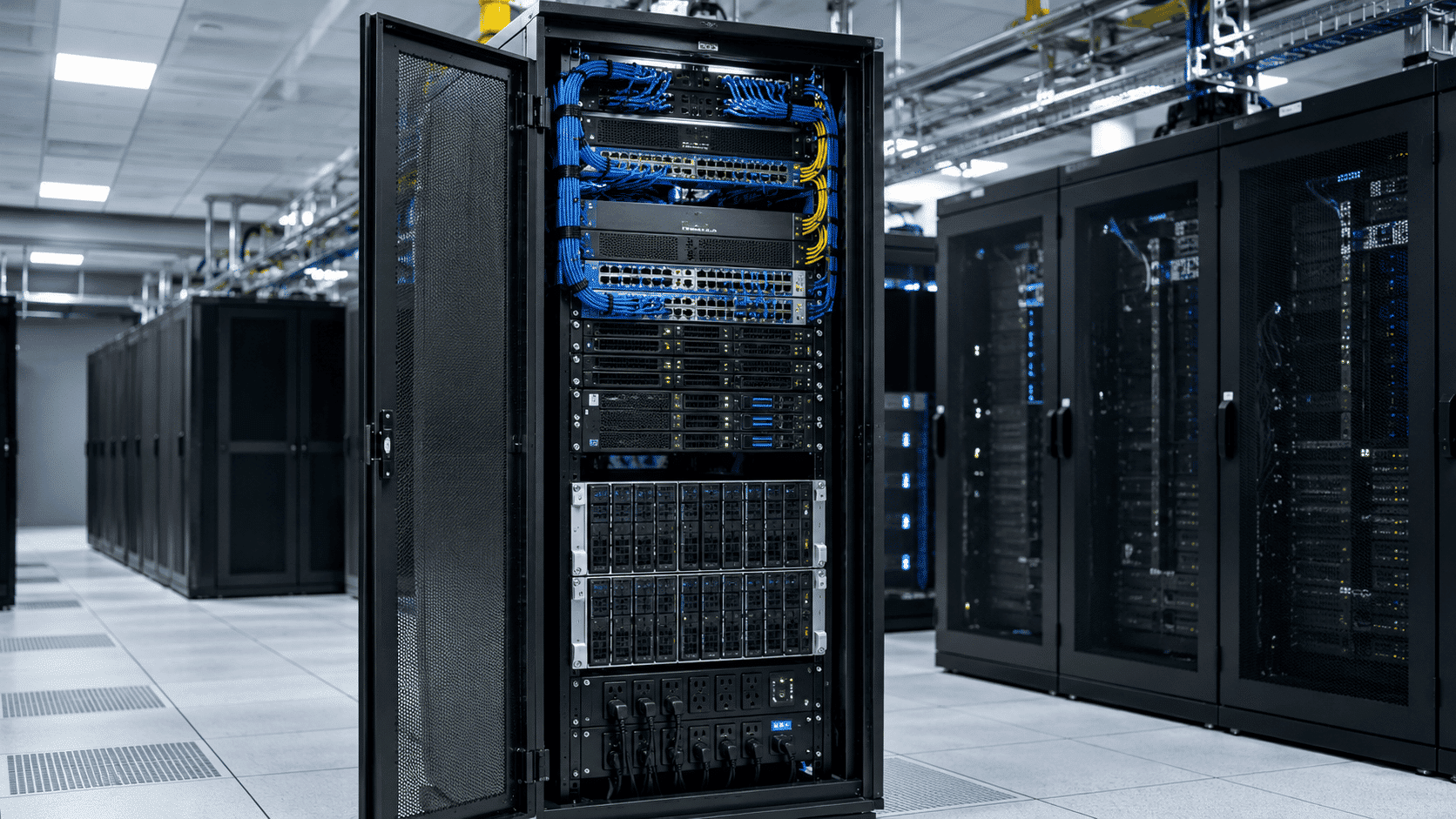
A data center server rack organizes IT hardware into a structured setup that supports cooling, power, cabling, and easier management.
Role of Server Racks in a Data Center
A data center server rack is a fixed vertical structure for arranging servers, switches, storage systems, power equipment, and cables.
It helps data center teams keep hardware organized, accessible, and easier to manage.
By providing each device with adequate mounting space, the rack supports smoother maintenance, better airflow, cleaner cabling, and more reliable day-to-day infrastructure operations.
Why Do Data Centers Use Server Racks?
Data centers use server racks because they enable the efficient management of large amounts of IT equipment in limited space.
Instead of spreading hardware across the floor, racks allow teams to stack equipment vertically, creating a high-density setup.
They also support better airflow management, easier cable routing, improved technician access, and a more organized environment for scaling infrastructure.
How Server Racks Fit Into Data Center Design?
Server racks are an important part of overall data center design because they connect equipment layout with cooling, power, and network planning.
Racks are often arranged in hot-aisle and cold-aisle layouts to manage airflow efficiently.
They also work with power distribution zones, cable pathways, cooling systems, network switches, and top-of-rack architecture to support reliable data center performance.
Main Components of a Server Rack
A server rack includes structural, mounting, power, cooling, and cable-management components that help organize and support IT equipment.
- Rack frame or cabinet that forms the main structure and supports servers, switches, storage devices, and other rack-mounted equipment.
- Mounting rails that help servers and devices slide securely into place, making installation, removal, and maintenance easier.
- Rack units, or U space, are used to measure rack height and plan how much equipment can fit inside the rack.
- Cable management accessories such as trays, rings, ducts, labels, and ties keep power and network cables organized.
- Power distribution units (PDUs) that supply power to servers and devices installed inside the rack.
How Does a Server Rack Work?
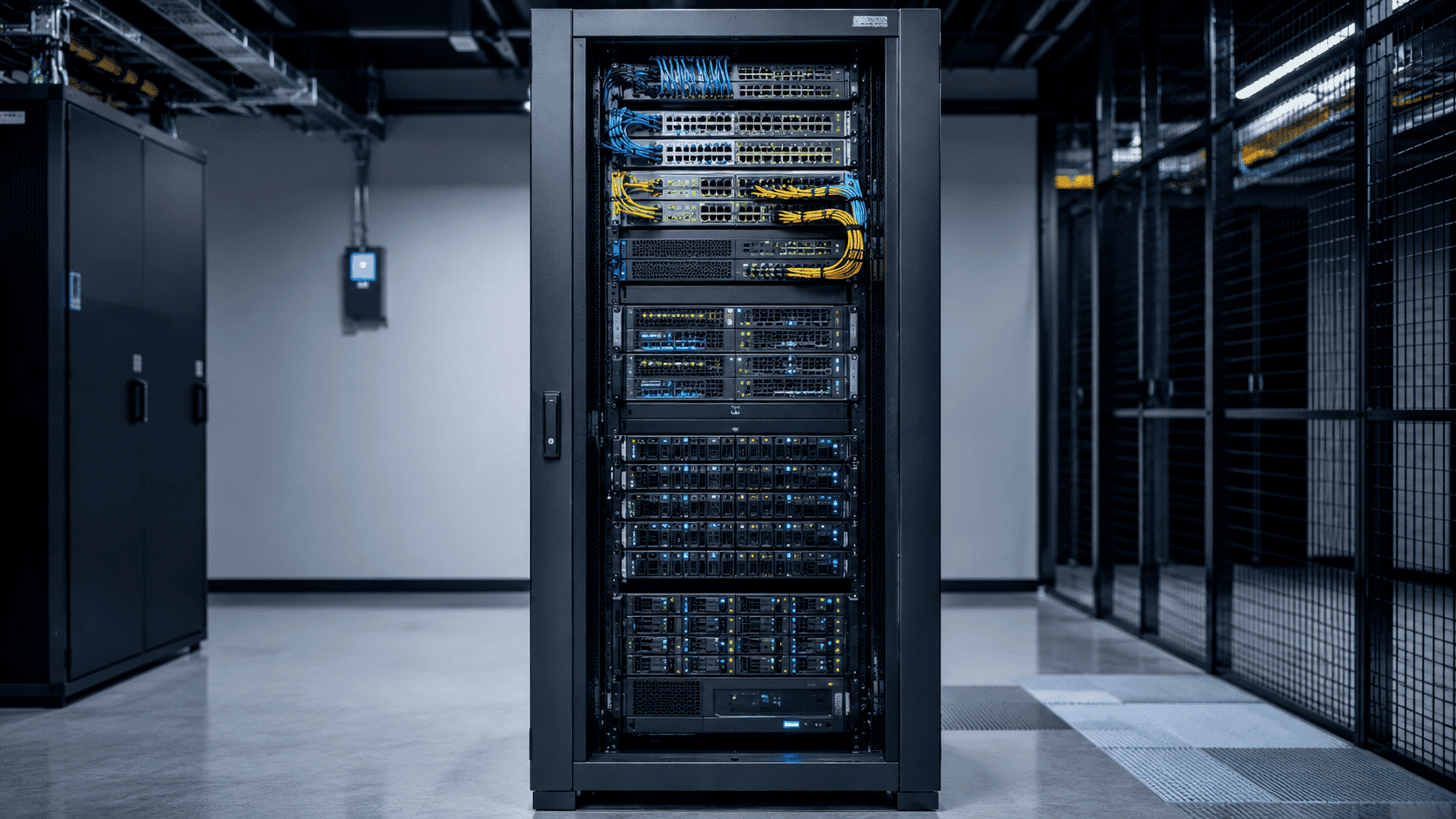
A server rack arranges IT equipment in a structured way, making power, cooling, cabling, and maintenance easier to manage.
Step 1: Equipment is Mounted Vertically
Servers, switches, storage devices, and power units are installed inside the rack using rails or brackets.
This vertical setup saves space and keeps equipment in one organized place.
It also helps technicians find and access the right device quickly when they need to install, check, repair, or replace hardware.
Step 2: Power is Distributed Through PDUs
After the equipment is installed, power is supplied through power distribution units (PDUs). These units send electricity to the servers and other devices inside the rack.
Using PDUs keeps power connections organized, reduces cable mess, and helps ensure each device gets the power it needs to operate properly.
Step 3: Cables are Routed and Labeled
Network cables, power cables, and fiber cables are arranged through cable managers, trays, or routing paths.
Each cable can be labeled so technicians know where it connects.
This makes troubleshooting easier, prevents confusion, reduces accidental unplugging, and keeps the rack cleaner and safer for regular maintenance or future upgrades.
Step 4: Airflow Keeps Equipment Cool
Servers create heat when they run, so airflow is very important. In many racks, cool air enters from the front and hot air leaves from the back.
Good spacing, clean cable routing, and ventilated doors help air move properly. This reduces overheating and helps equipment work more reliably
Step 5: IT Teams Monitor and Maintain Equipment
Once the rack is working, IT teams regularly check the servers, cables, power connections, and cooling conditions.
Because everything is arranged in a clear structure, it is easier to find problems, replace faulty parts, and upgrade devices.
Many teams also pair this routine upkeep with a solid backup and disaster recovery plan, so data stays protected even if a server fails.
Server Rack vs Rack Server: What’s the Difference?
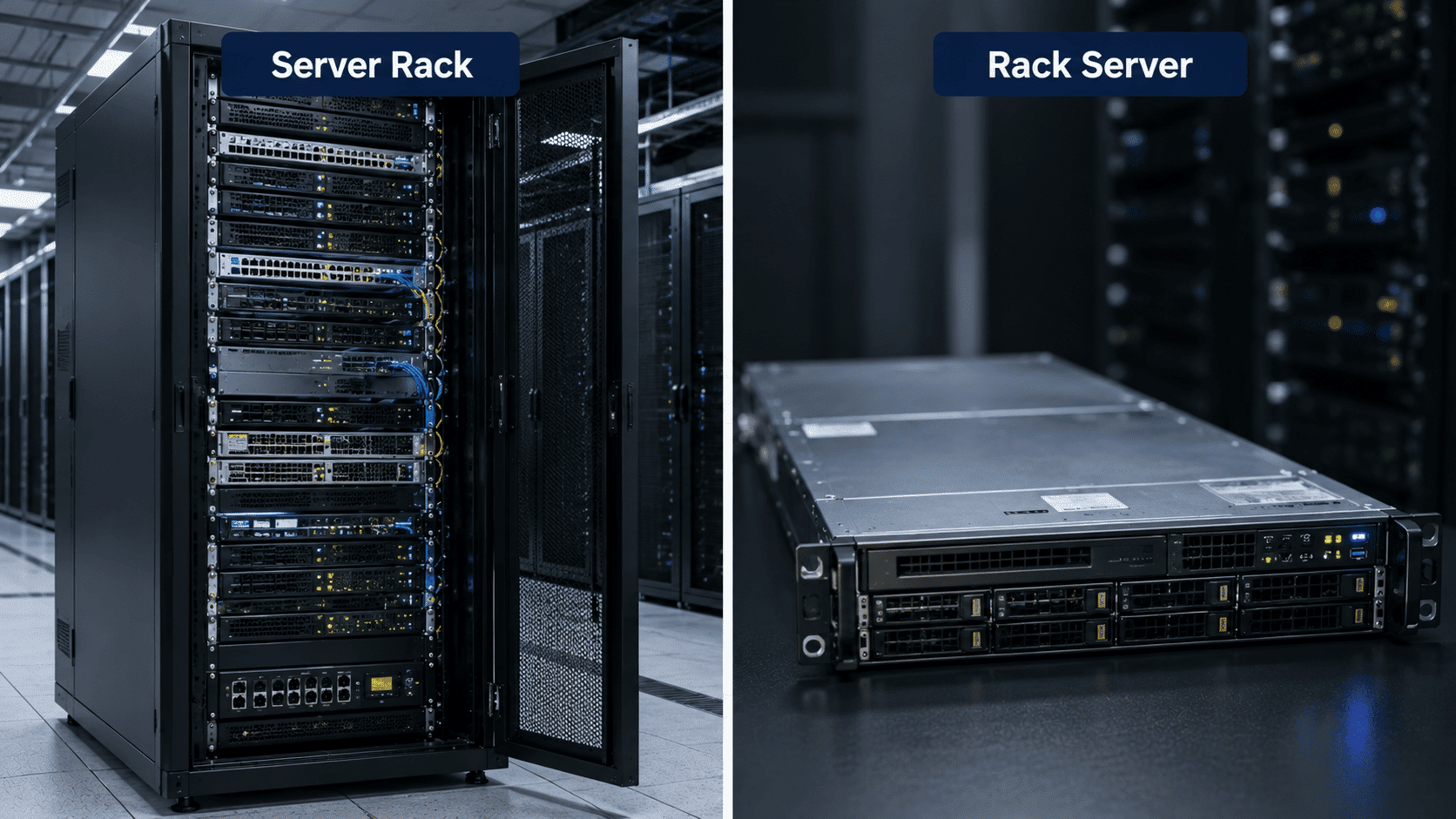
Think of a server rack as the “shelf system” and a rack server as one of the powerful machines placed on that shelf.
| Point | Server Rack | Rack Server |
|---|---|---|
| Basic Idea | The frame or cabinet that holds IT equipment. | The actual server is installed inside the rack. |
| Main Job | Organizes and supports servers, cables, switches, and power units. | Runs websites, apps, databases, and business workloads. |
| Example | Like a bookshelf for data center equipment. | Like one book placed inside that bookshelf. |
How to Choose the Right Server Rack?
When choosing the right server rack, start by considering rack height based on the equipment you need today and future expansion.
Next, check the rack depth to ensure it fits your servers while leaving enough space for cables and proper airflow.
Open-frame racks offer easier access and better airflow, while enclosed racks provide added security and equipment protection.
Most racks follow the EIA-310 rack standard, which defines the 19-inch width and rack-unit measurements you’ll see across the industry.
Finally, look for features such as adjustable mounting rails, cable management, ventilated doors, and PDU compatibility to simplify installation, maintenance, and cooling.
Conclusion
A server rack is much more than a metal frame; it is the foundation for organizing and managing IT equipment in a data center or server room.
Housing servers, networking devices, power equipment, and cables in a structured layout improves space efficiency, airflow, maintenance, and overall reliability.
Planning a small server room or a large data center starts with understanding how server racks work, making it easier to build an infrastructure that can be managed, maintained, and scaled over time.
Frequently Asked Questions
What Is The Standard Size Of a Server Rack?
Many server racks follow the 19-inch width standard, which is commonly used for rack-mounted IT equipment.
Is an Open-Frame Rack Better Than an Enclosed Rack?
An open frame rack is better for easy access and airflow in controlled spaces, while an enclosed rack is better for added protection and security.
Where Should Heavy Equipment Be Placed In a Server Rack?
Heavy equipment should usually be placed near the bottom of the server rack. This helps improve rack stability and reduces the risk of the rack becoming top-heavy.