



Most people think they would never fall for a scam, but phishing messages are designed to look completely normal.
Phishing is what type of attack? It is a social engineering attack where scammers impersonate trusted sources to steal passwords, financial details, or personal data.
These attacks remain the most reported form of cybercrime in the United States, and they are not slowing down.
Read on to learn how each method works so you can spot the warning signs before any real damage is done.
What are Phishing Attacks and Why Do They Keep Working
A phishing attack is a social engineering scam in which criminals impersonate a trusted source, such as a bank, employer, or government agency, to steal sensitive information. It works because it goes after human behavior, not software.
Scammers create a sense of urgency, trigger fear, or mimic familiar contacts to get people to act without thinking.
A message that appears to come from a manager or a delivery service feels normal enough to skip verification.
The rise of new channels makes it worse. Most people guard against shady emails but overlook the same tricks that show up in texts, phone calls, or QR codes.
The Four Types of Phishing Most People Meet First
The four types of phishing usually refer to email phishing, spear phishing, smishing, and vishing. These are common because they use channels people already trust each day.
Email Phishing
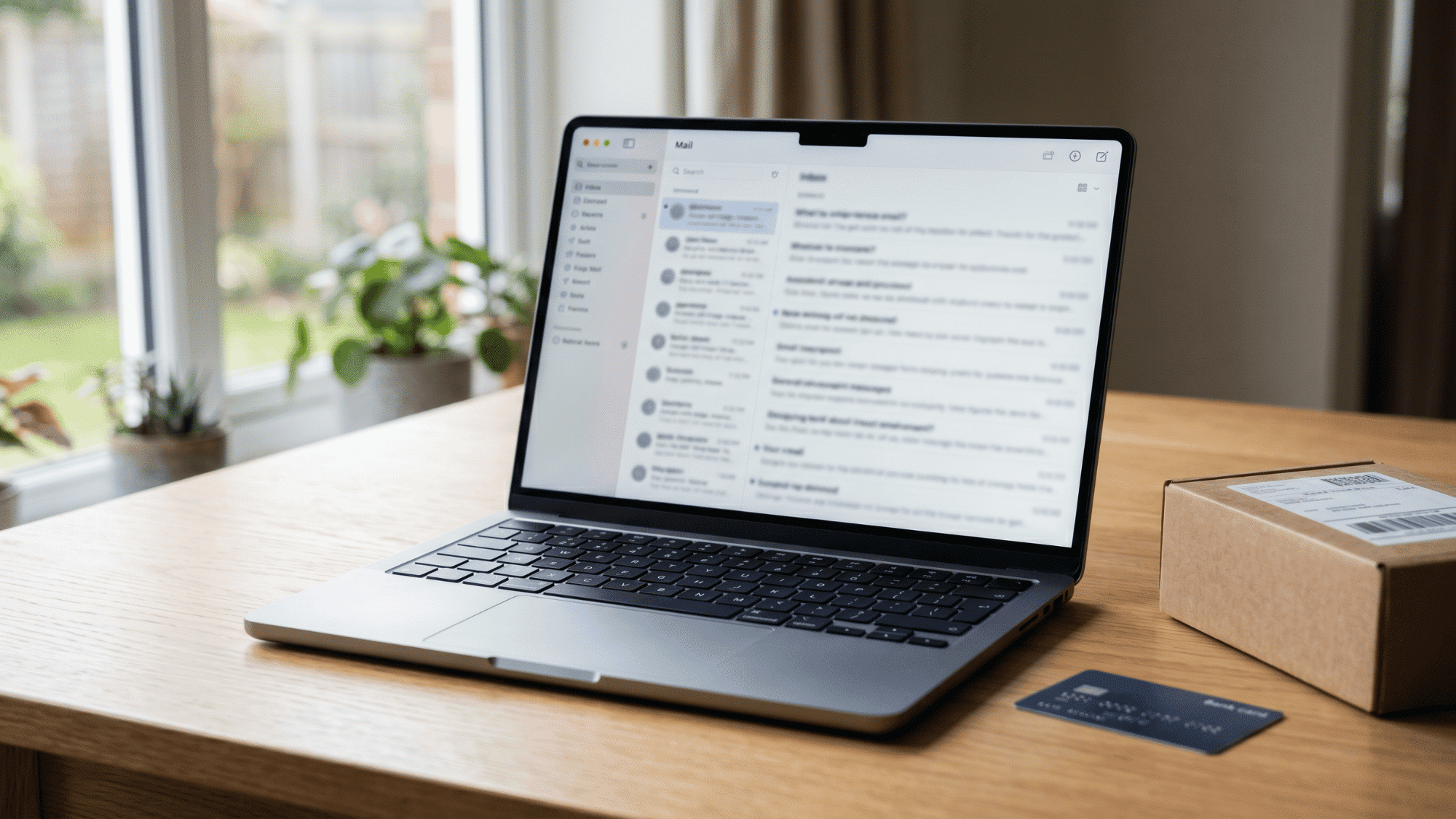
Email phishing uses fake emails that appear to be from banks, delivery services, stores, cloud platforms, or workplace tools.
These emails often show a sense of urgency through account warnings, invoices, attachments, or buttons that lead to unsafe pages.
The main goal is to get users to click, download, log in, or share private details before checking the sender or the website address.
Example: A fake bank email asks you to confirm your login details today.
Spear Phishing

Spear phishing targets one person, role, team, or company with a message that feels personal.
Scammers may use names, job titles, vendors, projects, or recent events to sound familiar.
Employees with account access, finance teams, HR staff, IT teams, students, faculty, and business owners are common targets because their accounts or approvals can be beneficial to attackers.
Example: Fake coworker email asks you to open shared project files.
Smishing
Smishing uses text messages or mobile apps to trick users into tapping unsafe links.
These messages are usually short and urgent, often claiming a missed package, a locked bank account, an unpaid toll, a failed payment, or a reward balance.
Since people check texts quickly, scammers rely on speed, hidden links, and pressure to collect passwords, payment details, or one-time codes.
Example: Text says the package failed and asks you to pay fees.
Vishing
Vishing uses phone calls or voice messages to pressure people into sharing sensitive information.
A caller may pretend to be from a bank, a tech support team, a tax office, a hospital, a workplace, or a police department.
They may ask for passwords, passcodes, money transfers, or remote access, while instilling fear of account closure, fraud, legal trouble, or urgent security issues.
Example: Caller pretends bank account is frozen and requests verification code.
More Methods That Appear in Daily Life
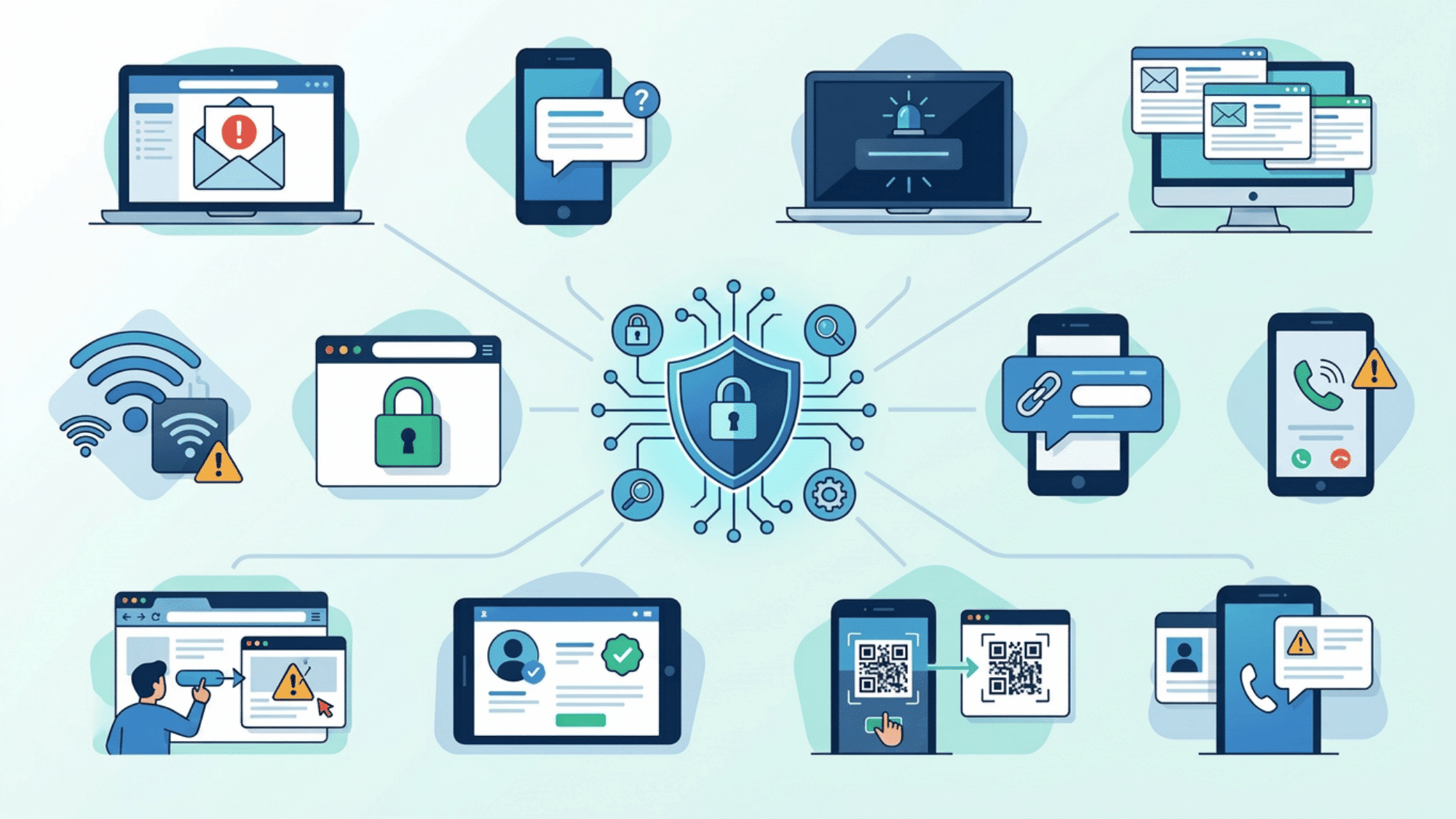
Small habits can open the door to phishing. Learning what to avoid helps you review requests more carefully.
Whaling
Whaling is aimed at executives, founders, directors, or public officials. The scam may request a wire transfer, contract change, tax file, payroll data, or urgent approval.
Clone Phishing
Clone phishing copies a previously sent email. The scammer keeps the layout but replaces the safe attachment or URL with a harmful one.
Quishing
Quishing uses QR codes. The code may appear on a poster, parking sign, invoice, restaurant table, email, or text. Once scanned, it can open a fake login or payment page.
Angler Phishing
Angler phishing happens on social media. A fake support account may reply to a public complaint and ask the user to move the conversation to direct messages.
Pharming
Pharming sends a person to a fake website even after typing a familiar address. It can happen through compromised settings, bad redirects, or poisoned web records.
HTTPS Phishing
HTTPS phishing uses a secure-looking website with a padlock. The padlock means the connection is encrypted, not that the page is safe.
Evil Twin Phishing
An evil twin is a fake Wi-Fi network that copies the name of a real one. It may ask users to log in before browsing.
Pop-Up Phishing
Pop-up phishing uses fake alerts. These may claim the device has a virus, account access is blocked, or support must be called at once.
Business Email Compromise
Business email compromise focuses on money or company data. It may involve changes to fake invoices, payroll redirects, vendor impersonation, or executive requests.
Social Media Scams
Fake profiles, hacked accounts, giveaway traps, fake jobs, and login pages can all collect private data through social platforms.
Search Result Scams
Some fake pages appear through ads or lookalike results. They may copy official login pages, banking portals, software downloads, or customer support pages.
AI-Powered Phishing: The Growing Threat
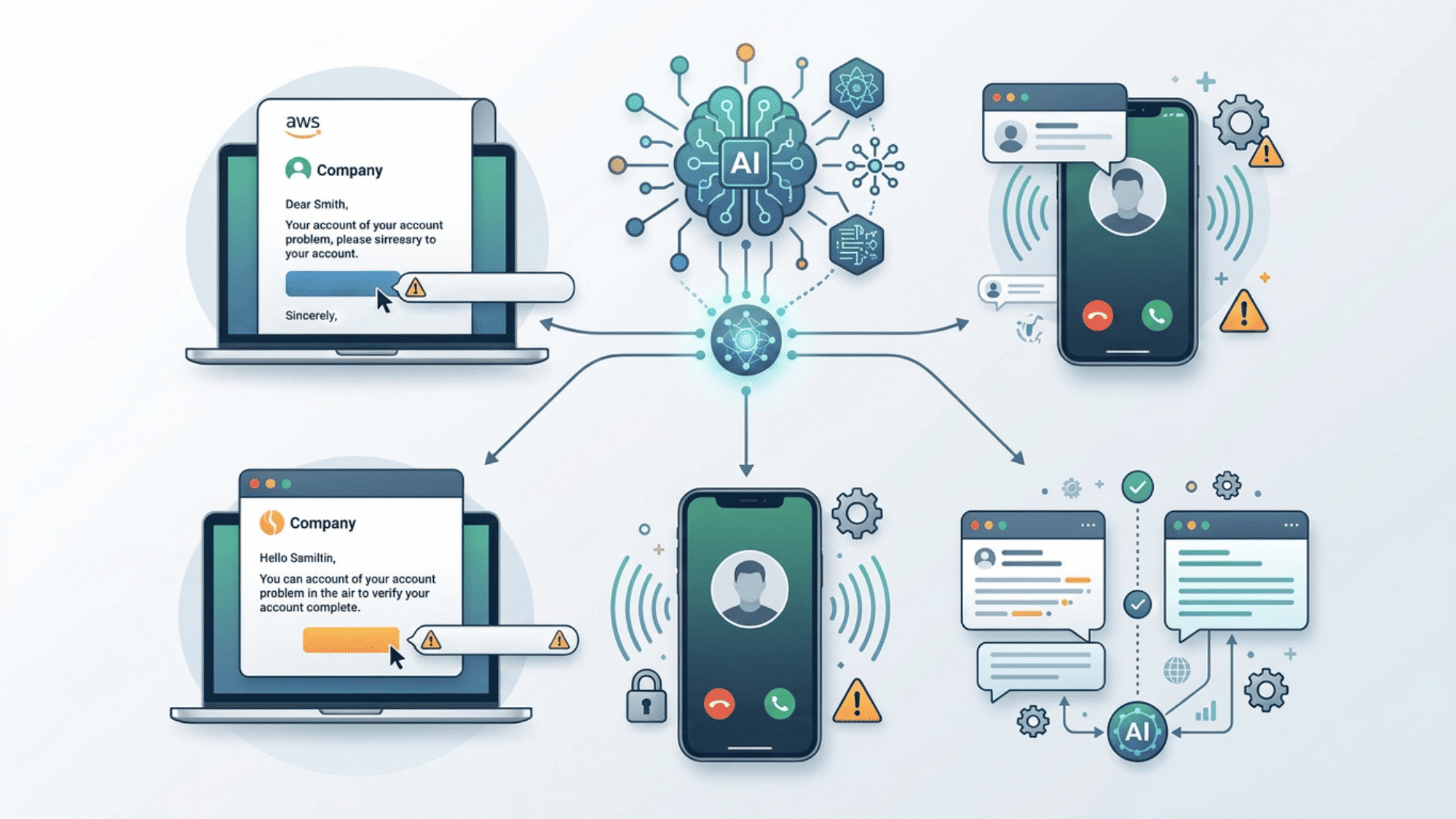
Artificial intelligence has given scammers a serious upgrade. AI tools can now generate highly convincing emails with perfect grammar, free of the spelling mistakes that once made phishing easy to catch.
Voice cloning technology allows attackers to replicate a person’s voice from just a few seconds of audio, making vishing calls disturbingly realistic.
A study by Arxiv found that fully AI-generated spear-phishing emails matched human-written emails, with both achieving a 54% click-through rate in controlled tests.
As these tools become cheaper and more accessible, AI-driven scams will likely become even more common.
How to Protect Yourself and Your Organization
Staying safe from phishing takes a mix of smart habits and the right tools. This is what works for both individuals and teams.
For Individuals
- Turn on multi-factor authentication on every account that supports it.
- Use a password manager to generate and store strong, unique passwords.
- Never share one-time passwords, PINs, or security codes over the phone or through text.
- Go directly to a company’s official website or app instead of clicking links in messages.
- Keep your operating system, browser, and antivirus software updated.
For Organizations
- Run regular phishing simulations so employees can practice spotting scams in a safe setting.
- Set up email authentication protocols like SPF, DKIM, and DMARC to filter spoofed messages.
- Require multi-step approval for wire transfers and large financial transactions.
- Create a clear reporting process so employees know exactly where to flag suspicious messages.
- Invest in endpoint detection tools that catch malicious links and attachments before they reach inboxes.
What to Do If You Have Been Phished

Acting quickly limits the damage. Follow these steps immediately:
- Change the passwords for any accounts that may have been exposed.
- Contact your bank or credit card provider if you shared financial information.
- Allow or reset multi-factor authentication on affected accounts.
- Scan your device for malware using trusted security software.
- Report the incident to the FTC at reportfraud.ftc.gov and to the FBI’s Internet Crime Complaint Center at ic3.gov.
- Alert your IT team if the incident happened on a work device or involved company accounts.
How Companies Can Reduce Risk
Companies can reduce phishing risk by combining training, clear reporting, and strong security controls. Staff should learn from realistic examples, report suspicious messages without fear, and follow checks for payment changes.
Email filtering, attachment scanning, MFA, SPF, DKIM, and DMARC add protection. Access should stay limited to each role.
Regular drills, log reviews, and a ready incident response plan help teams react faster during live incidents and reduce damage quickly.
Common Mistakes That Make Scams Work
Mistakes can make phishing scams easier to miss. Knowing these habits helps you slow down, verify details, and stay safer.
- Check the sender: A familiar name can be fake, so confirm the full sender address before responding.
- Slow down first: Urgent language is meant to rush you, so pause and verify the request carefully.
- Protect security codes: Never share OTPs, PINs, or passwords, even when the request sounds official or urgent online.
- Check the website: A padlock only indicates encryption; verify the full website domain before entering any details.
- Confirm QR codes: Unknown QR codes can hide unsafe links, so verify the source before scanning them.
- Question attachments: Unexpected attachments can carry malware; ask the sender directly before opening the file.
- Confirm payment changes: Payment changes need a second check through phone, chat, or an internal system before approval.
Wrapping Up
What type of attack is phishing that often causes the most harm? It is usually the one people trust too quickly.
The four types of phishing once covered the basics, but today’s scams now include texts, fake QR codes, social media tricks, and AI voice calls.
Each method targets a habit, such as clicking too quickly, trusting a sender’s name, or sharing codes under pressure. Learning the types of phishing helps you pause before acting and verify every request.
Talk about these signs with your team or family, and comment below with the scam warning sign you notice most online today.
Frequently Asked Questions
Can Phishing Happen Through Job Offers?
Yes. Fake recruiters may offer remote roles, request personal documents, or ask for payment for training, equipment, or background checks.
Are Shortened Links Always Unsafe?
No, but they hide the final destination. Avoid opening shortened links from unknown senders, urgent messages, or unexpected account alerts.
Can Antivirus Software Stop Every Phishing Attempt?
No. Antivirus tools help block malware, but they cannot stop every fake message, login page, phone call, or social scam.