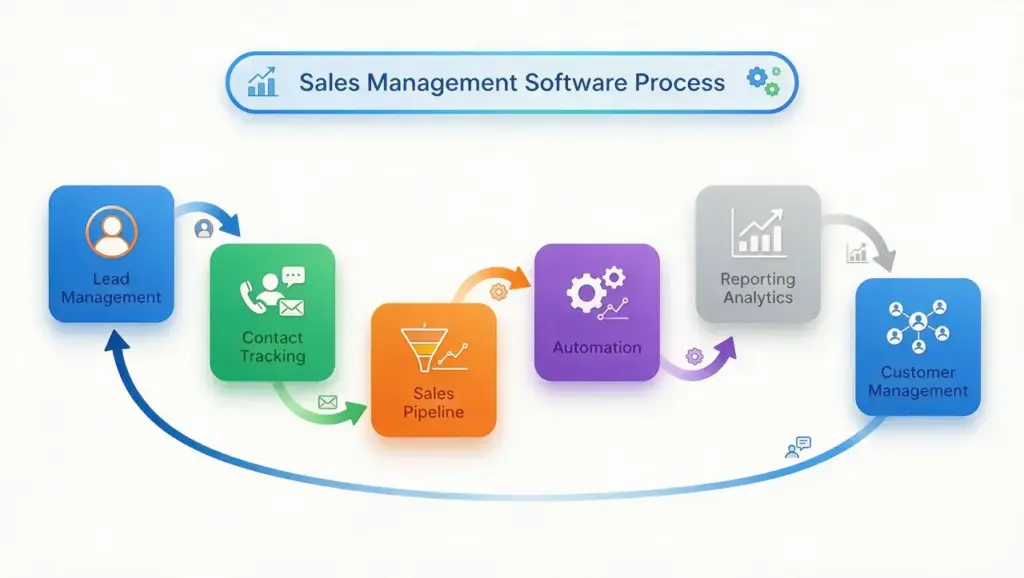
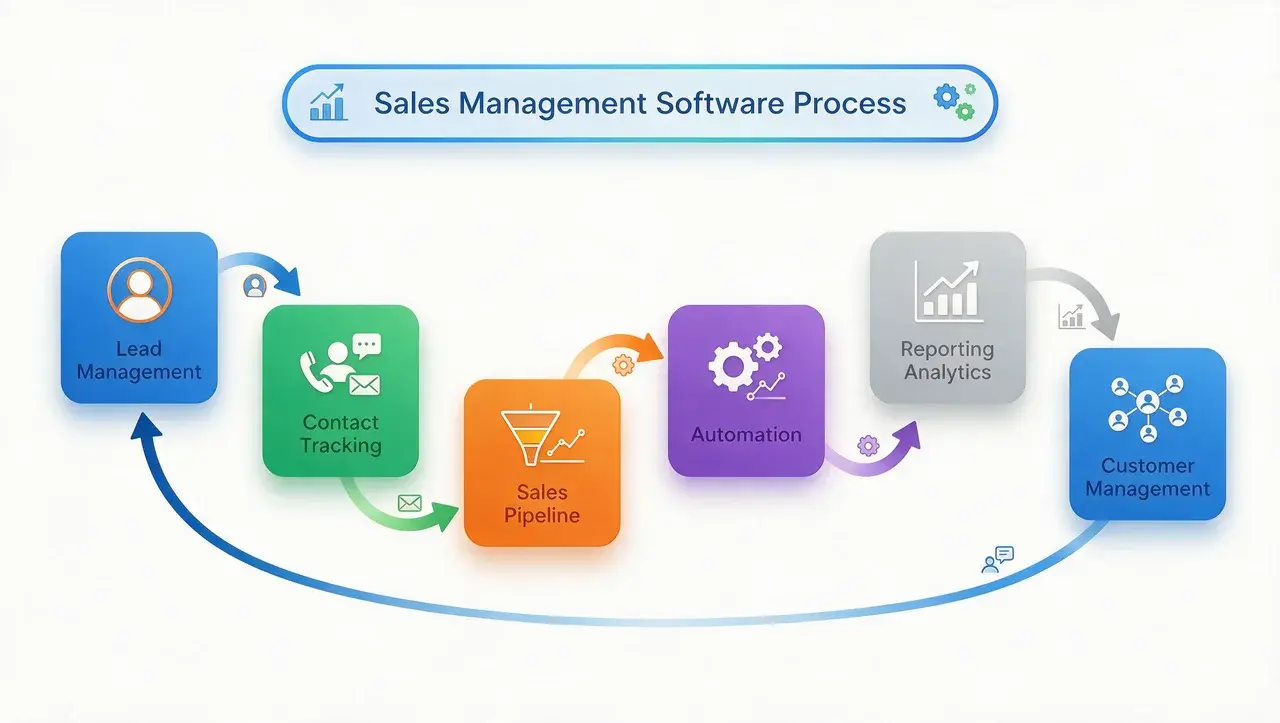



Struggling to keep track of leads, deals, and follow-ups across scattered spreadsheets? I get it.
Sales teams lose deals every day simply because information slips through the cracks. That’s where sales management software comes in.
It brings your pipeline, contacts, and communication into one organized system, so you always know what needs your attention next.
You’ll find the best sales team CRM platforms available right now, the features that matter most, and tips to help you pick the right one for your business.
What is Sales Management Software?
Sales management software is a digital tool that helps you organize, track, and analyze every stage of your sales process. It replaces manual spreadsheets and scattered notes with a single dashboard where you can see leads, deals, and customer conversations.
Most platforms combine pipeline tracking, contact management, and reporting in one place. Some also include automation, forecasting, and communication tools, so your team spends less time on admin work and more time closing deals.
Most solutions today are cloud-based, so your team can log in from a laptop, tablet, or phone and see the same live data no matter where they’re working.
This makes the software useful across different team setups, whether reps work from an office, travel for client visits, or sell fully remote.
It also scales with you, since small teams can start with basic pipeline tracking and add automation, forecasting, or AI features as their needs grow.
Benefits Of Sales Management Software
Adopting the right platform delivers advantages that go well beyond replacing a spreadsheet. Here’s what teams typically notice after making the switch:
- Time savings: Automated data entry and follow-up reminders free reps to focus on actual selling instead of admin work
- Instant visibility: Reps can pull deal history or forecasts mid-call instead of digging through separate files
- Stronger collaboration: Shared pipelines and notes keep reps, managers, and support teams aligned on every account
- Better customer experience: Faster, more informed responses make prospects feel like a priority, not a ticket number
- Higher close rates: Clear prioritization and fewer dropped follow-ups translate directly into more closed revenue
These gains tend to compound over time, since a more organized process today sets up faster, more predictable growth down the road.
Key Features to Look For
Not every platform offers the same core functionality, and missing even one feature can create extra manual work for your team. Before choosing a platform, check that it covers the basics your team actually needs:
- Pipeline view: Visual tracking of deals by stage
- Contact management: Centralized customer and lead records
- Automation: Reminders, follow-ups, and repetitive task handling
- Reporting: Sales forecasts and performance dashboards
- Integrations: Email, calendar, and marketing tool connections
- Mobile access: Full functionality from a phone or tablet
Once you know which of these your team relies on daily, narrowing down the right software becomes much easier.
For many businesses, these integrations matter because CRM software is often just one part of a broader set of business software systems that support daily operations.
Best Sales Management Software Tools
Here’s a comparison of established platforms selected based on CRM capabilities, pipeline management, automation, reporting, integrations, pricing, and suitability for different team sizes. Each tool offers different strengths, so the right choice depends on your sales workflow and business needs.
1. monday CRM
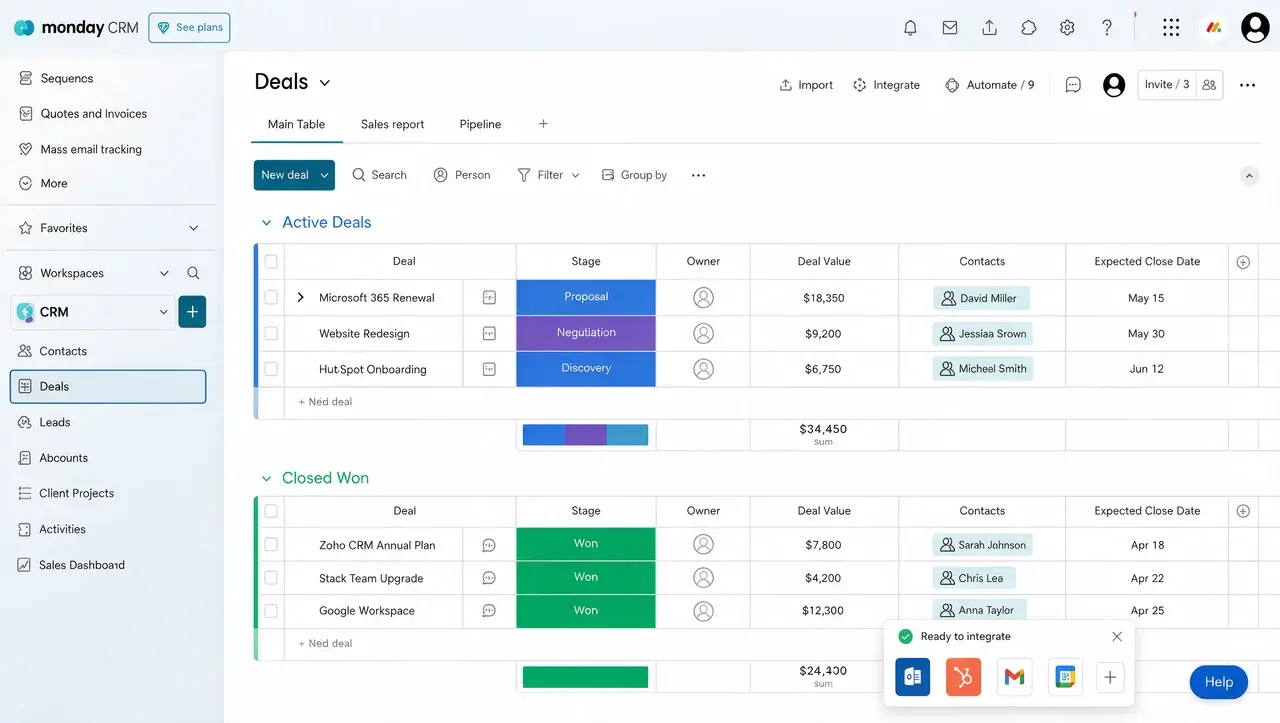
monday CRM is built on a flexible, visual work platform, so teams can customize pipelines, boards, and automations without needing developer support. It’s part of the broader monday.com Work OS, so sales boards can connect directly to marketing, operations, or project boards without extra integration work.
How it helps sales teams:
- Cost: Free plan available; paid plans begin around $12/user/month (billed annually)
- Lead management: Drag-and-drop boards let you build custom deal stages and automatically route new leads based on rules you set
- Sales engagement: Built-in email templates and automations let reps send follow-ups directly from a deal’s board
- Reporting: Color-coded dashboards update in real time, showing deal status and rep activity at a glance
- AI/automation: AI features turn meeting notes into action items, and flag stalled deals that need attention
2. HubSpot Sales Hub
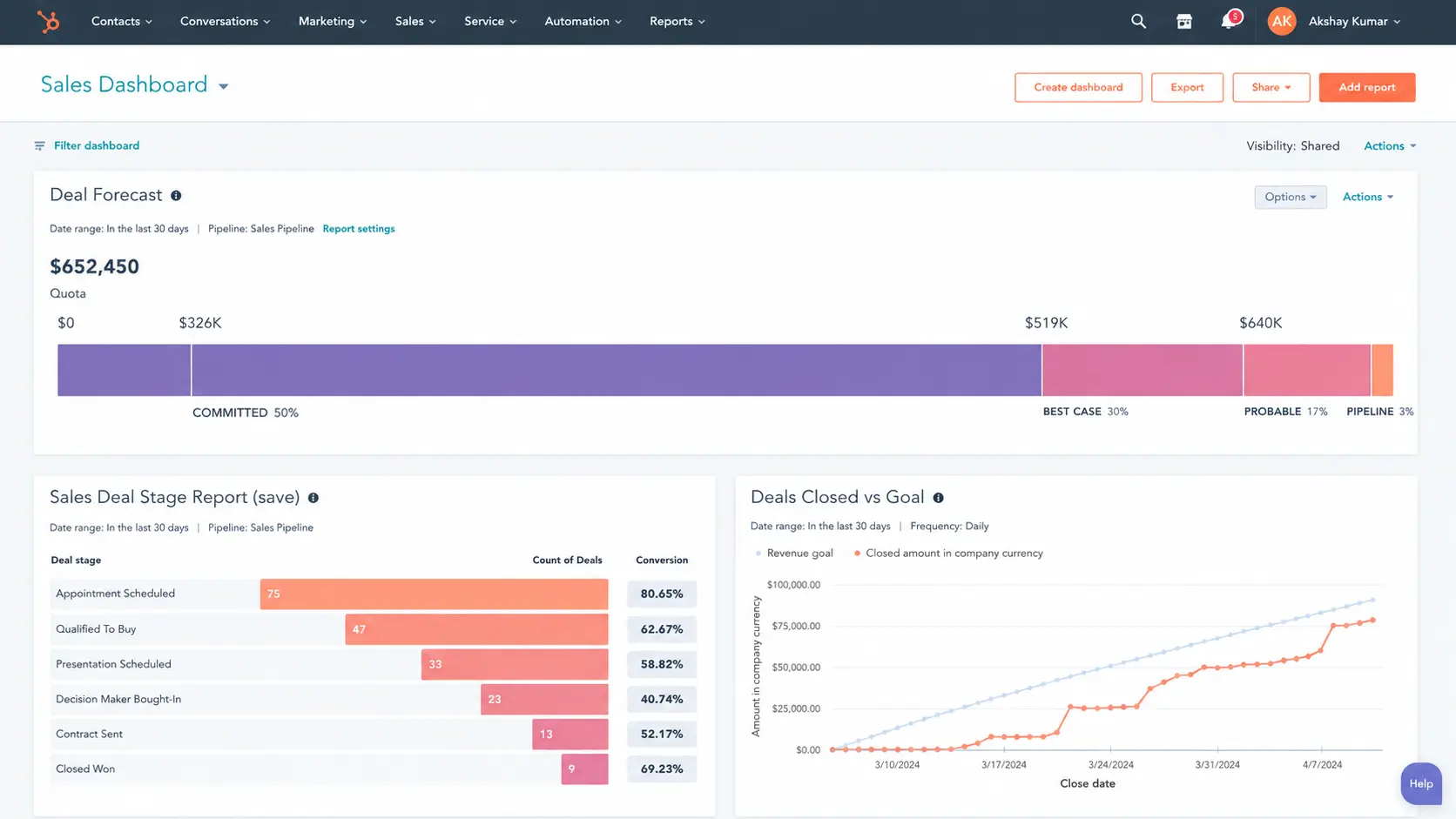
HubSpot Sales Hub unifies CRM, email tracking, and marketing tools in one platform, so reps can see every touchpoint a lead has had with the business.
It’s built on HubSpot’s broader Smart CRM, so sales, marketing, and service teams all pull from the same contact and company records.
How it helps sales teams:
- Cost: Free tier available; paid plans start around $20/user/month, rising sharply at the Professional tier
- Lead management: Customizable pipeline automatically advances deals based on rep activity, with workflow rules for routing and follow-up tasks
- Sales engagement: Built-in email sequences and meeting scheduling let reps manage outreach without leaving the platform. Businesses with more complex booking needs often pair their CRM with dedicated scheduling software for greater flexibility and automation.
- Reporting: Real-time dashboards track team and individual performance against quota
- AI/automation: Smart CRM tools generate personalized outreach emails and surface deal insights automatically
3. Salesforce Sales Cloud
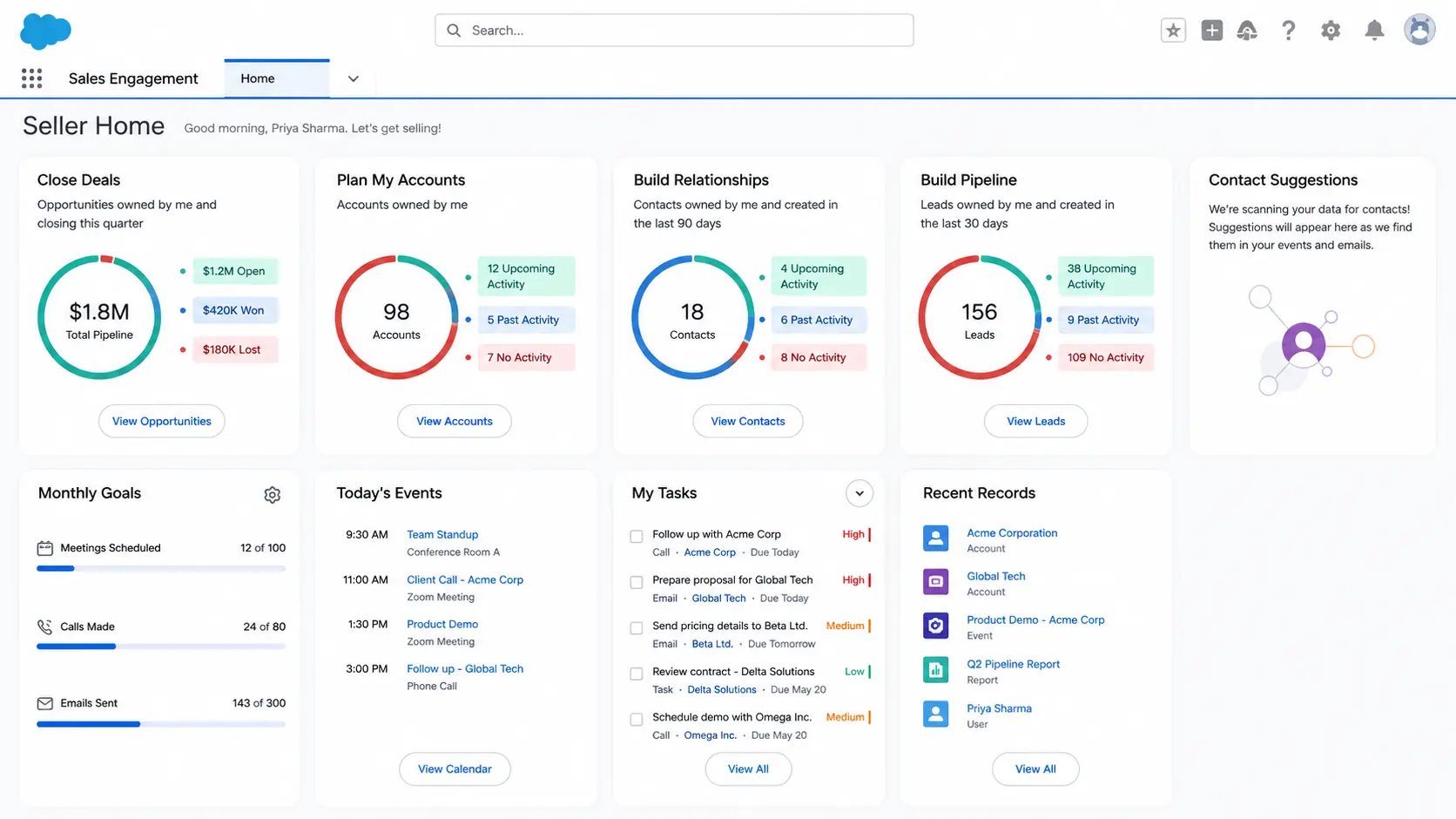
Salesforce Sales Cloud is the industry standard for large organizations that need deep customization, AI-driven forecasting, and access to a vast library of integrations.
It’s part of the wider Salesforce ecosystem, so teams can layer on service, marketing, or commerce tools as their needs expand.
How it helps sales teams:
- Cost: Plans start around $25/user/month, with advanced AI and automation tiers reaching well over $100/user/month
- Lead management: Visual pipeline tools plus relationship-mapping features reveal connections between contacts and companies tied to each lead
- Sales engagement: Built-in cadences and outreach templates give reps one place to manage multichannel communication
- Reporting: Real-time analytics dashboards surface individual and org-wide performance, with connections to outside data sources
- AI/automation: AI lead scoring and deal insights help reps prioritize, while autonomous agents can nurture inbound leads and schedule meetings
4. Pipedrive
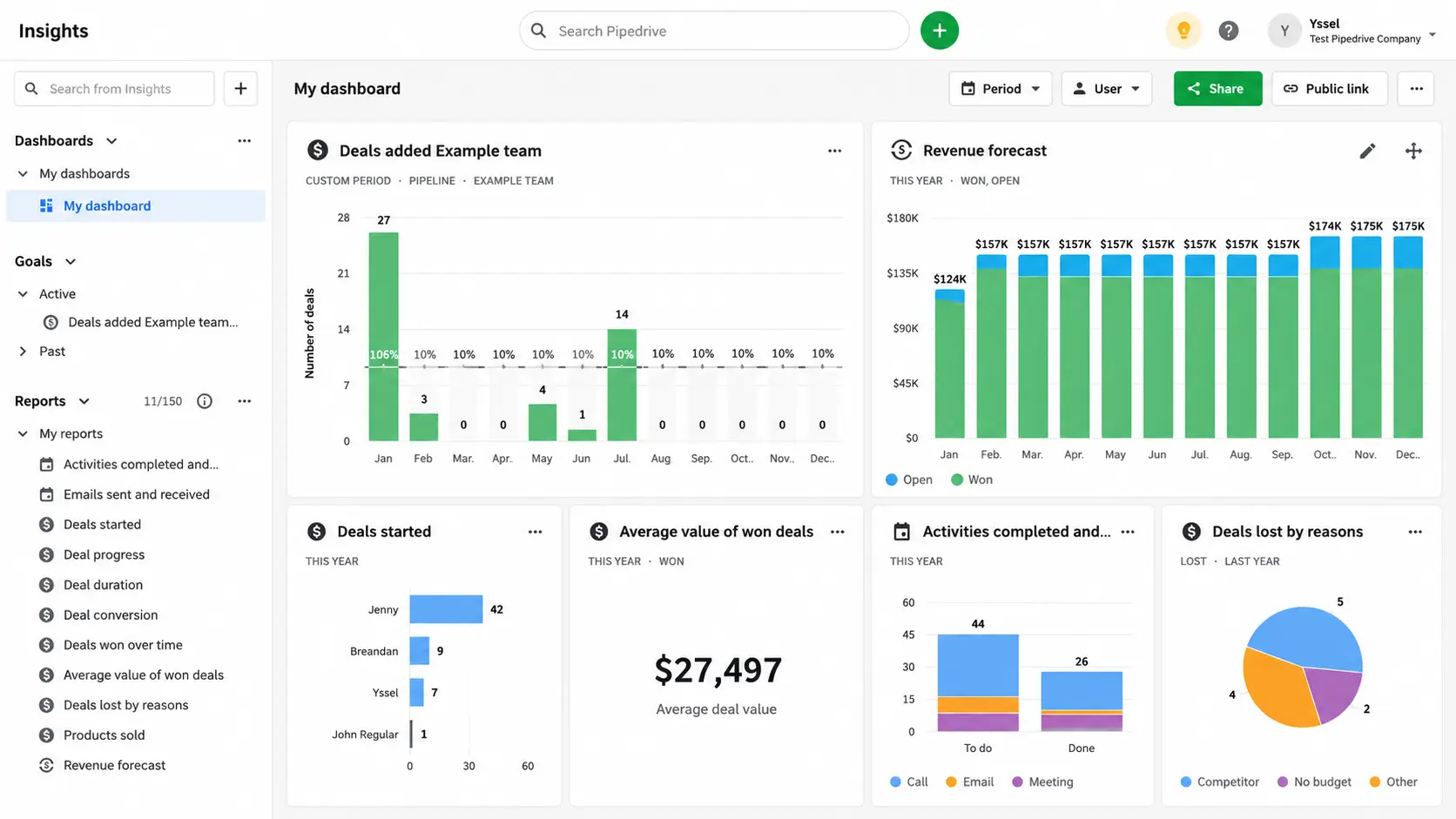
Pipedrive focuses on visual deal tracking and reducing administrative busywork, making it a favorite among startups and small-to-medium businesses.
The platform is built specifically for sales teams rather than as a broader work suite, which keeps the interface simple and focused.
How it helps sales teams:
- Cost: No free plan; paid tiers start around $14 to $24/user/month depending on region and promotions
- Lead management: Visual pipeline shows exactly where each deal sits, with automatic lead assignment based on rules you define
- Sales engagement: A built-in chatbot captures web leads while email scheduling and tracking help reps time their outreach
- Reporting: Standard sales and forecasting reports are available, with some customization
- AI/automation: AI-generated deal and email summaries give reps a quick read on account activity without digging through history
5. Zoho CRM
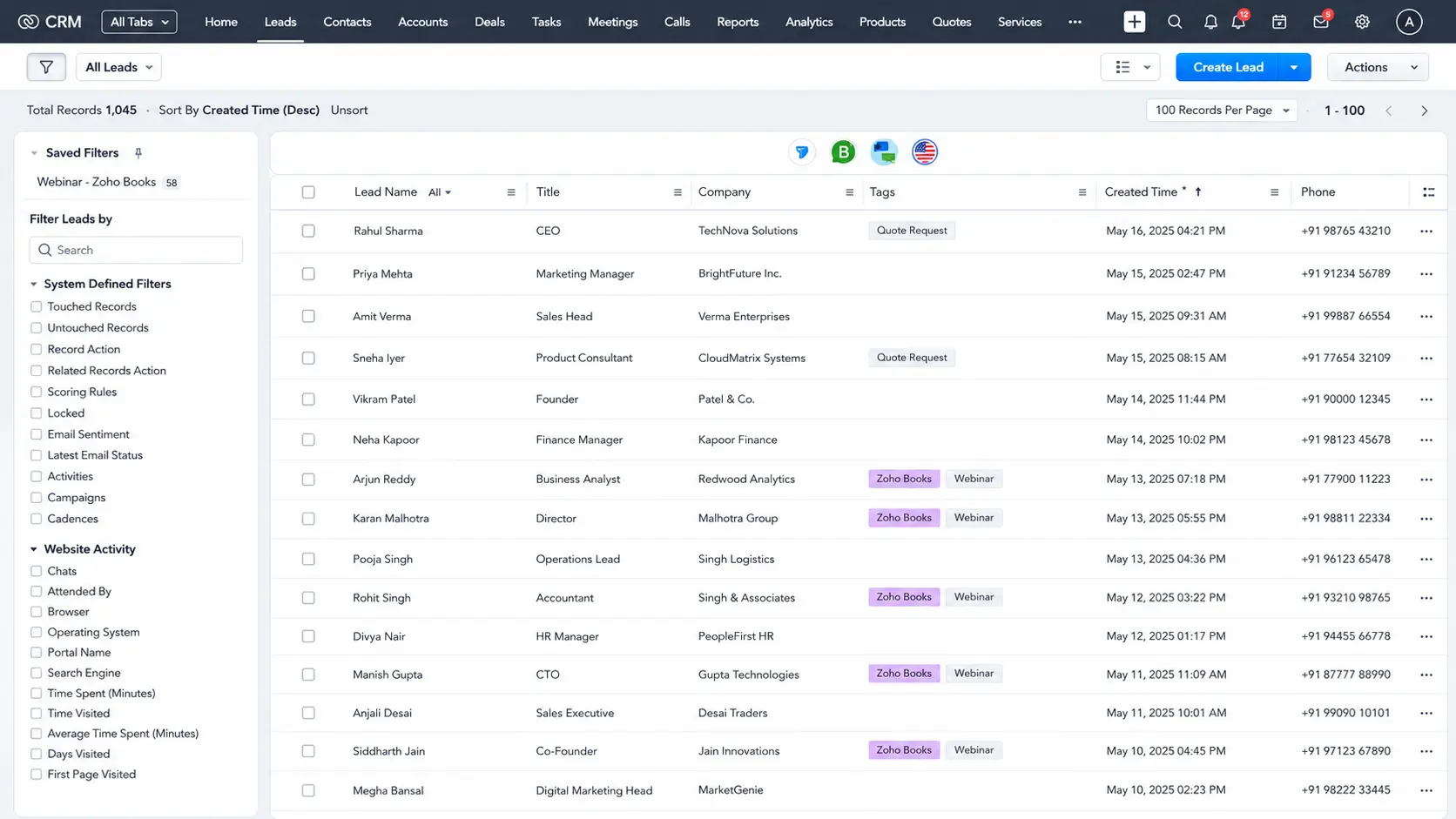
Zoho CRM is a budget-friendly, highly scalable option with built-in AI (called Zia) for lead scoring and predictive insights. It’s also part of the larger Zoho One suite, so growing businesses can add finance, HR, or support tools under the same ecosystem later.
How it helps sales teams:
- Cost: Free plan for up to 3 users; paid plans start around $14/user/month
- Lead management: Workflow automation routes and scores leads automatically, with a wide app marketplace for extending pipeline logic
- Sales engagement: Multichannel tools let reps reach leads over email, social, and phone from one dashboard
- Reporting: Built-in analytics and forecasting reports scale from small teams to larger departments
- AI/automation: Zia AI scores leads, predicts trends, and suggests next-best actions for reps
6. Freshsales
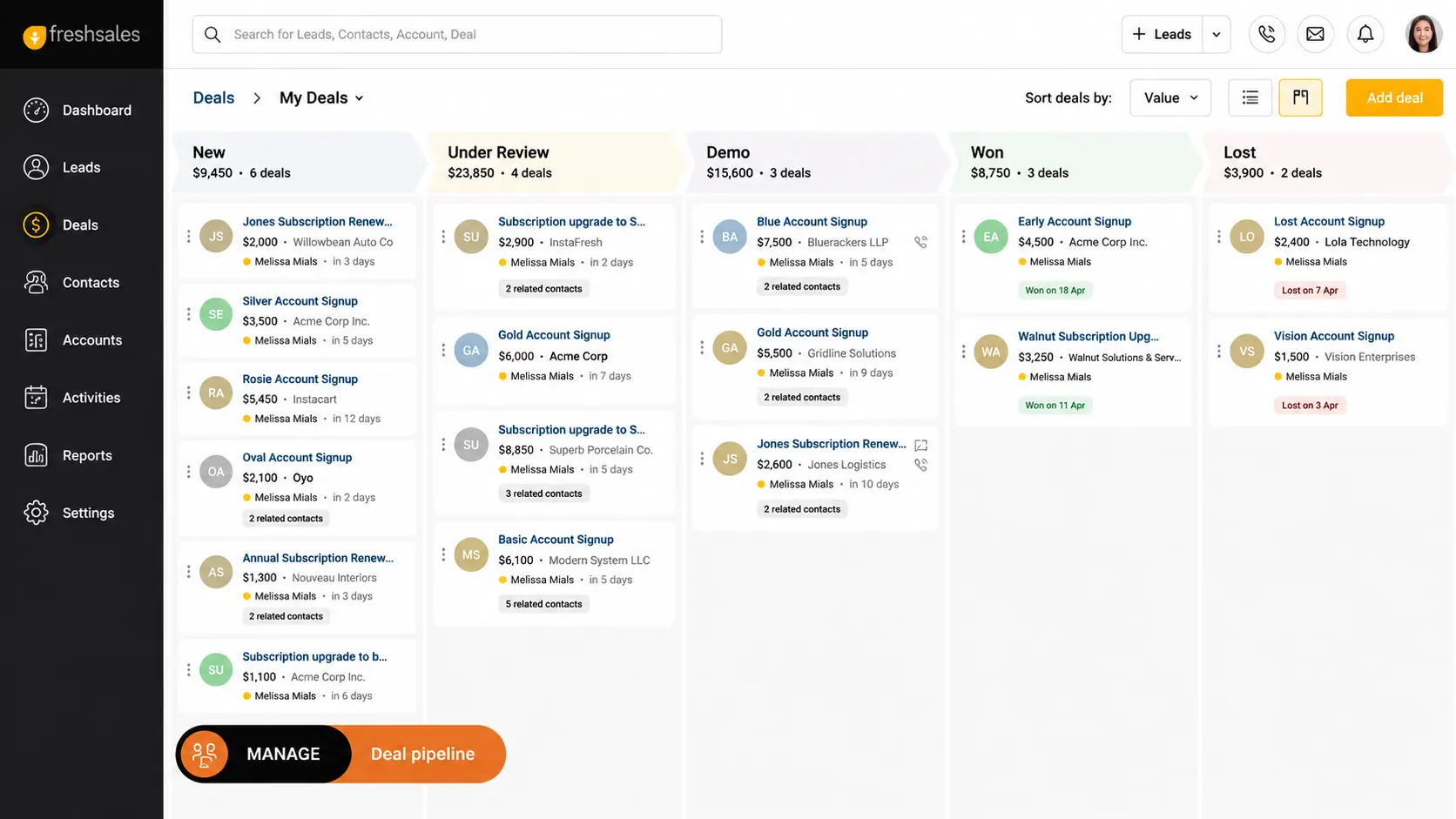
Freshsales combines contact management, built-in phone and email, and AI-based lead scoring in one clean interface. It’s built by Freshworks, so it integrates naturally with Freshdesk and Freshchat for teams that already use those tools for support.
How it helps sales teams:
- Cost: Free plan for up to 3 users; paid plans start around $9/user/month
- Lead management: Drag-and-drop status views give reps a clear read on deal-related tasks and daily priorities
- Sales engagement: Built-in email and phone let reps track opens, clicks, and calls without switching tools
- Reporting: Prebuilt sales reports come with some customization for tracking team performance
- AI/automation: Freddy AI scores leads, flags top opportunities, and automates routine data entry
7. Close
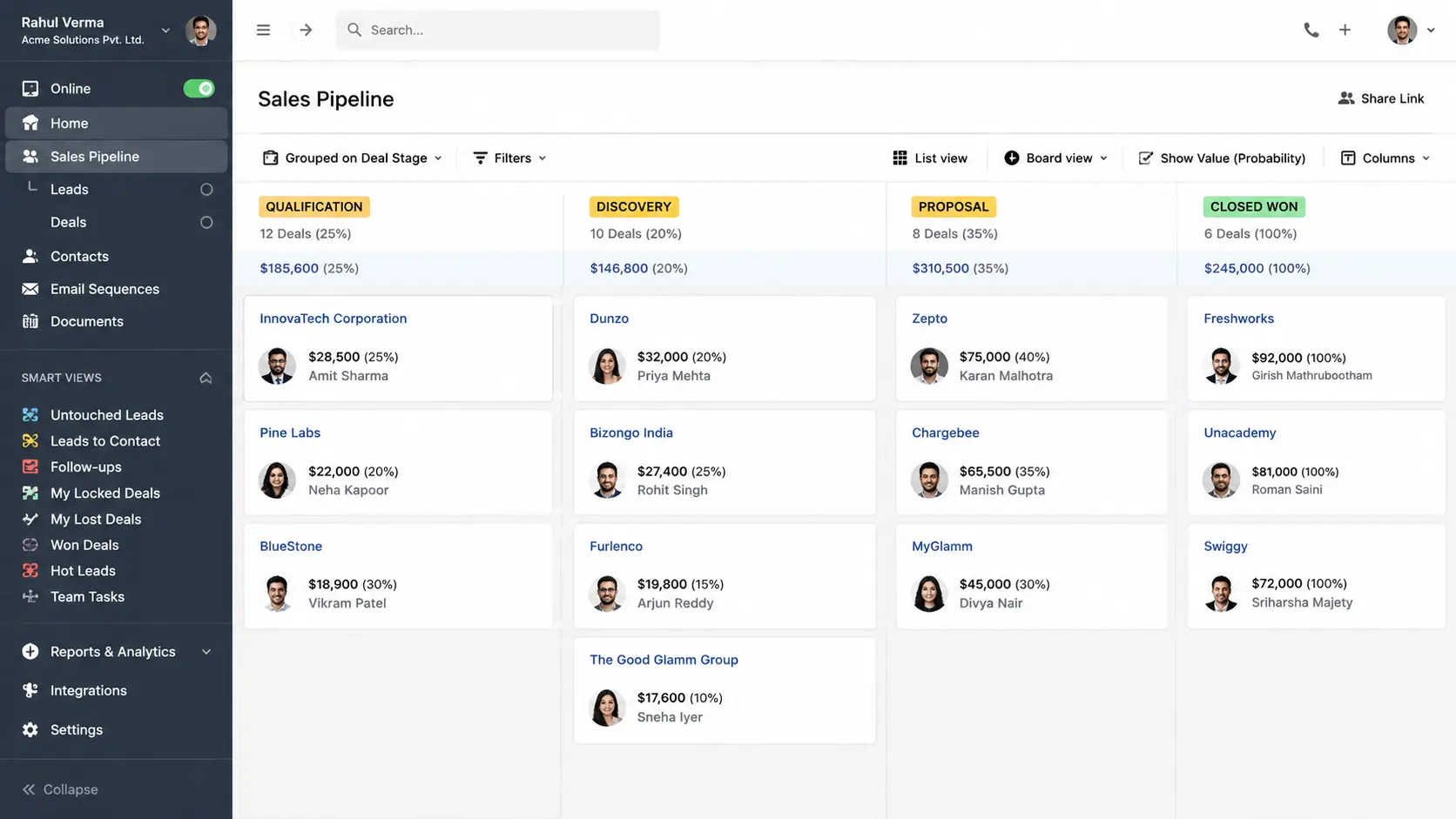
Close is purpose-built for remote and outbound sales teams, with native calling, SMS, and AI-powered call assistance included directly in the platform. Because it skips broader work-management features, teams get a lighter, faster interface built specifically around calling and email outreach.
How it helps sales teams:
- Cost: No free plan; paid tiers start around $9/user/month for solo users, scaling higher for team automation features
- Lead management: Lead management is lighter here than in full-featured CRMs, though Close integrates with common lead sources and imports
- Sales engagement: Native calling, SMS, and email sequences let reps prospect without leaving the platform
- Reporting: Dashboards track call volume, connect rates, and deal velocity for outbound teams
- AI/automation: AI-powered call assistance summarizes conversations and suggests follow-up actions
8. Creatio
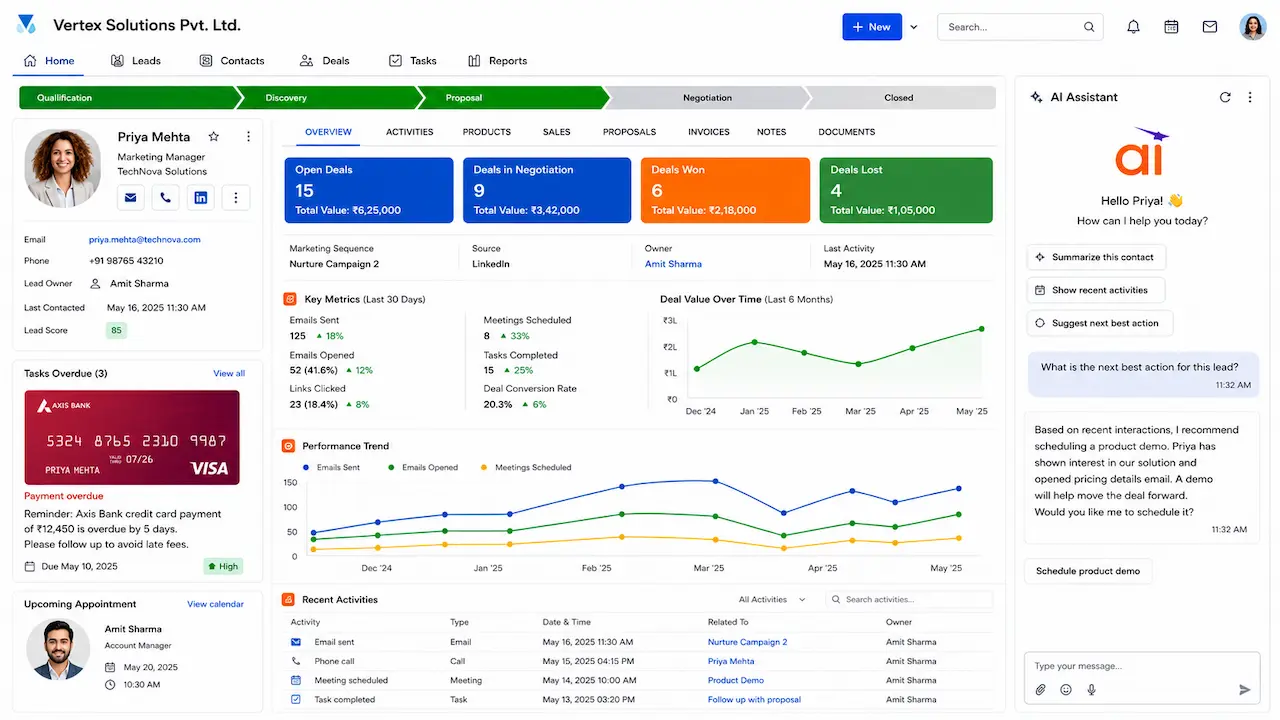
Creatio pairs CRM functionality with no-code process automation, letting teams build custom workflows without writing scripts. Its composable platform approach means sales, marketing, and service processes can all run on the same underlying engine.
How it helps sales teams:
- Cost: No permanent free plan, but a free trial is available; paid plans start around $25/user/month
- Lead management: A no-code process designer lets teams build custom lead routing and qualification steps without developer help
- Sales engagement: Configurable workflows support outreach sequences tailored to unique or non-standard sales processes
- Reporting: Built-in analytics track pipeline health and process completion rates
- AI/automation: AI-driven recommendations guide reps on next steps within each custom-built workflow
9. Copper
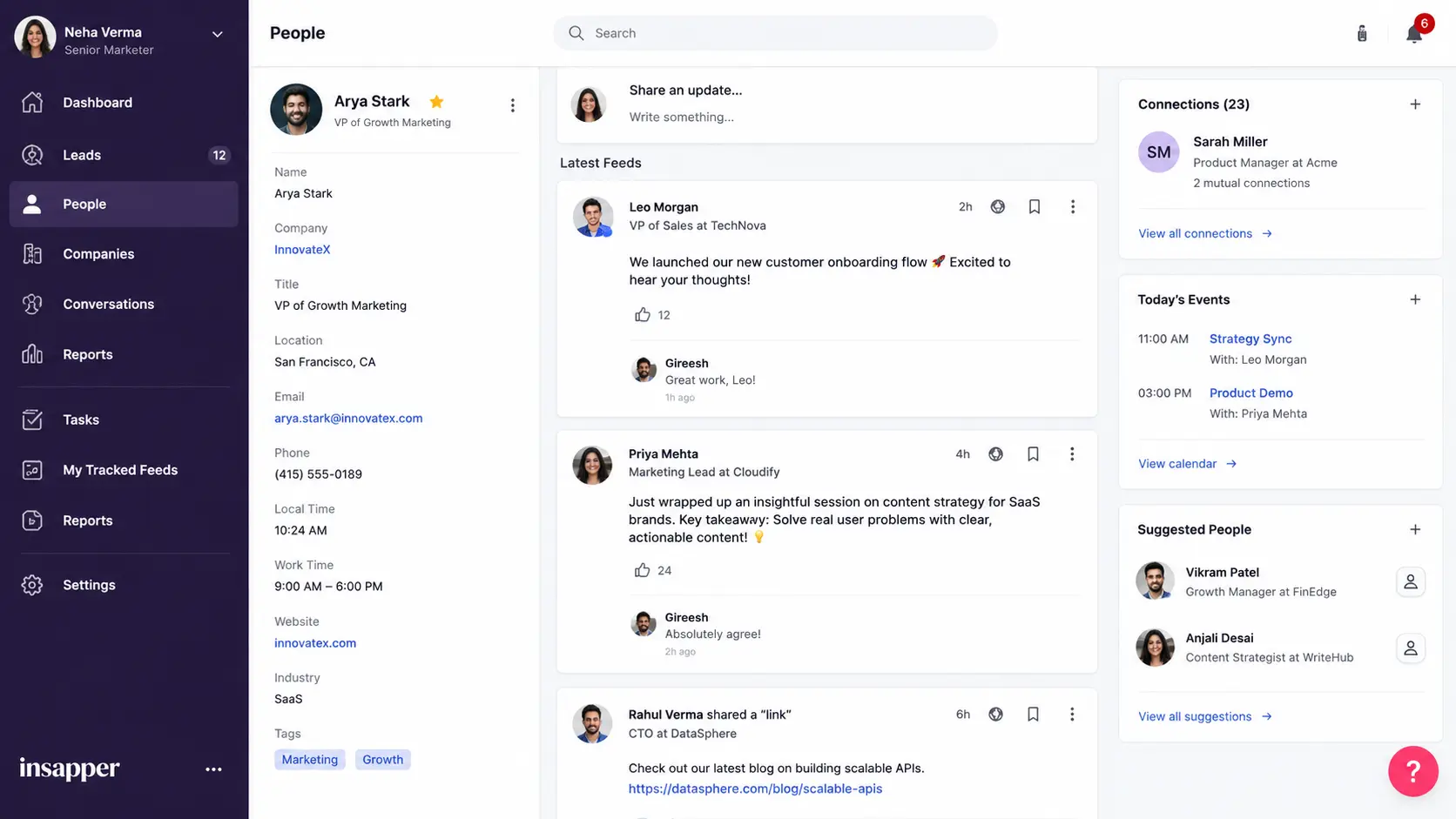
Copper integrates tightly with Google Workspace, pulling emails, calendar events, and contacts directly into the CRM automatically. This makes it a natural fit for small teams and agencies that already run their entire business inside Google Workspace.
How it helps sales teams:
- Cost: No free plan; paid tiers start around $23/user/month
- Lead management: Leads and contacts populate automatically from Gmail and Calendar activity, cutting down on manual entry
- Sales engagement: Email tracking and templates work directly inside Gmail, keeping reps in their existing workflow
- Reporting: Pipeline reports show deal stage and activity pulled straight from synced Google data
- AI/automation: Automated data capture reduces manual updates, though AI features are lighter here than in some competitors
10. Salesflare
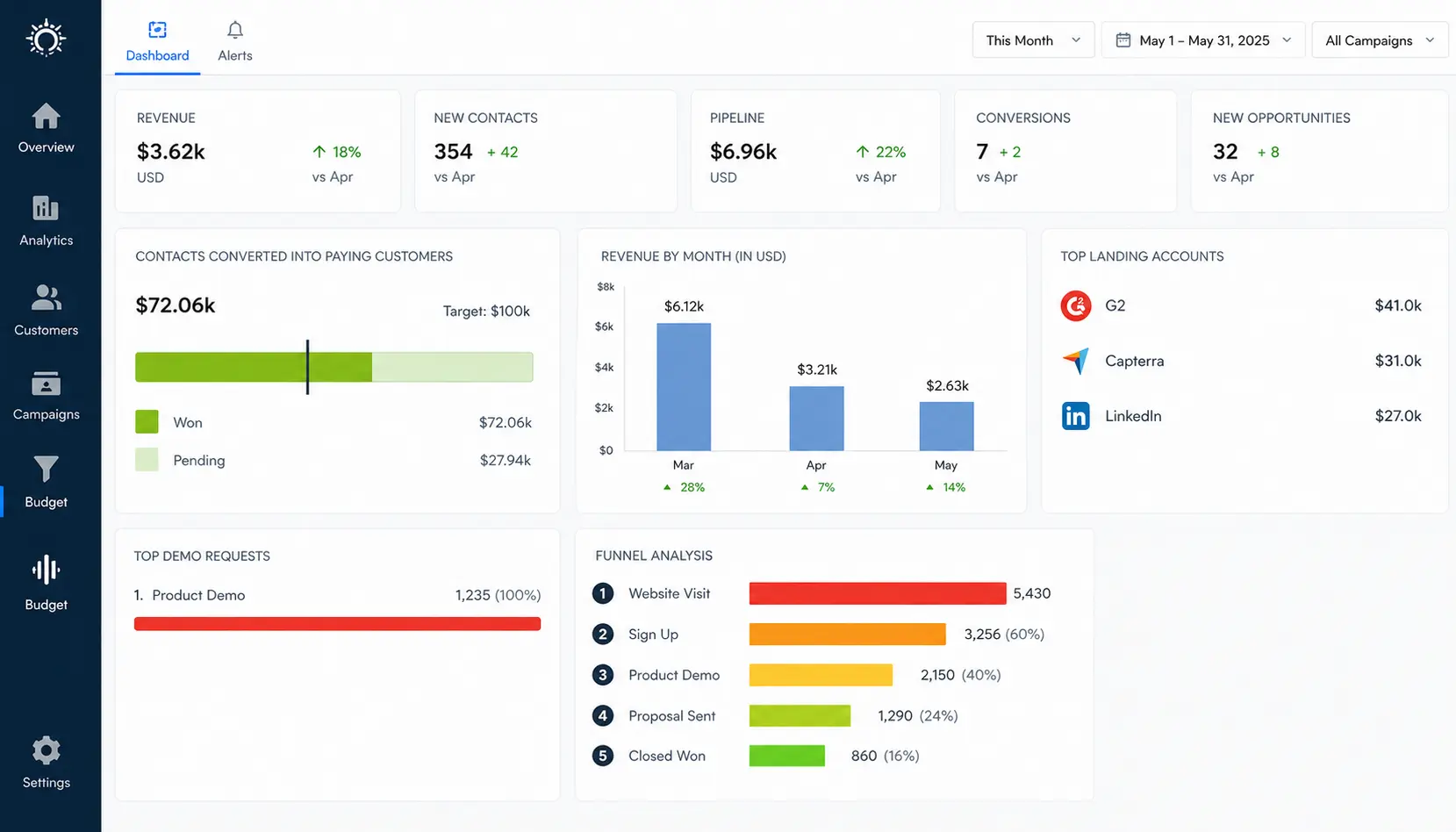
Salesflare automatically logs emails, meetings, and contact details with minimal manual data entry required from reps. This makes it especially useful for small B2B teams who want a CRM that mostly builds and updates itself in the background.
How it helps sales teams:
- Cost: No free plan; paid tiers start around $29/user/month
- Lead management: Automatically builds and enriches contact profiles using email signatures, social profiles, and public data sources
- Sales engagement: Tracks email opens and link clicks automatically, alerting reps to engaged prospects
- Reporting: Visual pipeline reporting highlights deal stage and activity trends with minimal setup
- AI/automation: Automated data entry reduces admin work, letting reps focus on follow-up instead of updating records
11. Freshworks CRM
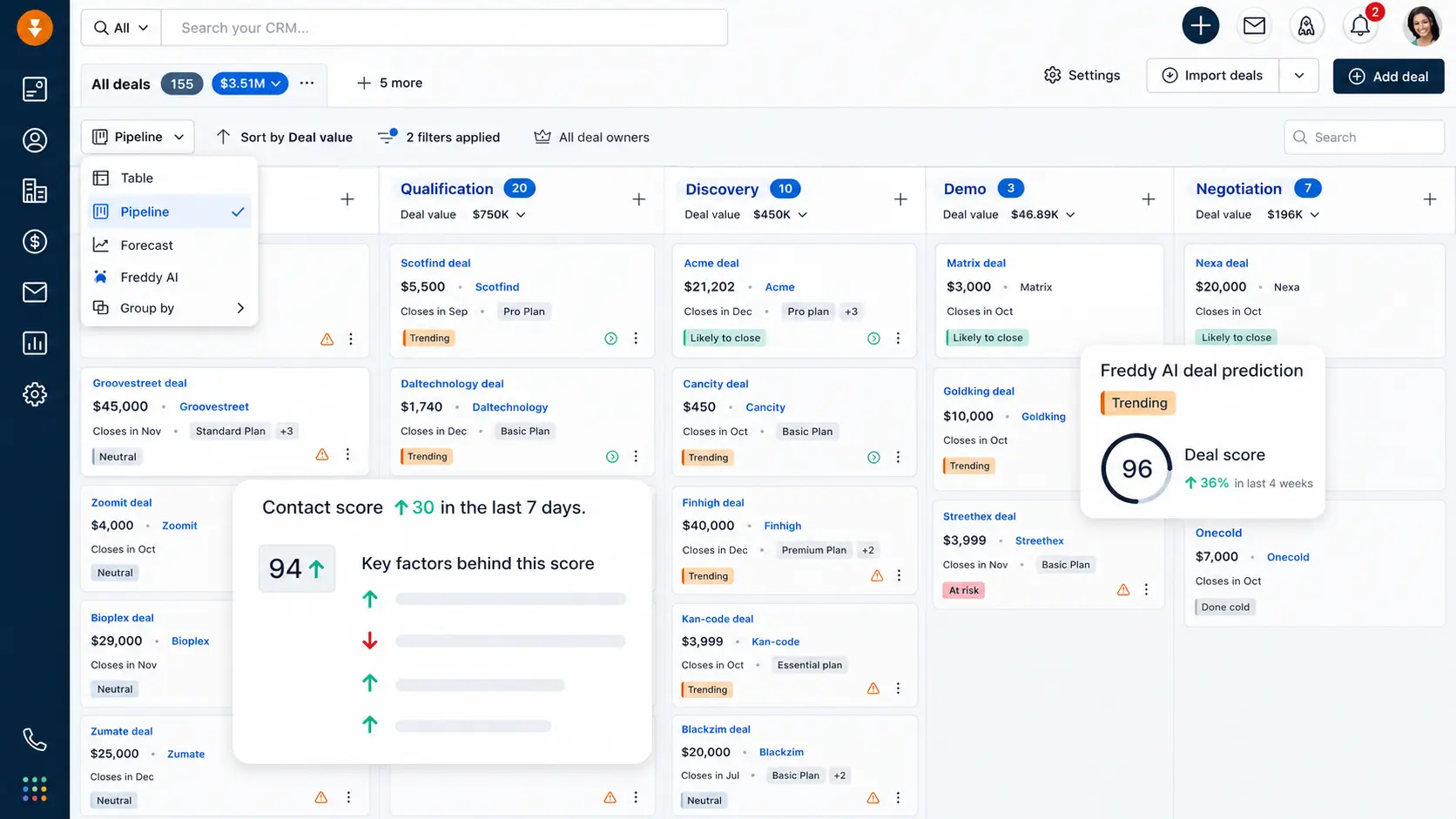
Freshworks CRM brings AI-based deal insights, built-in phone, and marketing automation into a single connected suite. It sits alongside Freshsales in the Freshworks lineup but leans further into marketing automation for teams that want both under one roof.
How it helps sales teams:
- Cost: Free tier available for small teams; paid plans start around $9 to $11/user/month
- Lead management: Combines lead capture, scoring, and pipeline tracking with marketing tools in one suite
- Sales engagement: Built-in phone, email, and chat let reps manage the full customer lifecycle from one dashboard
- Reporting: Unified reporting spans both sales and marketing engagement metrics
- AI/automation: AI-based deal insights highlight which opportunities deserve attention first
12. Microsoft Dynamics 365 Sales
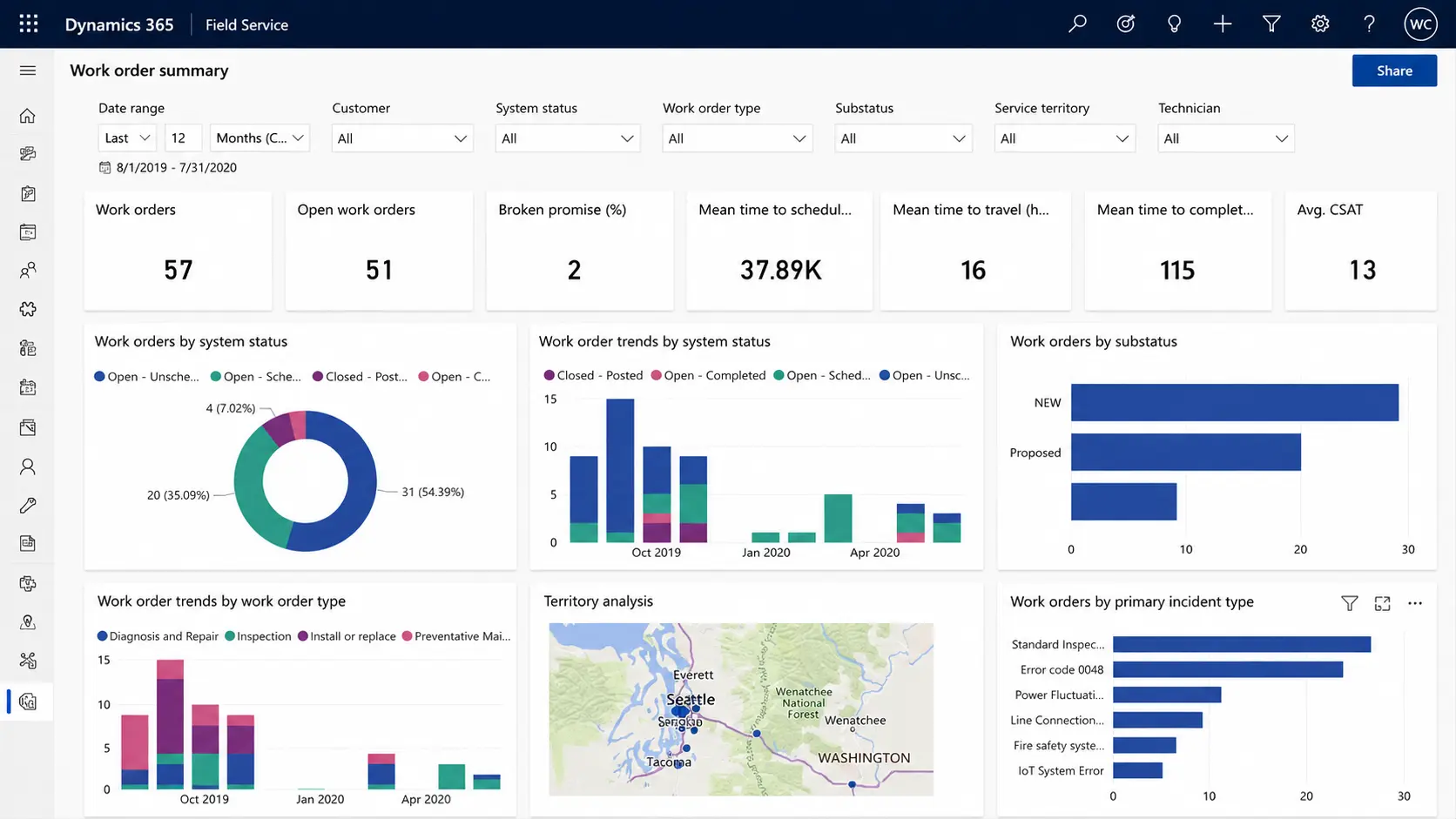
Microsoft Dynamics 365 Sales connects deeply with Office 365 and Teams, making it a natural choice for companies already using Microsoft’s ecosystem. Its modular structure lets you add Customer Service, Marketing, or Field Service apps from the same Dynamics 365 platform as needed.
How it helps sales teams:
- Cost: No free plan; paid tiers start around $65/user/month, rising for Enterprise-level automation and AI features
- Lead management: Deep integration with Outlook and Teams keeps lead and contact data synced across Microsoft apps
- Sales engagement: Sequencing tools and Teams integration support outreach without switching platforms
- Reporting: Advanced analytics and forecasting dashboards suit larger sales operations
- AI/automation: AI-assisted recommendations suggest next-best actions for reps on each deal
13. Sage Sales Management
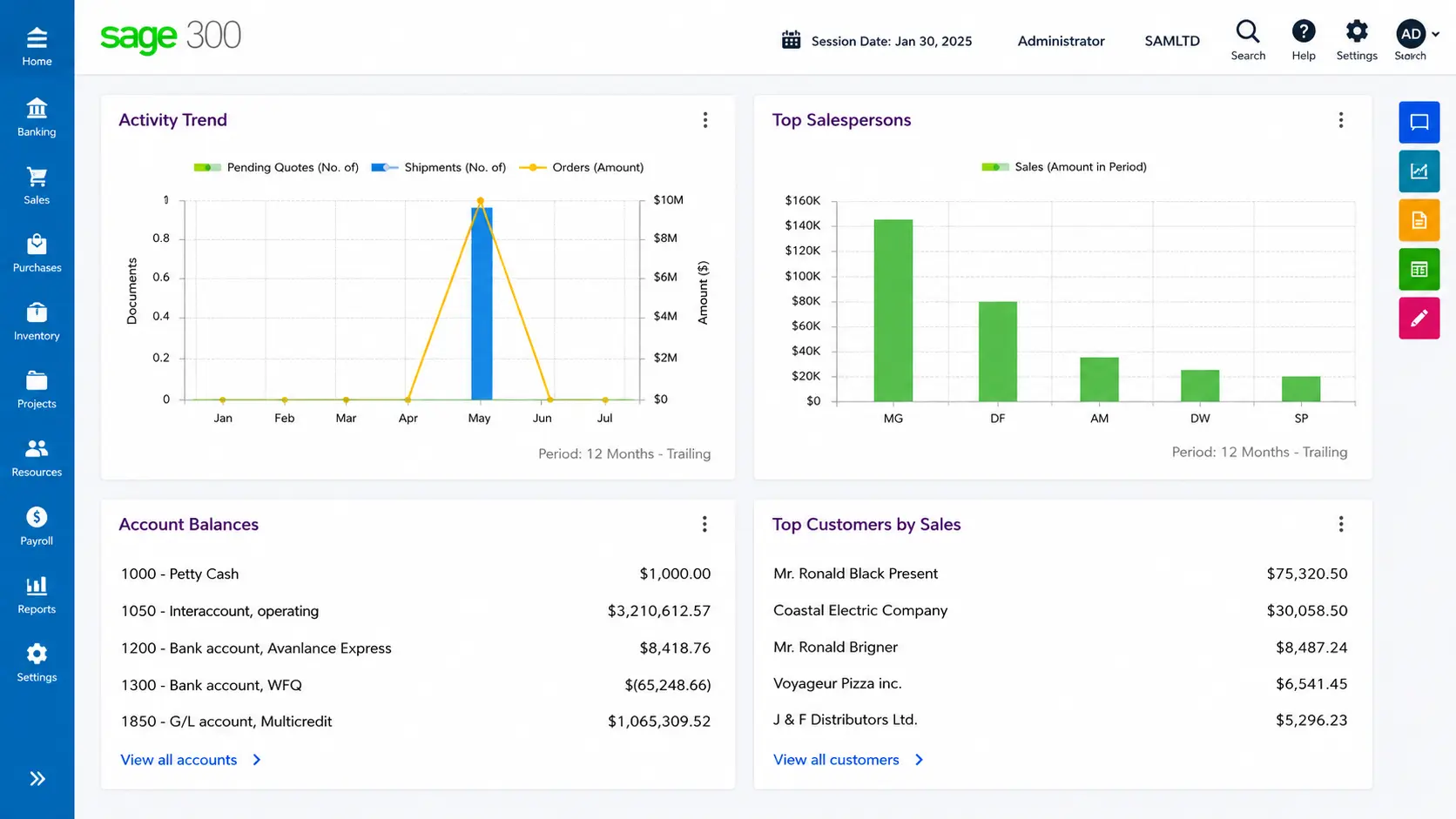
Sage Sales Management is designed for field and mobile sales teams that need full CRM access from a phone while traveling. Built by ForceManager, it’s positioned specifically for field sales teams rather than desk-based inside sales operations.
How it helps sales teams:
- Cost: Custom, quote-based pricing tied to plan tier and team size; contact the vendor for current rates
- Lead management: Mobile-first design lets reps log visits and update lead status directly from the field
- Sales engagement: Reps can schedule visits, log calls, and update notes without returning to a desk
- Reporting: Real-time updates keep manager dashboards current as reps log activity remotely
- AI/automation: Focuses more on mobile speed and simplicity than heavy AI, prioritizing quick data capture over automation depth
That covers the core strengths of each platform, but seeing them side by side makes it easier to narrow down your shortlist. Pay attention to which categories matter most for your team, since the right fit usually comes down to two or three deciding factors rather than an overall winner.
Quick Glance Comparison Table
Use this table as a fast reference once you’ve read through the details above, rather than a replacement for them. It’s meant to help you shortlist two or three tools quickly, so you can then go back and compare their full feature breakdowns before deciding.
| Software | Best For | Standout Feature |
|---|---|---|
| monday CRM | Teams that want a customizable, no-code setup | Drag-and-drop boards and automations |
| HubSpot Sales Hub | Growing companies unifying sales and marketing | Combined CRM and email tracking |
| Salesforce Sales Cloud | Large, complex organizations | AI-driven forecasting and deep customization |
| Pipedrive | Startups and small-to-medium businesses | Visual, drag-and-drop pipeline |
| Zoho CRM | Budget-conscious, scaling businesses | Built-in AI lead scoring (Zia) |
| Freshsales | Teams wanting quick setup with AI support | Freddy AI-based lead scoring |
| Close | Remote and outbound sales teams | Native calling and SMS |
| Creatio | Businesses with unique workflows | No-code process automation |
| Copper | Teams living inside Google Workspace | Automatic Gmail and Calendar sync |
| Salesflare | Small teams wanting low-maintenance data entry | Auto-logged emails and meetings |
| Freshworks CRM | Businesses bundling sales and engagement tools | AI-based deal insights |
| Microsoft Dynamics 365 Sales | Companies on the Microsoft ecosystem | Deep Office 365 and Teams integration |
| Sage Sales Management | Field and mobile-first sales reps | Full CRM access from a phone |
This table helps you quickly compare tools, but the best choice depends on your team size, workflow, and priorities. Test a few shortlisted platforms with real sales tasks to see which one fits your process best.
A tool that your team can use consistently will deliver more value than one with the most features.
Free Sales Management Software Options
If budget is a concern, several platforms on this list offer a way to get started without paying upfront. HubSpot Sales Hub and Zoho CRM both offer free plans with core CRM features for small teams just getting started, while Freshsales and Freshworks CRM offer free trial periods to test full functionality first.
These options let you test real workflows with your own data before committing to a paid tier. As your pipeline and headcount grow, most businesses eventually upgrade to unlock reporting, integrations, and higher usage limits.
- User caps: Free plans usually limit how many people can log in
- Feature limits: Automation, reporting, and integrations are often restricted
- Upgrade path: Growing teams typically outgrow free tiers within months
If you’re just testing the waters or running a very small team, starting free is a smart way to prove out the workflow before you commit budget to a paid plan.
How to Choose the Right Software
Start with your team size and budget, since enterprise platforms often include features small teams don’t need yet. Next, list your must-have features, such as automation, mobile access, or specific integrations.
Take advantage of free trials before committing, and involve your sales reps in testing since they’ll use the tool daily. The best sales management software is the one your team will actually adopt and use consistently.
Also check how well each tool connects to what you already use, like your email provider, calendar, or marketing platform, since poor integrations create extra manual work down the line.
Ask vendors directly about onboarding support and average setup time, since a tool that takes weeks to configure can stall your team’s momentum.
Finally, think a step ahead: pick software that can handle a bigger team and more complex workflows, so you’re not forced to switch again in a year
Tip: Have two or three reps test the same 3-5 real deals in each shortlisted tool before you decide. It takes an extra day, but it exposes friction points that a vendor demo will never show you. |
Final Thoughts
Choosing the right sales management software comes down to matching features with how your team actually sells.
If you need deep customization, Salesforce fits well. If you want simplicity, Pipedrive is a strong pick. If your team works mostly on the road, Sage covers mobile-first access.
Budget-conscious teams can start with Zoho CRM or HubSpot’s free tier without a big upfront commitment. Start with a shortlist of two or three tools that match your workflow, test them with your team, and see which one removes the most friction from your daily process.
Revisit your choice yearly, since your workflow and budget needs will keep evolving as your business grows. Try a free trial today and see the difference firsthand.
Frequently Asked Questions
What is a CMS vs CRM?
A CMS manages website content like pages and blogs, while a CRM manages customer relationships, sales pipelines, and communication history for your business.
What is the Best CRM for Sales?
The best CRM depends on your team size and needs. Salesforce suits large teams, while Pipedrive and Zoho CRM work well for smaller, budget-conscious businesses.
Which Sales Management Software is Best For Small Teams?
Small teams often prefer affordable platforms with simple setup and essential CRM features. Zoho CRM, Pipedrive, HubSpot Sales Hub, and Freshsales are common options because they offer flexible pricing and useful sales tools.
What Features Matter Most in Sales Management Software?
The most important features include pipeline tracking, contact management, automation, reporting, integrations, and mobile access. The right combination depends on your sales process and team workflow.
Is Sales Management Software Hard to Set Up?
Most cloud-based platforms are ready within days, not weeks, especially with solid onboarding support. Reps typically learn the core features within their first week of regular use.