Have you ever wondered how an app reaches your phone without falling apart the moment you open it?
Every product goes through a lot before it’s ready for real users, code gets written, features get connected, and things get checked from more than one angle.
Skipping any of that groundwork is usually what causes bugs to slip through into a finished app. I’ll walk you through that full process: what gets checked, who’s responsible for each part, and where things typically go wrong.
By the end, you’ll understand exactly how a piece of code moves from a developer’s screen to a product that’s ready for release.
What Are Software Testing Stages?
Software testing stages are the checkpoints a product passes through as it gets built, piece by piece. Each stage checks something different, starting with small bits of code and ending with the full, working software.
Moving through these stages one at a time helps teams catch mistakes early, when they’re cheaper and easier to fix.
Instead of testing everything at once at the end, teams test in layers, so a small coding mistake doesn’t turn into a bigger problem once features are combined. This step-by-step approach keeps testing manageable for the whole team.
The Four Main Stages of Software Testing
Every piece of software moves through four key stages before it reaches users. Each one checks a different layer, starting small and working up to the complete, finished product.
1. Unit Testing

Unit testing checks the smallest working part of a program, usually a single function or method. Developers write and run these tests on their own code, often before anything else is built around it.
For example, a developer might test whether a login function correctly accepts a valid password and rejects an incorrect one. This stage catches basic coding errors early, before they affect other parts of the system.
2. Integration Testing
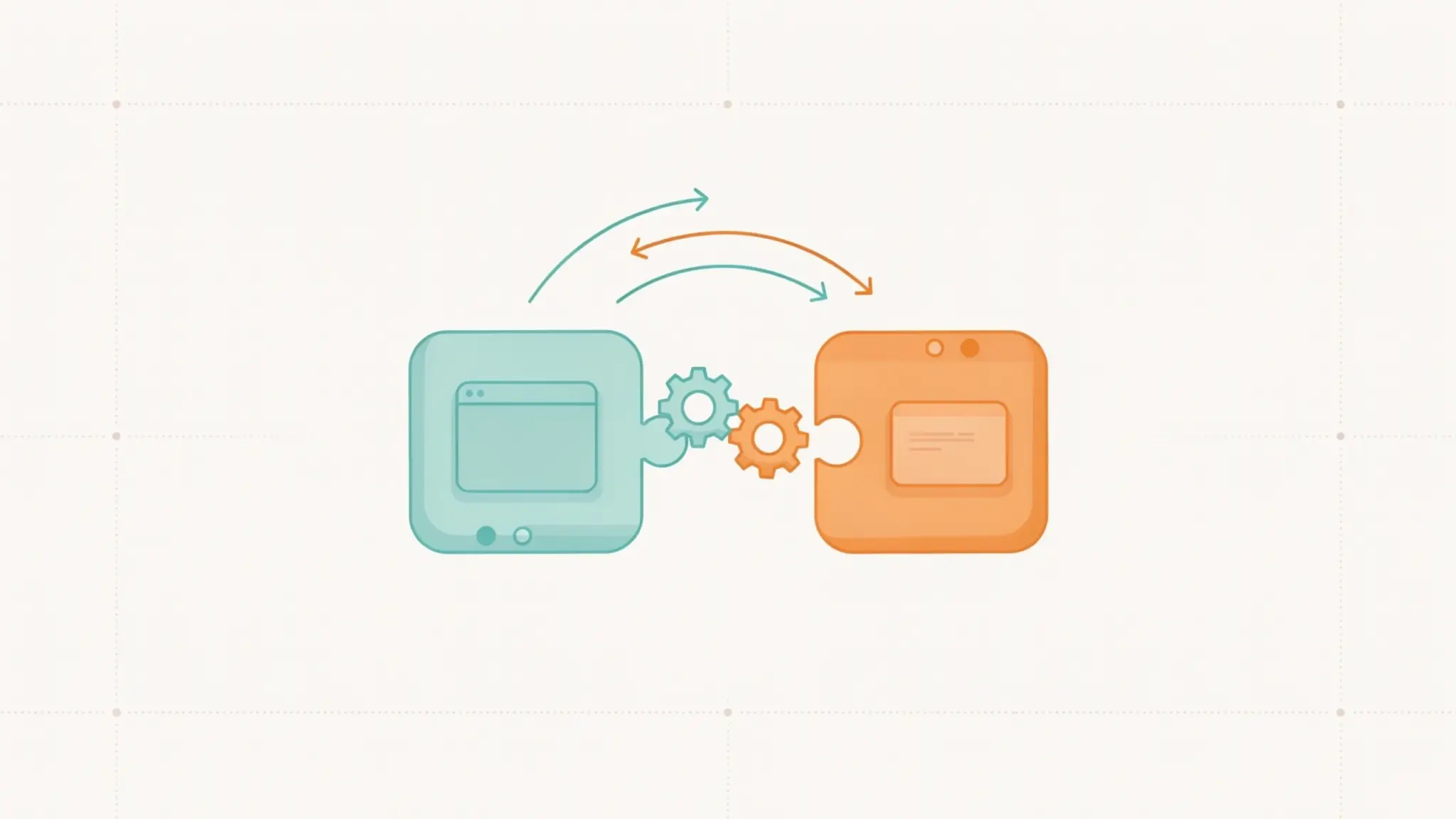
Integration testing checks how different parts of the software work together. Once individual units pass their own tests, testers connect them and confirm the connections work.
A common example is checking whether a payment system correctly talks to the shopping cart when a customer checks out. Problems at this stage often come from mismatched data or incorrect assumptions between modules
3. System Testing
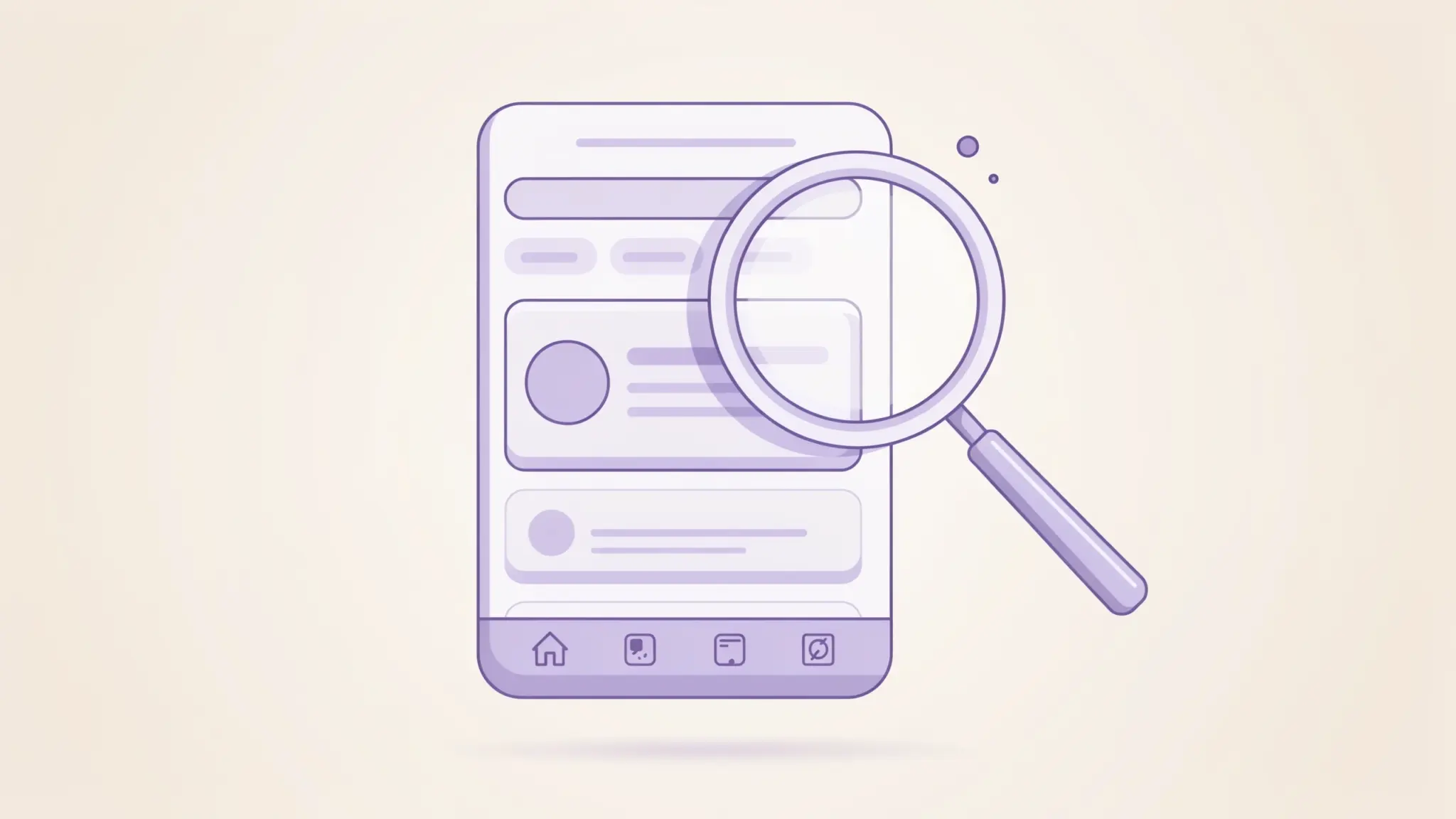
System testing looks at the software as a whole, not just individual pieces. Testers check both what the software does (functional checks) and how well it performs, such as speed and stability.
For an online store, this could mean testing the entire path from searching for a product to completing a purchase. This confirms the product works correctly from start to finish.
4. Acceptance Testing

Acceptance testing is the final check before release, and it usually involves the customer or business team rather than developers. The goal is to confirm the software meets the original business needs, not just the technical requirements.
For example, a client might test the finished shopping app to see whether it matches what was requested in the project plan. If everything checks out, the software gets approved for release.
Roles and Responsibilities at Each Stage
Different people usually own different stages of testing. Knowing who’s responsible helps set the right expectations when teams hand work off to each other.
| Testing Stage | Usually Performed By |
|---|---|
| Unit Testing | Developers |
| Integration Testing | Developers and QA Engineers |
| System Testing | QA Team |
| Acceptance Testing | Customers or Business Teams |
This handoff between roles is part of why communication between teams matters just as much as the tests themselves.
Types of Software Testing
Testing levels tell you when something gets tested, while testing types tell you what quality aspect is being checked, and a single type can apply across more than one level.
- Functional Testing: Checks whether a feature works the way it’s supposed to, like confirming a login form accepts the correct credentials
- Performance Testing: Checks how the software behaves under load, such as how fast a page loads with many users active at once
- Security Testing: Checks for weak points that could expose user data or let someone access parts of the system they shouldn’t
- Regression Testing: Re-checks existing features after a code change to confirm a new update hasn’t broken something that worked before
- Usability Testing: Checks how easy the software is to use from a real person’s point of view, not just whether it technically works
Most projects use a combination of these across different testing levels, rather than picking just one. Mixing them gives a fuller picture of quality than any single check alone.
Testing Levels vs. Testing Types
People often mix up testing levels and testing types, but they answer different questions. Levels tell you when testing happens in the build process. Types tell you what quality aspect is being checked.
| Testing Levels | Testing Types |
|---|---|
| Unit Testing | Functional Testing |
| Integration Testing | Security Testing |
| System Testing | Performance Testing |
| Acceptance Testing | Regression Testing |
Knowing this difference helps you plan testing properly. Levels guide the order of your checks, while types guide what you’re actually looking for, so your testing plan covers both timing and quality together.
Software Testing Stages in the SDLC
Testing doesn’t happen on its own, it fits into the larger software development lifecycle, often shortened to SDLC. Each stage usually falls into place in this order:
- Requirement analysis
- Development
- Unit testing
- Integration testing
- System testing
- Acceptance testing
- Release
Each step builds on the one before it, so jumping ahead usually means fixing avoidable problems later on. Following this order helps teams catch issues while they’re still small.
Manual Testing vs. Automated Testing
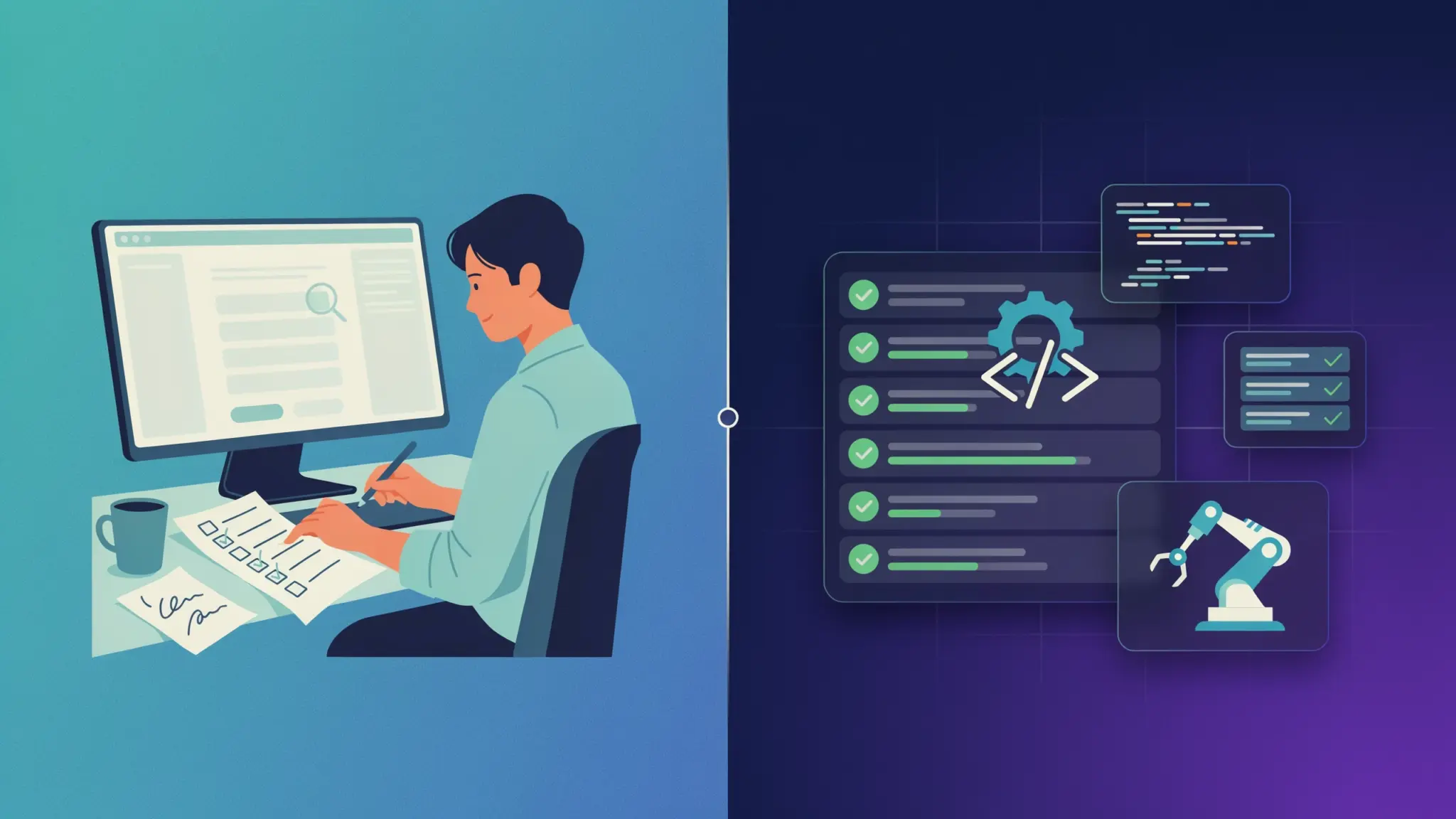
Not every stage gets tested the same way. Some rely on human judgment, while others use repeated automated checks that run the same way every single time without anyone watching over them.
- Manual Testing: A person runs through test cases by hand, which works well for checking usability and design, and is useful when requirements change often
- Automated Testing: Tools run the same tests repeatedly without human input, which works well for regression checks and large applications, and saves time once test scripts are written
Most teams use a mix of both, depending on the stage and the size of the project. The right balance often depends on how often the software changes.
Tools Used at Each Stage
Picking the right tool for each stage saves time and reduces manual effort. The table below covers some of the most popular tools teams rely on for testing.
| Testing Stage | Popular Tools |
|---|---|
| Unit Testing | JUnit, PyTest, NUnit |
| Integration Testing | Postman, Selenium |
| System Testing | Selenium, Cypress |
| Acceptance Testing | Cucumber |
| API Testing | Postman, SoapUI |
| Performance Testing | JMeter, LoadRunner |
| UI Testing | Selenium, Cypress, Playwright |
These tools don’t replace good test planning, but they do save time on repeated checks. Picking tools that match your project and workflow matters more than chasing every option available.
Common Mistakes to Avoid
Even experienced teams fall into a few common traps when testing software. Knowing what to watch out for ahead of time can save you from repeating the same avoidable mistakes later.
- Testing only at the end instead of throughout development
- Skipping integration checks between modules
- Leaving out user or business validation before release
- Relying only on automated tests without any manual review
- Writing test cases that don’t match real user behavior
- Not retesting a feature after a bug fix
- Ignoring small errors because they seem harmless at first
Avoiding these mistakes doesn’t take extra tools or resources, just a bit more planning early on. Small adjustments to your process now can prevent bigger, costlier problems later.
Conclusion
Software testing is most effective when it happens throughout development rather than only before release.
Unit testing checks individual components, integration testing verifies how they work together, system testing examines the complete product, and acceptance testing confirms it meets business and user requirements.
Each stage serves a different purpose, and skipping one can allow small issues to become costly problems later.
Understanding these four testing stages gives developers, testers, and project teams a clearer way to evaluate software quality. Apply them in order during your next project to catch problems earlier and release more reliable software.
Frequently Asked Questions
How Long Does Software Testing Usually Take?
Testing time depends on project size, but it usually takes anywhere from a few days to several weeks, running alongside development rather than only at the end.
What Happens If Acceptance Testing Finds a Bug?
The issue goes back to the development team for fixes, then the software is tested again before the business team reviews it once more.
Do Agile Teams Follow These Stages in Order?
Agile teams often repeat these stages in short cycles instead of one long sequence, testing small pieces of the product continuously throughout development.
Is Testing Only Necessary for Large Applications?
No, even small applications benefit from testing. Skipping it just moves the risk of bugs and errors to after release instead of before it.