



There are now more AI tools available than anyone has time to test.
Most of them are not worth the subscription. A handful of them are genuinely changing how fast work gets done.
Every tool on this list has its place for a specific reason, because it solves a real problem faster than anything else available at the same price.
Continue reading this blog to get clearer insights to help you with productivity, increasing focus, organizing your work better, and making your life easier.
How This List is Organized
The list includes the best AI tools for productivity, and they are grouped into six categories based on the type of work they support:
| Category | Tools Covered |
|---|---|
| AI Assistants | ChatGPT, Claude, Gemini |
| Writing and Communication | Grammarly, Notion AI, Jasper |
| Research and Knowledge | Perplexity AI, NotebookLM |
| Coding and Development | GitHub Copilot, Cursor |
| Design and Visual | Canva AI, Midjourney, Runway |
| Automation and Workflows | Zapier AI, Make, Notion AI |
AI Assistants
Three general-purpose tools that handle the widest range of tasks, the right starting point before adding anything else to the stack.
1. ChatGPT
ChatGPT remains the most widely used AI assistant and handles an enormous range of tasks, including drafting emails, writing code, explaining concepts, summarising documents, and working through complex reasoning problems.
Best For: Anyone who needs a general-purpose AI assistant that handles most tasks without switching tools.
Where it Falls Short: Deep Research citations need independent verification. The free tier’s message cap becomes limiting during heavy-use sessions.
2. Claude
Long-form writing, document analysis, complex reasoning, and coding. Claude’s context window handles extremely long documents entire contracts, reports, or codebases without losing track of earlier content.
Best For: Writers, analysts, lawyers, and anyone working with long documents who needs detailed reasoning and clean output.
Where it Falls Short: No image generation. Less strong on real-time web search than Perplexity or ChatGPT with browsing enabled.
3. Gemini
Google’s AI assistant integrates directly with Google Workspace: Gmail, Docs, Sheets, Drive, and Meet. Summarises emails, drafts replies, builds spreadsheet formulas, and joins meetings to take notes automatically.
Best For: Teams and individuals whose entire workflow runs through Google Workspace.
Where it Falls Short: Less capable outside the Google ecosystem. Not the strongest choice for code generation compared to Copilot or Cursor.
Writing and Communication
Grammarly, Notion AI, and Jasper streamline writing with grammar checks, AI-assisted drafting, brand voice consistency, and productivity features.
4. Grammarly
Grammarly catches grammar mistakes, suggests clarity improvements, and adjusts tone for professional communication. The AI goes beyond spell-check to offer full-sentence rewrites and professional tone adjustments.
Best For: Professionals who write frequently and want consistent, polished communication without second-guessing every email or document.
Where it Falls Short: Suggestions can feel aggressive; treat them as options rather than requirements. Not a writing tool for long-form content creation.
5. Notion AI
AI built directly into Notion’s workspace summarises notes, drafts documents, fills database properties automatically, generates action items from meeting notes, and answers questions about content stored in the workspace.
Best For: Individuals and teams already using Notion who want AI without adding another subscription or switching between apps.
Where it Falls Short: Only useful to Notion users. Not a standalone writing tool — it works best on content that already lives inside a Notion workspace.
6. Jasper
AI writing platform built for marketing teams with brand voice controls and campaign workflows.
You train Jasper on your existing content, and it maintains that voice across blog posts, ads, emails, and social copy.
Best For: High-volume marketing content production. Brand voice consistency across large teams.
Where it Falls Short: Not worth the price for occasional writers. ChatGPT or Claude handles general writing tasks at a fraction of the cost.
Research and Knowledge
Two tools built specifically to find, cite, and process information faster than any manual research process can.
7. Perplexity AI
AI-powered search engine that cites every source. Answers questions with real-time web data and links to the original sources for verification. It is the best AI tool for productivity.
Best For: Researchers, students, journalists, and analysts who need cited answers rather than uncited AI-generated text.
Where it Falls Short: Not a writing or coding tool. Strong for research, limited for creation.
8. NotebookLM
Google’s AI research tool lets users upload documents (PDFs), Google Docs, YouTube videos, audio files, and web pages and ask questions about the content.
Best For: Students, researchers, and professionals who need to work deeply with a specific set of documents without leaving the source material.
Where it Falls Short: It is limited to the uploaded sources and does not browse the web. Not useful for general questions outside the uploaded material.
Coding and Development
Two AI coding tools that write, explain, and debug code in real time, one for completions inside any editor, one for full codebase edits.
9. GitHub Copilot
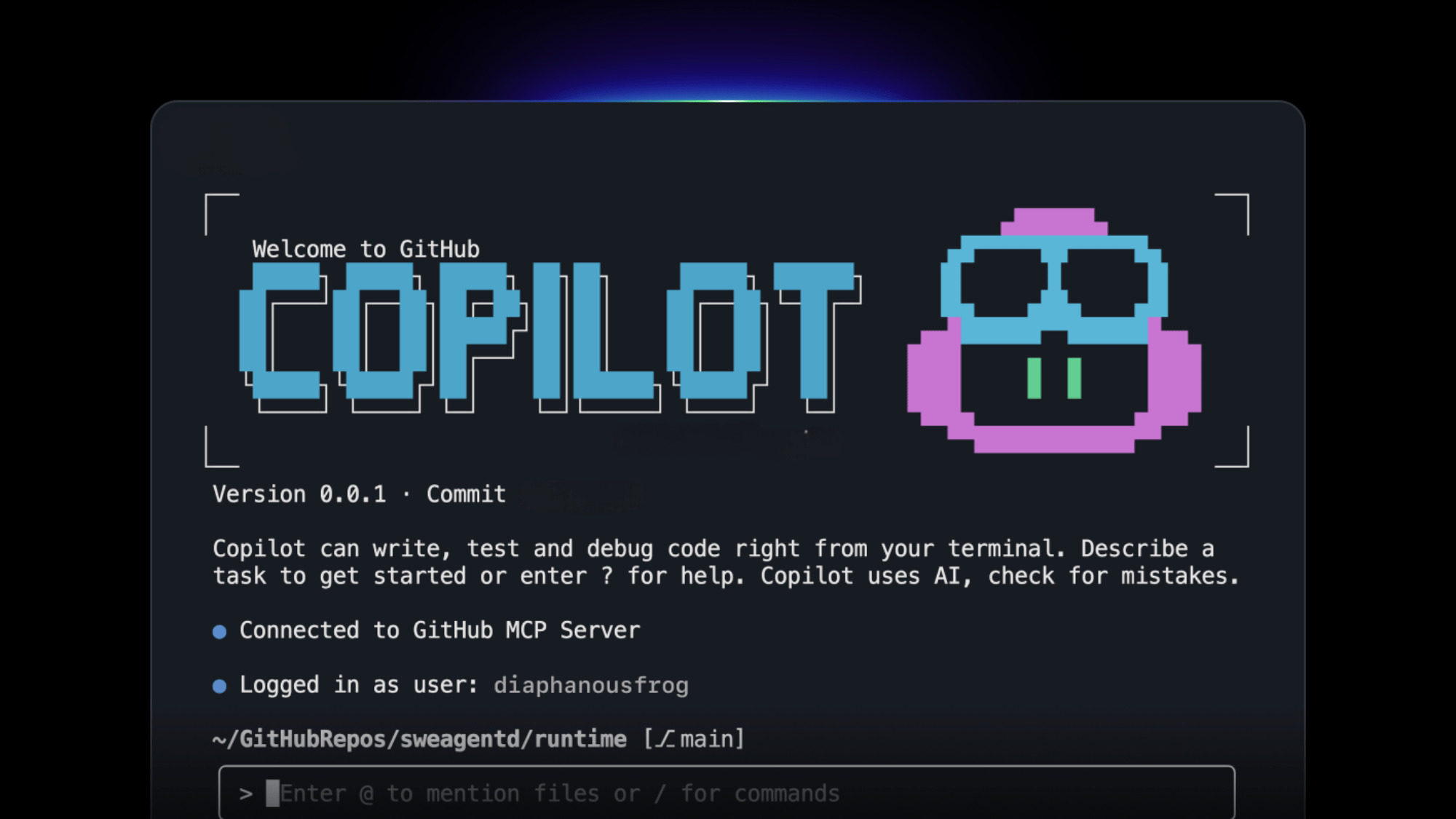
AI code completion and generation built directly into VS Code, JetBrains, and other editors. Suggests entire functions, explains code, writes tests, and fixes bugs in real time as code is being written.
Best For: Software developers, data scientists, and anyone who writes code regularly and wants faster completions and fewer context switches.
Where it Falls Short: Suggestions occasionally produce code that compiles but does not behave as expected. Review everything it generates before merging.
10. Cursor
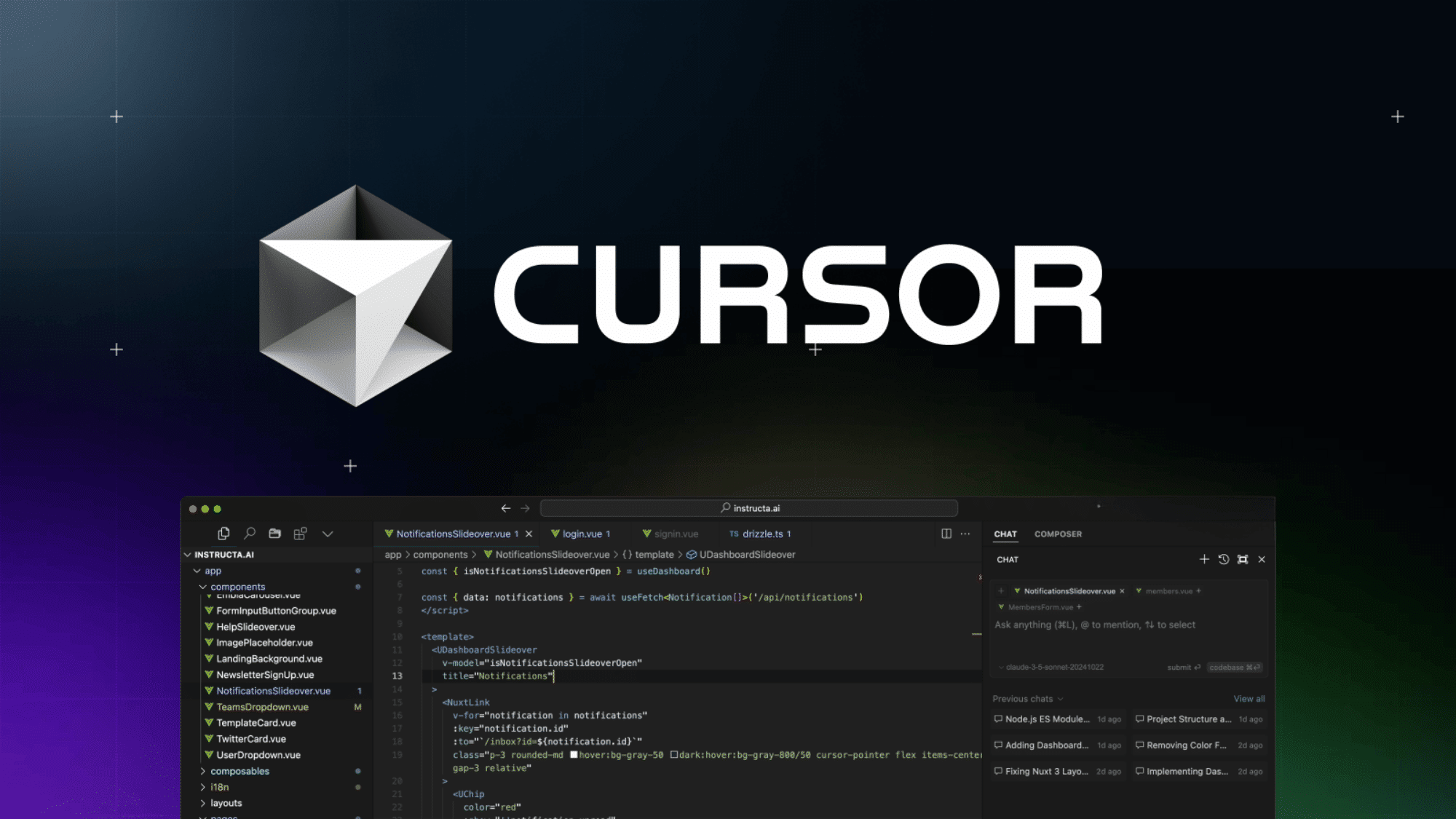
An AI-native code editor built on VS Code that goes further than Copilot. Cursor can read and edit entire codebases, not just the currently open file.
Best For: Developers who want an AI that understands the full codebase context, not just the current file.
Where it Falls Short: Steeper learning curve than Copilot. Works best for developers comfortable with VS Code-style environments.
Design and Visual
Three tools covering image generation, graphic design, and video creation, professional-quality visual output without a professional design background required.
11. Canva AI
Drag-and-drop design platform with over twenty-five AI features built in through Magic Studio. Magic Write generates copy.
Best For: Marketers, small business owners, educators, and anyone who needs professional-looking visuals without a design background.
Where it Falls Short: Not a replacement for professional design work. Brand control is limited compared to dedicated design software for complex projects.
12. Midjourney

Image generation from text prompts delivers the most consistently high-quality output of any image generation tool in 2026, across both photographic and artistic styles.
Best For: Designers, marketers, content creators, and anyone who needs high-quality generated imagery for commercial or creative use.
Where it Falls Short: Still struggles with accurate text in images and precise facial likenesses. Prompt writing takes practice to get consistent results.
13. Runway
The motion brush allows users to select part of an image and animate just that element, the kind of tool that spawns entirely new content formats. Gen-3 Alpha Turbo produces video from text or image prompts in seconds.
Best For: Social media creators, marketers needing quick video assets, and creative professionals experimenting with new formats.
Where it Falls Short: Long-form video, anything requiring precise human movement or realistic faces, and professional broadcast quality.
Automation and Workflows
Four tools that connect apps, eliminate repetitive manual tasks, and protect focus time without writing a single line of code.
14. Zapier AI
Connects over seven thousand apps and automates workflows between them without writing code. The AI layer lets users describe what they want to automate in plain English, and Zapier builds the workflow.
Best For: Business owners, operations teams, and anyone running repetitive multi-step tasks across multiple tools who wants to automate without a developer.
Where it Falls Short: Zapier switches to per-task charges when limits are exceeded. Review actual usage patterns against tier allocations to avoid unexpected costs.
15. Make
Visual automation platform, the more flexible and lower-cost alternative to Zapier for users comfortable with a slightly more technical setup.
Best For: Technically minded business owners, developers, and operations teams who need more control over automation logic than Zapier provides.
Where it Falls Short: Steeper learning curve than Zapier. Not the right choice for users who want simple two-step automations without spending time on setup.
16. Otter.ai
AI meeting transcription and notes. Joins Zoom, Google Meet, and Microsoft Teams meetings automatically and produces a live transcript, summary, and action items within minutes of the call ending.
Best For: Anyone who runs or attends frequent meetings and loses time manually writing up notes and action items.
Where it Falls Short: Accuracy drops in the presence of heavy accents, poor audio quality, or highly technical terminology. Review transcripts before distributing.
17. Reclaim.ai
AI calendar management that automatically schedules tasks, habits, meetings, and focus time based on priorities and existing commitments.
Best For: Knowledge workers who struggle to protect focused work time against a meeting-heavy calendar.
Where it Falls Short: Currently, Google Calendar and Microsoft Outlook integrations are limited. Not useful for teams without consistent use of a digital calendar.
How to Choose the Right AI Tools for Productivity
Not every tool on this list belongs in every workflow. The most effective approach is to identify the two or three tasks that consume the most time every week and choose tools that address those specifically.
| If the biggest time drain is | Start with |
|---|---|
| Writing emails and documents | Grammarly plus ChatGPT or Claude |
| Research and reading | Perplexity AI and NotebookLM |
| Writing code | GitHub Copilot or Cursor |
| Creating visuals and presentations | Canva AI and Gamma |
| Repetitive multi-tool workflows | Zapier AI or Make |
| Meeting notes and follow-ups | Otter.ai |
| Calendar and focus time | Reclaim.ai |
| General tasks across everything | ChatGPT Plus |
Wrapping Up
The best AI tools for productivity in 2026 are not the ones with the most features. They are the ones that get used consistently enough to change how work actually gets done.
One tool used well every day delivers more than ten tools used occasionally.
Start with the category where time is most visibly lost. Add one tool. Use it long enough to build the habit before adding another. The productivity gains come from depth of use, not breadth of subscriptions.
Check the full list above, pick the category that fits best, and start with the tool that solves the most immediate problem. That is the only approach that actually works.
Frequently Asked Questions
Are Free Versions of AI Productivity Tools Good Enough for Daily Use?
Yes. Free tiers of ChatGPT, Grammarly, Canva, Perplexity, and NotebookLM cover most everyday tasks without requiring a paid subscription to start.
How Quickly Do AI Productivity Tools Become Outdated?
Core tools like ChatGPT, Grammarly, and Notion AI update continuously. Checking the release notes every few months keeps usage up to date without switching tools entirely.
Can AI Productivity Tools Replace Human Employees?
No. They accelerate repetitive tasks but cannot replace judgment, relationships, accountability, or creativity at a professional level. They have free time for higher-value work.