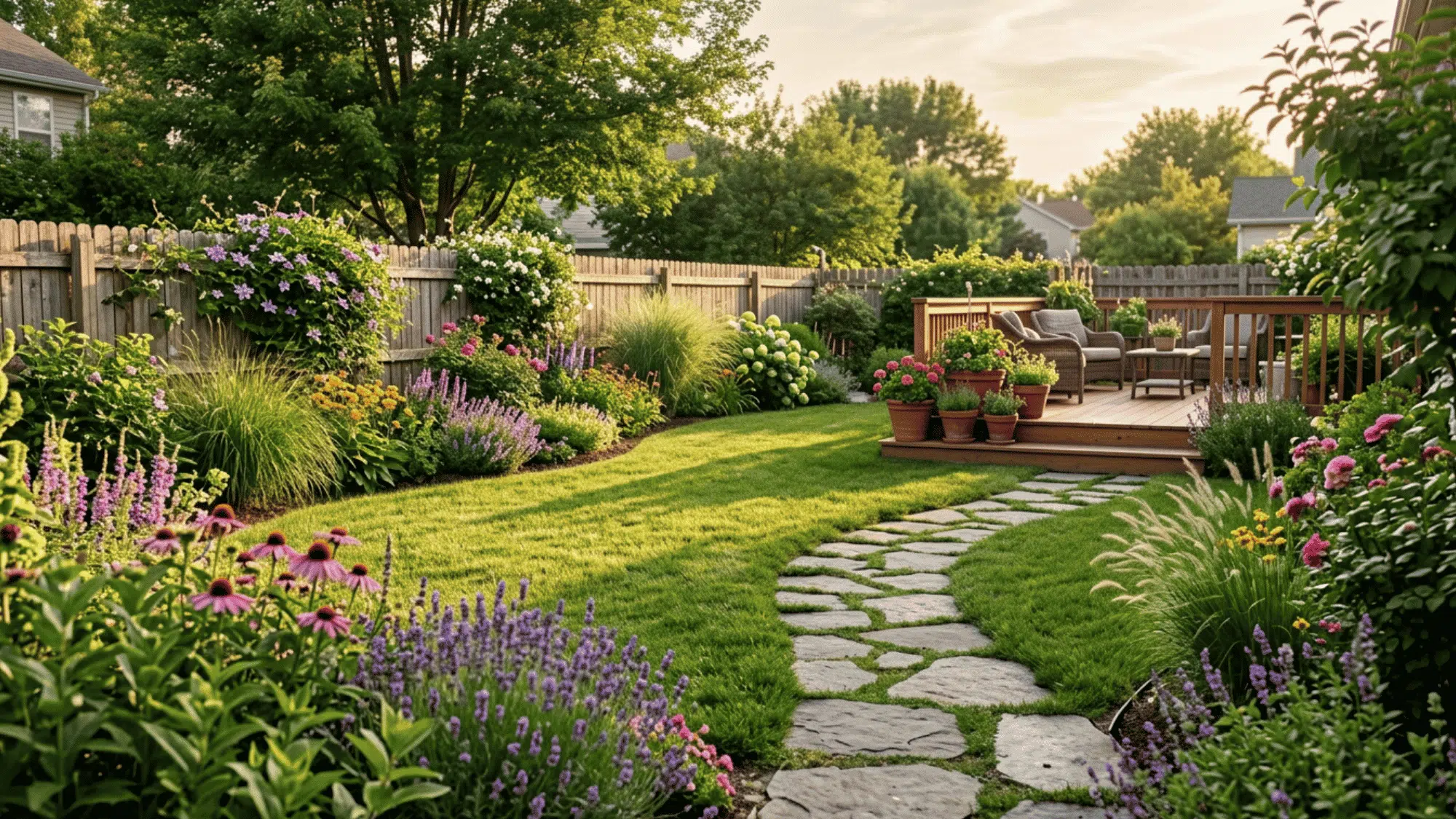



Most homeowners spend weeks second-guessing a yard makeover, sketching rough layouts on paper, buying the wrong plants, and realizing too late that nothing fits the way they imagined.
There is a smarter way to plan. The right landscaping software puts an accurate, visual plan in reach before a single shovel hits the ground.
From AI-powered plant suggestions to drag-and-drop yard layouts, these tools completely take the guesswork out of outdoor design.
No design background needed, no contractor required. Read on to find the best options for every budget and yard size.
What is Landscaping Software?
Landscaping software is a digital planning tool that lets homeowners map out, visualize, and refine outdoor spaces before any physical work begins.
Unlike professional CAD programs built for contractors and architects, consumer-grade options are designed for everyday users with no technical background.
Most tools offer drag-and-drop plant placement, 2D and 3D yard views, and material libraries covering everything from grass types to paving stones.
Many newer platforms also include AI-powered features that suggest plant combinations and layout ideas based on yard size and climate.
The result is a clear, accurate plan that saves time, reduces costly mistakes, and gives homeowners full control over the final look of their outdoor space.
Benefits of Using Landscaping Software
Landscaping software takes the guesswork out of outdoor planning and puts full control in the homeowner’s hands. These are the key benefits worth knowing before getting started.
- Visualize before spending money. See exactly how plants, paths, and structures will look in the yard before buying a single item or breaking ground.
- Avoid costly layout mistakes. A digital plan makes it easy to spot spacing problems, awkward angles, and poor plant placement before they become expensive real-world errors.
- Save time on planning. Drag-and-drop tools and ready-made templates significantly reduce planning time compared to hand-drawn sketches or hiring a professional designer.
- Get climate-smart plant suggestions. Many platforms recommend plants based on hardiness zone and local climate, reducing the risk of buying species that will not survive the season.
- Plan for any budget. Free tiers on most landscaping software platforms cover everything a homeowner needs for a standard yard project without any upfront cost.
Best Landscaping Software for Homeowners and DIY Users
Not every landscaping software is built the same way, and the right pick depends on project size, budget, and preferred device. These options cover the best tools available for homeowners and DIY users.
1. iScape

iScape is an AR landscape design app. It lets users place plants, lawns, pavers, mulch, and other yard elements over a live camera view.
Best for: Homeowners who want AR yard previews on iOS devices
Key Features:
- AR yard visualization using a live camera view
- Large plant encyclopedia with thousands of species
- Hardscape options, including pavers, gravel, mulch, and turf
- Simple interface for beginners
| Pros | Cons |
|---|---|
| Easy to use with no design experience | iOS-only |
| Great for quick visual yard previews | No desktop version |
| Strong plant and hardscape library | Limited to detailed large-scale planning |
2. Planner 5D

Planner 5D is a beginner-friendly yard design tool. It supports both 2D and 3D planning. Users can drag and drop plants, paths, furniture, and outdoor structures
Best for: Beginners planning full yard layouts across multiple devices
Key Features:
- 2D and 3D landscape planning modes
- Drag-and-drop design interface
- Outdoor object library with plants, paths, furniture, and structures
- Web, iOS, and Android support
| Pros | Cons |
|---|---|
| Works across multiple devices | 3D rendering may lag on older devices |
| Easy for beginners to learn | Some assets require paid access |
| Useful for full yard planning | Less plant-focused than niche garden apps |
Pricing: Free version available. Paid plans unlock more objects and advanced features.
3. DreamzAR

DreamzAR helps users preview landscaping ideas in real time. Homeowners can point their phone at the yard and place plants or materials on the screen.
Best for: On-the-go AR planning directly in the yard
Key Features:
- AR preview for plants and landscaping materials
- Searchable plant and material database
- Built-in measurement tools
- Mobile-first design experience
| Pros | Cons |
|---|---|
| Good for real-time yard planning | Android version feels less polished |
| Helpful measurement tools | Some features require in-app purchases |
| Easy to test plant placement outdoors | Not ideal for desktop-style planning |
Pricing: Free to download. Optional in-app purchases are available.
4. Foyr Neo

Foyr Neo is a web-based design platform. It uses AI to suggest layouts and plant pairings. The 3D renders look polished and close to professional quality.
Best for: Homeowners who want AI-generated layout and plant pairing ideas
Key Features:
- AI design assistant for layout suggestions
- 3D rendering with professional-style visuals
- Large asset library for outdoor planning
- Web-based access
| Pros | Cons |
|---|---|
| High-quality 3D visuals | Higher price than basic apps |
| AI support speeds up planning | Steeper learning curve |
| Large design asset library | May feel advanced for casual users |
Pricing: Paid plans available. Pricing depends on the selected subscription.
5. Garden Planner by Veg Planner

Garden Planner is made for food gardens. It uses a grid layout for vegetables, raised beds, and mixed planting areas.
Best for: Kitchen gardeners and homeowners planning raised beds
Key Features:
- Grid-based garden layout system
- Companion planting guidance
- Seasonal planting scheduler
- Designed for vegetables and mixed beds
| Pros | Cons |
|---|---|
| Great for food gardens | Not suited for full landscape design |
| Helpful companion planting support | Limited hardscape planning |
| Easy layout system for raised beds | Less visual than 3D or AR tools |
Pricing: Pricing may vary by platform or subscription option
6. PRO Landscape Home

PRO Landscape Home lets users edit real yard photos. Homeowners can add plants, turf, and hardscape materials to the image. This creates a realistic before-and-after preview.
Best for: Homeowners who want photo-realistic yard previews
Key Features:
- Photo-based yard editing
- Plant, turf, and hardscape placement tools
- Large plant database
- 2D design mode
| Pros | Cons |
|---|---|
| Realistic yard previews | Output depends on photo quality |
| Large plant database | Mobile-only |
| Good mix of photo and 2D planning | No desktop version |
Pricing: Free to download. Paid features may be available.
7. Home Outside

Home Outside is a simple top-down yard planner. Users can drag plants, lawns, paths, and outdoor structures into an overhead layout. The interface is clean and easy to learn.
Best for: Homeowners who want a simple, beginner-friendly yard planner
Key Features:
- Top-down landscape planning
- Drag-and-drop palette system
- Plants, lawns, paths, and outdoor structures
- Very short learning curve
| Pros | Cons |
|---|---|
| Very easy for beginners | No 3D view |
| Quick layout planning | Limited material options |
| Clean overhead design style | Less detailed than advanced tools |
Pricing: Free or low-cost options may be available depending on the platform.
8. SmartDraw

SmartDraw is a diagramming tool with landscape templates.It is useful for accurate, measurement-based yard layouts. Users can plan irrigation, planting zones, and outdoor structures.
Best for: Detail-oriented homeowners who need accurate yard plans
Key Features:
- Landscape planning templates
- Measurement-based layout tools
- Irrigation, planting zone, and structure planning
- Web and desktop access
| Pros | Cons |
|---|---|
| Strong for accurate layouts | No AR features |
| Useful for irrigation and zones | No plant-specific database |
| Works well for structured planning | Less visually realistic |
Pricing: Paid plans available. Pricing depends on the selected plan
9. Lands Design (Rhino Plugin)

Lands Design is a professional landscaping tool. It works as a plugin inside Rhino. The software supports terrain modeling, irrigation planning, and plant growth simulation.
Best for: Advanced DIY users comfortable with CAD-style planning
Key Features:
- Rhino plugin for professional landscape design
- Terrain modeling tools
- Plant growth simulation
- Irrigation design support
| Pros | Cons |
|---|---|
| Professional-level design features | Requires Rhino |
| Plant growth simulation is useful | Steep learning curve |
| Strong for advanced site planning | Not suited for casual beginners |
Pricing: Paid software. Rhino is required separately.
10. SketchUp Free

SketchUp Free is a web-based 3D modeling tool. It gives users full control over yard layouts. The 3D Warehouse includes fences, pergolas, garden structures, and outdoor objects.
Best for: Hands-on homeowners who want full 3D yard modeling control
Key Features:
- Web-based 3D modeling
- Free version available
- Access to 3D Warehouse objects
- Useful for fences, pergolas, patios, and structures
| Pros | Cons |
|---|---|
| Free and capable | Not built only for landscaping |
| Strong 3D control | Plant libraries must be sourced manually |
| Large community object library | The learning curve is higher |
Pricing: Free web version available. Paid plans offer more features.
11. Realtime Landscaping Architect

Realtime Landscaping Architect is a Windows-based design tool.It creates real-time 3D yard plans. Users can walk through the finished design before starting the project.
Best for: Windows users who want immersive 3D yard walkthroughs
Key Features:
- Real-time 3D landscape rendering
- Virtual walkthrough mode
- Large plant and material library
- Patio, wall, water feature, and lighting tools
| Pros | Cons |
|---|---|
| Immersive 3D walkthroughs | Windows-only |
| Extensive plant and material library | Interface feels dated |
| Strong hardscape design tools | No mobile or web version |
Pricing: Paid Windows software.
12. Yardzen

Yardzen is a done-for-you landscape design service. Homeowners share yard photos, budget details, and style preferences. Professional designers then create a custom digital yard plan
Best for: Homeowners who want a professional digital yard plan without DIY work
Key Features:
- Professional landscape designer support
- Custom digital yard plans
- Plant list based on yard and budget
- Contractor referral support
| Pros | Cons |
|---|---|
| Professional-quality design output | Higher cost |
| Saves planning time | Less personal design control |
| Includes plant and contractor guidance | Not ideal for DIY users |
Pricing: Paid design packages available. Cost depends on the selected service level.
13. Adobe Illustrator

Adobe Illustrator can be used to create landscape plans using templates. It gives users full control over scaled vector layouts. Plans can be customized and exported for contractor use.
Best for: Design-savvy homeowners who already use Adobe tools
Key Features:
- Vector-based yard plan creation
- Works with landscape templates
- Fully customizable design elements
- Scaled layout support
| Pros | Cons |
|---|---|
| Full creative control | No built-in plant database |
| Great for print-ready plans | Not made specifically for landscaping |
| Accurate vector drawing tools | Requires Adobe experience |
Pricing: Paid Adobe Creative Cloud subscription required.
Best Landscape Design App for Mobile Users
Mobile planning tools have changed how homeowners approach yard design, putting a full layout studio in a back pocket.
Both Android and iPhone users have solid options, though the experience varies by platform. Google Play offers capable tools like Garden Planner and iScape’s Android counterpart for straightforward top-down planning.
AR performance tends to run smoother on newer iPhone models due to stronger camera processing. Photo-based designing works well on both platforms.
Upload a yard photo and drop in plants, paths, and materials without measuring a single inch.
First-time users with no design background should start with a drag-and-drop app before moving to more feature-heavy platforms that require a longer setup process.
Best AI Landscape Design Free Tools
AI-powered yard planning no longer requires a paid subscription or a professional designer on call. These free tools bring smart design assistance to any homeowner starting from scratch.
- Foyr Neo (free trial). Generates layout ideas and plant pairings automatically based on yard size and style inputs, significantly reducing manual planning time for first-time users.
- DreamzAR free tier. Uses AI-assisted AR overlays to place plants and materials in a live yard view, giving homeowners an accurate on-site preview at no cost.
- Planner 5D free plan. AI-powered room and outdoor suggestions help beginners build a structured yard layout without prior design knowledge or technical setup required.
- Canva with landscape templates. Not a dedicated landscaping tool, but AI-generated design suggestions and free outdoor layout templates make basic yard planning quick and visually clear.
- ChatGPT plus landscape prompts. Generates detailed planting plans, material lists, and layout ideas based on yard dimensions and climate zone input, entirely free with a standard account.
Conclusion
A well-planned yard starts long before the first plant goes in the ground.
Landscaping software removes the guesswork, cuts planning mistakes, and puts a professional-quality yard plan in any homeowner’s hands, completely free in most cases.
The tools are ready, the free tiers are generous, and the results speak for themselves.
Pick one app from this list, spend thirty minutes mapping out the yard, and watch a rough idea turn into a plan worth building. Start planning today and share the results.
Frequently Asked Questions
Can Landscaping Software Help with Drainage Planning?
Some platforms include slope and grading tools that identify low points in a yard where water tends to pool, helping homeowners plan drainage paths before installation.
Is Landscaping Software Accurate Enough to Share with a Contractor?
Most tools export scaled plans as PDF or image files that contractors can reference, though professional CAD files may still be needed for complex builds.
How Long Does It Take to Learn Landscaping Software?
Basic tools take thirty minutes or less to get comfortable with. More advanced platforms with 3D modeling or AI features may take a few hours of practice.