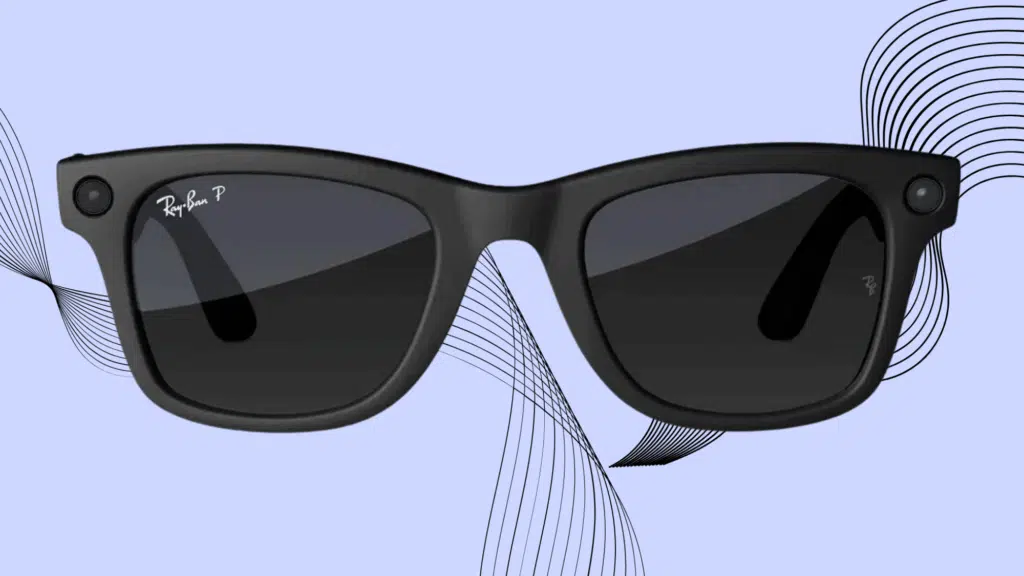
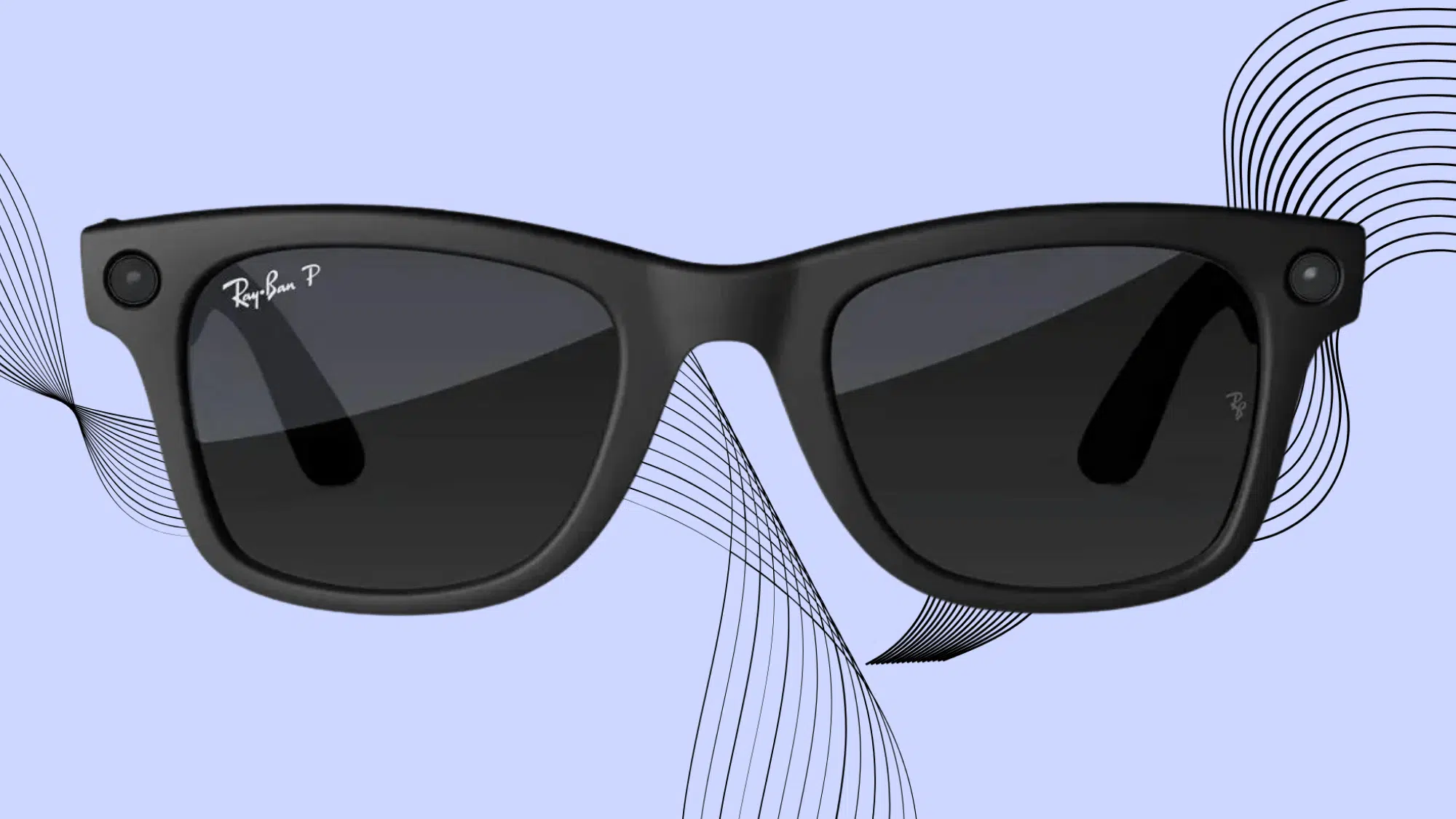



Smart glasses have been around for years, but most of them always felt more like a novelty than something I would wear every day. Ray-Ban and Meta changed my mind with a pair that looks like sunglasses first and tech second.
I get a camera in the frame, speakers in the arms, and voice-activated AI without the bulky feel I expected from smart eyewear.
That design choice answered my first question right away: do I have to look like I’m wearing tech to use it?
In this Meta Glasses review, I’ll cover the features, test the battery through daily use, and share whether the price makes sense.
What are Meta Glasses?
So what are Meta glasses, exactly? It’s a line of smart eyewear built through a partnership between Meta and Ray-Ban, blending regular sunglasses with hands-free tech.
Each pair comes with a built-in camera for capturing photos and short videos, open-ear speakers for music and calls, and a voice-activated assistant, Meta AI, that responds to spoken commands.
Everything captured syncs automatically to a phone through the Meta AI mobile app once the glasses connect to WiFi and start charging.
From the outside, they look almost identical to a standard pair of Ray-Bans, with the tech tucked into the frame and temples rather than bolted on as a separate gadget.
The goal is simple: let people record moments, listen to audio, and ask questions without pulling out a phone
Ray-Ban Meta Glasses: Quick Verdict
After spending real time with these, my take lines up with what a lot of long-term owners have said: nothing about these glasses is great on its own, but everything is good enough, and that combination works.
The video quality surprised me the most; casual clips come out smooth and natural, while photos feel like an afterthought with soft detail and no way to frame the shot first.
Battery life drains fast if you’re recording often or leaving “Hey Meta” on, but a day of light use is realistic.
The speakers handle calls and podcasts fine at low volume, but strain past 75%. For hands-free memories and everyday convenience, they earn their spot. As a standalone camera or audio device, not so much.
Key Specifications at a Glance
Before getting into the day-to-day experience, this table breaks down what the Ray-Ban Meta glasses pack under the hood.
| Specification | Ray-Ban Meta Glasses Gen 1 | Ray-Ban Meta Glasses Gen 2 |
|---|---|---|
| Camera | 12MP ultra-wide | 12MP ultra-wide with improved low-light performance |
| Video Resolution | Up to 1080p | Up to 3K |
| Storage | 32GB internal | 32GB internal |
| Battery (Glasses) | Up to 4 hours | Up to 8 hours |
| Battery (Charging Case) | Up to 32 hours | Up to 48 hours |
| Model Numbers | RW4006, RW4008 | RW4012 |
| Charging Port | Arm hinge | Nose bridge |
| Weight | Approximately 48–50 g | Approximately 48–50 g |
Meta Glasses Features
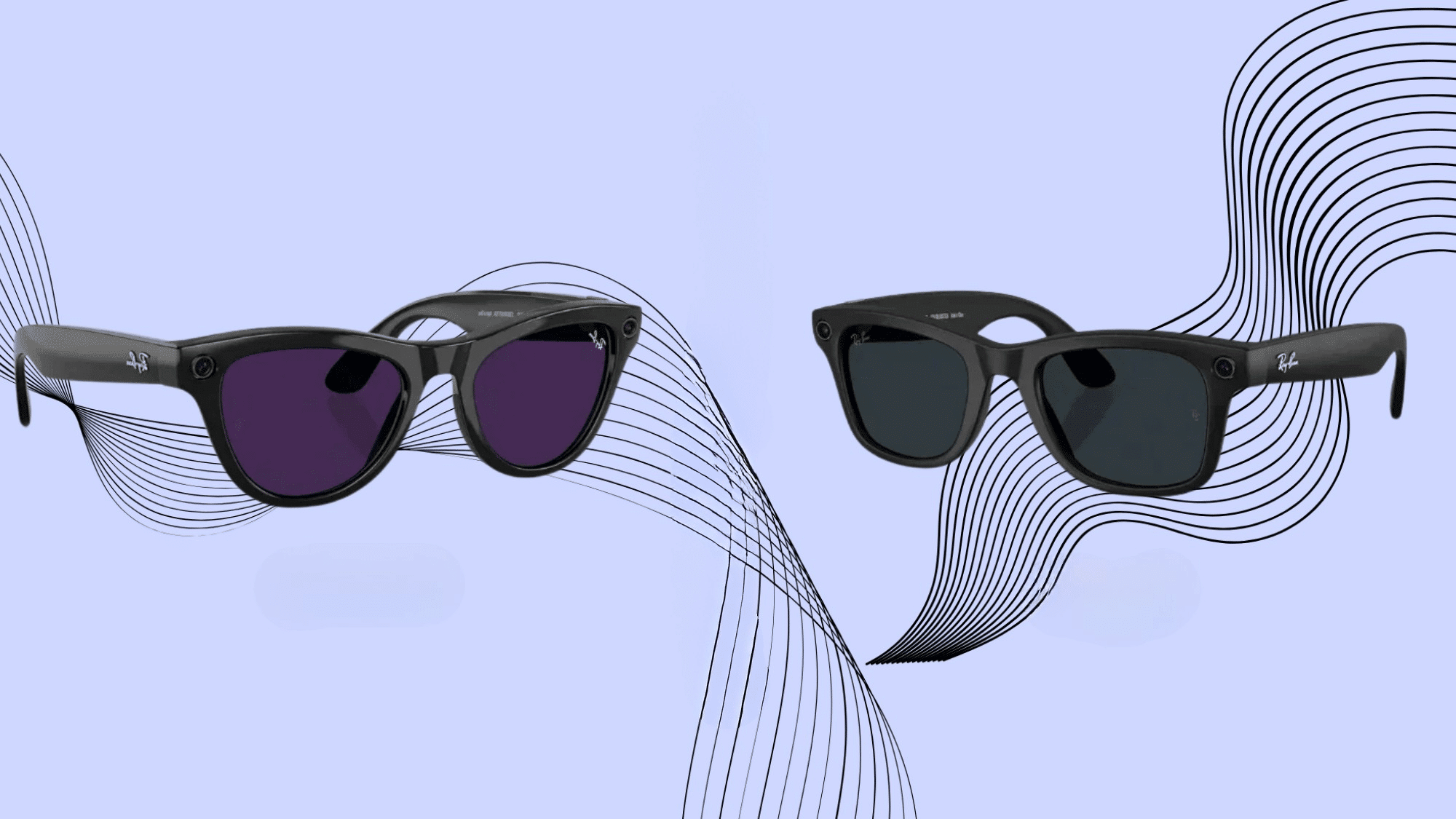
The spec sheet only tells half the story. This is how each core feature actually performs day-to-day. Numbers on a page don’t tell you how it feels to wear these for eight hours straight.
Camera and Video Quality
Photos come out soft and poorly framed since neither generation lets you preview the shot first, so I stopped bothering with photos entirely and switched the single-button press to video mode right away. Not every owner agrees, though.
Gen 1: Video quality held up well for casual clips, but low-light footage looked grainy and a bit washed out. Still good enough to rewatch later, recording felt quick, and it beat pulling out my phone every time I wanted to capture something.
Gen 2: The 3K resolution gave clips a noticeably sharper edge, especially in low light, where Gen 1 struggled. The footage looked crisp enough that I’d happily rewatch it years later, and the improvement felt real, not just a spec-sheet bump.
Battery Life
Photos and videos drain battery fast, and leaving “Hey Meta” running makes it worse.
Gen 1: Battery life felt like the biggest limitation. Recording and voice commands together left me checking the charge case by early afternoon on heavy-use days, sometimes lasting just a couple of hours if I was careless with settings.
Gen 2: Doubled capacity made a real difference. Even with regular recording, I got much closer to a full day of use, and the gap between casual and heavy use narrowed considerably compared to what I experienced with Gen 1.
Audio and Speakers
The open-ear speakers get the job done at low to mid volume, handling calls, podcasts, and music without needing anything in my ears. Sound quality felt unchanged across generations; this is one area Meta left alone.
Gen 1: Volume above 75% got thin and borderline unlistenable, especially in busier environments. At 40-50% in quiet spaces like a house or a walk, sound quality held up fine for casual listening.
Gen 2: Same limitations applied here, no real upgrade in audio hardware. Pushing past 75% volume still fell apart quickly, and 40-50% remained the sweet spot for quiet, everyday use.
Meta AI Voice Assistant
I turned off “Hey Meta” almost immediately since it drained battery faster than anything else, replacing it with a hand-to-frame gesture instead. Functionality felt identical across both generations.
Gen 1: Voice trigger drain hit harder here since the overall battery was already limited. Basic commands like checking battery status worked fine, but I found little use in asking it real questions.
Gen 2: Same voice assistant behavior, though the bigger battery buffer made leaving it on feel slightly less costly. Still switched it off for consistency, and the usefulness beyond basic commands stayed limited.
Design and Comfort
From a few feet away, nobody can tell these are anything other than regular sunglasses, and that held across both generations, I tried, with design changes feeling minimal between them.
Gen 1: Felt slightly tight out of the box, fixed with gentle bending over a few days. Light enough to forget I was wearing them, though that lightness made them feel a little fragile.
Gen 2: Comfort and fit felt nearly identical to Gen 1. Same initial tightness, same fix, same lightweight feel that occasionally made me worry about durability during regular wear.
Gen 1 vs Gen 2: Which One Actually Makes Sense
I get asked constantly which generation to buy, and honestly, the answer depends on how often the glasses come off my face. Battery life is the real dividing line for me; everything else feels close enough not to matter much.
- Battery and Camera Upgrades: Gen 2 doubles the battery life and bumps camera resolution to 3K, while I found Gen 1 handled casual, occasional wear just fine.
- All-Day Wearers: If I’m putting these on first thing and keeping them on until night, Gen 2’s longer battery makes a noticeable difference by late afternoon.
- Backup Pair Use Case: I’d pick Gen 1 as a secondary pair to swap with regular glasses, especially if I don’t need long recording sessions or all-day battery life.
- Budget-Friendly Option: Buying used or refurbished Gen 1 saved me money when I first tested smart glasses without committing to a high upfront cost.
- Telling Them Apart: I check three things: a “Gen 2” label inside the arm, the RW4012 model number, and a charging port in the nose bridge instead of the hinge.
Are Ray-Ban Meta Glasses Worth Buying?
After weeks of wearing these daily, the value depends on how well they fit your routine. For me, they are worth it for recording quick moments with my two-year-old, especially when something funny happens without warning.
They also work well for walks and light music, since they feel comfortable and easy to wear. Photos are a different story.
I stopped using them for pictures because framing is tricky and the detail is weak compared to my phone. They also make adjustments if you do not normally wear glasses. Battery life is fine only when features like “Hey Meta” stay off.
Real-World Feedback From Daily Users
Real owners in this Reddit thread share mixed feedback on comfort, battery life, calls, audio, camera use, and daily value.
In the Ray-Ban Meta daily use Reddit thread, one user said, “I use them daily. Great for music and phone calls on my daily walks,” adding that the open-ear design helps them stay aware of their surroundings.
Another user liked the hands-free value, saying the glasses are “fantastic” for calls, music, and capturing quick moments without reaching for a phone. They also noted that regular charging is needed with heavy video use.
The battery came up often. One owner said the glasses were “uncharged probably 90% of the time,” while another replied that heavy users can drain the charge quickly. This matches the main trade-off: the glasses feel useful, but battery habits matter.
Conclusion
Some products work because they do one thing very well. Ray-Ban Meta glasses stand out because they handle a few daily tasks well enough to feel useful.
The camera helps capture quick moments. The open-ear audio works for walks and casual listening. The design also feels normal enough for daily wear.
They are not perfect, but they can change how often you reach for your phone. If you have tried them, share your experience in the comments and tell us what worked, what did not, and whether they felt worth it.
Frequently Asked Questions
Can I Livestream Directly to Instagram or Facebook?
Yes, both platforms support live streaming through the glasses.
Can I Get Them with Prescription Lenses?
Yes, prescription lenses are available at an added cost through the ordering process.
Do They Work Well for Video Calls on a Laptop?
Yes, they pair with computers and work well for calls in quieter settings.