A frozen video call in the middle of a meeting is one of those small but telling signs that something is off with your connection.
It happens more often than most people admit, and a lot of us pay our ISP every single month without really knowing what we are actually paying for, or ever stopping to ask: What is broadband internet? In the first place.
The term gets thrown around loosely, in ads and provider brochures alike, without much real clarity behind it.
What follows breaks that down properly: what the term actually means, how the different types of broadband connections stack up against one another, and a simple way to check whether your own setup genuinely measures up.
What is Broadband Internet?
Broadband internet is basically a fast, always-on connection that lets you send and receive a lot of data at the same time, without tying up your phone line or dialing in first, the way old dial-up worked.
Picture dial-up as a narrow footpath and broadband as a proper road, wide enough for several things to move down it at once. That’s really the whole difference.
Your phone call, your video stream, and your work email can all travel through the same connection at the same moment instead of waiting in line one after another.
It replaced dial-up simply because it could carry far more traffic without slowing to a crawl. That extra capacity is exactly what makes today’s streaming, video calls, and online gaming possible in the first place.
How Does Broadband Internet Work?
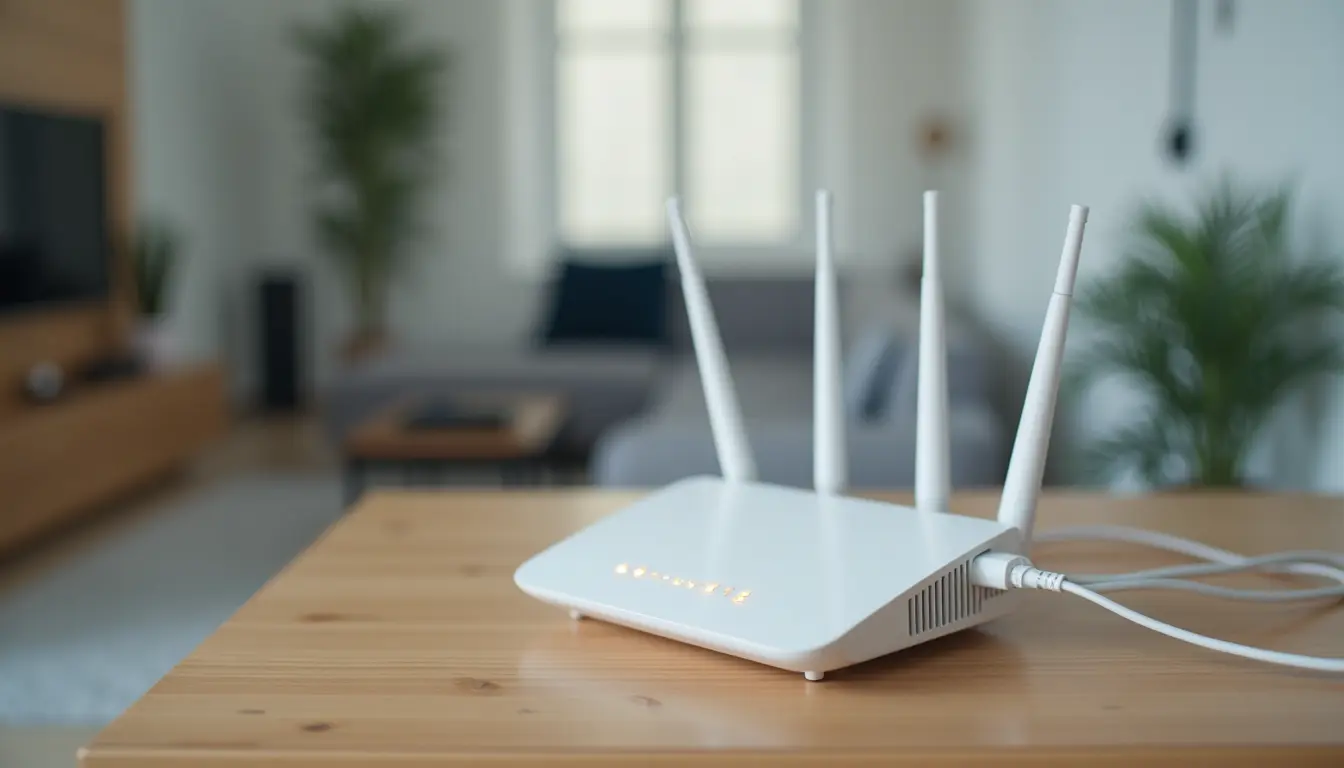
Dial-up was basically a one-lane road, one car at a time, no passing allowed. Broadband is closer to a highway with several lanes running side by side. Here’s the actual sequence.
Step 1: Your Data Becomes a Signal
Whatever you click on- a video, a page, a game- gets converted into a signal right where it starts, before it ever leaves the provider’s network.
Depending on your connection type, that signal might travel as light pulses through fiber, electrical current through copper or coaxial lines, or radio waves bouncing through open air. Same basic job, just a different carrier doing the work.
Step 2: The Signal Travels to Your Home
Once converted, that signal makes the actual trip from the provider’s equipment to yours. It might ride through glass fiber, run along copper telephone wire, travel down coaxial cable, or move straight through open air via wireless towers or satellites.
Whichever path it takes, this is the stretch where distance and infrastructure quality start to affect your actual speed.
Step 3: Your Device Receives and Reads It
Your modem picks it up and converts it into something usable. From the modem, it goes to your router, then finally lands on whatever device asked for it in the first place.
All of this happens in a blink, over and over, thousands of times a day without you noticing. That loop is the whole mechanism behind every type of broadband connection we’re about to walk through.
The Official Broadband Speed Standard
The FCC is the one that decides what officially counts as broadband in the US. It’s not just a number for the sake of it either.
It shapes government subsidy programs, dictates what ISPs can legally advertise, and determines whether an area even qualifies for infrastructure funding.
You’ll still stumble on older articles quoting a lower figure, so don’t be surprised if the numbers don’t match what you read elsewhere.
| Standard | Download Speed | Upload Speed | Status |
| Current FCC Benchmark | 100 Mbps | 20 Mbps | Active minimum for broadband classification |
| Previous FCC Benchmark | 25 Mbps | 3 Mbps | Outdated, still referenced on older sites |
So, if a plan doesn’t hit that 100/20 mark, it’s not technically broadband, no matter what the ad calls it. Worth keeping that number handy the next time you’re comparing providers.
Why the FCC Increased the Broadband Standard
Honestly, that FCC number wasn’t picked at random; it’s playing catch-up with how differently we all use the internet now compared to five years ago.
A few things pushed it there:
- Streaming quality jumped from standard definition to 4K, and 4K eats bandwidth fast
- Remote work turned video calls and cloud files into a daily requirement, not an occasional one
- Smart devices multiplied, so one household might have a dozen things online at once instead of a single shared computer
- More people home during the day means more overlapping demand on the same connection
Put it together, and a number that felt generous a decade ago barely covers a normal evening now. Regulators raising the bar isn’t optional at this point; it’s just catching up.
Types of Broadband Connections
Not every broadband connection runs the same way under the hood. Some travel as light through glass, some ride old copper phone lines, and some skip cables entirely and go straight through the air. So here’s how each type actually holds up.
1. Fiber Optic
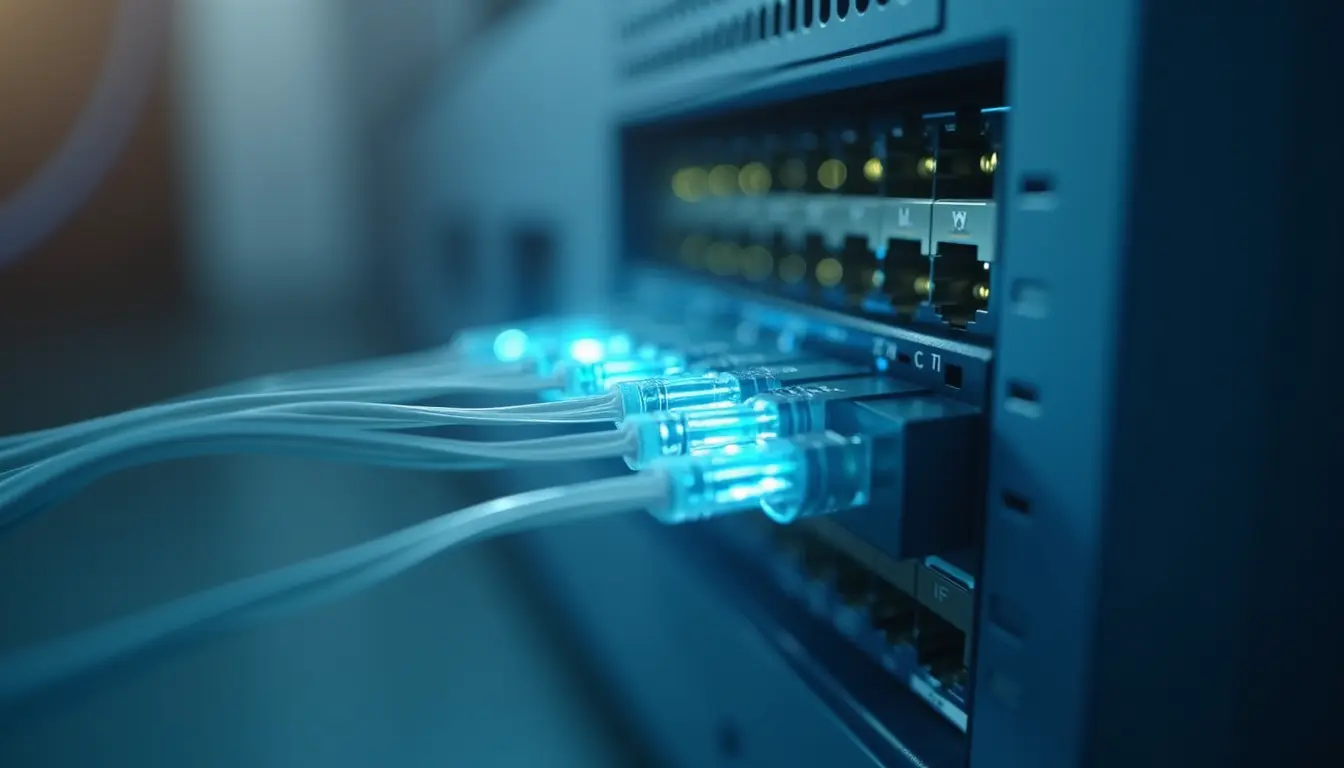
Data moves as pulses of light through thin glass strands, which is why fiber wins on both speed and reliability.
What really sets it apart is symmetrical speed; uploading a large file feels just as fast as downloading one, something cable and DSL cannot match. The catch is coverage, since fiber lines stay mostly confined to cities and suburbs today.
2. Cable

This one piggybacks on the same coaxial lines your television service already uses, and it usually costs a little less than fiber while still delivering solid speeds day to day.
Where it falls short is during busy hours, since it’s a shared line, and everyone on your street logging on together can slow things down. Cable remains widely available, though.
3. DSL
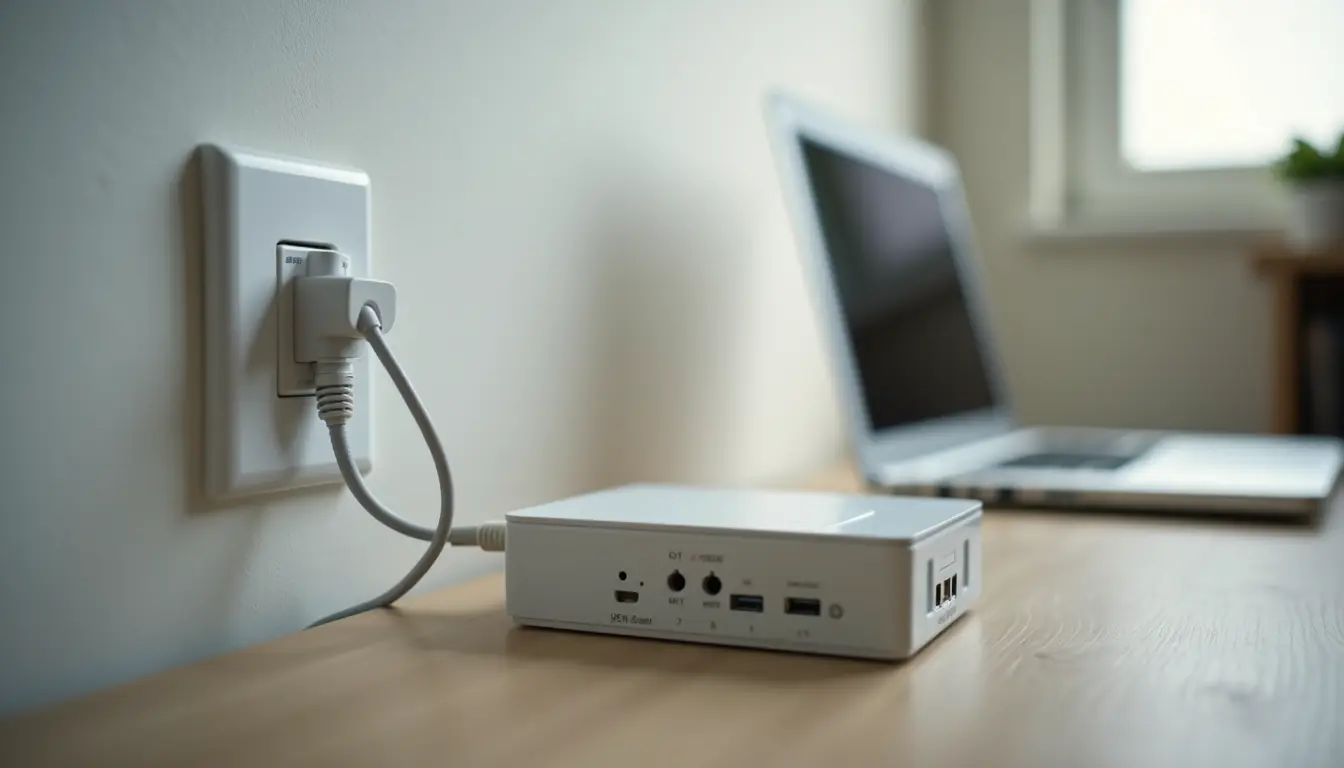
Runs through the copper phone lines already wired into most homes, which is exactly why it reaches places fiber and cable never really bother extending to.
Accessibility is really its whole selling point here. Speed is where it loses ground though; copper wasn’t built to carry as much data, so it suits basic browsing better than heavy streaming sessions.
4. Wireless/Satellite

No physical line at all here, just radio signals, 5G home internet, or satellites beaming a connection straight down from orbit.
For anyone living too remote to justify running cable, this ends up being the only realistic option available. Rural coverage has genuinely improved a lot over the past couple of years, though speeds still bounce around a bit more.
At the end of the day, the “best” type really depends on where you live and what your household actually does online, not which one sounds fastest on paper.
How Consumer, Provider, and Reference Sources Define Broadband Internet?
Ask three different sources what broadband means and you’ll get three angles on the same thing. A government resource like the FCC’s consumer guide frames it around access and speed standards that protect everyday users.
A provider, such as Verizon’s broadband breakdown, leans into plan speeds and technology types since that’s what shapes their offerings.
A reference source like Investopedia’s explanation takes the technical route, describing it as a set of high-capacity technologies moving data, voice, and video across long distances.
None of these definitions contradict each other. They just come from different starting points: regulation, business, and pure explanation, which together give a fuller sense of what broadband internet actually covers.
Broadband Vs. Wi-Fi: What’s the Difference?
People throw these two words around like they mean the same thing, and honestly, most don’t even realize they’re mixing them up.
They’re actually two very different pieces of your setup, and knowing which is which saves a lot of confused calls to tech support.
| Aspect | Broadband | Wi-Fi |
| What It Is | The actual data connection from your internet service provider | The local wireless signal your router creates |
| Analogy | The water main bringing water in from outside | The plumbing that spreads it around your house |
| Role | Brings the resource in | Distributes it to your devices |
| Devices Involved | Modem, provider network | Router, phone, laptop, smart TV |
Buying a fancier router won’t speed up slow broadband. The actual bottleneck happens before the signal ever reaches that router, so no amount of Wi-Fi upgrading touches the real problem.
That said, routers do have a limited lifespan, and an aging device can still cause slow speeds, weaker coverage, or random disconnects even when your broadband connection is working properly. Knowing how long routers typically last can help you decide whether it’s time for an upgrade.
How to Check if You Have Broadband Internet?
Genuinely unsure if your plan holds up? Grab any free speed test online, and if you can, plug your device straight into the router instead of testing over Wi-Fi.
Then hold your results up against the FCC’s 100 Mbps download, 20 Mbps upload minimum.
- Meet or beat those numbers, and you’re on real broadband internet
- Fall short, and it’s worth a call to your provider about upgrading, or looking into what other broadband connections actually serve your address
Of course, meeting the minimum broadband standard doesn’t necessarily mean your plan is ideal. For example, whether 1 Gig internet is actually worth paying for depends on how many people, devices, and online activities your household supports.
One more thing: run the test a few times across the day. Cable especially tends to slow down during evening peak hours, and a single morning test won’t catch that.
How Broadband Connects to Your House?
Somewhere close to your house, your provider runs a main line out from a local hub, whether that’s fiber, cable, or old copper wire.
That line ends at your modem, the box that takes the raw incoming signal and turns it into something your devices can actually use.
From there, a router, often tucked into that same box now, spreads the connection further through Wi-Fi or a wired Ethernet cable. Not sure what’s even available on your street?
A tool like the FCC National Broadband Map, or a basic provider finder, lets you type in your address and see the real options servicing your area, instead of trusting whatever an ISP’s ad claims.
Conclusion
A frozen call or a stalled video is usually the first real clue something about a connection is not working the way it should, and most people never look into it until that moment forces the question.
Understanding what is broadband internet at its core is not really about memorizing numbers, it is about knowing enough to ask sharper questions before signing anything at all.
Once that clicks, a provider’s fancy terms or vague promises stop meaning much, since you will already know exactly which of the broadband connections actually fits your street, your habits, and your patience for buffering wheels.
That kind of clarity is worth more than any single speed test result could ever offer on its own.
Got a broadband horror story of your own? Drop it in the comments; I’d genuinely like to hear it.
Frequently Asked Questions
Does Bad Weather Affect Your Broadband Speed?
Yes. Heavy rain or storms can disrupt satellite and wireless signals, though wired connections like fiber and cable barely notice.
Do You Need a New Router When Switching Broadband Providers?
Usually yes. Most routers are tied to a specific provider’s network, though some providers do let you keep your existing one.
Can Too Many Devices Slow Down Your Broadband Connection?
Yes. More devices pulling data at once means less bandwidth for each one, and this shows up most noticeably on shared cable connections.