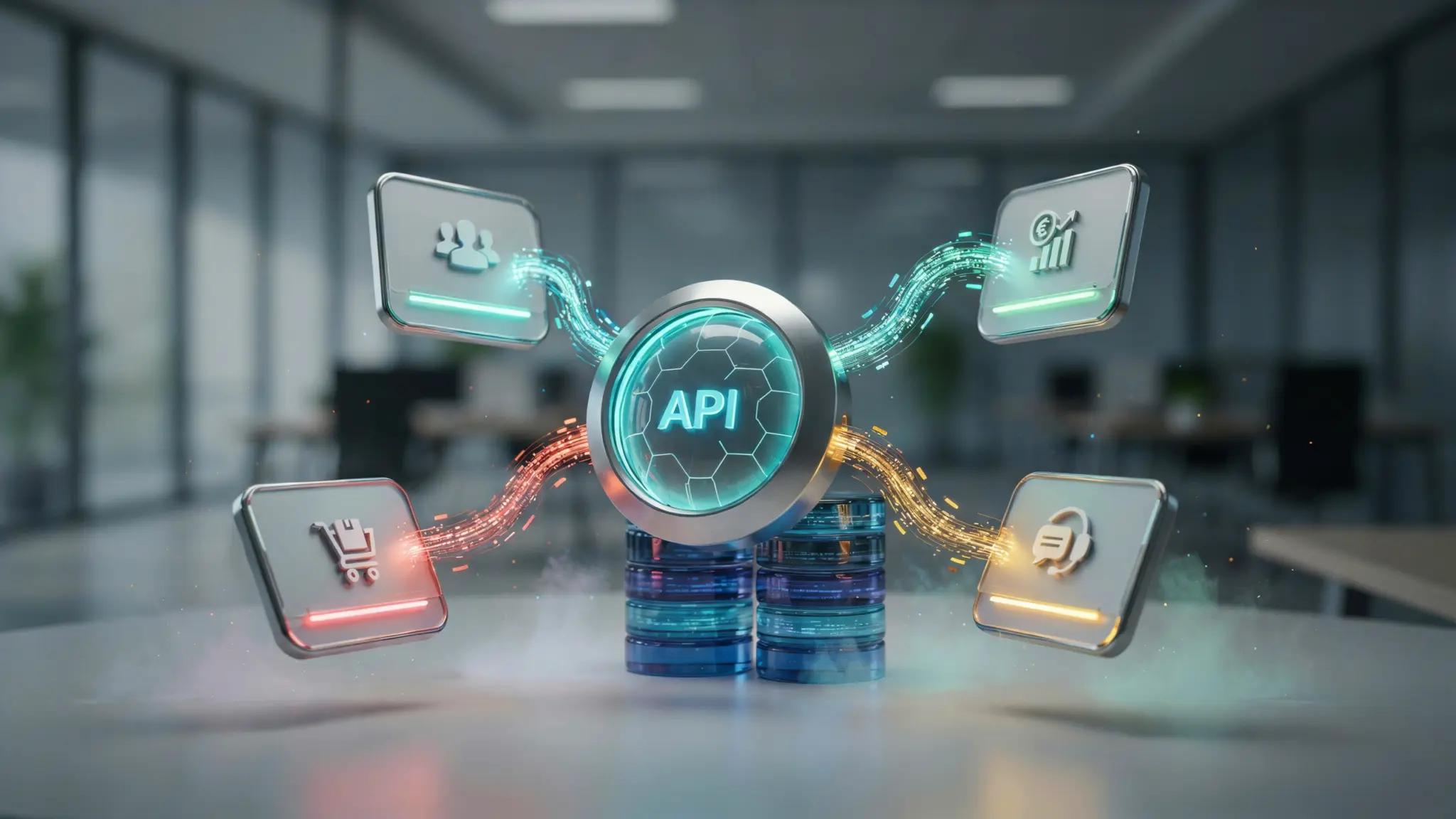



Most businesses end up running a dozen different tools before anyone asks whether those tools can actually talk to each other.
Sales lives in a CRM, finance runs on separate software, and support tickets sit in a system nobody else can see.
That disconnect is exactly what software integration solves, and it sits under the wider umbrella of systems integration, which extends the same logic across hardware and infrastructure too.
Every guide online defines this term a little differently, adding to the confusion. Here’s a plain explanation of what software integration actually means, how it works, and why picking the wrong method can cost real time and money before two systems ever share a single piece of data.
What Is Software Integration?
Before comparing it to related terms, it helps to start with a definition that holds up across every context it’s used in.
Software integration is the process of connecting two or more separate applications so they can share data and work together instead of operating in isolation.
Once connected, updates made in one system can appear in another automatically, usually through an application programming interface (API), without anyone retyping the same information twice.
The goal isn’t just convenience: disconnected software creates data silos, where the same customer record might look different depending on which tool an employee opens, a problem that often surfaces while comparing different business software systems side by side.
How Does Software Integration Work?
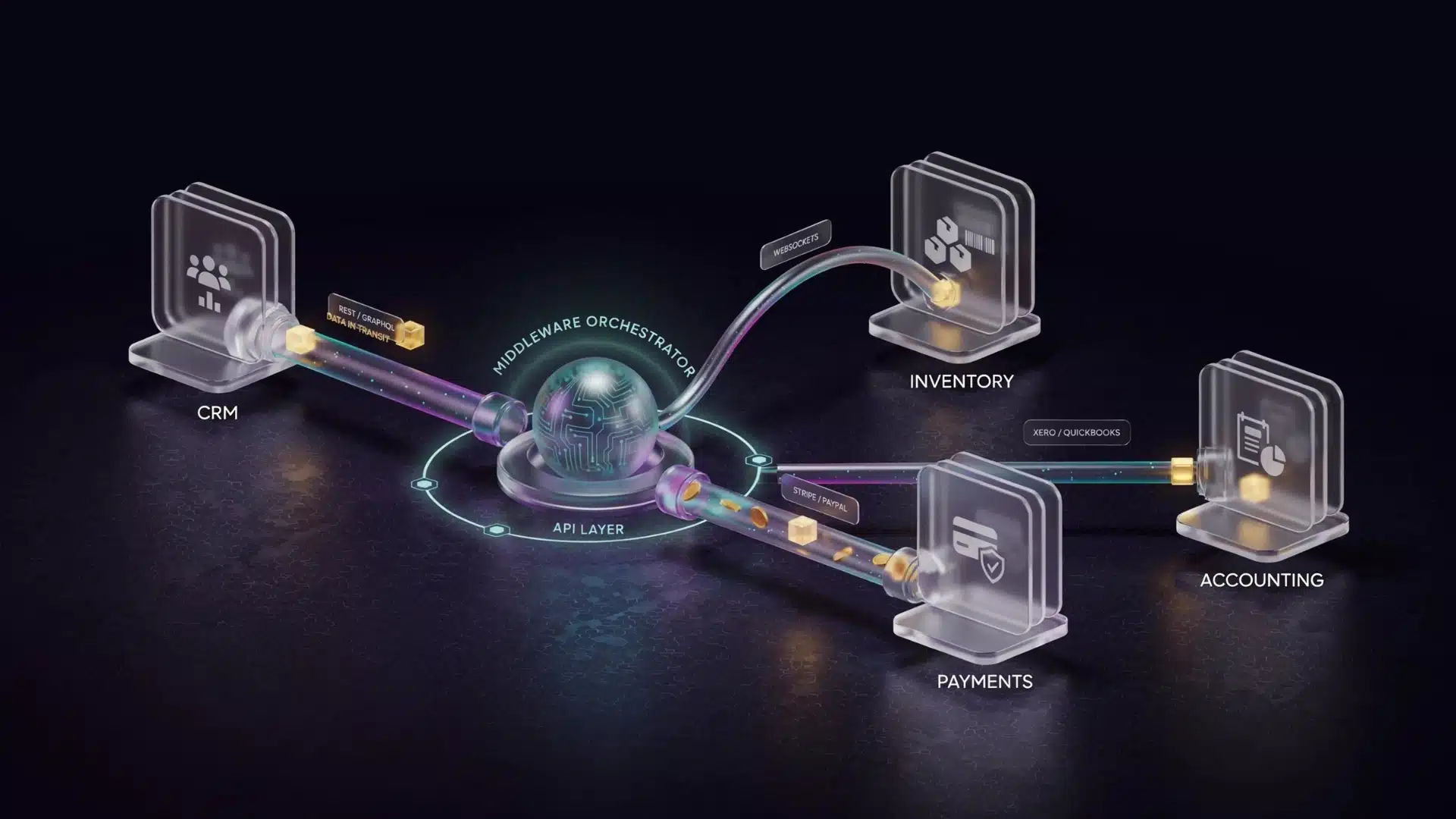
Software integration works by connecting separate applications so they can exchange information automatically.
The connection method depends on the systems involved, but most integrations rely on APIs, middleware, or built-in connectors to move data between platforms.
For example, when an online store receives an order, an integration can send that information to inventory software, payment systems, and accounting tools without employees entering the same data multiple times.
This keeps information consistent across platforms and reduces manual work, and a dedicated integration platform is often what handles that connection behind the scenes.
Software Integration vs. Related Concepts
Several technology terms describe connected systems, but they do not always mean the same thing. This comparison shows how software integration differs from related concepts.
| Concept | What It Does | What It Connects | Example |
|---|---|---|---|
| Software integration | Allows separate applications to exchange data and work together | Two or more software applications | Connecting a CRM with an email marketing platform |
| Application integration | Connects software applications, often used as another term for software integration | Different applications within a workflow | Linking a support tool with a customer database |
| Systems integration | Combines software and hardware components into one working environment | Applications, devices, servers, and infrastructure | Connecting point-of-sale terminals with inventory software |
| Automation | Uses connected data to trigger actions without manual input | Existing integrated systems and workflows | Sending an automatic welcome email after a CRM adds a new contact |
Software and application integration are often used interchangeably, while systems integration covers a broader range of software and hardware connections. Automation uses connected data to trigger actions, and some platforms combine both features, as explained in AWS’s enterprise application integration overview.
Common Software Integration Examples
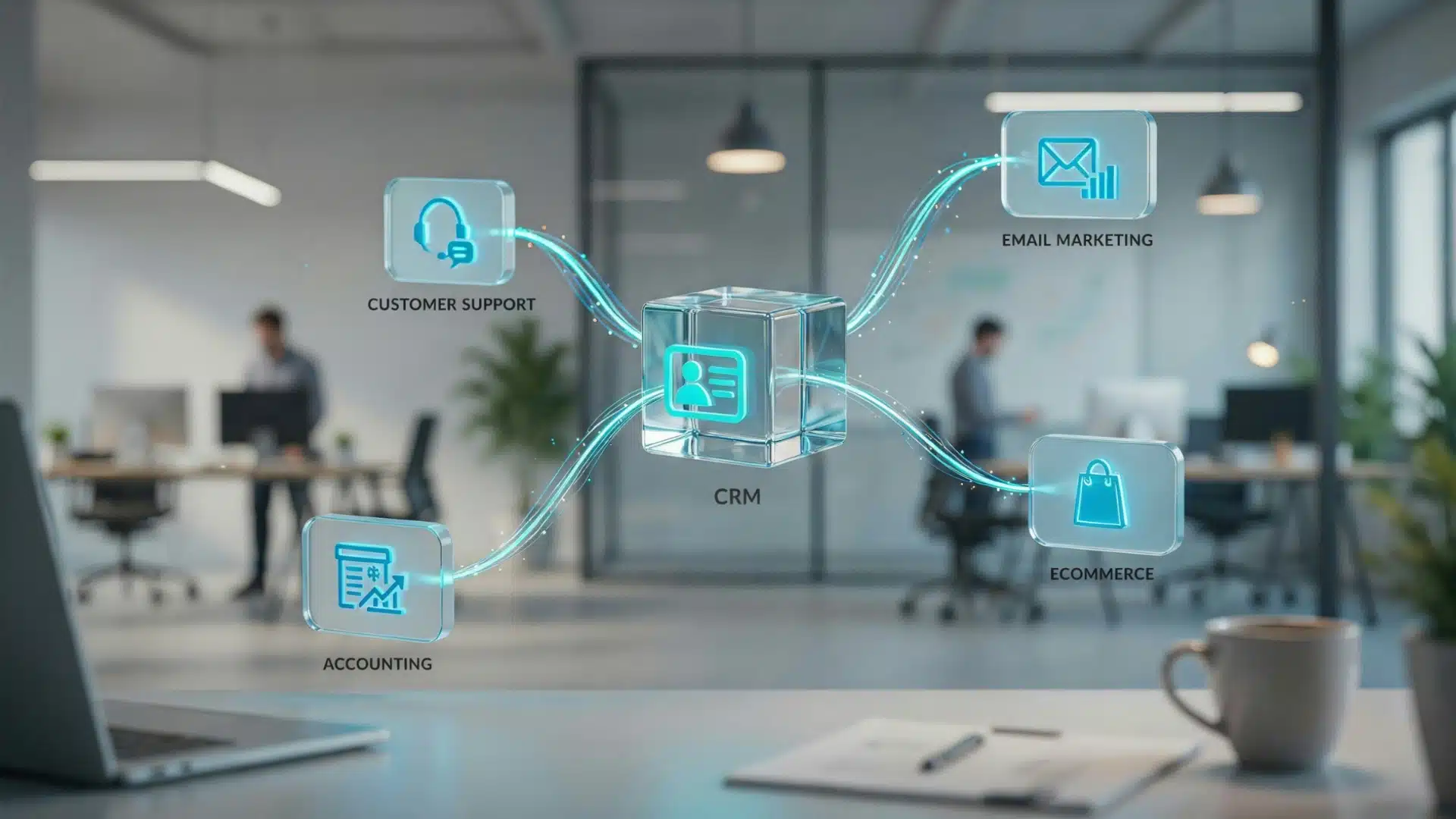
Software integration appears in many everyday business workflows, connecting tools that teams already use. Common examples include:
- CRM and email marketing integration: Customer information updates automatically between sales and marketing platforms.
- Ecommerce and inventory integration: Product orders update stock levels without manual entry.
- Accounting and payment integration: Transactions flow directly into financial software.
- Customer support and CRM integration: Support teams can access customer history from connected systems.
These connections help businesses reduce repetitive tasks, improve data accuracy, and keep teams working with up-to-date information, which is one reason comparing CRM platforms side by side often starts with checking what each one connects to.
Why Do Businesses Use Software Integration?
The main purpose of integration is not only to connect tools, but to move information faster and more reliably across a business. Companies use software integration to:
- Reduce manual data entry between platforms
- Keep customer and business information consistent
- Improve team productivity by removing repetitive tasks
- Create smoother workflows between departments
The value becomes more noticeable as businesses add more software tools and need those systems to work together instead of operating separately.
Integration Methods Compared
Once the purpose of integration is clear, the next decision is choosing the connection method that fits your applications, technical resources, and future needs.
| Method | Best For | Main Trade-off |
|---|---|---|
| Point-to-point | A small number of simple connections | Becomes difficult to manage as more integrations get added |
| Native/built-in | Two tools from the same provider or ecosystem | Only works when both applications already support it |
| Enterprise service bus (ESB) | Connecting many legacy, on-premises systems | Complex to set up, and a single point of failure if it goes down |
| Integration platform as a service (iPaaS) | Cloud-based apps that need to scale over time | Requires some technical setup and an ongoing subscription |
| API-first integration | Modern, cloud-native applications that expose APIs | Depends entirely on the quality of the APIs being connected to |
For most small teams, native or iPaaS options cover the majority of needs, while larger enterprises juggling legacy systems tend to lean on ESB middleware or dedicated API platforms.
What Developers Say About Managing Software Integrations
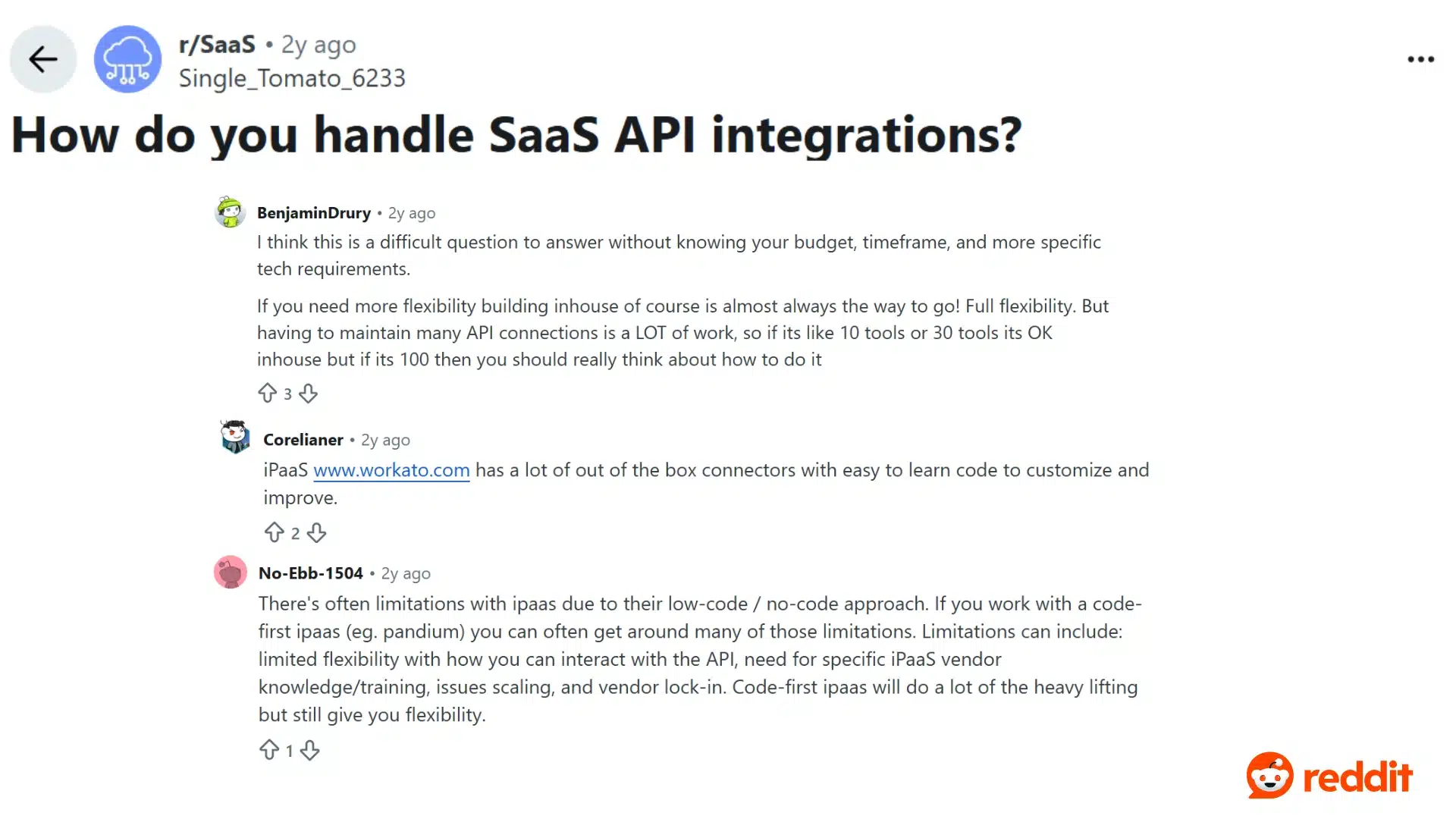
Real-world experience often shows that choosing an integration approach depends on more than the initial setup. Teams also need to consider maintenance, flexibility, scalability, and the number of systems they plan to connect.
A discussion among SaaS professionals on Reddit highlights how teams compare building API integrations internally with using iPaaS platforms.
Users note that in-house solutions offer more flexibility but can become difficult to maintain as the number of connected tools grows. At the same time, iPaaS platforms provide ready-made connectors, but they come with their own limitations.
The discussion reflects a common challenge businesses face: finding the right balance between control, development effort, and long-term maintenance when connecting multiple applications.
Build vs. Buy: Choosing the Right Approach
Choosing between building an integration internally or using an existing platform depends on your technical resources, number of connected systems, maintenance needs, and future growth plans.
| Situation | Better Approach | Why |
|---|---|---|
| Small number of integrations with an available technical team | Build in-house | Custom connections can work well without additional platform costs |
| Growing number of tools with limited developer time | Use an iPaaS platform | Provides faster setup and reduces ongoing maintenance work |
| Legacy systems combined with modern cloud tools | Use middleware or a specialized integration vendor | Helps manage complex connections without rebuilding everything from scratch |
| Strict compliance or data residency requirements | Use a managed integration service | Provides stronger oversight, security controls, and documented standards |
The right choice depends less on company size and more on the number of systems involved, available technical skills, and how much maintenance the integration will require over time.
What Does Software Integration Cost?
Cost is an important consideration when planning an integration because the final investment depends on the number of systems, connection complexity, data volume, and ongoing maintenance requirements.
Simple in-house point-to-point integrations may require only developer time. At the same time, iPaaS platforms can range from around $100 to several thousand dollars per month, depending on connected applications and support needs.
Larger solutions, such as ESB middleware or managed integration services, can require significantly higher budgets because they involve complex systems, customization, and ongoing support.
These figures vary by vendor and project scope, so treat them as general estimates rather than fixed pricing. A company’s technical needs and future growth plans usually determine the most practical option.
Security Considerations Before You Integrate
Every integration adds a new pathway for data to move between systems, which means it also adds a new pathway that needs to be secured properly.
- Confirm whether data is encrypted both in transit and at rest.
- Check which employees or systems have access to the integration, and whether that access can be limited by role.
- Look for relevant compliance certifications, such as SOC 2 or ISO 27001, especially if the integration touches customer or financial data.
- Ask how the vendor or platform handles a security incident, including how quickly it notifies affected customers.
Skipping this step is one of the more common reasons integration projects create problems well after launch instead of during setup.
How to Tell If Your Integration Is Actually Working

Most integration projects get measured once, at launch, and never checked again, which makes it hard to know if something has quietly broken.
- Data latency: how long it takes for a change in one system to appear in the other.
- Error rate: how often records fail to sync and require manual correction.
- Adoption: whether employees are actually using the connected data instead of working around it.
- Time saved: whether the manual tasks the integration was meant to remove have actually stopped happening.
Checking these numbers a few months after launch, not just on day one, is usually what reveals whether an integration is still doing its job.
Final Take
Software integration comes down to one simple idea: letting separate applications share data instead of forcing employees to move it manually.
The confusing part isn’t the concept itself; it’s the fact that terms like software, application, and systems integration get used loosely, and many explanations list different “types” without clarifying how they differ.
If your tools still require manual updates across platforms, start by identifying the connections that could save the most time before comparing vendors.
Have you worked with software integrations before? Share your experience in the comments and let others know what solutions helped your workflow.
Frequently Asked Questions
How long does a software integration project usually take?
The timeline depends on the number of systems, data complexity, security requirements, and whether custom development is needed.
What happens if one integrated system goes offline?
A failed connection can interrupt data flow, so monitoring, error handling, and backup processes help prevent major disruptions.
Can software integration affect data accuracy?
Yes. Proper integration reduces duplicate entries and outdated records, but poor configuration can create syncing errors.