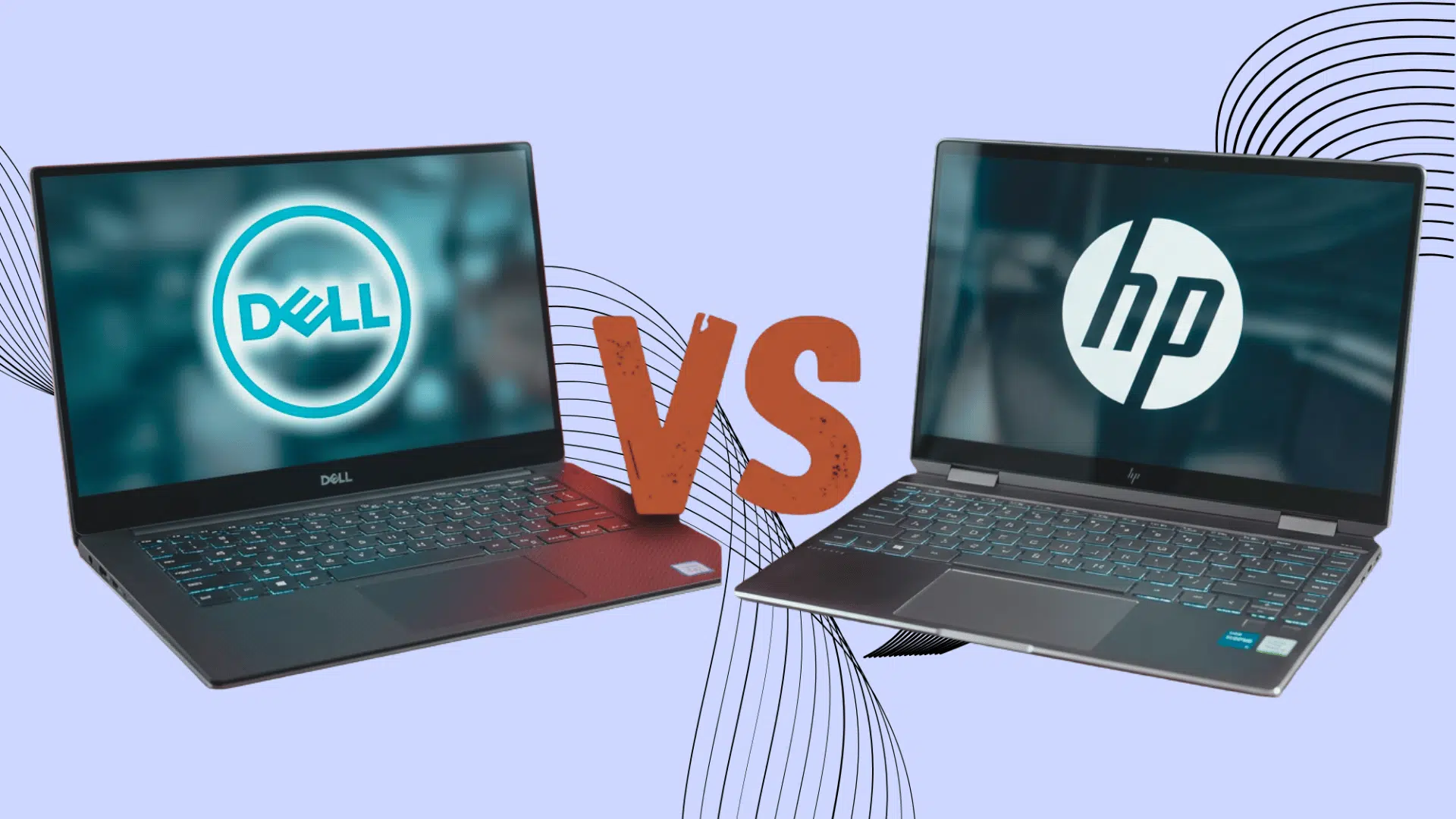



Picking a new laptop often turns into a Dell vs HP laptops debate, and it’s easy to see why.
Both brands cover nearly every budget and use case, from everyday browsing to gaming and heavy creative work, which can make the decision harder.
Specs on paper rarely tell the full story. What actually separates these two comes down to build quality, battery performance, service and support, and the real value you get for your money.
Below, we break down performance, design, battery life, reliability, pricing, and how each series stacks up against the other, so you can compare what matters instead of picking a name out of habit.
Dell or HP Laptop: Which is Better Overall?
Both Dell and HP make good laptops; it depends on your intended use.
Dell has moved away from Inspiron, Latitude, and Precision. Everyday models are now branded simply Dell, XPS is back as the premium line, Dell Pro covers business laptops, and Dell Pro Precision covers workstations.
HP is phasing out Pavilion, Envy, and Specter in favor of its new OmniBook range, which now covers what those three used to. Victus and OMEN remain HP’s gaming lines, while ProBook, EliteBook, and ZBook cover business and workstation needs.
Dell suits buyers who want durability and business support. HP suits buyers who want nice designs, good multimedia, and better pricing.
Dell vs HP Laptops: How Do They Actually Compare?

Dell and HP compete closely across budget, business, premium, and gaming laptops. Their differences become clearer when you compare performance, design, battery life, reliability, and overall value.
1. Performance and Speed
Both brands offer laptops with Intel and AMD processors, fast SSD storage, and enough memory for daily work, study, and entertainment.
Dell often offers more configuration options, especially across its Dell Pro business range, Dell Precision workstations, and Alienware gaming laptops.
HP also delivers strong performance, particularly through its OmniBook range (which has replaced Envy and Specter), along with Victus and OMEN gaming models.
2. Design and Build Quality
HP laptops often have a sleek, polished appearance, especially in the OmniBook Ultra and OmniBook X models that replaced the Specter and Envy.
Many use slim bodies, narrow screen borders, and stylish finishes. Dell tends to focus on clean, practical designs, although the XPS line also looks modern and refined. Build quality varies across both brands.
Their business and premium laptops usually feel stronger than entry-level models, which may rely more heavily on plastic to keep prices low.
3. Battery Life and Portability
Battery life can vary widely depending on the screen, processor, battery size, and daily workload. HP offers several thin and lightweight laptops, including OmniBook models, that work well for travel, meetings, and classroom use.
Dell also has portable options, particularly in the XPS range and the Dell Pro business line that replaced Latitude.
Models with high-resolution screens or dedicated graphics usually use more power. Buyers should compare battery test results for the exact laptop model.
4. Reliability and Long-Term Use
Dell and HP both make reliable laptops, but durability often depends on the product range. Even reliable laptops can eventually develop common computer issues and hardware problems, making repairability and support worth checking before purchase.
Dell Pro and HP EliteBook models are built for regular business use and may include stronger frames, security tools, and easier repair options.
Consumer models can differ more in hinge strength, cooling, and material quality. Regular cleaning, charging habits, and careful handling can help a laptop from either brand remain dependable for several years.
5. Features and Connectivity
Many current Dell and HP laptops include Intel Core Ultra or AMD Ryzen AI processors with dedicated NPUs, supporting Copilot+ features like on-device AI tools and better battery management.
On ports, most Dell Pro, Pro Precision, and XPS models offer USB-C with Thunderbolt or USB4 support, so one cable can handle charging, displays, and data transfer.
HP’s ProBook, EliteBook, and ZBook lines offer similar support, while consumer OmniBook models typically carry a mix of USB-C, USB-A, and HDMI ports.
Tip: Dell laptops also support a range of familiar Windows functions, including different ways to screenshot on a Dell computer for work or everyday use.
6. Price and Overall Value
Dell and HP sell laptops across nearly every price range, from basic models to high-end workstations.
HP frequently offers attractive discounts on everyday and mid-range laptops, while Dell often provides more customization choices before purchase.
The better value depends on the included processor, RAM, storage, display, warranty, and ports. A cheaper model isn’t always the smarter deal if it has limited memory, a dim screen, or parts you can’t upgrade later.
Dell vs HP Laptop Series Compared
Dell and HP group their laptops into different series based on price, performance, and intended use. This table gives a clearer comparison without adding too much detail.
| Category | Dell Series | HP Series | Suitable For |
|---|---|---|---|
| Everyday Laptops | Inspiron | HP Laptop, Pavilion | Browsing, study, streaming, and office tasks |
| Premium Laptops | XPS | Envy, Specter | Better displays, slim designs, and premium features |
| Business Laptops | Latitude | ProBook, EliteBook | Professional work, security, and regular travel |
| Workstations | Precision | ZBook | Design, engineering, editing, and demanding software |
| Gaming Laptops | G Series, Alienware | Victus, OMEN | Casual, competitive, and high-end gaming |
| 2-in-1 Laptops | Inspiron 2-in-1 | Envy x360, Spectre x360 | Touchscreen use, note-taking, and flexible viewing |
Which Brand is Better for Different Users?

Dell and HP suit different buyers depending on their work, budget, and daily needs. Gamers should also compare the laptop’s hardware against specific game requirements, such as the recommended Cyberpunk 2077 PC specs, before buying.
- Students: HP offers stylish, lightweight models at varied prices, while Dell is a strong choice for durable laptops used for classes and assignments.
- Business Users: Dell Latitude suits users who value security, support, and practical designs, while HP EliteBook offers strong portability and polished business features.
- Gamers: Dell offers G Series and Alienware laptops for different budgets, while HP competes with Victus and OMEN models that offer solid gaming performance.
- Creative Professionals: HP often stands out for bright displays and sleek designs, while Dell Precision and XPS models handle editing, design, and demanding software well.
- Budget Buyers: Both brands offer affordable options at similar price points, so it comes down to comparing the specific model’s processor, RAM, storage, and display before deciding.
Dell vs HP Laptops: What Real Users Are Saying
These Reddit discussions show how real users compare Dell, HP, ASUS, and Lenovo based on reliability, design, battery life, and everyday performance.
The user is comparing Dell and HP laptops within a £500 budget, with reliability as the main concern. They want to know which brand generally offers better durability and dependable long-term performance.
The user prefers HP for its design but is considering Dell based on recommendations from friends. They are seeking opinions from other laptop users to decide which brand would be the better choice.
The user is comparing ASUS with Dell, HP, and Lenovo for reliability and overall quality.
They want to know if business laptops are noticeably better than consumer models.
Warranty and Customer Support
Dell consumer laptops (Dell, XPS) usually carry a standard 1-year warranty, while business models like Dell Pro and Precision often include 3-year coverage.
Dell also offers ProSupport and ProSupport Plus for faster response times and accidental damage protection at an extra cost.
HP follows a similar pattern. Consumer laptops (OmniBook, Pavilion, Envy, Specter) typically carry a 1-year warranty, while ProBook, EliteBook, and ZBook models often ship with 3-year coverage.
HP Care Packs extend coverage up to 5 years and add accidental damage protection. Base warranty coverage stays limited on both brands, and longer protection means paying extra.
Check the exact model’s warranty terms before buying.
Key Factors to Check Before Choosing Dell or HP
Before choosing between Dell and HP laptops, check the actual model features instead of relying only on the brand name. These factors can help you make a better choice:
1. Check Processor, RAM, and Storage: Review the processor speed, RAM capacity, storage type, and hard drive space. These features directly affect performance, multitasking, and everyday usage.
2. Compare Display Quality: Look at screen brightness, resolution, and display size. A better screen can improve viewing comfort, especially for work, entertainment, and creative tasks.
3. Evaluate Battery Life and Keyboard Design: Consider battery performance and keyboard comfort, especially if you’ll use the laptop for long hours or travel often.
4. Review Build Quality and Port Selection: A durable build helps with daily use and portability. Also check available ports for connecting accessories and external devices.
5. Check Upgrade Options: See whether the laptop allows future upgrades for RAM or storage. Upgrade flexibility can extend the device’s useful life.
6. Compare Warranty and Support Services: Look into warranty coverage, repair options, and the quality of customer support offered by Dell and HP.
Conclusion
The final choice comes down to the laptop that fits your routine, not the logo on the lid.
In the Dell vs HP laptops debate, both brands offer strong options for work, study, gaming, and creative tasks. Rather than chasing the most expensive model, focus on the features you will use every day.
For anyone wondering whether Dell or HP is better, the answer lies in matching performance, battery life, build quality, and price to your needs.
Compare the exact models, check real user reviews, and choose the laptop that offers lasting value. Have you used a Dell or HP laptop? Share your experience, favorite model, or buying tips in the comments below.
Frequently Asked Questions
Do Dell and HP Laptops Come with Microsoft Office?
Most models do not include a permanent Microsoft Office license. Some may offer a trial or bundled subscription.
Can Dell and HP Laptops Use Universal Chargers?
Many newer models support USB-C charging, but power requirements and compatibility vary.
Which Brand Offers More Color Choices?
HP often provides more color options in its consumer ranges, while Dell usually uses neutral shades such as black, silver, and grey.