




Contracts pile up fast, and once a business grows past a handful of agreements a year, spreadsheets and shared drives stop working.
Missed renewal dates, buried approval emails, and version confusion cost time and money, and the risk only grows as more departments start signing agreements of their own.
Contract lifecycle management software fixes this by handling drafting, review, approval, signing, and renewal tracking from one place, so agreements stop slipping through inboxes and folders.
Ahead is a side-by-side look at some proven platforms, what each one does best, current pricing ranges, and a straightforward way to match a platform to your company size, budget, and existing tools.
What is Contract Lifecycle Management Software?
Before comparing platforms, it helps to know what this software actually covers and where it fits into a company’s day-to-day contract work.
Contract lifecycle management software, often shortened to CLM, is a system that manages a contract from the moment it is requested through to its renewal or expiry.
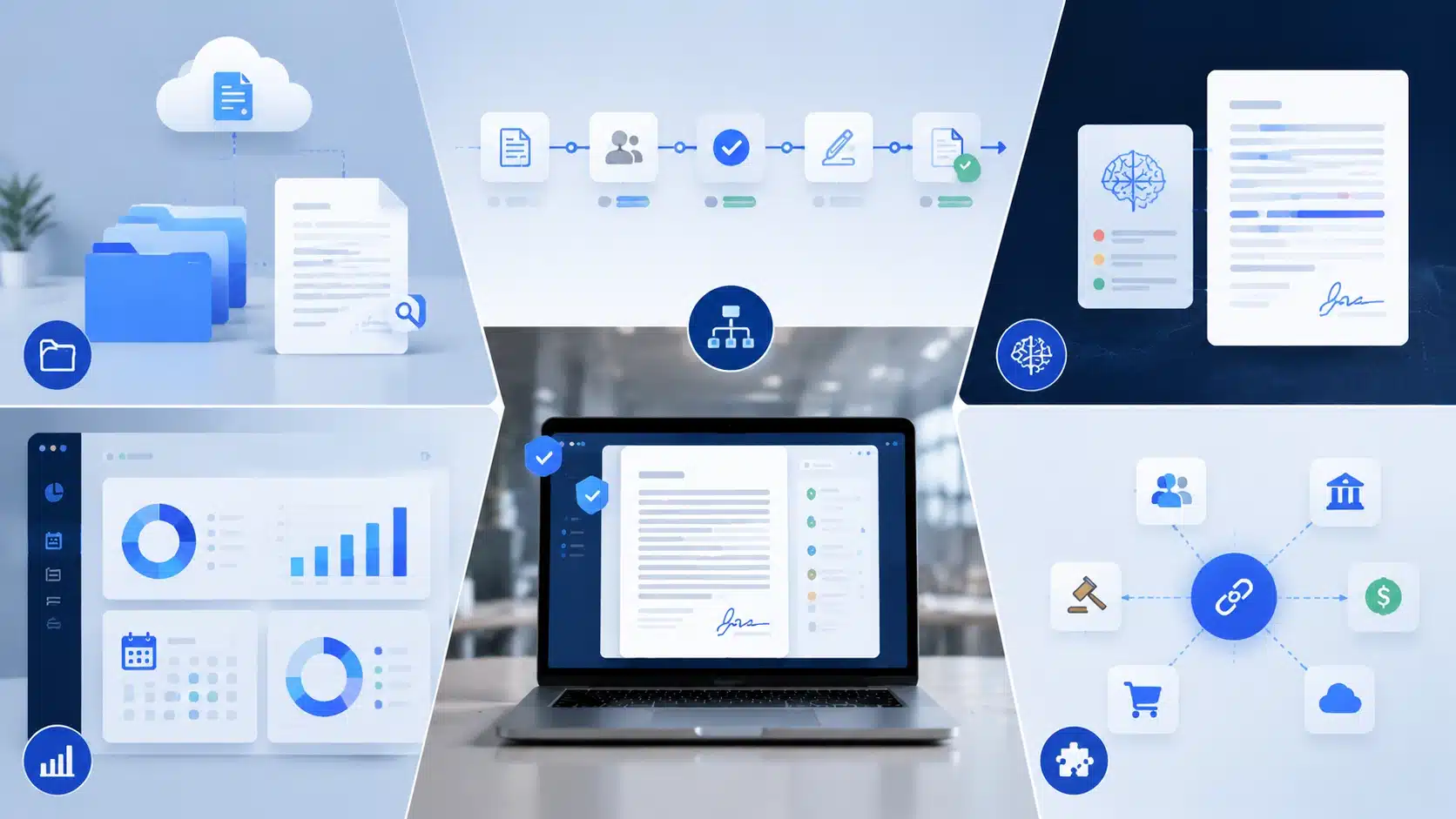
Instead of tracking a document across email threads and folders, every stage runs through one platform: intake, drafting, negotiation, approval, signing, storage, and renewal reminders.
Legal teams were the first adopters, but sales, procurement, finance, and HR teams now rely on the same system to move agreements along without waiting on manual follow-up.
In many organizations, CLM is just one component of a broader set of business software systems that support legal, finance, operations, and customer-facing teams.
Detailed Reviews of the Top CLM Platforms
A comparison table only tells part of the story, so here is a closer look at what each platform does well and where it falls short.
1. Ironclad
Ironclad is built around contract workflows and reads as a strong match for legal departments that handle a steady stream of vendor and customer agreements.
- Best for: Legal teams at mid-size and large companies.
- Standout feature: AI-assisted review that flags risky clauses before approval.
- Limitation: Setup and workflow configuration often need dedicated admin time.
2. DocuSign CLM
Teams that already run on DocuSign for e-signature tend to add DocuSign CLM to keep everything under one vendor relationship.
- Best for: Companies with an existing DocuSign account.
- Standout feature: Signature and workflow tools built on the same platform.
- Limitation: Advanced clause analysis is not as strong as some competitors.
3. Icertis
Icertis targets large enterprises that need contract data connected to ERP and compliance systems across regions.
- Best for: Enterprises with multi-region compliance requirements.
- Standout feature: Deep integration with SAP, Oracle, and Microsoft systems.
- Limitation: Implementation timelines run long compared with smaller platforms.
Organizations in highly regulated industries often connect CLM platforms with audit management software to simplify compliance tracking and maintain a clearer record of contract-related activities.
4. LinkSquares
LinkSquares focuses on making an existing pile of contracts searchable, which suits in-house counsel sitting on years of unorganized agreements.
- Best for: In-house counsel with a large backlog of existing contracts.
- Standout feature: Search and analysis across historical contract data.
- Limitation: Fewer built-in options for sales or procurement workflows.
5. PandaDoc
PandaDoc keeps setup simple, which makes it a common pick for small businesses that need contracts and proposals out the door quickly.
- Best for: Small businesses and sales-driven teams.
- Standout feature: Fast proposal and contract creation with a free starting plan.
- Limitation: Not built for complex, multi-department approval chains.
6. Agiloft
Agiloft leans on a no-code builder, giving operations teams room to design approval paths without pulling in a developer.
- Best for: Companies with unusual or highly specific approval workflows.
- Standout feature: Configurable workflows without custom code.
- Limitation: The flexibility can mean a longer setup period upfront.
7. Juro
Juro runs entirely in the browser, which fast-growing teams tend to prefer over software that needs local installation or heavy training.
- Best for: Startups scaling contract volume quickly.
- Standout feature: Browser-based editor built for speed.
- Limitation: Smaller library of native integrations than enterprise tools.
8. SpotDraft
SpotDraft pairs contract drafting with automated risk checks, aimed at lean legal teams that want AI support without an enterprise price tag.
- Best for: Lean legal teams that want AI support without enterprise pricing.
- Standout feature: Automated clause and risk flagging during drafting.
- Limitation: Reporting tools are lighter than platforms built for enterprises.
How to Choose the Right CLM Software for Your Business

Matching software to your actual workflow matters more than picking the platform with the longest feature list, so start with these checks before booking a demo.
- Count your contract volume: a company signing 50 contracts a year has different needs than one signing 5,000.
- Confirm integration needs: check for native connections to Salesforce, your ERP, or your accounting software before the demo.
- Decide how much AI support you need: some teams want automated clause review, others need a clean repository.
- Map who uses the system: legal, sales, procurement, and finance often need different views and permissions.
- Set a full budget: include setup, training, and the first year of licensing, not just the monthly fee.
Once these five points are answered, the shortlist usually narrows to two or three realistic options.
CLM Software Pricing: What to Expect
Pricing swings widely across this category, so it helps to know the general ranges before a sales call sets expectations too high or too low.
| Tier | Typical Monthly Range | What Is Included |
|---|---|---|
| Free or entry-level | $0–$19 | Basic contract creation, limited users |
| Small business | $50–$300 | Templates, e-signature, basic tracking |
| Mid-market | $500–$2,000 | Workflow automation, integrations, reporting |
| Enterprise | Custom quote | Full platform, dedicated support, compliance tools |
Actual costs depend on user count, contract volume, and how many modules a business turns on at signup.
Common Mistakes to Avoid
Most regret after a CLM purchase comes down to a short list of avoidable missteps worth checking before you sign anything.
- Picking the cheapest option without testing it against real contracts
- Skipping integration checks with existing sales or accounting tools
- Rolling the platform out to every department at once instead of piloting first
- Ignoring the daily user experience for the people who aren’t admins
- Underestimating how long migration and training will actually take
A short pilot with real contracts, not demo data, tends to catch most of these problems early.
Wrapping It Up
Choosing contract lifecycle management software comes down to matching a platform to your contract volume, existing systems, budget, and the departments that will use it daily.
Enterprise buyers need compliance and ERP depth, mid-size teams want a balance of price and automation, and small businesses do best starting simple.
Shortlist two or three platforms from the comparisons above and test them against real contracts before committing.
In the end, the best choice is the one your team actually finds easy to use every day. Drop a comment below if you found this helpful.
Frequently Asked Questions
Can CLM Software Integrate with Tools Like Slack or Microsoft Teams?
Most modern platforms support Slack or Teams notifications for approvals and signature requests, though native depth varies. Check integration lists directly with each vendor before signing.
Is a Free Trial Available Before Committing to a CLM Platform?
PandaDoc offers a free tier, and several vendors provide short trials or sandbox demos. Enterprise platforms like Icertis typically skip trials in favor of guided demos.
Can Existing Contracts Be Migrated into a New CLM System?
Yes, most platforms support bulk uploads and data extraction from old repositories. Migration complexity depends on document volume and how consistently past contracts were organized.
Do CLM Platforms Offer Built-in Reporting and Analytics Dashboards?
Most mid-market and enterprise platforms include dashboards tracking approval times, renewal windows, and contract volume. Basic tools like PandaDoc offer lighter reporting than dedicated analytics-first platforms.