Choosing the right tech gadget is not just about buying the newest device.
It is about investing in technology that genuinely improves your everyday life, whether that means working more efficiently, staying healthier, or saving time on routine tasks.
With countless options on the market, it can be difficult to separate worthwhile purchases from short-lived trends.
In this guide, the best tech gadgets to buy, what makes them a smart long-term investment, and how to choose the right one for your needs, budget, and lifestyle.
What Makes a Tech Gadget Worth Investing In?
A tech gadget is worth buying when it solves a real problem. Before buying any gadget, it’s worth checking:
- Frequency of actual daily use
- Battery life and charging speed
- Build quality and durability
- Ongoing software support
- Warranty and service accessibility
- Compatibility with existing devices
- Customer reviews and expert ratings
- Price versus long-term value
Best Tech Gadgets Worth Buying
Not every gadget earns a permanent place in someone’s daily routine. The picks below stand out for consistent performance, proven reliability, and strong long-term value.
Premium Smartphones

Premium smartphones combine strong cameras, fast processors, and long-term software support. Flagship competition centers on cameras, AI, and display quality.
1. iPhone 16 Pro Max
The iPhone 16 Pro Max pairs Apple’s A18 Pro chip with a 6.9-inch OLED display for smooth, bright viewing.
Its 48MP main camera and 5x telephoto lens deliver strong zoom, backed by a quick-access Camera Control button and a lighter titanium frame.
Battery life reaches up to 33 hours of video playback.
| Pros | Cons |
|---|---|
| Exceptional video and camera quality | High upfront cost |
| Easy connectivity across Apple devices | Less customization flexibility compared to Android |
2. Samsung Galaxy S25 Ultra
The Samsung Galaxy S25 Ultra pairs a Snapdragon 8 Elite chip with a 6.9-inch AMOLED display and titanium frame.
Its 200MP main camera with ultra-wide and telephoto lenses delivers detailed zoom shots, and a built-in S Pen adds handwriting support.
Galaxy AI handles live translation, note summarization, and photo editing on-device.
| Pros | Cons |
|---|---|
| Impressive zoom camera and sharp, bright display | A larger form factor may feel bulky for some users |
| Excellent for productivity and multitasking | Repair costs on premium components can add up |
3. Google Pixel 10 Pro
The Google Pixel 10 Pro runs on Google’s Tensor G5 chip, leaning on computational photography over raw specs.
Its triple camera system works with Magic Editor and Best Take to fix group shots and remove unwanted objects.
The 6.3-inch OLED display stays compact, and Google backs it with several years of guaranteed OS and security updates.
| Pros | Cons |
|---|---|
| Outstanding photo processing and image quality | Not the strongest option for heavy gaming |
| Smooth, clutter-free Android experience | Some features rely heavily on Google services |
Laptops and Ultrabooks

Laptops and ultrabooks suit anyone who studies, works remotely, or travels for business. The strongest models stand out in performance, battery life, and portability.
4. Apple MacBook Air
The MacBook Air runs on Apple’s M4 chip, a fanless processor that stays quiet even under heavy multitasking or video editing.
Battery life reaches up to 18 hours, covering a full workday without a charger.
The Liquid Retina display comes in 13-inch and 15-inch sizes, and the aluminum body weighs under three pounds.
| Pros | Cons |
|---|---|
| Ultra-light and easy to carry anywhere | Limited port selection |
| Reliable battery life for a full day of work | Not built for heavy gaming |
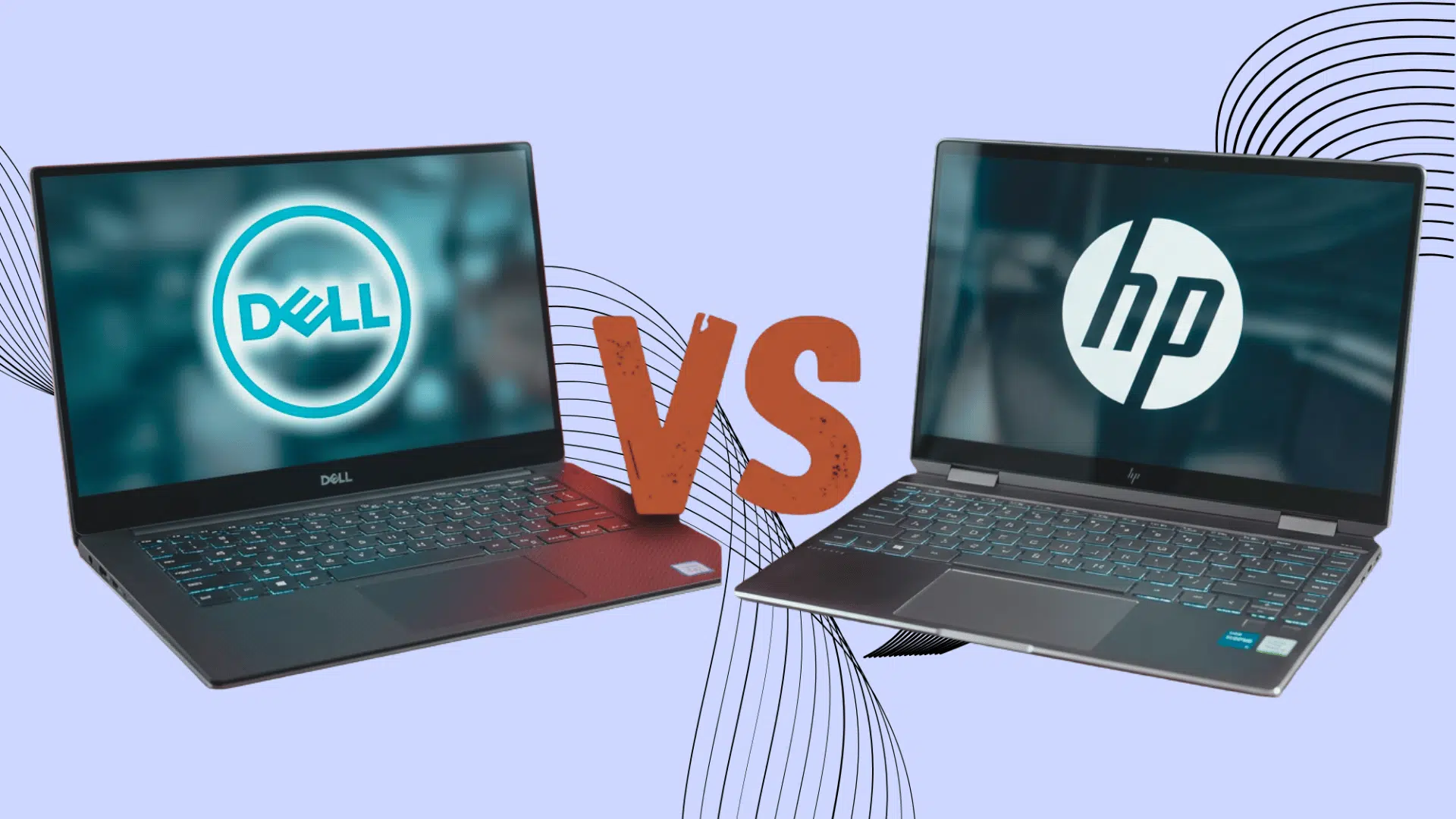
5. Dell XPS 13
The Dell XPS 13 uses Intel Core Ultra processors and a CNC-machined aluminum chassis for a rigid, thin build.
The InfinityEdge display minimizes bezels for a larger-screen feel without a larger footprint.
Battery life exceeds 12 hours under typical office use, and the keyboard uses a capacitive-touch row instead of physical function keys.
| Pros | Cons |
|---|---|
| Premium build quality in a small form factor | Priced higher than many Windows alternatives |
| Well suited for office work and frequent travel | Limited upgrade options down the line |
6. Asus Zenbook 14 OLED
The Asus Zenbook 14 OLED pairs Intel Core Ultra chips with a 2.8K OLED panel for deep contrast and accurate colors, rare at this price point.
The magnesium-aluminum alloy body stays under three pounds while passing military-grade durability testing.
Ports include USB-C, USB-A, and HDMI, covering most everyday connection needs without an adapter.
| Pros | Cons |
|---|---|
| Vibrant OLED display with rich color accuracy | Battery life can vary depending on usage |
| Great balance of price and performance | Not designed for high-end gaming |
Noise-Canceling Headphones

Noise-canceling headphones make a real difference during travel, focused work, and calls.
The best models stand out in noise cancellation, comfort, and battery life.
7. Sony WH-1000XM6
The Sony WH-1000XM6 uses an updated noise-canceling processor that adjusts to ambient sound in real time, blocking engine noise, chatter, and office hum.
Multipoint Bluetooth keeps it connected to two devices at once, making it easy to switch between a laptop and a call.
Battery life reaches up to 30 hours with ANC on, and a 3-minute quick charge adds several hours of playback.
| Pros | Cons |
|---|---|
| Excellent noise cancellation performance | Sits at a higher price point |
| Comfortable enough for extended listening sessions | Touch controls may take some getting used to |
8. Bose QuietComfort Ultra Headphones
The Bose QC Ultra Headphones include Bose’s Immersive Audio mode for a spatial effect on music and movies.
Custom Tune technology scans the ear canal shape to automatically adjust sound output.
Battery life covers up to 24 hours per charge, and plush ear cushions distribute pressure evenly for long wear.
| Pros | Cons |
|---|---|
| Exceptionally comfortable fit for long wear | Priced significantly higher than standard headphones |
| Outstanding noise-blocking performance | The bulkier design makes it less portable |
9. Apple AirPods Pro
The AirPods Pro run on Apple’s H2 chip, which powers Adaptive Audio and Conversation Awareness, which lowers the music volume when the wearer starts talking.
The earbuds carry an IP54 rating for resistance to sweat, rain, and dust.
Recent updates added hearing-health features, including a built-in hearing test and hearing-aid functionality.
| Pros | Cons |
|---|---|
| Works smoothly with iPhone and Apple devices | Battery life falls short compared to over-ear models |
| Lightweight and easy to carry | The best features are exclusive to Apple users |
Smartwatches and Fitness Trackers

Smartwatches track fitness, sleep, and payments, with the right pick depending on phone compatibility.
Metrics can vary across devices, so treat them as estimates rather than medical results.
10. Apple Watch Series
The latest Apple Watch Series features a thinner case, larger display, and faster charging than earlier models.
Health tools include a depth gauge, water temperature sensor, and sleep apnea notifications for irregular breathing during sleep.
It also supports fall and crash detection, which can automatically contact emergency services.
| Pros | Cons |
|---|---|
| Smooth integration with iPhone | Compatible only with iPhone |
| Robust health and app functionality | Requires frequent charging |
11. Samsung Galaxy Watch
The Samsung Galaxy Watch uses Samsung’s BioActive Sensor to track heart rate, blood oxygen levels, and body composition for a fuller health picture than step counts alone can provide.
Sleep coaching analyzes rest patterns and suggests small changes to improve sleep quality.
Running on Wear OS, it also supports a wide range of third-party fitness apps.
| Pros | Cons |
|---|---|
| Strong compatibility across Android devices | The best features are optimized for Samsung phones |
| Thorough health, sleep, and workout tracking | Battery life varies depending on usage and settings |
Robot Vacuums

Robot vacuums suit busy homes with dust or pet hair, cutting daily floor maintenance.
Top models are tested on suction, mopping, and obstacle avoidance.
12. Shark PowerDetect UV Reveal
The Shark PowerDetect UV Reveal uses a built-in UV sensor to spot invisible dust and debris, automatically adjusting suction power in that area.
It handles vacuuming and mopping in a single pass, switching modes based on the flooring detected.
The self-cleaning brush roll reduces hair tangles, a common issue with older robot vacuum models.
| Pros | Cons |
|---|---|
| Consistent performance for daily cleaning routines | May underperform on thick or deep carpets |
| Handy dual vacuum and mop functionality | Dock and replacement parts require regular maintenance |
13. Roborock Saros 20
The Roborock Saros 20 includes an extending side arm that reaches corners and baseboards that many robot vacuums miss.
Its AI-powered camera system identifies and avoids obstacles like cables, shoes, and pet waste in real time.
Suction power ranks among the highest in its class, making it a strong match for pet owners.
| Pros | Cons |
|---|---|
| Powerful suction that tackles pet hair effectively | Sits at a higher price point |
| Smart obstacle detection and avoidance | The mopping function may not fully replace manual cleaning |
14. Dreame D10 Plus Gen 2
The Dreame D10 Plus Gen 2 includes a self-emptying base that holds weeks’ worth of debris, reducing the need for manual bin emptying.
App scheduling runs cleaning routines automatically, even when no one is home.
Suction trails premium models, but it handles daily upkeep on hard floors and low-pile carpet well.
| Pros | Cons |
|---|---|
| Excellent value for the price | Less powerful than premium alternatives |
| Convenient self-emptying dock included | Not ideal for tackling heavy or stubborn messes |
Portable SSDs

Portable SSDs suit students, photographers, and professionals who need fast, small-form storage.
Top models are compared on speed, durability, and port compatibility.
15. Samsung T9 Portable SSD
The Samsung T9 uses USB 3.2 Gen 2×2 for read speeds up to 2,000MB/s, fast enough to transfer large video files quickly.
Its compact aluminum shell dissipates heat during longer transfers, keeping speeds consistent.
Storage ranges from 1TB to 4TB depending on project size.
| Pros | Cons |
|---|---|
| Impressive transfer speeds for quick file handling | Priced higher than standard hard drives |
| Small and highly portable design | Lacks strong water or dust resistance ratings |
16. SanDisk Extreme Pro Portable SSD
The SanDisk Extreme Pro carries an IP65 rating, resisting dust and splashing water for outdoor shoots and travel.
A rugged silicone bumper adds shock protection without adding much bulk.
Read speeds reach up to 2,000 MB/s over compatible USB ports, keeping pace with demanding video editing workflows.
| Pros | Cons |
|---|---|
| Rugged, travel-ready design built to withstand the elements | Peak speeds require compatible USB ports |
| Handles large photo and video files with ease | Priced above entry-level SSD alternatives |
17. Crucial X9 Pro
The Crucial X9 Pro connects via USB-C and reaches read speeds of up to 1,050 MB/s, which is solid for everyday backups, though it trails premium drives.
It ships with both USB-C and USB-A cables, covering older and newer devices alike.
The compact aluminum casing weighs under two ounces and is easy to slip into a bag or pocket.
| Pros | Cons |
|---|---|
| Strong value for everyday storage needs | Transfer speeds trail behind top-tier SSDs |
| Lightweight and easy to carry | Not best suited for the most demanding editing workflows |
Smart AI Home Appliances

18. Samsung Bespoke 4-Door Flex Refrigerator with AI Family Hub+
The Samsung Bespoke fridge’s AI Vision Inside automatically tracks what’s in your fridge.
While the 32″ AI Family Hub+ touchscreen handles recipes, entertainment, and smart home control. Capacity ranges from 24 to 29 cu. ft.
| Pros | Cons |
|---|---|
| Keeps track of groceries automatically, cutting down on food waste | Priced well above standard refrigerators without a display |
| Doubles as a smart home hub and entertainment screen | Large touchscreen adds another device that needs occasional troubleshooting |
19. June Oven Gen 3
The June Oven’s internal HD camera recognizes and counts your food, then auto-configures the ideal cook program for it.
It also replaces seven appliances in one, including a convection oven, air fryer, slow cooker, dehydrator, broiler, toaster, and warming drawer.
| Pros | Cons |
|---|---|
| Genuine food recognition that adjusts cooking automatically | Costs significantly more than a standard toaster oven |
| Replaces several separate countertop appliances | Interior camera raises privacy considerations for some users |
How to Choose the Right Tech Gadget?
Picking the right tech gadget comes down to matching it with real daily needs and long-term value.
- Match the gadget to the primary daily need, whether it’s photography, remote work, or home cleaning.
- Check compatibility with existing devices before buying.
- Apple products work best together; Samsung watches pair better with Samsung phones.
- Some SSDs need faster USB ports to hit peak transfer speeds.
- Compare long-term value to upfront price, factoring in battery life, software support, and storage capacity.
- Smart fridges and ovens rely on a strong home Wi-Fi connection, so check your router’s range before buying if the kitchen is far from it.
- Factor in ongoing app support, since AI features such as recipe suggestions and food recognition depend on it.
Common Mistakes to Avoid When Buying Tech Gadgets
A great-looking gadget is not always a great purchase. Avoid these common mistakes to get the best value for your money and avoid buyer’s remorse.
- Buying Based on Hype Alone: The newest release or viral gadget is not always the right fit. Focus on features that match your daily needs instead of marketing buzz.
- Ignoring Compatibility: Not every gadget works seamlessly with every device. Check that it supports your existing phone, laptop, operating system, or smart home setup before buying.
- Overlooking Storage and Performance: Choosing too little storage or an underpowered processor can make a device feel outdated much sooner. Buy with your future needs in mind, not just today’s.
- Skipping Warranty and After-Sales Support: A lower price is not always a better deal if repairs or replacements are difficult to obtain. Buy from trusted brands or authorized retailers that offer reliable warranty coverage.
- Relying Only on Specifications: High-end specs do not always translate to a better everyday experience. Read expert reviews and long-term user feedback to understand how a gadget performs in real-world use.
Where to Buy Technology Gadgets?
Buying from the right source protects both price and warranty coverage. Manufacturer websites like Apple, Samsung, and Dell offer reliable warranty terms and trade-in options.
Authorized retailers such as Best Buy and Costco provide similar protections, sometimes with bundled accessories or extended return periods.
Amazon works well for price comparison, provided the listing ships from the brand or an authorized seller.
Certified refurbished programs, such as Apple Certified Refurbished, offer savings without sacrificing warranty coverage.
Final Takeaway
Technology is constantly evolving, but the best gadgets are the ones that solve real problems instead of adding unnecessary complexity.
By focusing on your everyday needs, budget, and long-term value, you can avoid impulse purchases and invest in devices you’ll actually use.
Take time to compare your options, read trusted reviews, and choose gadgets that make work, entertainment, or daily routines easier.
A smart tech investment today can improve your productivity, convenience, and overall experience for years to come.
Frequently Asked Questions
How Often Should Tech Gadgets Be Replaced?
Smartphones and laptops typically last 3 to 5 years. Headphones and smartwatches last 2 to 4 years. Portable SSDs often significantly outlast traditional hard drives.
Is It Better to Buy Gadgets During Sales Events?
Yes. Events like Amazon Prime Day, Black Friday, and Cyber Monday regularly offer 15% to 40% off on premium tech products.
Are Refurbished Gadgets Worth Buying?
Yes, if purchased from certified sources like Apple Certified Refurbished or Amazon Renewed. Avoid unknown third-party sellers with unclear warranty terms.