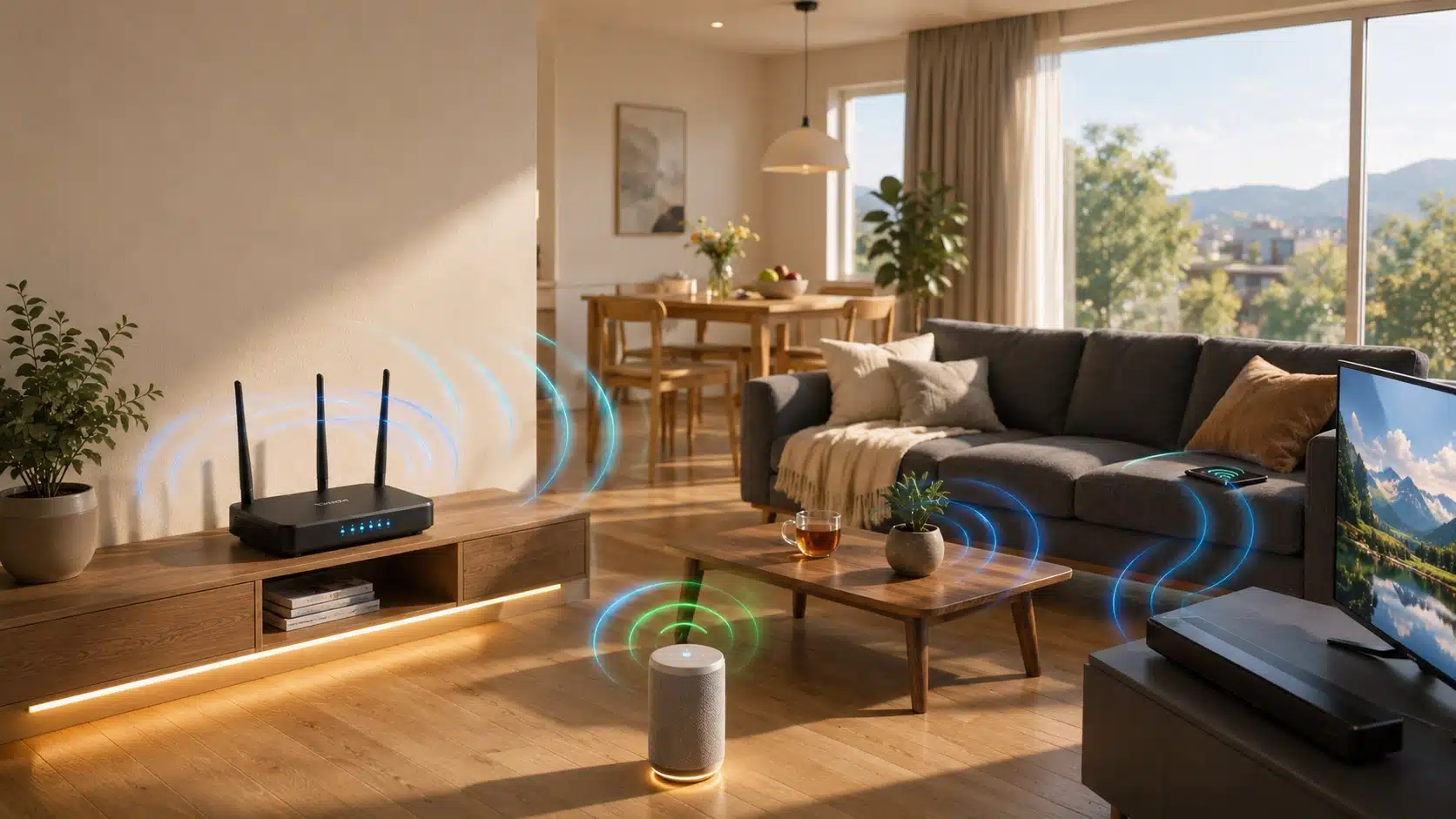



Imagine all the lights, locks, thermostats, and cameras in your home working together smoothly, ready to make your life easier and more comfortable.
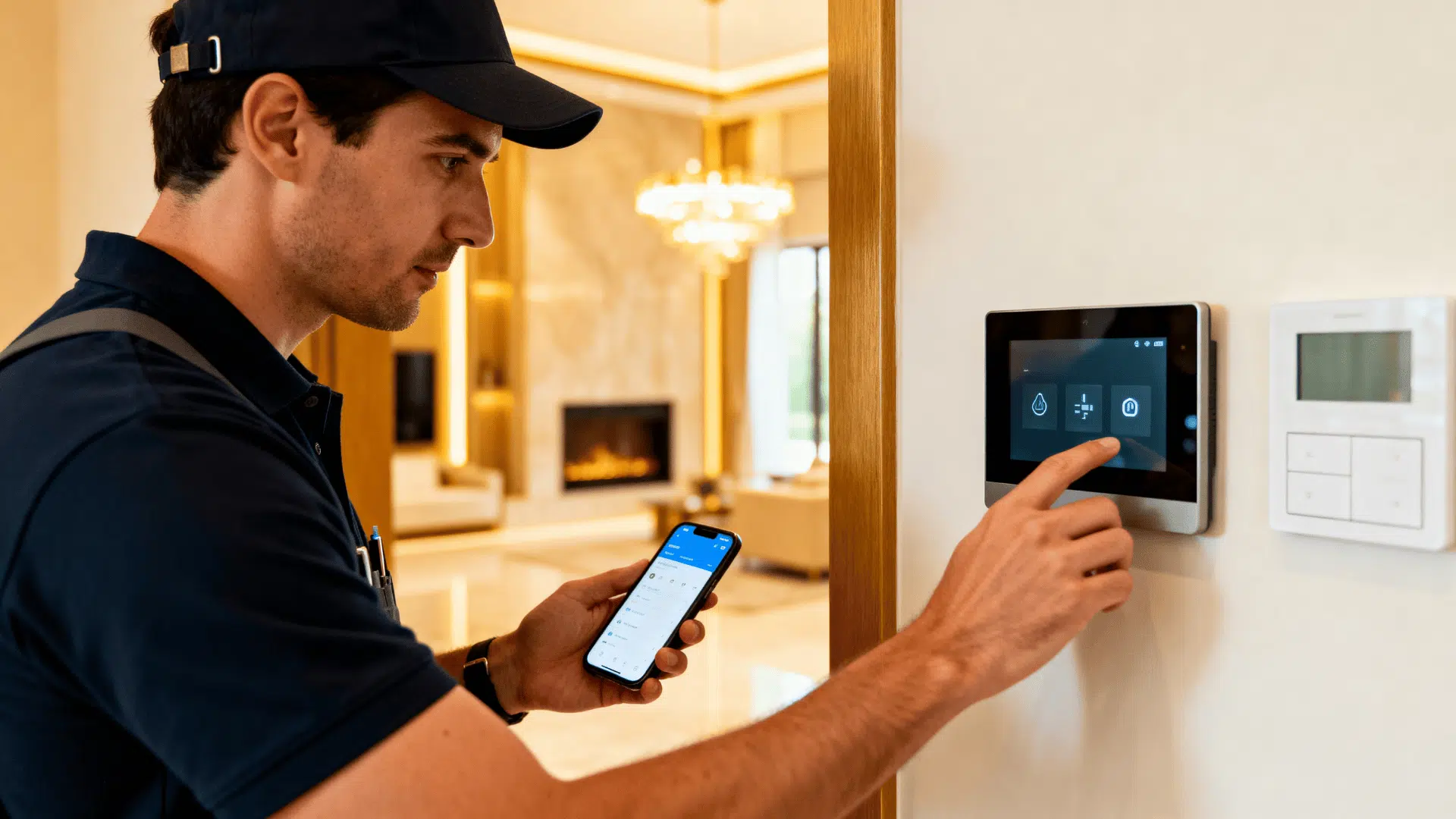
A smart home installer unifies individual devices into one seamless, intelligent ecosystem.
If you are starting small or automating everything, this guide covers what installers do, what it costs, and how to find the right one near you.
What Does a Smart Home Installer Do?
It sets up and connects automated home systems, going beyond what a general electrician or handyman does.
Many people are part of CEDIA, which values hands-on experience and requires state testing.
They handle smart lighting, thermostats, security cameras, smart locks, whole-home audio, hub setup, and the network that keeps every device running.
Compared to DIY, a professional handles wiring, compatibility, and setup in a single visit, making the process smoother and hassle-free.
Why Hiring a Professional Smart Home Installer Is Worth It

DIY smart home setup sounds easy, until nothing works together. A professional saves you time, frustration, and costly mistakes from the start.
- Faster setup: Installed and fully working in a single visit, no back-and-forth troubleshooting.
- No compatibility headaches: They know exactly which devices and platforms work together.
- Security done right: Cameras, locks, and data privacy settings configured the correct way.
- Ongoing support: Help is available whenever a device stops working or needs an update.
Types of Smart Home Installation Services Offered
Smart home installers offer a range of services to automate, secure, and optimize your home. From basic device setup to full integration, these services ensure everything works seamlessly together.
| SERVICE | WHAT IT INCLUDES |
|---|---|
| Smart Security System Installation | Set up cameras, sensors, alarms, and remote monitoring for home safety. |
| Smart Lighting & Automation Setup | Installation of app-controlled lighting, schedules, and voice-enabled automation. |
| Smart Thermostat & Energy Systems | Smart HVAC control for energy savings, remote access, and efficiency. |
| Whole Home Automation Integration | Connecting all devices into one seamless, centralized smart home system. |
What Systems Can a Smart Home Installer Set Up

A professional installer handles far more than a few smart bulbs. They can automate your entire home, from lighting to energy management, all connected through one system.
1. Smart Lighting and Switches
Control every light in your home from your phone or voice. Installers set up dimmers, schedules, and scene lighting that adjust automatically throughout the day.
They also program motion-triggered lights and “away” modes that make your home look occupied when you’re not there.
2. Smart Security: Cameras, Locks, and Doorbells
Automated security systems range from $700 to $5,000, covering everything from a single doorbell camera to whole-home systems with smart locks, smoke, fire, and water sensors.
A professional ensures cameras are positioned correctly, recordings are stored securely, and alerts reach your phone instantly.
3. Smart Thermostats and HVAC
Smart thermostats run $70 to $280, while fully automated heating and cooling systems cost $800 to $2,000 installed, saving energy while keeping every room at the right temperature.
Installers also set up zone-based controls so different rooms heat and cool independently based on occupancy.
4. Whole-Home Audio and Entertainment
Stream music or video in every room with systems that sync automatically. Installers handle speaker placement, wiring, and app integration so everything plays together seamlessly.
They can also set up dedicated home theaters with automated lighting, projector control, and acoustic treatment.
5. Central Hub and Voice Control Integration
Installers connect all your devices to platforms like Amazon Alexa, Google Home, or Apple HomeKit. The Matter protocol now makes cross-brand compatibility easier and more reliable than ever.
A properly configured hub means one app or one voice command controls your entire home.
6. Solar, EV Chargers and Energy Management
A smart installer can connect solar panels, EV chargers, and energy monitors to a single dashboard, giving you full visibility and control over your home’s power usage.
They can also set up automated charging schedules that pull from solar during peak production hours to cut electricity costs.
How Much Does a Smart Home Installer Cost in the US?
Smart home installation costs vary depending on your home size, the systems you choose, and setup complexity. Most homeowners spend anywhere from a few hundred to several thousand dollars.
| SYSTEM TYPE | ESTIMATED COST (INSTALLED) |
|---|---|
| Basic starter package | $800 – $2,500 |
| Mid-range whole-home | $3,000 – $8,500 |
| Premium/luxury automation | $10,000 – $15,000+ |
| Labor (per hour) | $80 – $120/hr |
| Electrical permits | $50 – $250 |
Factors That Affect Your Quote
Several variables influence what you’ll pay for smart home installation. Here’s what installers typically factor into your final quote.
- Home size and square footage: Larger homes require more devices, wiring, and labor hours.
- Number of devices and rooms: More components mean higher equipment and installation costs.
- Existing wiring infrastructure: Older homes often need additional wiring work before installation.
- Your location: Coastal metros like NYC, San Francisco, and Boston can see hourly rates exceeding $120.
- Subscription and monitoring fees: Ongoing costs typically run $10 to $50 per month.
How to Choose the Right Smart Home Installer
Finding the right installer takes more than a quick Google search. Start with trusted directories like Angi, HomeAdvisor, or CEDIA’s official installer directory, and always consult multiple technicians to compare services and pricing.
- Check certifications: look for CEDIA certification or equivalent, plus proof they are licensed and insured
- Read reviews and view past work: a solid portfolio and strong reviews signal reliable, experienced installers
- Ask about brand specialization: confirm they work with your preferred brands like Lutron, Control4, Ring, or Google
- Confirm ongoing support: the best installers offer maintenance and troubleshooting after the job is done
- Get multiple quotes: comparing at least two or three installers helps you find the best fit and price
The Smart Home Installation Process: Step by Step

Knowing what to expect keeps things on track; smaller projects wrap up in a day, while full automation can take days or weeks, depending on complexity.
Step 1: Initial Consultation and Home Assessment
Your installer will visit to evaluate your home, understand your goals, and identify any wiring or infrastructure challenges. This sets the foundation for everything that follows.
Expect to discuss your budget, must-have features, and which rooms you want automated first.
Step 2: System Design and Device Selection
The installer builds a custom plan based on your budget, lifestyle, and home layout. You agree on devices, brands, and which rooms get automated first.
This stage often includes an itemized quote so you know exactly what you are paying for before any work begins.
Step 3: Network and Infrastructure Prep
A strong, reliable network is installed before any smart devices go in. This includes routers, access points, and any wiring upgrades your home needs.
Skipping this step is one of the most common reasons smart home systems underperform after installation.
Step 4: Device Installation and Wiring
Cameras, switches, locks, thermostats, and speakers are physically installed and wired throughout your home. This is typically the most labor-intensive part of the project.
Depending on your home size and device count, this stage alone can take anywhere from a few hours to several days.
Step 5: Hub Configuration, App Setup, and Testing
All devices are connected to a central hub and configured through your preferred platform.
Your installer sets up automations, schedules, and user profiles, then tests every device to confirm it works correctly. You get a full walkthrough so you feel confident using the system on your own.
Step 6: Ongoing Support and Monitoring
Most installers offer support packages for troubleshooting, updates, and adding new devices down the line.
A good installer stays reachable long after the job is done. As your needs grow, they can expand your system without having to start from scratch.
Top Smart Home Systems Your Installer Can Deploy
About 45% of US households already own at least one smart device, and that number keeps climbing as systems become easier to connect. Here are the most popular platforms professional installers work with.
- Control4 and Savant: Premium whole-home automation platforms built for full integration across every room and device in your home.
- Lutron: The gold standard for smart lighting, known for rock-solid reliability and compatibility with most major platforms.
- Google Nest and Amazon Alexa: Mass-market ecosystems that are app-based, widely supported, and easy to expand over time.
- Ring and ADT: Security-focused systems covering cameras, smart locks, doorbells, and professional monitoring services.
- Apple HomeKit and Matter: Interoperability-first platforms designed to connect devices across brands without compatibility issues.
Smart Home ROI: Is It Worth the Investment
Smart home upgrades do more than add convenience. Smart thermostats alone cut heating and cooling bills by an average of 8%, with broader upgrades saving 10 to 30% on total utility costs.
Security systems can lower your insurance premiums, and smart features increasingly appeal to homebuyers.
With the global smart home market projected to grow nearly tenfold by 2034, investing now puts you ahead of the curve.
Wrapping It Up
The right smart home installer does not just set up devices. They build a system that grows with you, saves energy, and keeps your home secure for years to come.
Ready to get started? Search for a certified installer in your area, compare quotes, and ask about ongoing support before you commit.
The smartest move you can make is choosing a professional who knows your home as well as you do.
Frequently Asked Questions(FAQs)
How Long Does a Smart Home Installation Take?
Simple setups wrap up in one to two hours, while full home automation with wiring and multiple systems can take several days, depending on your home size and device count.
Do I Need to Rewire My House for a Smart Home?
Most modern smart devices are wireless and work with your existing setup. Older homes may need minor electrical upgrades, which a professional installer will flag during the initial consultation.
Can a Smart Home Installer Work With Devices I Already Own?
Yes, most installers work with all major brands, including Ring, Nest, Google, and Philips Hue, and integrate your existing devices into a single unified app or hub.
Will a Smart Home System Work if My Internet Goes Down?
Remote access will pause, but core functions like smart locks, local lighting controls, and pre-set automations can still run offline depending on how your system is configured.