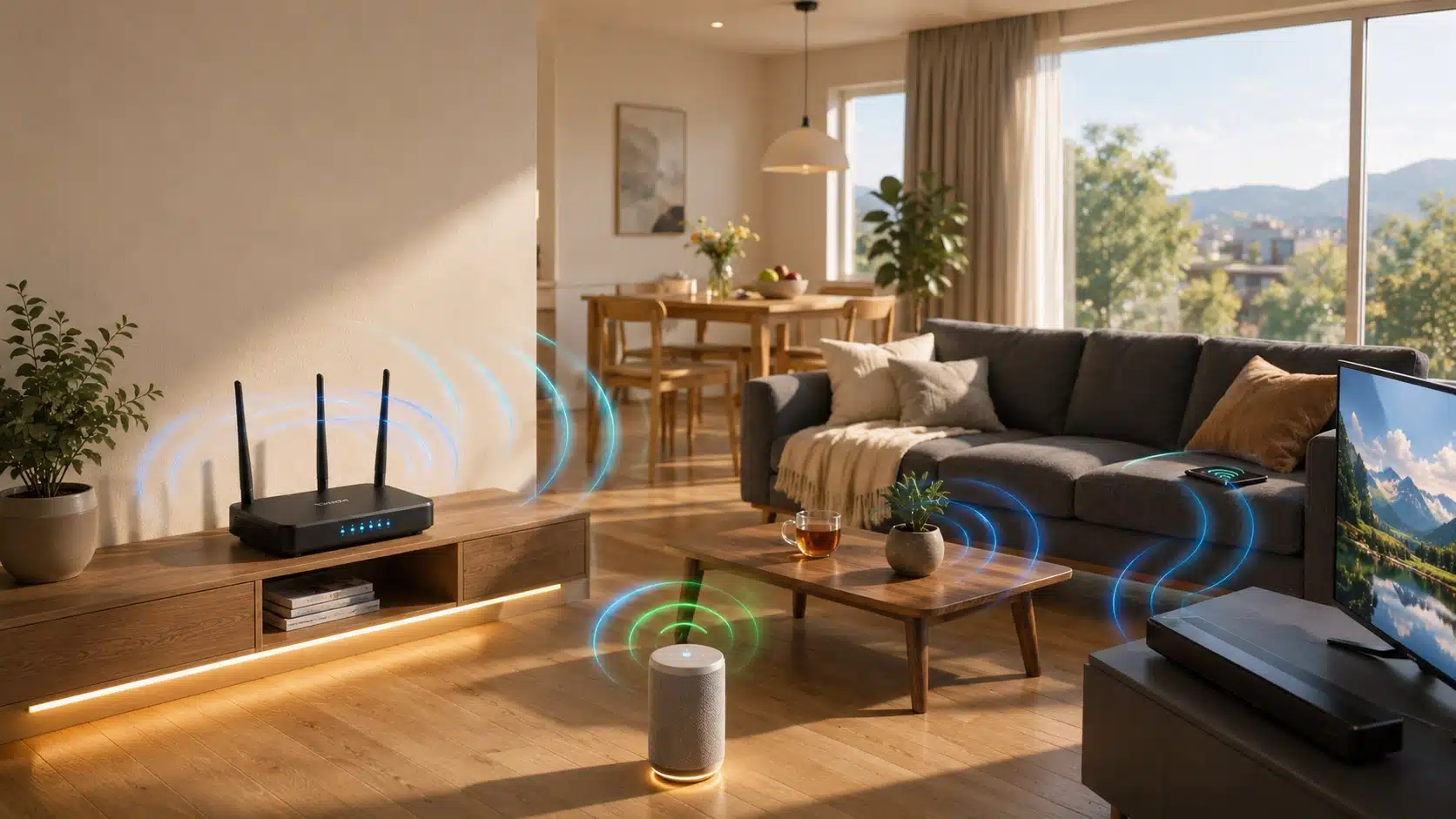
Cable and fiber aren’t available everywhere, and that gap is exactly what T-Mobile Home Internet is trying to fill. It skips the technician visit and the long contract, offering a self-install gateway and one flat monthly rate instead.
But the real question is simpler: does it hold up once you’re streaming, gaming, and taking work calls on it every day?
This T-Mobile Home Internet review looks at how the connection performs across different rooms and times of day, drawing on real customer reports rather than a single best-case speed test.
The goal here is a realistic picture, the kind that helps you decide whether to sign up or whether to keep the service you already have.
What is T-Mobile Home Internet?
T-Mobile Home Internet is a fixed wireless broadband service that uses T-Mobile’s cellular network to provide internet access at home.
Instead of relying on a cable or fiber connection, it uses a gateway device that connects to a nearby tower and creates a Wi-Fi network for your household.
Unlike a phone hotspot, it is designed as a dedicated home internet connection for everyday use.
Also, its availability actually depends on your address and local network capacity, so service quality and eligibility can vary between locations.
T-Mobile Home Internet Plans and Pricing

Pricing is one of the more straightforward parts of the service, though there are a few details worth knowing before signing up.
- Monthly cost: Usually around $50–$70 before discounts
- AutoPay savings: Lower advertised pricing often requires automatic payments
- Mobile discounts: Eligible T-Mobile customers may receive additional savings
- Equipment: Gateway included with no rental fee
- Data and extras: Unlimited data with occasional promotions or added perks
- Contract: No long-term commitment required
For a single renter or couple with light streaming habits, the entry-level tier is usually enough. Larger households running multiple 4K streams, video calls, and gaming sessions at once may benefit more from a higher tier if it’s offered at their address.
That also raises the question of whether 1 Gig internet is actually necessary for your household, since the answer depends more on how many people and devices are online than the biggest speed advertised.
Reliability During Daily Use
Reliability depends on consistent performance, not just speed. Some users report occasional short outages, while others find it stable for daily tasks. Results also can vary by location, as tower capacity and local network demand affect the experience.
1. Streaming Performance
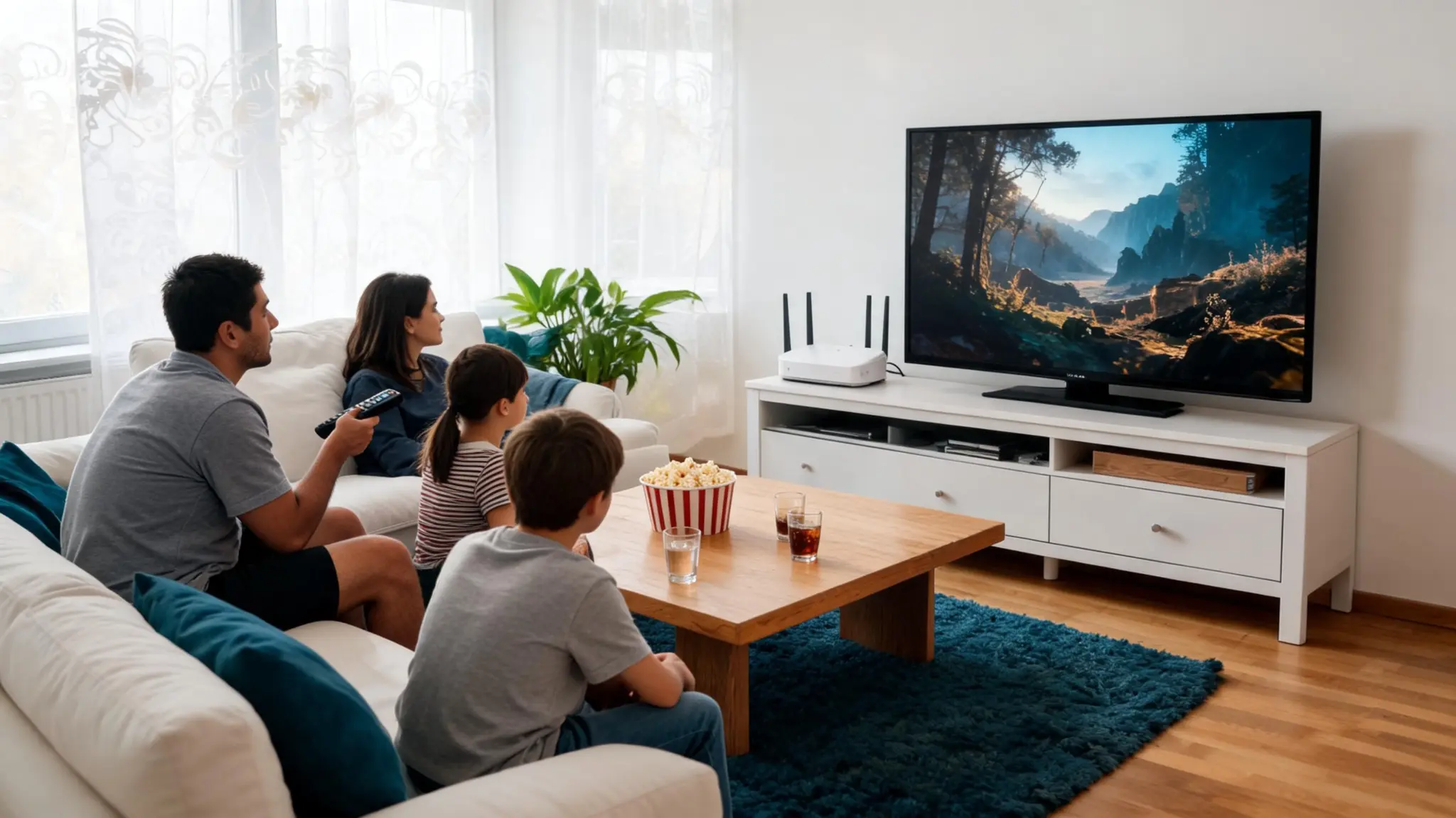
Streaming quality tends to track closely with how consistent a connection stays, not just how fast it is on paper.
- HD and standard streaming: Widely reported as trouble-free across forums and video reviews
- 4K streaming: Generally smooth, though some users note occasional quality drops during evening congestion
- Multiple simultaneous streams: Reasonably well handled on mid-to-higher tiers, based on household reports
- Smart TV and app performance: Rarely mentioned as an issue in user discussions
- Live sports and news: Generally reported as stable
T-Mobile Home Internet works well for most streaming needs, but performance can change during busy periods depending on local network conditions.
2. Gaming Performance
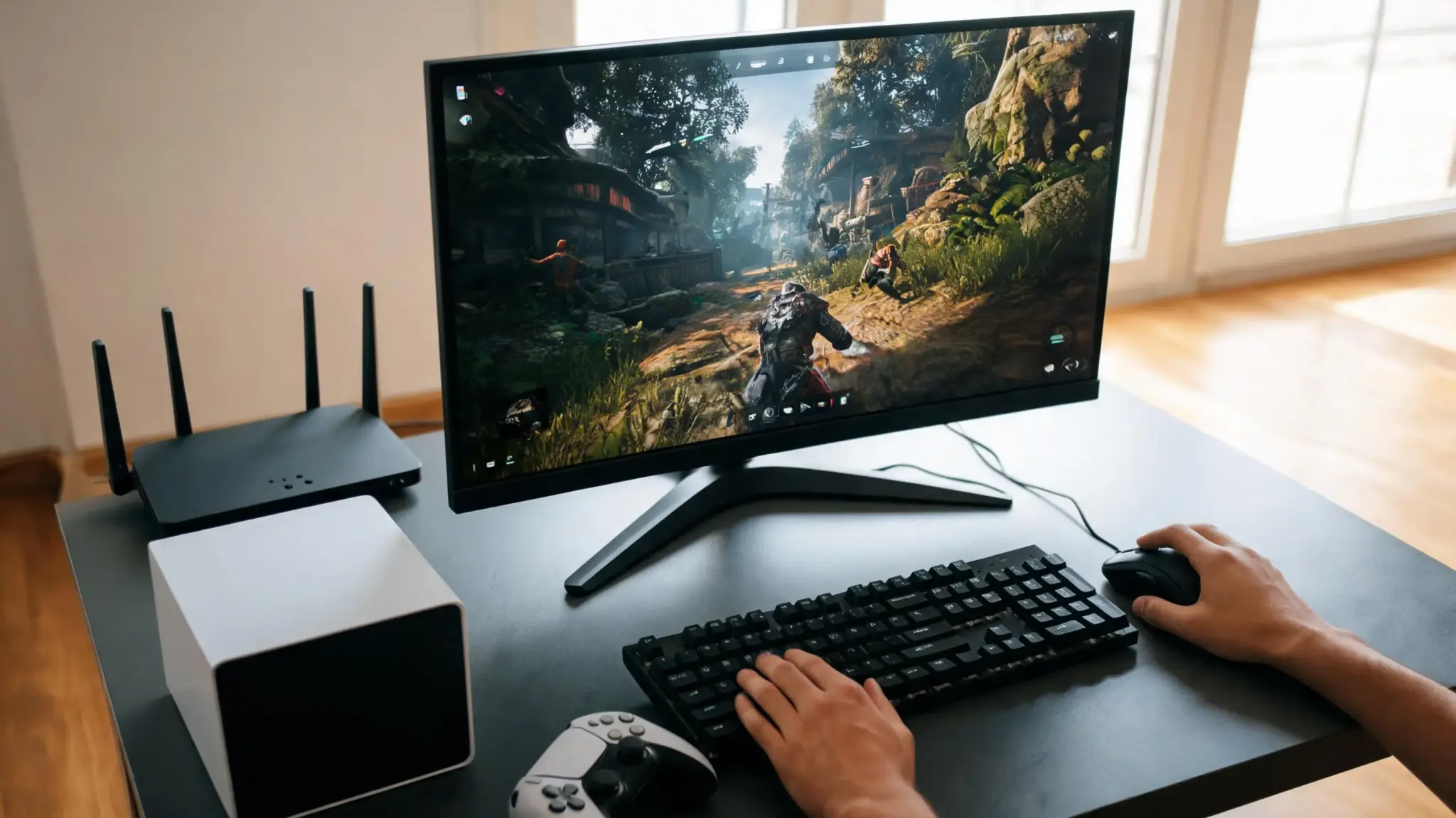
Download speed is rarely the sticking point for gaming; latency and consistency matter far more, and this is where user opinions diverge the most.
- Casual online gaming: Frequently described as workable, especially outside peak hours
- Competitive multiplayer: A recurring complaint in forums and Reddit threads, where latency variation is described as noticeable enough to affect fast-paced games
- Cloud and game-streaming services: Multiple users specifically call this out as a weak point, describing it as not well suited to services like cloud gaming platforms
- NAT type and port forwarding: Commonly reported as limited on the stock gateway, which affects some multiplayer and hosting setups
Note: Casual players who mostly game outside of evening hours generally report a fine experience. Competitive players and those relying on cloud gaming are the group most likely to run into complaints in online discussions.
3. Remote Work Performance
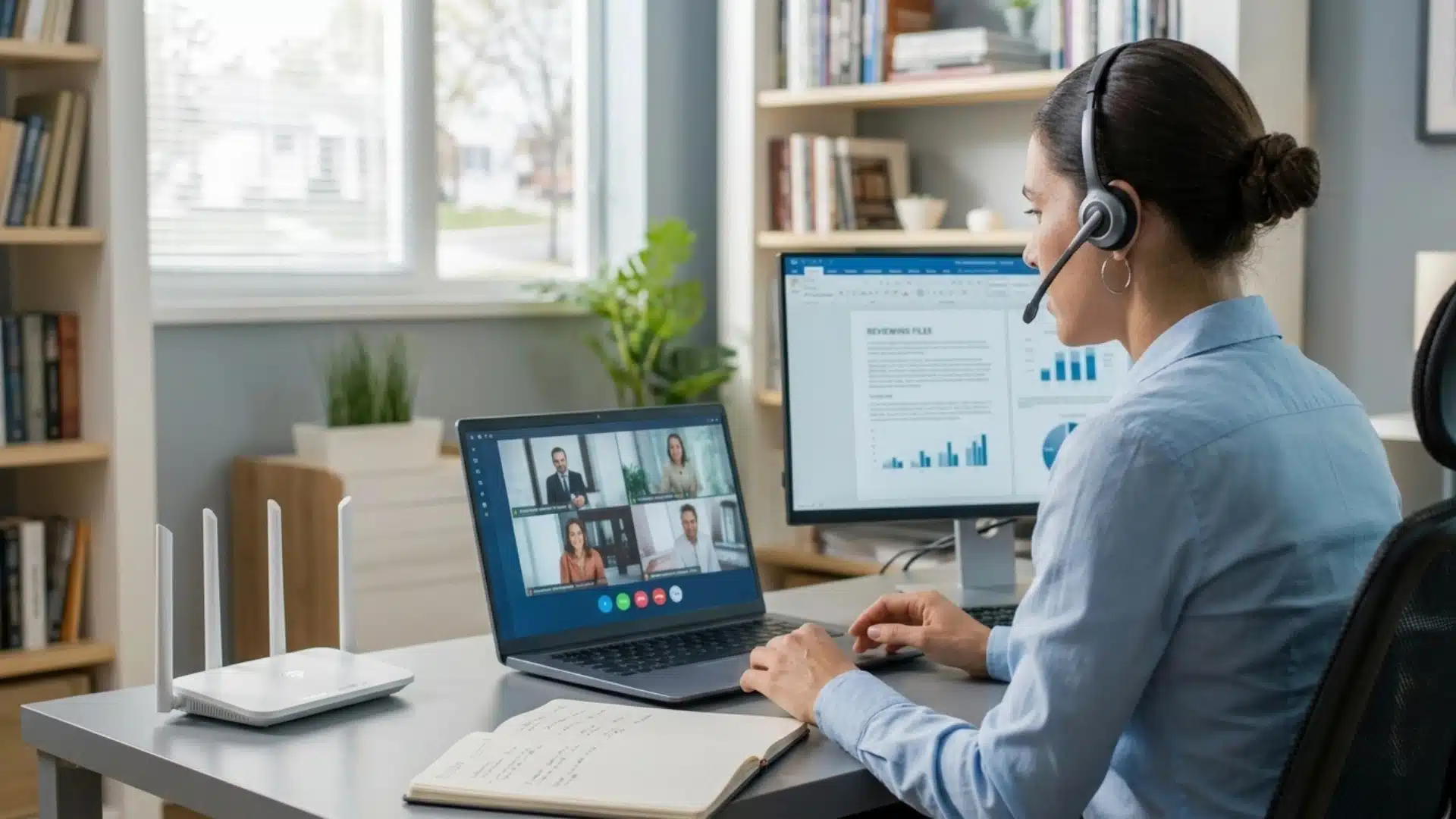
Remote work relies on stable uploads and consistent latency, especially for video meetings and file sharing.
T-Mobile Home Internet can handle regular work tasks, but performance may vary depending on household usage.
- Video calls generally work well for everyday meetings.
- VPN performance varies, with some users reporting connection issues.
- Large file uploads may take longer due to upload speed limits.
- Heavy household internet use can affect work performance.
Note: If your work depends on uninterrupted calls or constant connectivity, keeping a backup connection can provide extra reliability.
T-Mobile Home Internet Coverage and Address Eligibility
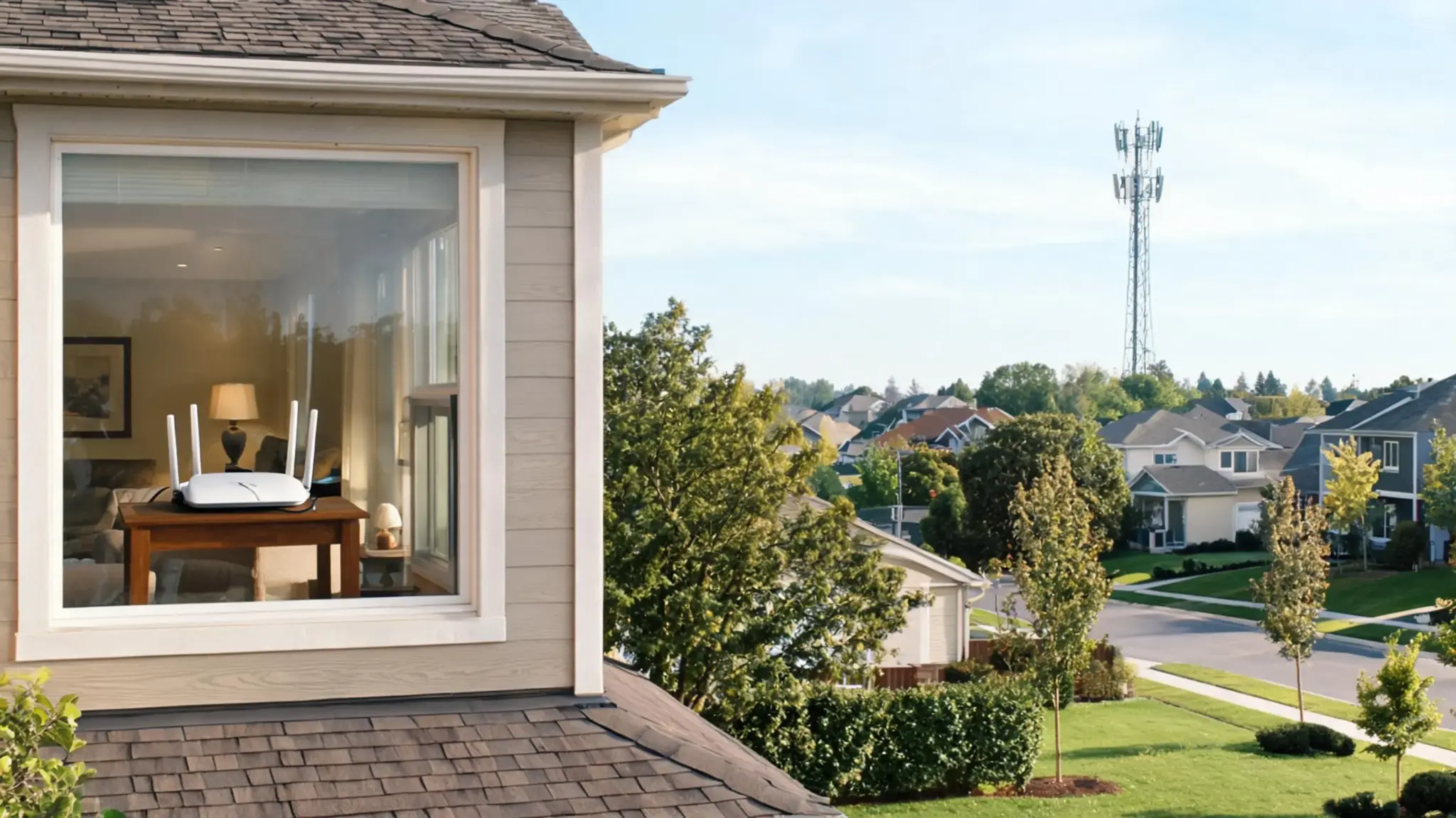
Having a strong phone signal at a house does not automatically mean the home internet service will perform the same way; the two use network capacity differently.
Eligibility is checked address by address, since building materials, trees, and terrain between the home and tower all come up repeatedly as factors that shift results from house to house.
Before signing up, it’s worth checking:
- Whether the address shows as eligible (not waitlisted) on T-Mobile’s own coverage tool
- What speed range is listed specifically for that address, not just the regional average
- Whether a trial period or return window is offered, in case performance disappoints
- What nearby users on Reddit or local forums report about the same tower area, if you can find them
T-Mobile Home Internet Pros and Cons
The table below compares T-Mobile Home Internet’s main advantages and drawbacks, covering setup, pricing, performance limits, and common user concerns.
| Pros | Cons |
|---|---|
| No annual contract | Performance depends heavily on address |
| Unlimited data | Peak-hour slowdowns |
| Included gateway with no rental fee | Higher latency than fiber |
| Simple self-installation | Limited gateway controls |
| Possible mobile-customer discounts | Possible VPN and NAT complications |
| Good value in well-covered areas | Less suited for competitive gaming |
Overall, T-Mobile Home Internet works well for users who value simple setup and flexible pricing. However, heavy users should consider performance limits before switching.
What Long-Term Users Say About T-Mobile Home Internet
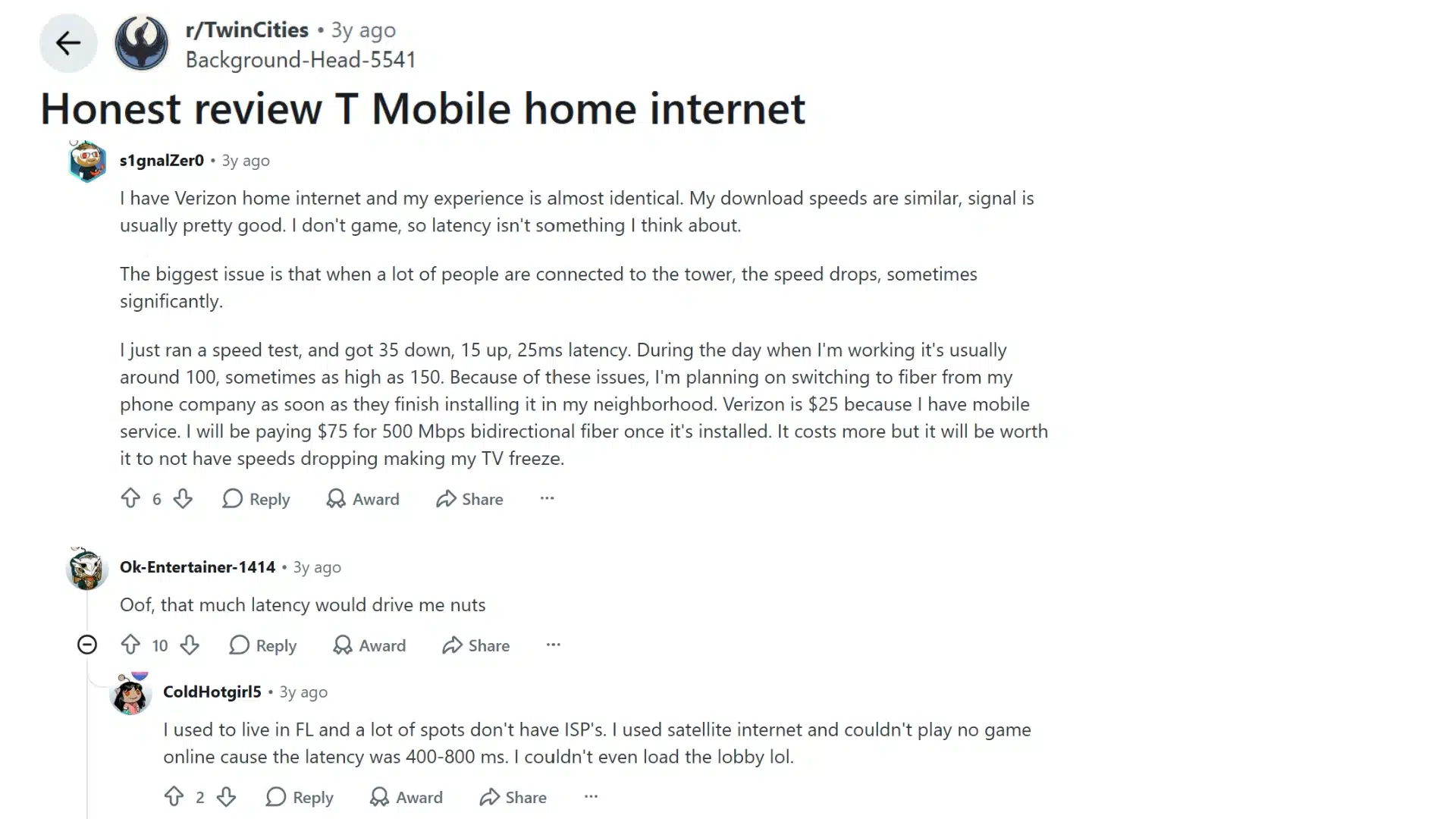
The Reddit discussion shows that long-term satisfaction with T-Mobile Home Internet often depends on local network conditions.
The original poster reported good speeds for everyday activities such as streaming and browsing but noticed slower performance when more users shared the same nearby tower.
Higher latency during busy periods also made online gaming less reliable. Other users agreed that tower congestion can have a noticeable impact, even if speeds are excellent at other times.
The overall takeaway is that experiences vary by location, making a free trial or testing period a practical way to determine whether the service performs well in your area.
Who Should Get or Skip T-Mobile Home Internet?
T-Mobile Home Internet can be a good choice for some households, but users with specific performance needs should consider its limitations.
| User Type | Why It Works | Why It May Not Work |
|---|---|---|
| Renters and budget-focused users | No contract, easy setup, and lower monthly costs | May not match the performance of wired connections in some areas |
| Everyday users and streamers | Handles browsing, streaming, and regular household use | Busy hours may cause slower speeds depending on local demand |
| Remote workers | Supports video calls and regular work tasks | Upload limits or connection changes may affect critical work |
| Casual gamers | Works well for less demanding online gaming | Latency changes can affect fast multiplayer games |
| Advanced users and fiber customers | Simple setup works well for basic network needs | Limited gateway controls or available fiber plans may offer better performance |
Testing the service at your address during normal usage can help confirm if it fits your household before switching.
Before You Switch Your Current Internet Service
Don’t cancel an existing connection until the new one has proven itself under real conditions, not just a single quick test.
- Confirm address eligibility directly through T-Mobile’s own coverage checker.
- Set up the gateway and test it in a few different spots in the home.
- Test both a wired Ethernet connection and Wi-Fi from multiple rooms.
- Run speed and latency tests specifically during evening peak hours.
- Join real work meetings over the connection, not just a speed test.
- Test gaming performance and confirm VPN access works as needed.
- Connect the normal number of household devices at once, not just one test device.
- Keep the old service active until results have stayed consistent for at least a week.
One fast speed test result taken at the wrong time of day tells you almost nothing about how the connection will actually perform once it’s your only option.
Final Verdict
Overall, T-Mobile Home Internet can be a good fit for homes with strong coverage, regular internet needs, and no need for ultra-low latency.
It offers simple setup, unlimited data, no contract, and competitive pricing compared with some cable plans.
However, performance can change by location, especially during busy hours. Before switching, test the service with your usual devices, video calls, and evening usage to see how it performs at your address.
Frequently Asked Questions
Do I Need a Router for T-Mobile Home Internet?
No, the supplied gateway handles both the cellular connection and in-home Wi-Fi on its own. A separate router or mesh system can be added afterward for extra range or control, but it isn’t required to get online.
Why Does T-Mobile Home Internet Slow Down at Night?
Evening slowdowns usually happen when tower demand increases. The impact varies by location, depending on local network capacity and usage levels.
Can I Use My Own Router?
Yes, a personal router can typically be connected behind the gateway. Depending on whether bridge mode is available and enabled, this may result in a double NAT situation, which can limit certain gaming and hosting features.
Does T-Mobile Home Internet Work with a VPN?
Many VPN services work without issue, but some users may face compatibility or performance problems depending on the specific VPN software and how the local network is configured.
Is T-Mobile Home Internet Better than AT&T?
It depends entirely on which AT&T service is available, since AT&T fiber, fixed wireless, and DSL offer very different performance.