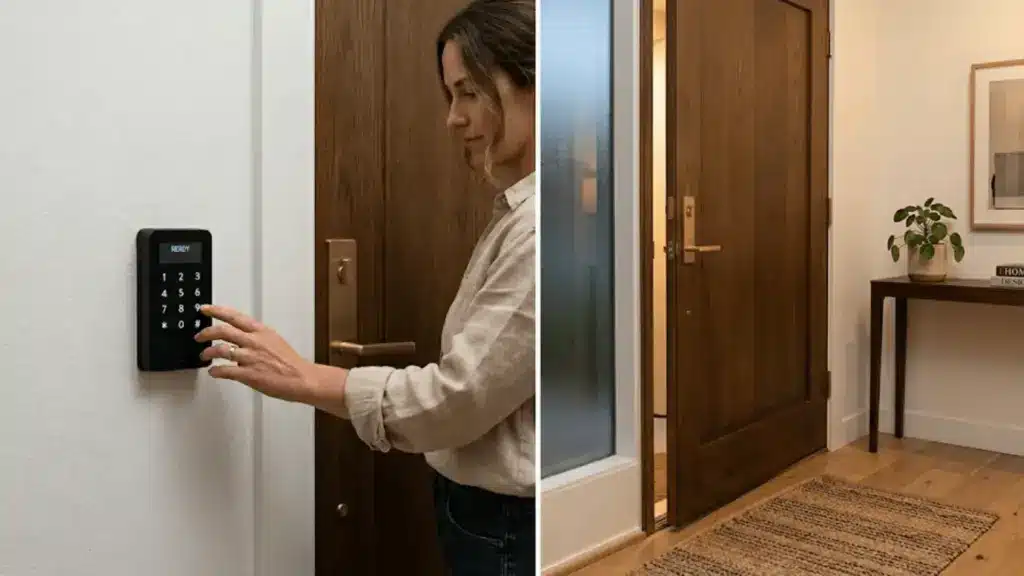
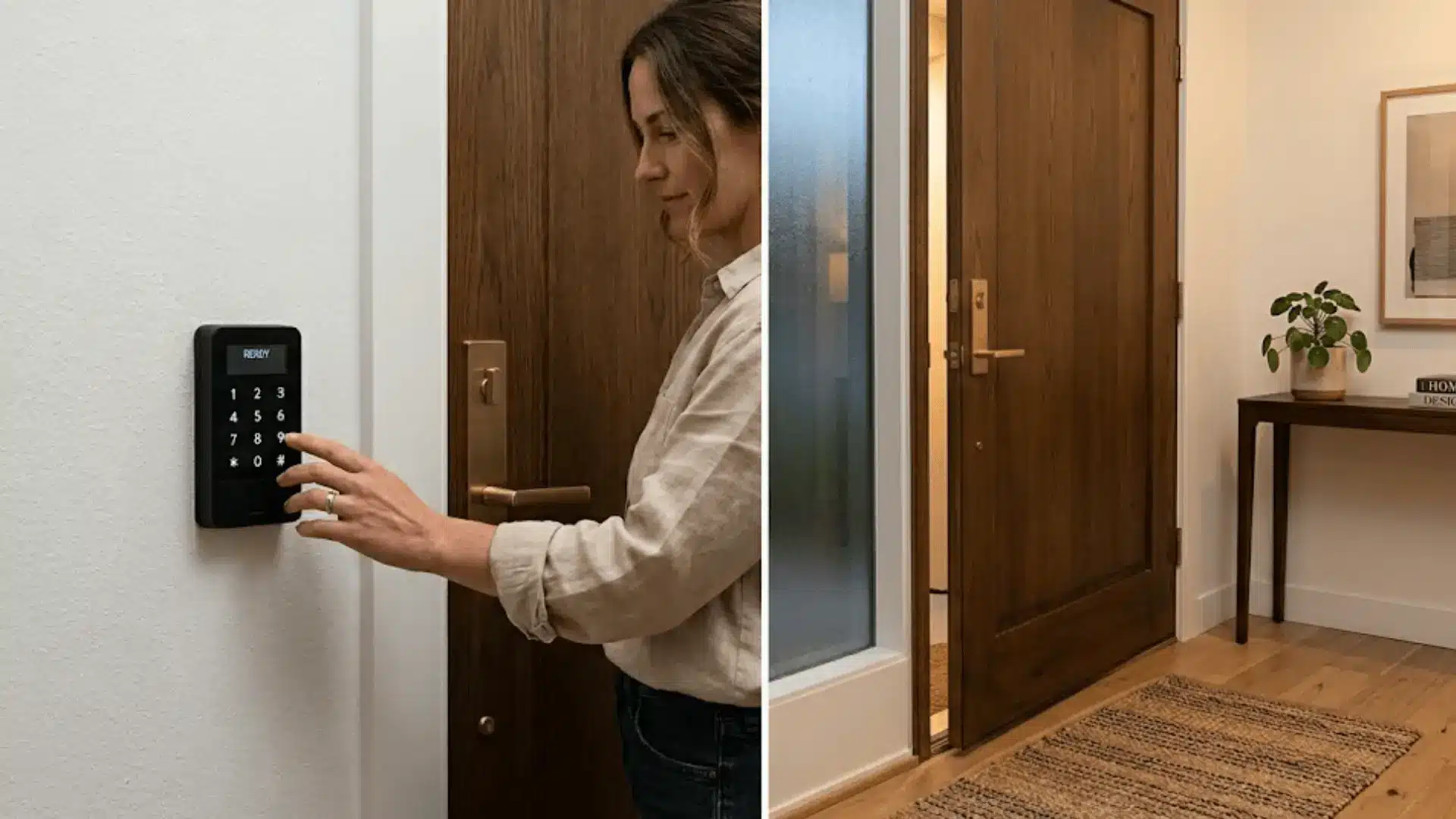



Knowing who comes in and who doesn’t is one of those things that quietly shapes how safe a space feels, whether it’s your home, your office, or a busy commercial building.
Access control systems take that instinct and turn it into something tangible, giving you visibility, structure, and a real sense of ownership over your space.
Keypad entries, smart card readers, and biometric scans do more than lock doors.
They create a record, a routine, and a layer of peace of mind that just works in the background. Installation, setup, and pro tips are all covered ahead.
What is an Access Control System?
An access control system is essentially a setup that decides who gets in and who doesn’t, managing entry to a building, a room, or a specific area.
At its core, it works across three quiet but powerful steps.
First, it authenticates the person trying to enter, whether through a card, a PIN, or a biometric scan like a fingerprint. Then it authorizes, either granting or denying access based on preset permissions.
Every interaction also gets logged, giving you a running record of activity that makes monitoring surprisingly effortless.
Types of Access Control Systems
Not every space has the same security needs, and access control systems are built with that in mind.
Here is a quick look at the most widely used types and where they tend to work best.
| System Type | How It Works | Best For |
|---|---|---|
| Keycard and RFID | Tap or swipe a card to gain entry | Offices and hotels |
| Keypad-Based | Enter a PIN code for access | Residential and small businesses |
| Biometric | Scans fingerprints or facial features | High-security areas |
| Mobile-Based | Uses smartphone apps and Bluetooth | Modern, tech-forward spaces |
Tools and Equipment Needed for Access Control Installation
Getting the installation right starts with having everything in place before you begin.
Here is what you will need across hardware, tools, and software.
Hardware Components
- Access control panel
- Card readers or biometric scanners
- Electric locks (maglocks or strike locks)
- Exit buttons and door sensors
Installation Tools
- Drill, screwdriver, and wiring tools
- Power supply units
Software Requirements
- Access management software
- Configuration tools
Types of Access Control Systems
Not every space has the same security needs, and access control systems are built with that in mind.
Here is a quick look at the most widely used types and where they tend to work best.
| System Type | How It Works | Best For | Security Level |
|---|---|---|---|
| Keycard and RFID | Tap or swipe a card | Offices, hotels | Moderate |
| Keypad-Based | PIN code entry | Residential, small businesses | Basic |
| Biometric | Fingerprint or facial scan | High-security areas | High |
| Mobile-Based | Smartphone app and Bluetooth | Tech-forward spaces | Moderate to high |
Step-by-Step Access Control Installation Guide
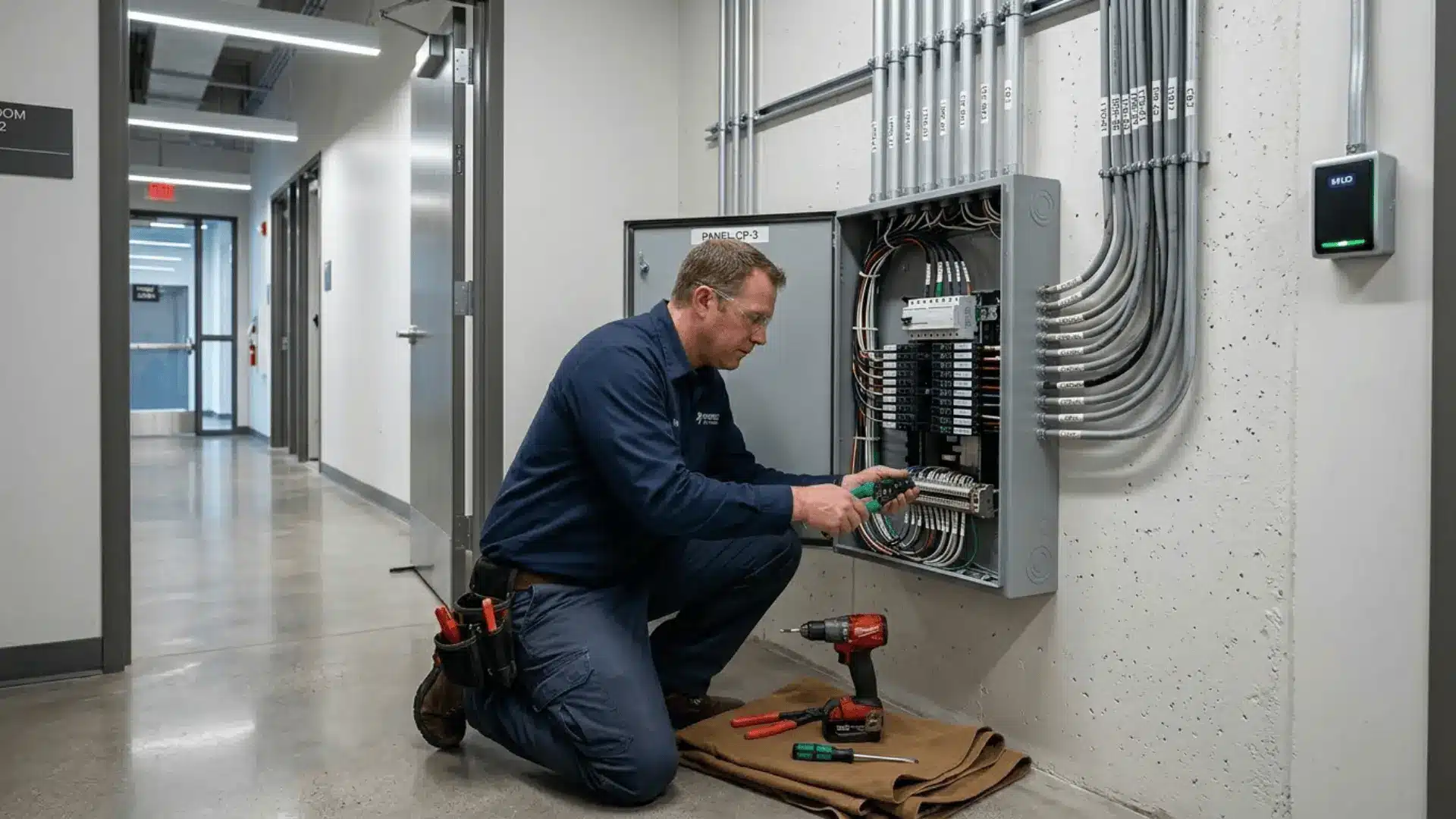
A solid installation is less about speed and more about getting each stage right before moving to the next. Follow these steps, and the whole system comes together far more smoothly than you’d expect.
Step 1: Install Door Hardware
Start by mounting your electric locks, whether maglocks or strike locks, onto the door frame, making sure the alignment is clean and secure.
Door sensors go in at the same stage, positioned to detect open and closed states accurately. Take your time here because everything else builds on how well this foundation is set.
Step 2: Mount the Access Control Reader
Reader placement matters more than most people expect. Mount it at a comfortable height, typically around shoulder level, on the secure side of the door.
Keep it away from direct sunlight or moisture, and make sure the location allows for clean cable routing back to the control panel without unnecessary tension on the wiring.
Step 3: Install the Control Panel
The control panel is the brain of the entire setup. Mount it in a secure, accessible spot, ideally inside a locked utility room or cabinet.
This is the central unit that communicates with every reader, lock, and sensor in the system, so its placement should allow easy access for maintenance without being exposed to unauthorized users.
Step 4: Run Wiring and Connections
With the hardware in place, it is time to connect everything together. Run cables from each reader and lock back to the control panel, keeping wiring neat and labeled as you go.
Connect the power supply and double-check every terminal before powering anything on. Clean wiring at this stage saves a lot of troubleshooting later.
Step 5: Connect to Network
Connecting the system to your network is what unlocks remote access and real-time monitoring. Use a stable wired connection where possible for reliability, and configure the network settings through the control panel interface.
Once connected, you should be able to view door activity, receive alerts, and manage the system from anywhere.
Step 6: Install and Configure Software
Install your access management software and begin setting up the system to match your space. This is where you create user profiles, assign credentials, and define who can access which areas and when.
Take the time to organize permissions clearly because a well-configured software setup is what makes day-to-day management effortless.
Step 7: Test the System
Before calling the installation complete, run a full test across every entry point. Check that credentials grant and deny access as intended, verify that door sensors are responding accurately, and confirm that all activity is being logged.
Walk through each scenario you have set up and fix anything that does not behave as expected.
Access Control Installation Costs
Cost varies quite a bit depending on the scale of your setup, the type of system you choose, and how complex the installation is.
Here is a realistic breakdown to help you plan.
| Cost Factor | Budget Range | Details |
|---|---|---|
| Keypad-based system | $100 – $400 per door | Basic PIN entry, minimal hardware |
| Keycard and RFID system | $300 – $1,500 per door | Includes reader, panel, and electric lock |
| Biometric system | $1,500 – $5,000 per door | Higher hardware and calibration costs |
| Mobile-based system | $500 – $2,000 per door | App integration, Bluetooth hardware |
| Installation labor | $200 – $600 per door | Varies by complexity and region |
| Access management software | $50 – $300 per month | Cloud-based licensing, user management |
| Enterprise-grade setup | $10,000 and above | Multi-door, advanced features, full integration |
Access Control Installation Diagram
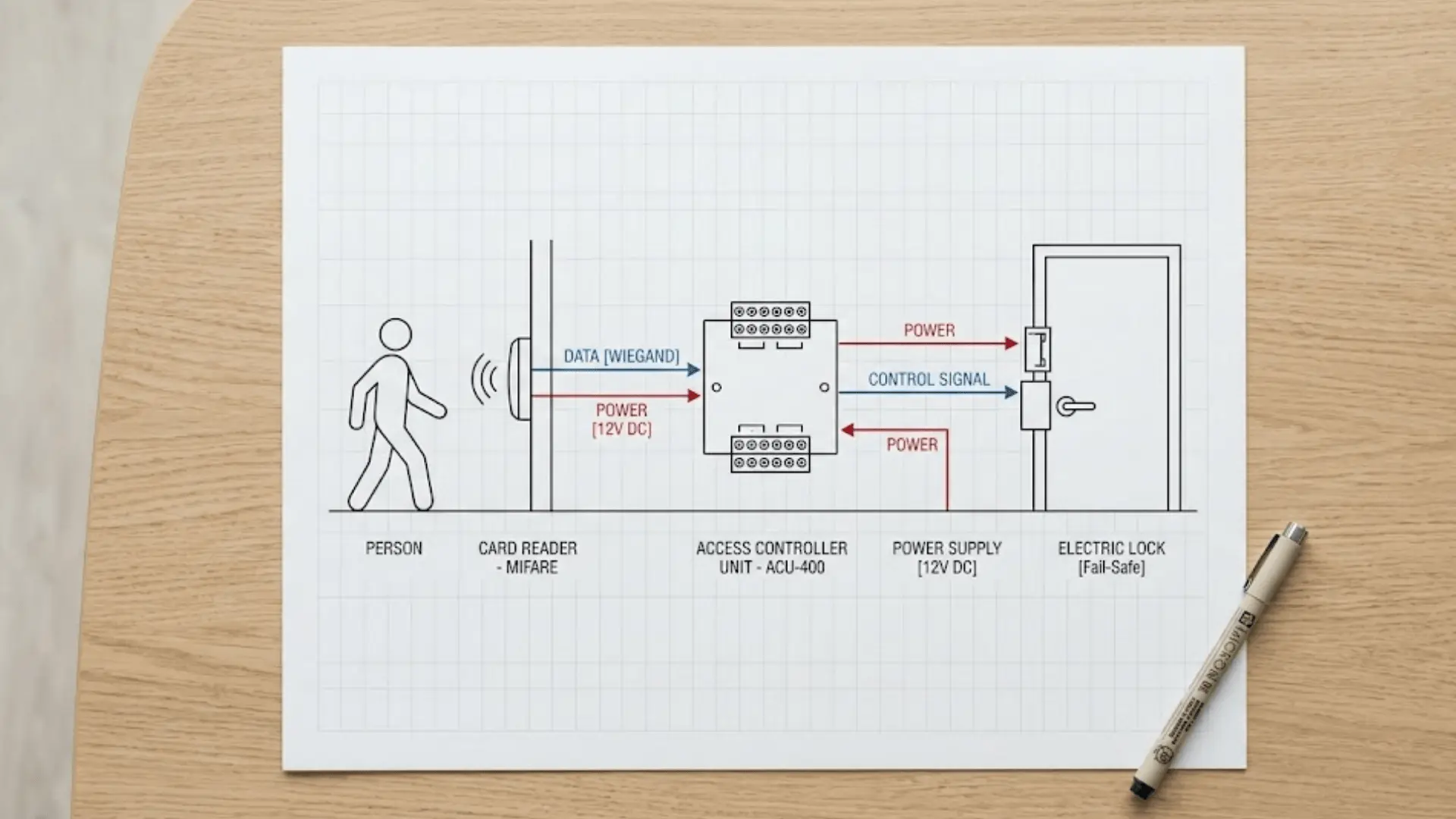
Before getting into the installation, it helps to see how all the pieces connect. Every access control system follows a straightforward sequence:
User presents credentials → Reader scans and transmits → Controller grants or denies → Electric lock responds
Understanding this flow makes the physical installation feel far more intuitive as you work through each stage.
Advanced Features to Consider
Once the basics are in place, these features are worth building into your system for a setup that genuinely grows with your needs.
- Remote access control lets you monitor and manage entry points from anywhere, right from your phone or desktop.
- CCTV and alarm integration ties your access control into a broader security ecosystem for real-time threat response.
- Cloud-based management keeps your system updated, backed up, and accessible without relying on local hardware.
- Audit logs and reporting give you a detailed, time-stamped record of every entry and exit across your space.
Investing in even one or two of these features early on saves a considerable amount of retrofitting down the line.
DIY vs. Professional Access Control Installation
Choosing between doing it yourself and hiring a professional mostly comes down to the size of your setup and how much technical ground you are comfortable covering.
Here is how the two approaches compare.
| Factor | DIY Installation | Professional Installation |
|---|---|---|
| Best For | Small homes, single doors | Businesses, multi-door setups |
| Cost | Lower upfront cost | Higher cost, includes labor |
| Technical Skill Required | Moderate to high | Handled by the installer |
| Installation Time | Longer, self-paced | Faster, structured |
| Compliance and Reliability | User-dependent | Ensured by a professional |
| Flexibility | High, fully customizable | Guided by installer expertise |
| Ideal System Type | Keypad or mobile-based | Biometric, RFID, enterprise-grade |
Maintenance Tips After Installation
A well-installed system is only as good as the upkeep behind it. Keep things running smoothly with these simple habits.
- Test the system regularly to catch permission errors or hardware faults before they become real problems.
- Update software and firmware as soon as new versions are available to stay protected against vulnerabilities.
- Inspect hardware components like readers, locks, and sensors every few months for wear, damage, or misalignment.
- Back up access data consistently so user credentials and logs are never lost during a system failure.
- Review and revoke permissions periodically to make sure only current, authorized users retain access.
Staying on top of these checks keeps your system reliable long after the installation is done.
The Bottom Line
Getting your access control installation right is one of those decisions that quietly pays off every single day.
Going the DIY route or bringing in a professional, what matters most is that your space is now safer, smarter, and working for you around the clock.
As your needs grow, the system can grow with you.
If you found this walkthrough helpful or have questions about your specific setup, drop a comment below. We would love to hear how your installation went.
Frequently Asked Questions (FAQs)
Can I Install an Access Control System Myself?
For a single door or a small residential setup, a DIY installation is doable with basic technical knowledge. Larger, multi-door systems are better left to a professional to ensure everything is wired, configured, and compliant correctly.
What is the Best Access Control System?
The right system really comes down to the size of your space and the level of security you need. Keycard systems work well for most offices, while biometric or enterprise-grade setups suit high-security environments better.
Do Access Control Systems Require Internet?
Most standalone systems function perfectly without an internet connection. That said, a network connection is worth having if remote access, real-time alerts, and cloud-based management are part of what you need.