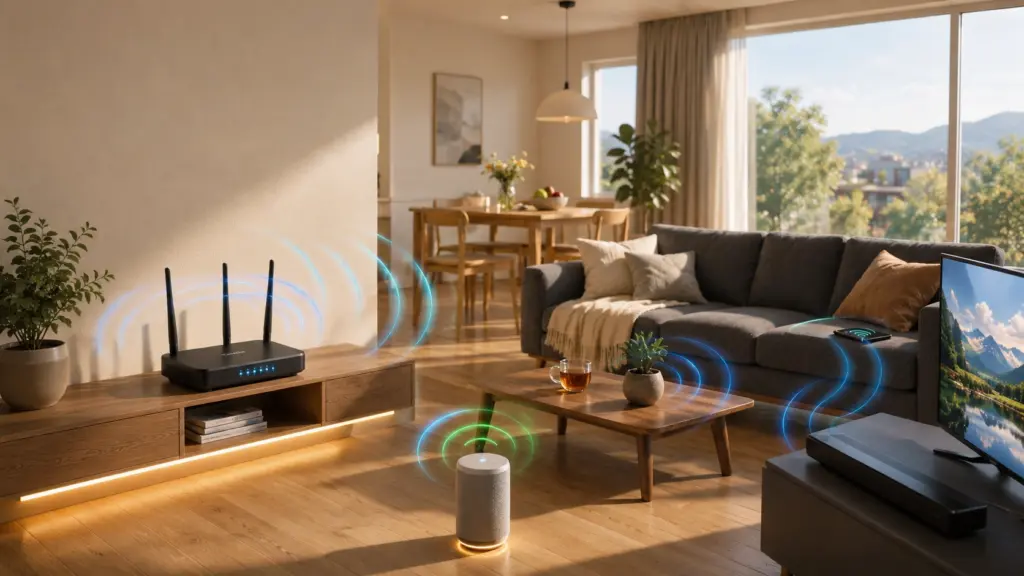



Slow Wi-Fi during a video call or a laggy game session usually points to one thing: a router that can’t handle multiple devices at once.
Most homes now run phones, laptops, smart speakers, and streaming devices at the same time, and a single frequency band often can’t keep up.
A dual-band router splits traffic across two separate frequencies, so devices connect to whichever one suits them best.
Below is a plain-language answer to what a dual-band router actually is, how it helps with streaming, gaming, and crowded networks, and a short list of budget-friendly models worth checking before you buy.
What Is a Dual-Band Router?
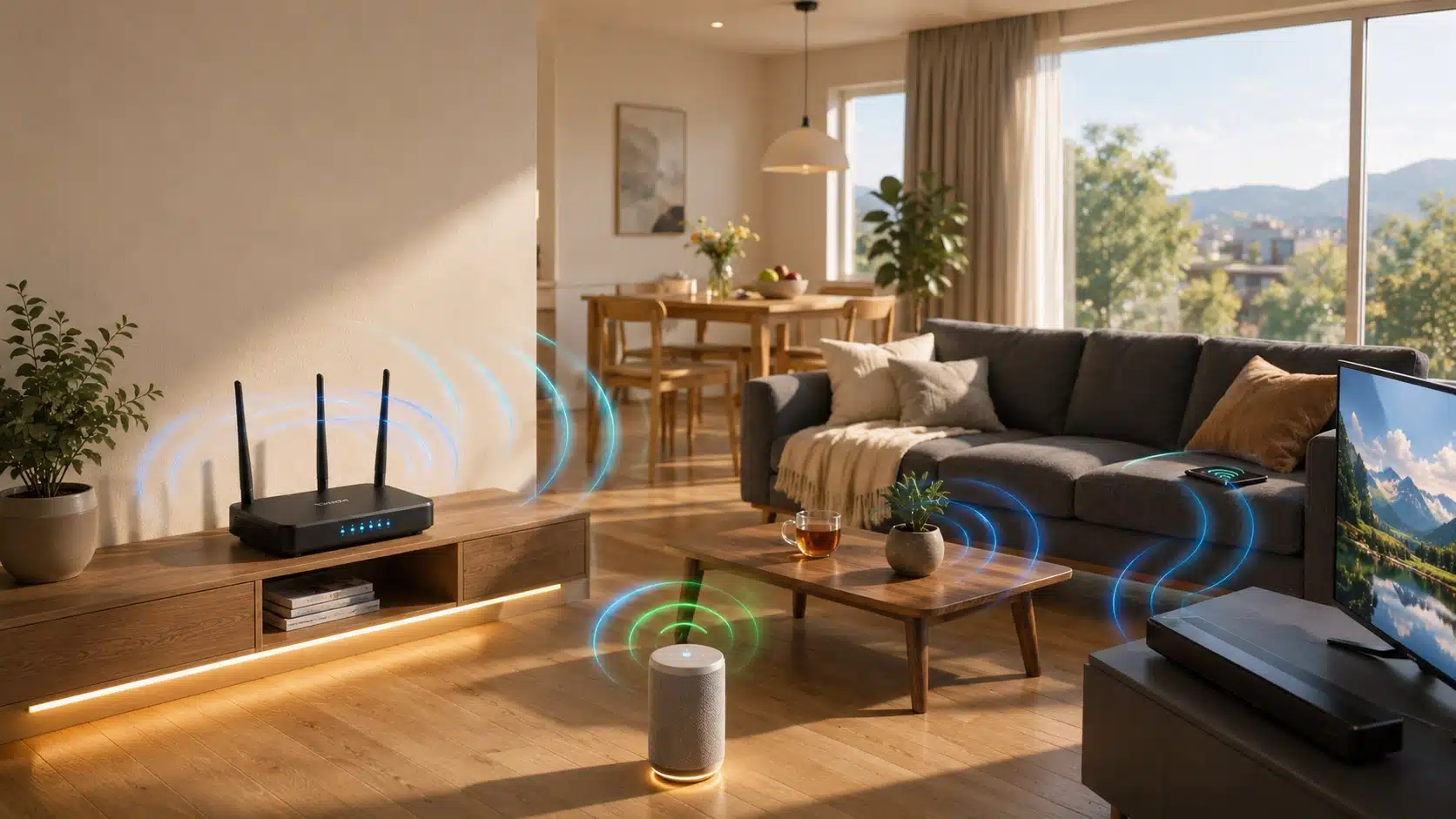
A dual-band router is a wireless router that broadcasts two separate Wi-Fi frequencies at the same time: 2.4 GHz and 5 GHz.
Instead of forcing every device onto one crowded signal, it lets a phone, laptop, or smart TV connect to whichever frequency handles its task better.
Older single-band routers only broadcast on 2.4 GHz, and that single channel gets congested fast once several devices join the same network.
A dual-band setup spreads that load across two channels instead of one, which is a big part of why it has become the standard choice on most routers sold in stores today, from budget models to higher-end ones. Check the FCC’s consumer guide on broadband basics for more background.
How Does a Dual Band Router Work?
The mechanics are simpler than they sound: the router splits its signal across two frequencies, and devices connect to the band that best fits their needs.
Some routers broadcast both bands as separate Wi-Fi names, such as HomeWiFi and HomeWiFi-5G. Users choose which network to connect to based on range and performance, giving more control over device connections.
Newer routers combine both frequencies under one network name and automatically move compatible devices between bands based on signal strength and congestion.
This setup is easier for most households, though some older devices may have trouble switching between bands, the same kind of upgrade that often comes up when troubleshooting a smart TV that keeps losing its Wi-Fi connection.
Benefits of a Dual Band Router for Your Home
A second frequency changes more than speed alone. Once devices stop competing for the same signal, several everyday problems around the house tend to ease up without any extra effort.
- Fewer dropped connections when several devices reconnect at the same time
- Smoother streaming and video calls on the less crowded 5 GHz band
- Better support for older smart home gadgets that only work on 2.4 GHz
- More stable gaming connections with less interference from other devices
- Room to add new devices without slowing down the rest of the household
None of this needs extra setup on your part. The router manages the split automatically the moment both bands are active, so these benefits show up without any added configuration work, the same reliable foundation a properly installed smart home network depends on before adding any connected devices.
2.4 GHz vs. 5 GHz: Quick Comparison
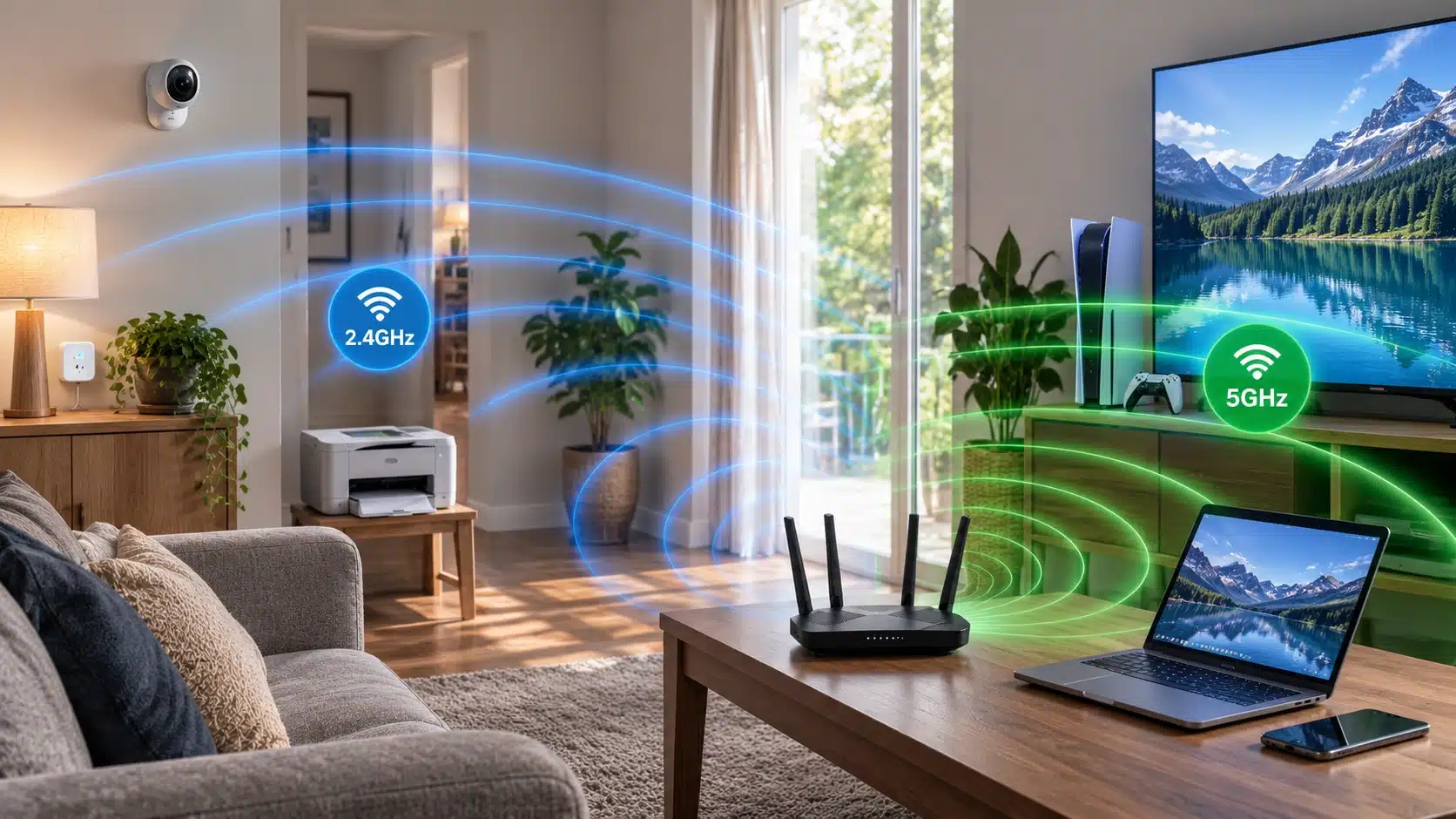
Both frequencies handle the same basic job in noticeably different ways. Rather than repeating the differences in paragraph form, this side-by-side view makes the practical contrast easy to spot at a glance.
| Factor | 2.4 GHz | 5 GHz |
|---|---|---|
| Range | Reaches farther, better through walls | Shorter range, weaker through walls |
| Speed | Lower top speed | Higher top speed |
| Congestion | More crowded, shared with many household gadgets | Less crowded, fewer devices use it |
| Best for | Smart plugs, sensors, devices far from the router | Streaming, gaming, video calls, devices nearby |
| Number of channels | Fewer non-overlapping channels available | More non-overlapping channels available |
| Wall penetration | Passes through walls and floors more easily | Loses strength faster through solid materials |
| Typical devices | Smart bulbs, thermostats, security cameras, older laptops | Newer phones, laptops, smart TVs, game consoles |
| Interference sources | Microwaves, cordless phones, neighboring routers | Fewer nearby overlapping signals in most homes |
| Battery impact on devices | Generally lower power draw on connected devices | Can draw more power on some mobile devices |
Neither band wins outright in every situation a household runs into. The right one really depends on where a device sits in the home and what task it happens to be doing, a distinction worth remembering the next time you’re streaming something like Disney+ to the TV and want the smoothest possible connection.
Who Should Consider a Dual Band Router?
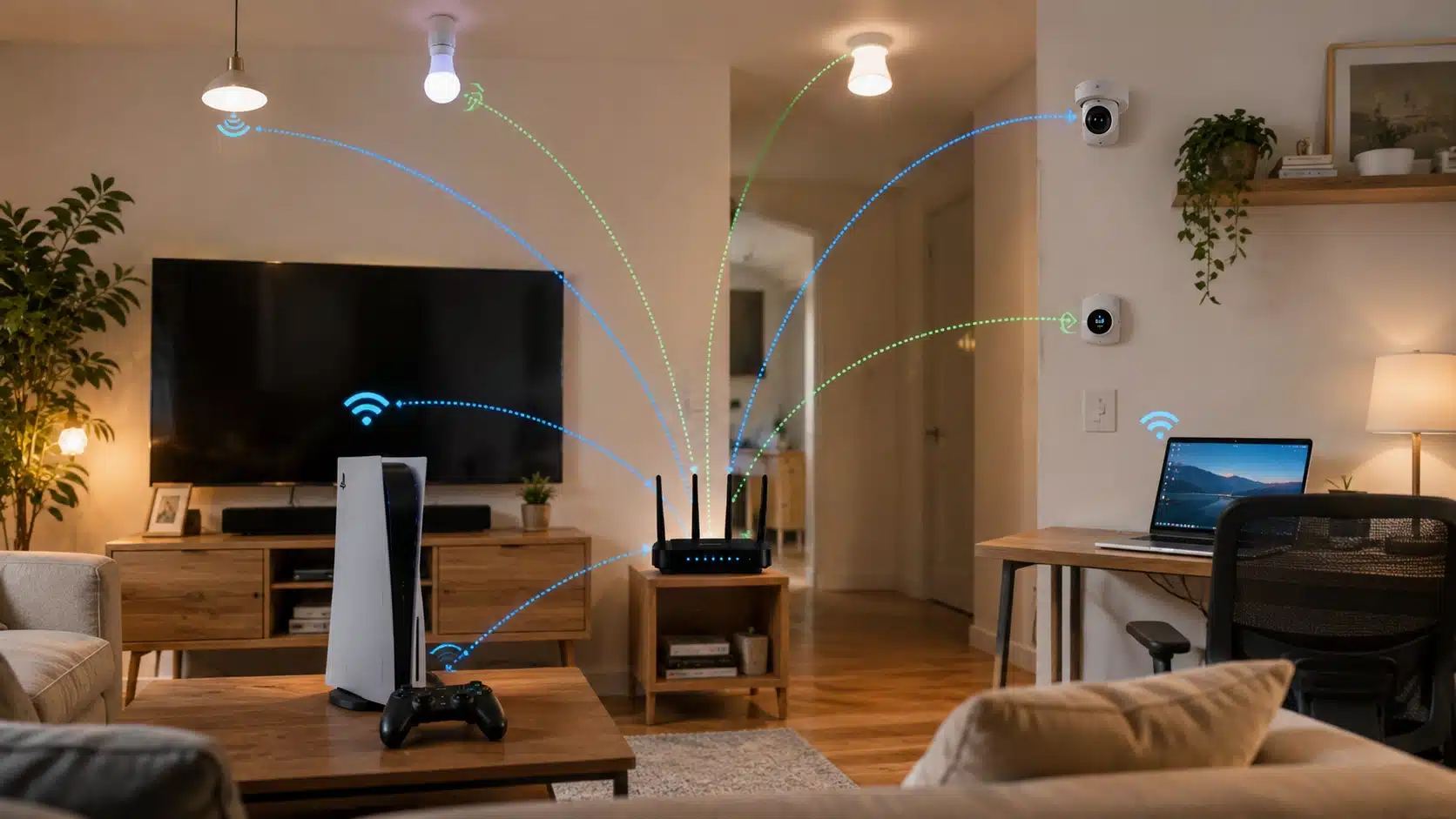
A dual-band router makes the most sense for homes running more than five or six connected devices, streaming in 4K, gaming online, or handling regular remote work calls throughout the week.
However, there is no single official cutoff for this number of devices. A setup that only handles browsing and email on one or two devices may still work fine on an older single-band router, with no noticeable slowdown in most everyday situations.
Most homes today fall into the first group, which is exactly why dual-band has quietly become the default option on nearly every new router sold in stores, regardless of price point or brand.
Signs Your Current Router Needs Replacing
Not sure if the problem is the internet plan or the router itself? A few common patterns point clearly to the router, and they usually show up well before anyone thinks to check.
- Wi-Fi drops or slows down whenever more than a few devices are connected
- Dead zones exist in rooms that used to have a decent signal
- The router is more than five years old and shows no Wi-Fi 6 support
- A speed test over Ethernet is noticeably faster than the same test over Wi-Fi
- Devices constantly disconnect and reconnect without anyone touching them
If more than one of these sounds familiar, the router is likely the bottleneck rather than the internet plan, and a dual-band replacement is worth serious consideration soon.
Best Affordable Dual Band Routers to Buy Now
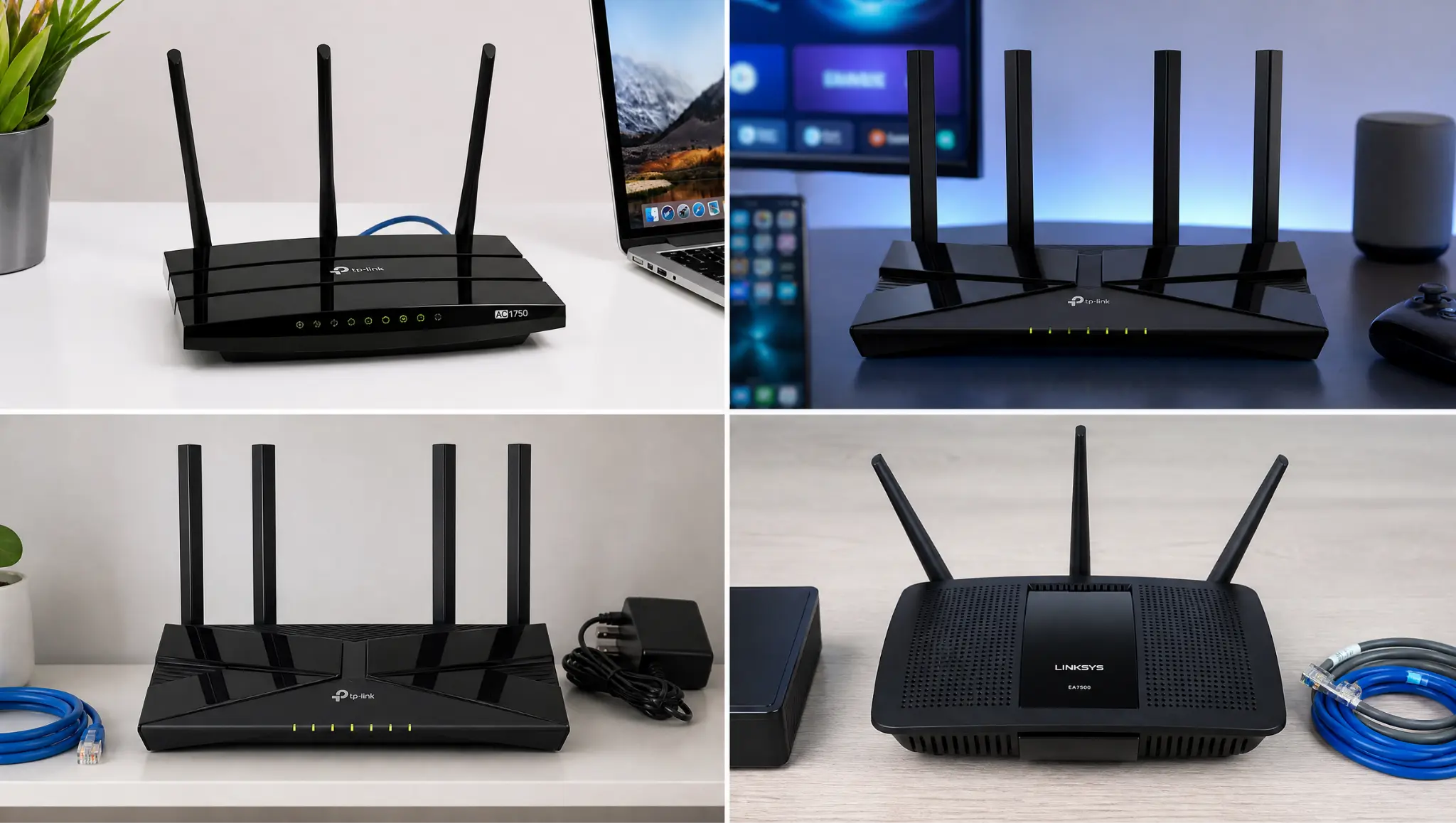
Here are a few budget-friendly models worth comparing before deciding. Each one covers both frequencies and fits a different mix of home size, device count, and how heavily the connection gets used.
1. TP-Link Archer A7
TP-Link Archer A7 is a reliable pick for smaller homes and covers both 2.4 GHz and 5 GHz at a price well under most competing models.
It supports well over thirty simultaneous connections, so it holds up fine in households running several phones, laptops, and smart devices at once.
It also includes parental controls and a guest network through the TP-Link Tether app.
2. TP-Link Archer AX55
TP-Link Archer AX55 steps up to the AX3000 Wi-Fi 6 standard while still landing in the budget tier, making it a fit for households planning to add more devices over the next few years without needing to upgrade the router anytime soon.
It also includes a straightforward setup app and four gigabit LAN ports for wired connections like a desktop or game console.
3. TP-Link Archer AX21
A step up in coverage and device capacity, the TP-Link Archer AX21 router works well for two-story homes when paired with a OneMesh extender, or single-floor households running gaming consoles alongside regular streaming.
It supports more simultaneous connections than entry-level models and includes basic Quality of Service settings to prioritize gaming or video traffic when needed.
4. Linksys EA7300
Linksys EA7300 runs on Wi-Fi 5 (AC1750) rather than Wi-Fi 6, and focuses on stable connections for video calls and remote work, with a simple app for managing both bands from a phone.
It suits smaller households that value consistency over raw top-end speed on paper, and holds a steady connection even when several devices join calls or upload files at once.
Prices and stock shift often, so it is worth comparing current listings before settling on one. Matching the model to actual home size and device count matters more than chasing the highest speed number listed on a box.
What to Check Before You Buy
A few details separate a good match from a wasted purchase. Running through these before adding anything to a cart saves a return trip and a bit of wasted money later on.
- Number of devices your household typically connects at once
- Home size and number of walls the signal needs to pass through
- Whether your internet plan’s speed justifies a higher-end router
- Wi-Fi standard supported, since Wi-Fi 6 models tend to last longer before feeling outdated
- Return policy, in case the range does not match your space
Checking these ahead of time avoids returning a router that looked good on paper but underperformed at home. A few extra minutes of comparison usually pays off once the router is installed.
Final Verdict
Understanding what a dual-band router does comes down to one thing: it stops devices in a home from competing for one weak signal.
Splitting traffic across 2.4 GHz and 5 GHz keeps streaming smooth, gaming stable, and older smart home gadgets connected without dragging down everything else on the network.
For anyone upgrading an aging router or setting up a new home network, choosing a dual-band model is one of the simplest ways to get more out of an existing plan without paying for faster service you may not even need.
Compare a couple of the affordable picks above, match one to your home size and device count, and check today’s price before it changes.
Frequently Asked Questions
Can a Dual-Band Router Improve Internet Speed?
A dual-band router can improve Wi-Fi performance, but it does not increase your internet plan speed. It helps devices connect more efficiently, reduces congestion, and allows compatible devices to use faster 5 GHz connections when available.
How Do I Know if My Device Supports 5 GHz Wi-Fi?
You can check your device specifications, network settings, or manufacturer details to confirm 5 GHz support. Many newer phones, laptops, and streaming devices support it, while some older smart devices may only work with 2.4 GHz.
Can Too Many Devices Slow Down a Dual-Band Router?
Yes, even dual-band routers have limits. Connecting many high-demand devices at once can still reduce performance, especially with older models. Choosing a router designed for your device count helps maintain stable connections.
Where Should I Place My Dual-Band Router for The Best Signal?
Place your router in a central, elevated location away from thick walls, metal objects, and electronic interference. A better position helps both 2.4 GHz and 5 GHz signals reach more areas of your home.