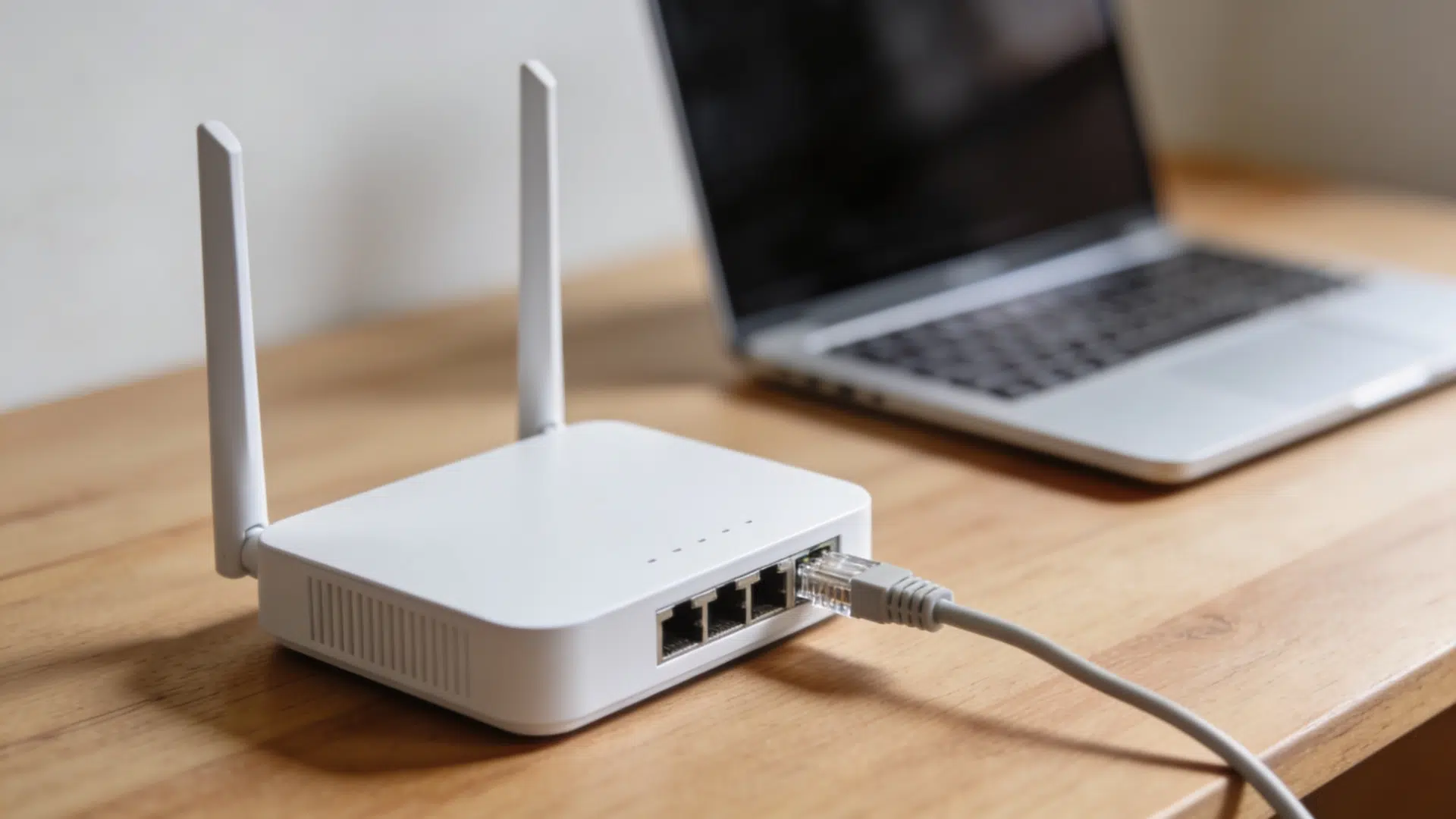



A network security key is a password that protects a wireless network from unauthorized access, essentially the front door key to a home network.
When a device attempts to connect, the router verifies whether the entered key matches its stored one, granting or blocking access accordingly.
Beyond restricting strangers, a security key safeguards personal data, prevents bandwidth theft, and reduces unauthorized activity risks.
Every router ships with a default key, but replacing it with a stronger, unique password adds a critical layer of protection, ensuring only trusted devices can access the network.
Where to Find the Network Security Key on the Router
Finding the network security key on the router is simpler than most people expect. There are a few places to check:
- Router Label: Most routers have a sticker on the back or bottom that shows the default network security key. It’s usually listed as “Wi-Fi Password,” “WPA Key,” or “Network Key.”
- Router Settings Page: Open a browser, enter the router’s IP address (usually 192.168.1.1 or 192.168.0.1; this varies by router model and ISP), and log in. The network security key is listed under the wireless settings section.
Types of Network Security Keys and Protocols Explained
Not all network security keys work the same way. The level of protection a key provides depends largely on the protocol running behind it. Here’s a breakdown of the main types:
1. WEP (Wired Equivalent Privacy)
WEP was one of the first security protocols introduced for wireless networks. It was designed to offer the same level of protection as a wired connection.
But over time, serious vulnerabilities were found, and it became easy to crack.
Most modern routers no longer recommend using WEP, and for good reason; it offers very little real protection by today’s standards.
2. WPA (Wi-Fi Protected Access)
WPA came in as a stronger replacement for WEP. It introduced better encryption and made it significantly harder for attackers to break into a network .
While it was a major step forward at the time, WPA still has known weaknesses that make it less reliable compared to newer options.
3. WPA2 ( Wi-Fi Protected Access 2)
WPA2 became the standard for home and business networks for many years.
It uses AES encryption, a much stronger method, making it considerably more secure than its predecessors.
Most routers still support WPA2, and with AES remains a reliable option when WPA3 is unavailable
4. WPA3 (Wi-Fi Protected Access 3)
WPA3 is the most recent and most secure protocol available. It offers stronger encryption, better protection against brute force attacks, and improved security for open networks.
Newer routers support WPA3, and switching to it is recommended whenever possible.
For businesses, using WPA3 or WPA2 AES also supports stronger alignment with modern security standards.
Which One Should Be Used?
WPA3 is the strongest option available right now. If the router supports it, enabling WPA3 is the smartest move.
For older routers that don’t support WPA3, WPA2 remains a reliable and widely accepted choice.
WEP and original WPA should be avoided entirely; they simply don’t offer enough protection for modern networks.
Network Security Key Vs. Router Password: What Is The Difference

These two terms get mixed up constantly. And it’s easy to see why: both involve passwords and relate to the router. But they serve completely different purposes, and protecting one doesn’t mean the other is safe.
1. The Network Security Key
The network security key is the password used to connect devices to a Wi-Fi network.
It is what gets entered on a phone, laptop, tablet, or any other wireless device when joining the network for the first time. Without it, the connection request gets blocked, and the device stays offline.
Its primary job is to control which devices can and cannot access the internet through the router. Anyone who has the key can connect to the network, which is exactly why keeping it secure matters more than most people realize.
Think of it as the front door to a home network. Just as a locked door keeps unwanted visitors out, the network security key makes sure only trusted devices get through.
A weak or default key leaves that door easier to push open, putting every connected device and all the personal data passing through the network at risk.
2. The Router Password
The router admin password is a separate login from the network security key, serving a completely different purpose.
While the security key controls which devices join the Wi-Fi, the admin password controls the router’s internal configuration. Anyone holding it can change settings, update keys, switch protocols, and control the entire network.
Many people update their security key after setup, but leave the default admin password untouched, a significant gap worth closing immediately.
If someone outside the household obtains the admin password, they gain full network control, not just connection access. Keeping both passwords strong and distinct is essential.
Why The Difference Matters
Confusing these two passwords creates real security gaps.
Sharing the network security key with a guest grants Wi-Fi access but not router settings access. However, if the router admin password remains at its factory default, a skilled user could log in and take full control of the network.
Both passwords demand attention. A strong network security key blocks unauthorized devices from joining the network, while a strong router admin password prevents unauthorized access to router settings.
Note: Change both from their defaults, keep them unique, and update them if they were shared too widely or may have been compromised. This is one of the most effective habits for maintaining proper home network protection, according to the NIST.
Common Network Security Key Errors And How To Fix Them
Even with the right key in hand, connection errors happen more often than expected. Most of them are straightforward to fix once the cause is identified.
- Entering the wrong network security key is the most common mistake. Keys are case-sensitive and easy to mistype, especially longer ones that mix letters, numbers, and symbols. Double-checking every character before hitting connect saves unnecessary frustration.
- A device remembering an old key after it has been changed on the router causes repeated connection failures. The fix is simple: forget the network on the device and reconnect fresh using the updated key.
- Compatibility issues between older devices and newer protocols like WPA3 can block connections entirely. Switching the router to WPA2 or enabling mixed mode that supports both usually resolves this without affecting other devices.
- Outdated router firmware can interfere with how the router handles security keys and authentication requests. Checking for firmware updates in the router settings and installing the latest version often clears these issues completely.
- Too many connected devices can occasionally cause authentication failures that look like key errors but are not. A simple router restart resets all active connections and usually fixes the problem without any additional changes needed.
- A factory reset restores the router to its default settings, including the original network security key printed on the router label. It wipes all custom settings, making it a last resort, but it works reliably when nothing else does.
To Conclude
A network security key plays a far bigger role in home protection than most people realize.
Every device, from phones to laptops to smart TVs to home assistants, connects through a single router, and the security key controls who gains access to it.
Staying protected requires no technical expertise. Simply find the key, understand encryption protocols, change it regularly, and keep the router admin password separate.
Avoid default factory settings, as these are easy to look up and exploit. Changing the key immediately after setup removes that vulnerability. Reviewing it every few months and keeping firmware updated ensures lasting, reliable home network security.
Frequently Asked Questions
Can One Network Security Key Work Across Multiple Routers?
No, each router stores its own key independently and must be configured separately.
Does Changing The Network Security Key Affect Internet Speed?
No, speed is unaffected; devices simply need to reconnect using the new key.
Is A Network Security Key The Same As A QR Code?
No, a QR code is just a convenient way to share the key without typing it manually.