


Apple Watch and Android. Two words that don’t usually belong in the same sentence.
Most people assume these two devices simply don’t work together, and honestly, that assumption makes sense. Apple builds its products to stay within its own system.
Apple Watch does need an iPhone to set up and run properly. Without one, most of its core features won’t work at all. However, there are a few limited ways Android users can still get some use out of an Apple Watch.
This blog explains exactly what works, what doesn’t, and what Android users should know before trying.
Does Apple Watch Work with Android?
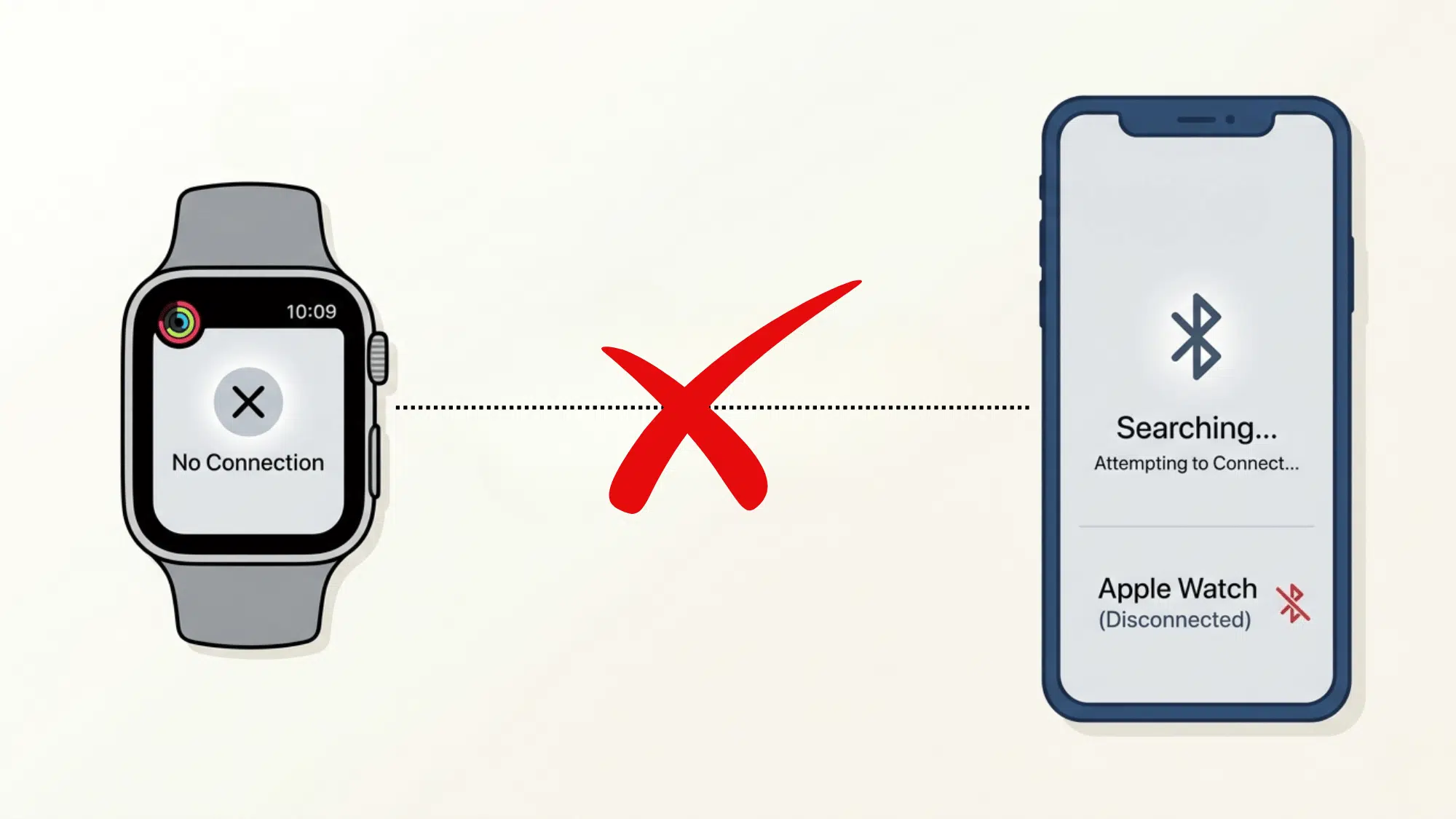
The short answer is no, Apple Watch does not officially work with Android phones. Apple designed the Watch to pair exclusively with an iPhone.
Without an iPhone, the setup process cannot even begin. The Watch needs iOS to activate, sync, and run its core features like notifications, health tracking, and app updates.
Android users who try to pair an Apple Watch will hit a wall right away. There is no official Apple app for Android that supports this connection.
So while the hardware might sit on the same wrist, the software simply does not cooperate across platforms.
Why Apple Watch Doesn’t Work with Android Devices?
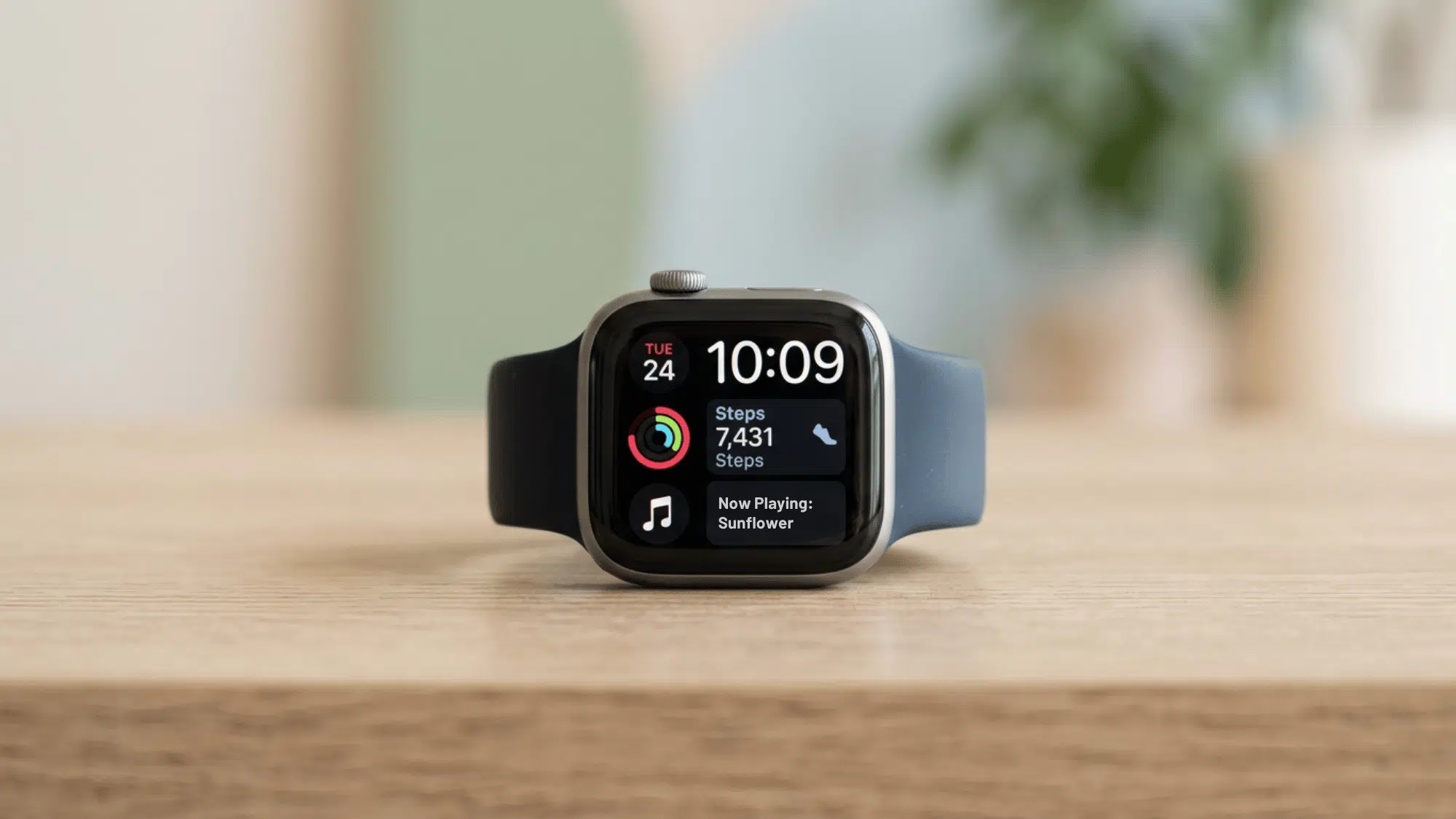
Apple Watch relies heavily on Apple’s own software system to function. It needs iOS to complete the initial setup, sync data, and run apps properly.
The connection between the Apple Watch and the iPhone goes deeper than just Bluetooth pairing.
The two devices share a tightly linked ecosystem: iCloud, iMessage, Siri, and the App Store all work together as one unit. Android simply does not have access to any of that.
Apple has never released a version of the Watch companion app for Android. This is a deliberate choice. Apple keeps its hardware and software locked within its own system, and that boundary has not changed.
How to Use an Apple Watch with Android (Limited Functionality)
There are a few workarounds that let Android users get limited use out of an Apple Watch.
1. Borrow an iPhone for Initial Setup: An Apple Watch must be activated using an iPhone. Borrowing one just for setup is the easiest workaround available.
2. Use Apple Watch in Standalone Mode: Once set up, the Watch can work independently for basic tasks like tracking steps, checking the time, and playing music.
3. Connect to Wi-Fi Directly: Apple Watch can connect to a Wi-Fi network on its own. This allows some apps to function without a paired phone nearby.
4. Use GPS and Health Tracking Features: Built-in sensors still track workouts, heart rate, and activity independently. These features work without any phone connection at all.
5. Download Standalone Apps: Some apps on the Apple Watch work without an iPhone. These can be downloaded and used directly from the Watch itself.
Best Apple Watch Alternatives for Android Users
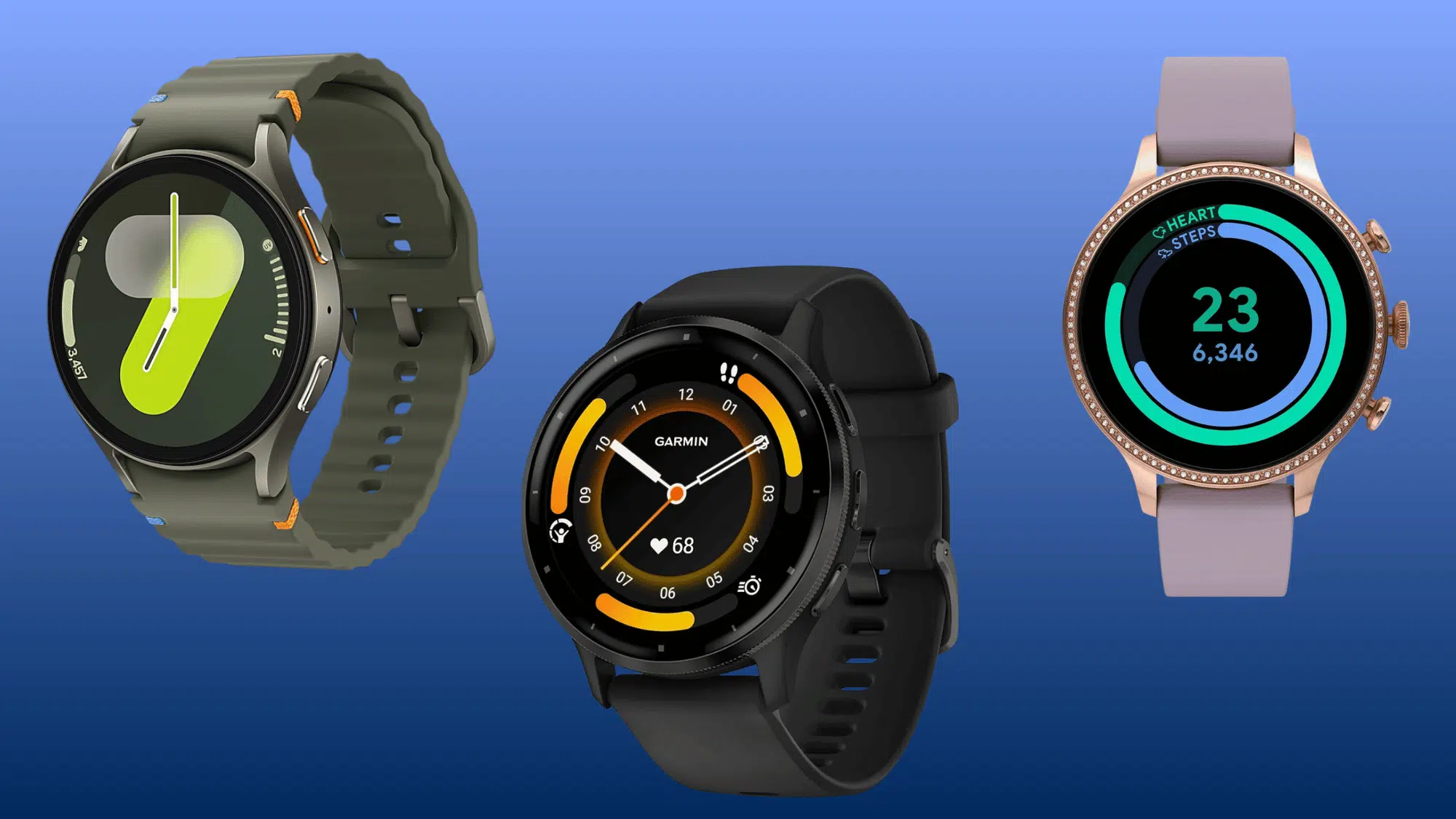
Android users have plenty of solid smartwatch options that work perfectly without any compatibility issues or workarounds.
1. Samsung Galaxy Watch 7
The Galaxy Watch 7 is one of the strongest Android smartwatches available today. It fits naturally into the Samsung and Google ecosystem without any friction.
- Best For: Overall Android use
- Key Features: Heart rate, ECG, sleep tracking, Google Assistant
- Battery Life: Up to 30–50 hours
- Price Range: ~$299
2. Google Pixel Watch 3
The Pixel Watch 3 is built for users already deep in the Google ecosystem. It pairs Fitbit’s health tracking strengths with clean Google software.
- Best For: Google ecosystem users
- Key Features: Fitbit integration, fall detection, LTE support
- Battery Life: Up to 24 hours (36 hours in saver mode)
- Price Range: ~$349
3. Garmin Venu 3
Garmin Venu 3 is a strong pick for fitness-focused users. It goes well beyond basic step counting with detailed health and workout data.
- Best For: Fitness tracking
- Key Features: Advanced health stats, GPS, animated workouts
- Battery Life: Up to 14 days (smart mode)
- Price Range: ~$449
4. Fitbit Sense 2
Fitbit Sense 2 keeps things focused on health and wellness. It tracks stress, sleep, and heart health in a lightweight, comfortable design.
- Best For: Health monitoring
- Key Features: Stress tracking, skin temperature, ECG app
- Battery Life: Up to 6 days
- Price Range: ~$270–$290
5. Amazfit GTR 4
The Amazfit GTR 4 delivers strong features at a much lower price point. It’s a practical option for Android users who want solid performance on a budget.
- Best For: Budget-friendly pick
- Key Features: GPS, Alexa built-in, heart rate monitoring
- Battery Life: Up to 14 days
- Price Range: ~$199
6. Fossil Gen 6
Fossil Gen 6 blends classic watch styling with modern smartwatch features. It runs Wear OS, so it connects smoothly with most Android phones.
- Best For: Style-conscious users
- Key Features: Wear OS, heart rate, SpO₂, Google Pay
- Battery Life: Under 24 hours (daily charge needed)
- Price Range: ~$299–$319
Apple Watch vs Android Smartwatches: Key Differences
| Feature | Apple Watch | Android Smartwatches |
|---|---|---|
| Phone Compatibility | iPhone only | Works with most Android phones |
| Operating System | watchOS | Wear OS / Tizen / proprietary OS |
| App Store | Apple App Store | Google Play Store |
| Health Features | ECG, blood oxygen, crash detection | Varies by model and brand |
| Setup Requirements | Requires an iPhone to activate | Works straight out of the box |
| Voice Assistant | Siri only | Google Assistant / Alexa |
| Payment System | Apple Pay only | Google Pay / Samsung Pay |
| Ecosystem Lock-in | Fully locked to the Apple ecosystem | Works across multiple platforms |
| Customisation | Limited to Apple options | Wide range of watch faces and apps |
| Price Range | $249 and above | $100 to $500+ |
Should You Buy an Apple Watch If You Use Android?
Honestly, it is not a great idea. Apple Watch loses most of its value when paired outside the Apple ecosystem.
Features like notifications, app syncing, iMessage alerts, and even basic setup require an iPhone. Without one, the Watch becomes a very expensive step counter.
The available workarounds are limited and impractical for daily use. Android users deserve a smartwatch that works fully, right out of the box.
There are several capable Android-friendly smartwatches available at similar or lower price points. They offer better compatibility, longer battery life, and a much smoother day-to-day experience.
Spending money on an Apple Watch as an Android user simply does not make sense.
To Conclude
Apple Watch and Android are simply not built for each other. The compatibility gap is real, and no workaround fully bridges it.
Android users who want a smartwatch that actually performs well should look at options built for their phone.
Samsung, Garmin, Google, and Fitbit all offer strong alternatives that work without any extra effort.
A smartwatch that works seamlessly with an Android phone will always deliver a better experience than one that fights against it.
Frequently Asked Questions
What Does an Apple Watch Cellular Do?
Apple Watch cellular lets users make calls, send texts, and stream music without a phone nearby.
Can You Track a Child with an Apple Watch?
Yes, Apple Watch with Family Setup allows parents to track a child’s location directly from their iPhone.
What are the Downsides of Smartwatches for Kids?
Smartwatches can distract kids in school, raise privacy concerns, and may encourage too much screen time daily.