
Step Into the Future of Technology

Brands we work with





Understanding What’s Next in Tech




EXPLORE NOW
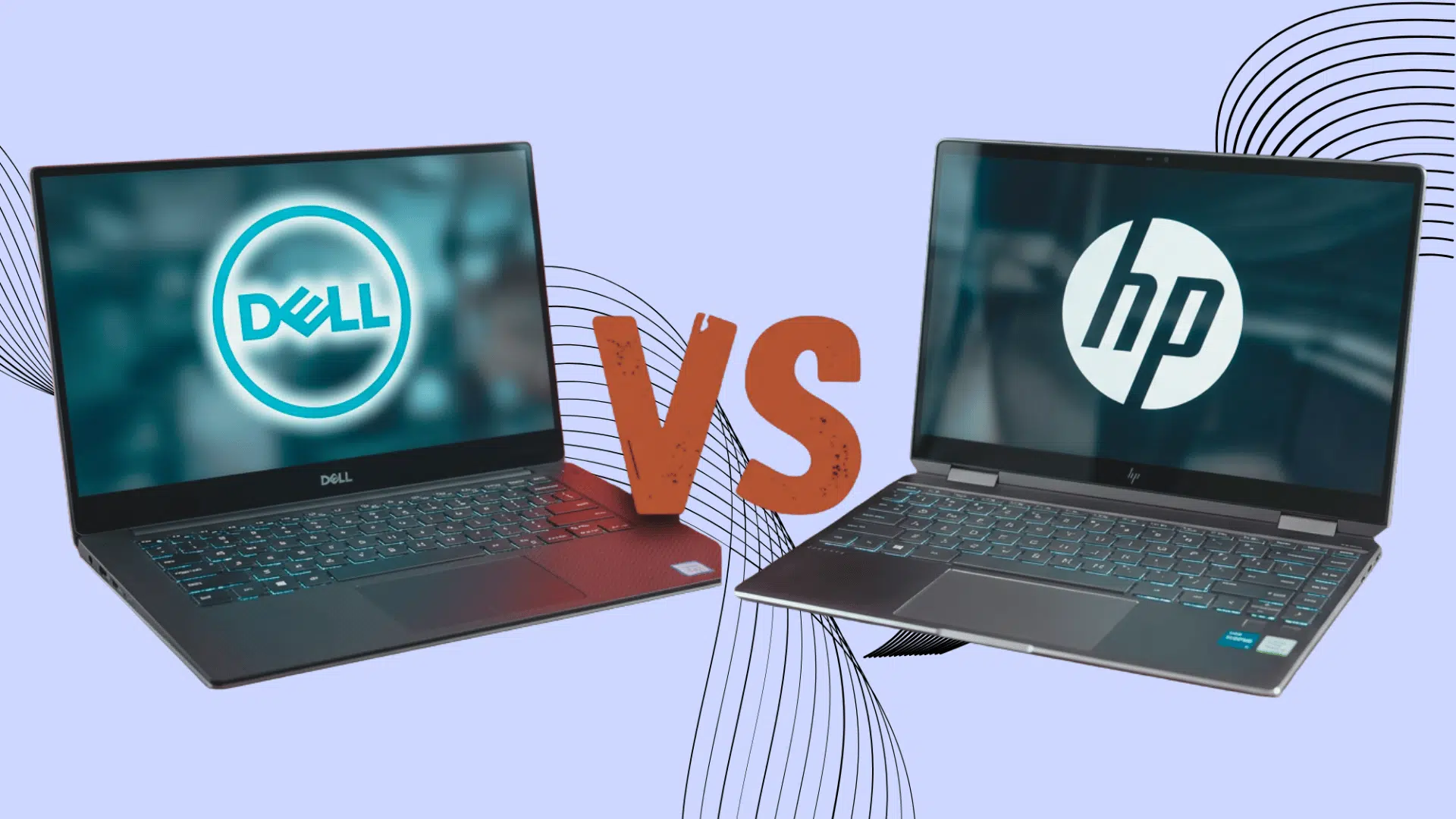
Picking a new laptop often turns into a Dell vs HP laptops debate, and it’s easy to see why. Both brands cover nearly every budget and use case, from everyday browsing to gaming and heavy creative work, which can make the decision harder. Specs on paper rarely tell the full story. What actually separates these […]

If you’ve ever used ChatGPT, Claude, or any other AI tool and seen the word “tokens” mentioned somewhere in the settings or pricing page, you’re not alone in wondering what it means. Understanding what tokens in AI are is easier than it sounds, and you don’t need a technical background to get it. In plain […]

Slow Wi-Fi during a video call or a laggy game session usually points to one thing: a router that can’t handle multiple devices at once. Most homes now run phones, laptops, smart speakers, and streaming devices at the same time, and a single frequency band often can’t keep up. A dual-band router splits traffic across […]

Are you paying for tools your team hasn’t touched in months? Most startups sign up for SaaS tools fast and forget about them even faster. Before long, you’ve got 30+ subscriptions, overlapping features, and a bill that makes zero sense. That’s the dark side of the SaaS business model nobody warns you about. The right […]

Unwanted websites can become a distraction during work or study and may expose children to content that parents want to restrict. An iPhone includes built-in Screen Time settings for blocking specific websites without installing another app. These controls can also restrict adult content, limit browsing to approved sites, and manage website access on a child’s […]

Paul the Alien is a hilarious sci-fi comedy that surprised audiences when it hit theaters. Anyone looking toPaul 2011 is in for a witty, fun-filled adventure packed with pop culture references and laugh-out-loud moments. The film follows two British sci-fi geeks who encounterPaul, the alien, a wise-cracking extraterrestrial on the run from government agents across […]

enjoy the best of philip
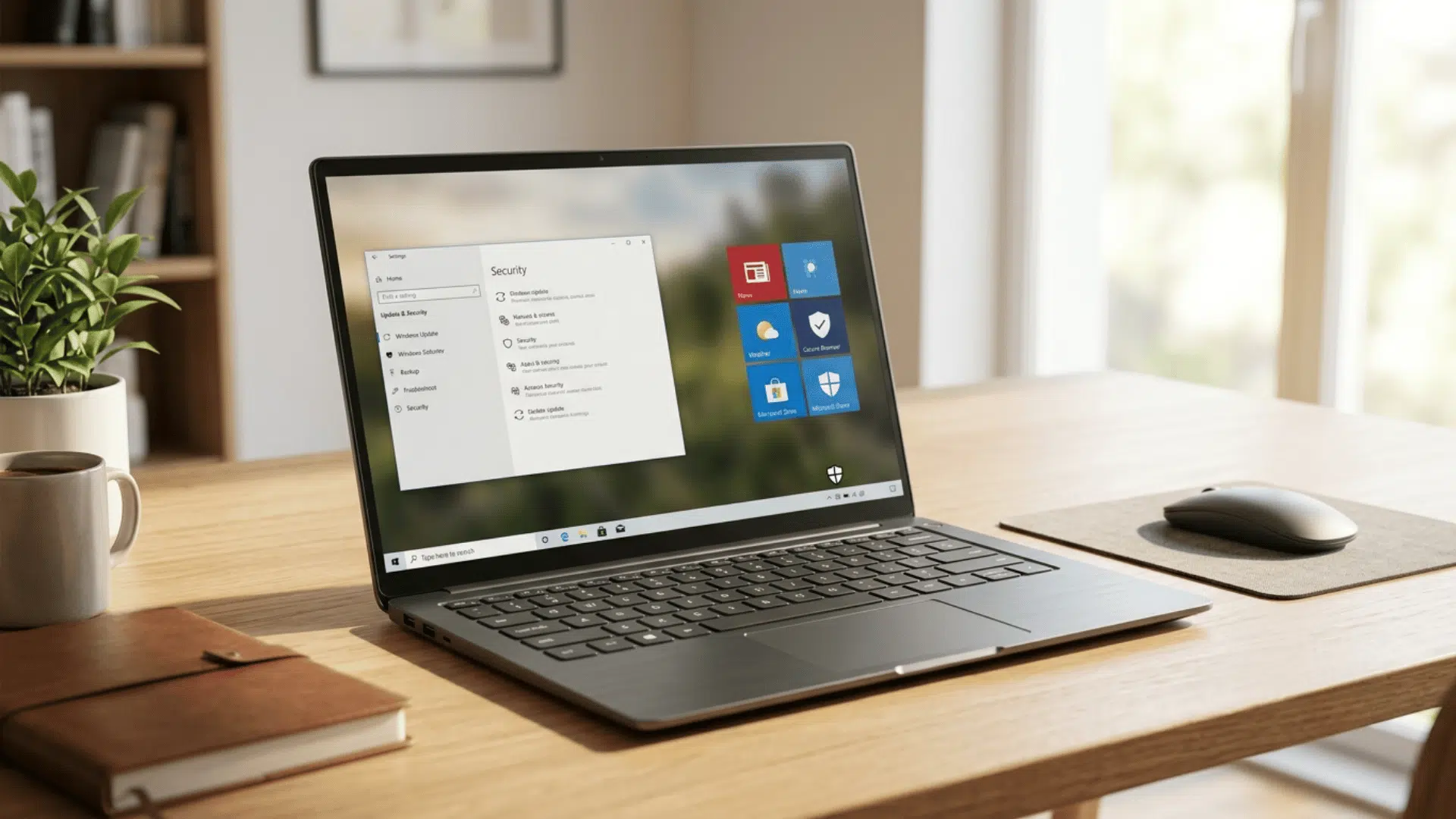
Windows 10 S Mode may appear on older laptops designed for basic work, education, and everyday computer use. Its software restrictions can reduce certain security risks, but they also limit which apps and system tools remain available. Standard support for Windows 10 ended on October 14, 2025, making the device’s upgrade options an important consideration. […]
Picture quality depends on much more than screen size, with display technology playing a major role in how images appear. LG’s QNED TVs are designed to improve key areas such as color, brightness, contrast, and overall viewing performance. Depending on the model, QNED displays can use technologies such as Quantum Dot, NanoCell, and Mini LED […]

Seeing “SOS” at the top of an iPhone can be concerning, especially when regular calls, texts, and mobile data suddenly stop working. The indicator usually means the iPhone cannot connect to its normal carrier network but may still be able to make emergency calls through another available network. It often appears because of weak coverage, […]

Choosing between Meta Quest 3 and Meta Quest Pro can be confusing when both headsets offer premium VR features but target different users. Meta Quest 3 combines newer processing hardware, sharper visuals, and improved mixed reality, making it the stronger option for gaming and everyday VR. Quest Pro offers specialized features such as eye and […]

Using two apps at once can make an iPad more useful for work, study, and tasks. You can read notes while writing, browse the web during a video call, or move content between apps without switching screens. On iPadOS 26, Apple offers windowed apps that can be arranged and resized, and supported models can also […]

AirPods are designed for Apple devices, but owning an Android phone does not mean they are off-limits. AirPods can connect to Android devices through Bluetooth and handle everyday tasks such as listening to music, watching videos, and making calls. However, the experience comes with limitations because several Apple-exclusive features are unavailable outside the Apple ecosystem. […]

Meet the Team
Meet the Cyber Team


feed your curiosity


A child’s first smartphone opens the door to learning, creativity, and connection, but it also brings new challenges for parents. Apple provides built-in tools to manage screen time, app access, online content, and privacy settings without extra apps. Learning how to put parental controls on iPhone makes it easier to create healthy digital habits while […]

Choosing between Samsung and LG TVs can be difficult because both brands offer a wide range of models with different features, display technologies, and price points. Samsung is known for its QLED and Neo QLED displays, while LG is widely recognized for its OLED TVs and smart TV features. Neither brand wins outright. The better […]

Choosing between Windows 11 Pro and Home can feel confusing because both versions look and work almost the same. Each supports everyday tasks such as browsing, streaming, gaming, studying, and basic office work. The main differences appear in security, remote access, device control, and business features. Windows 11 Home suits most personal users, while Pro […]

Setting up a new printer shouldn’t feel like a chore, but if you’ve ever stared at a blank Printers & Scanners window wondering why your Mac won’t find your printer, you know it can get frustrating fast. Learning how to add printer to Mac is actually a quick process once you know where to look, […]
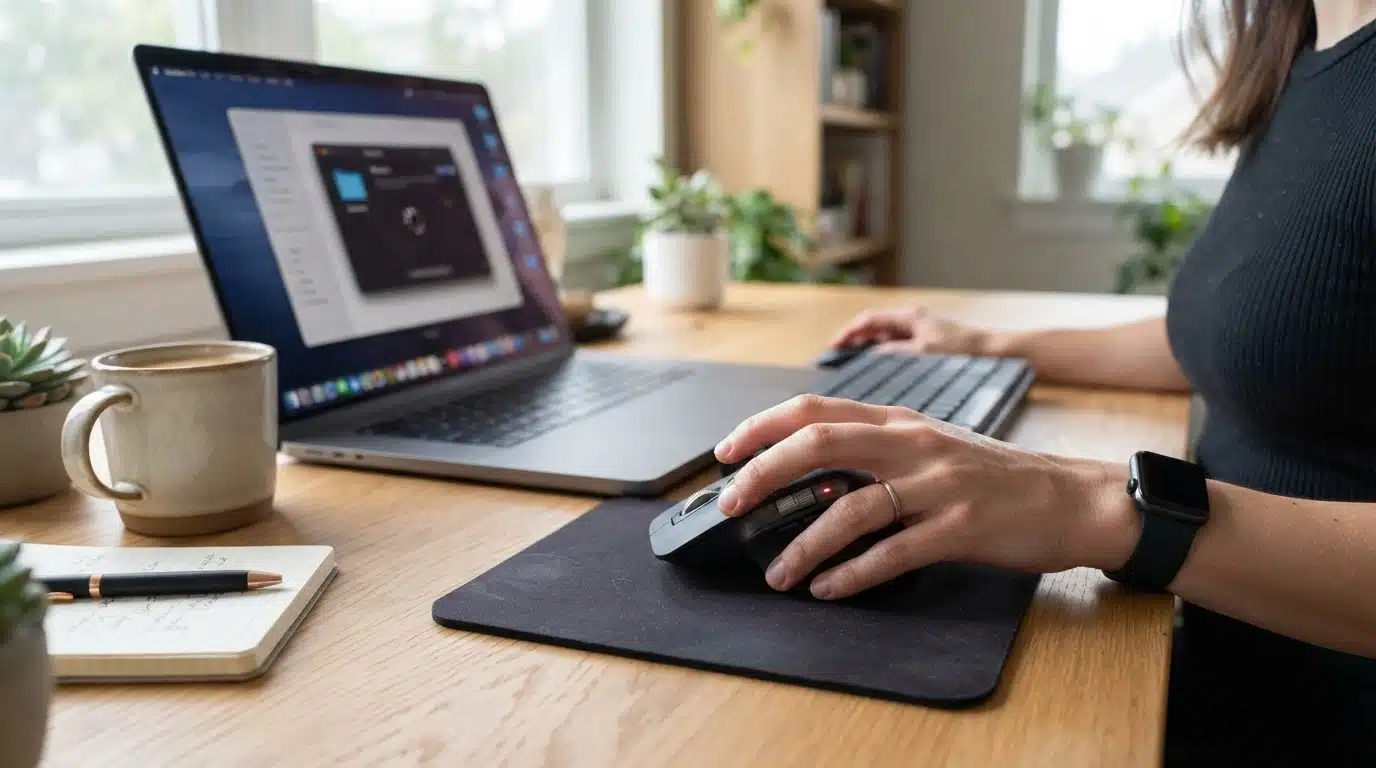
Have you ever moved your mouse expecting the cursor to respond, only to find nothing happens? A wireless mouse can suddenly stop working due to simple issues like drained batteries, a loose receiver connection, Bluetooth pairing failures, wireless interference, or system errors. The right solution depends on what you are experiencing, whether the mouse is […]

Choosing a budget tablet becomes difficult when strong specifications do not always translate into smooth everyday performance. The Lenovo Tab M11 combines an 11-inch 90Hz display, quad speakers, expandable storage, and optional pen support at an accessible price. However, its modest processor and charging speed raise important questions for buyers expecting gaming, multitasking, or heavier […]
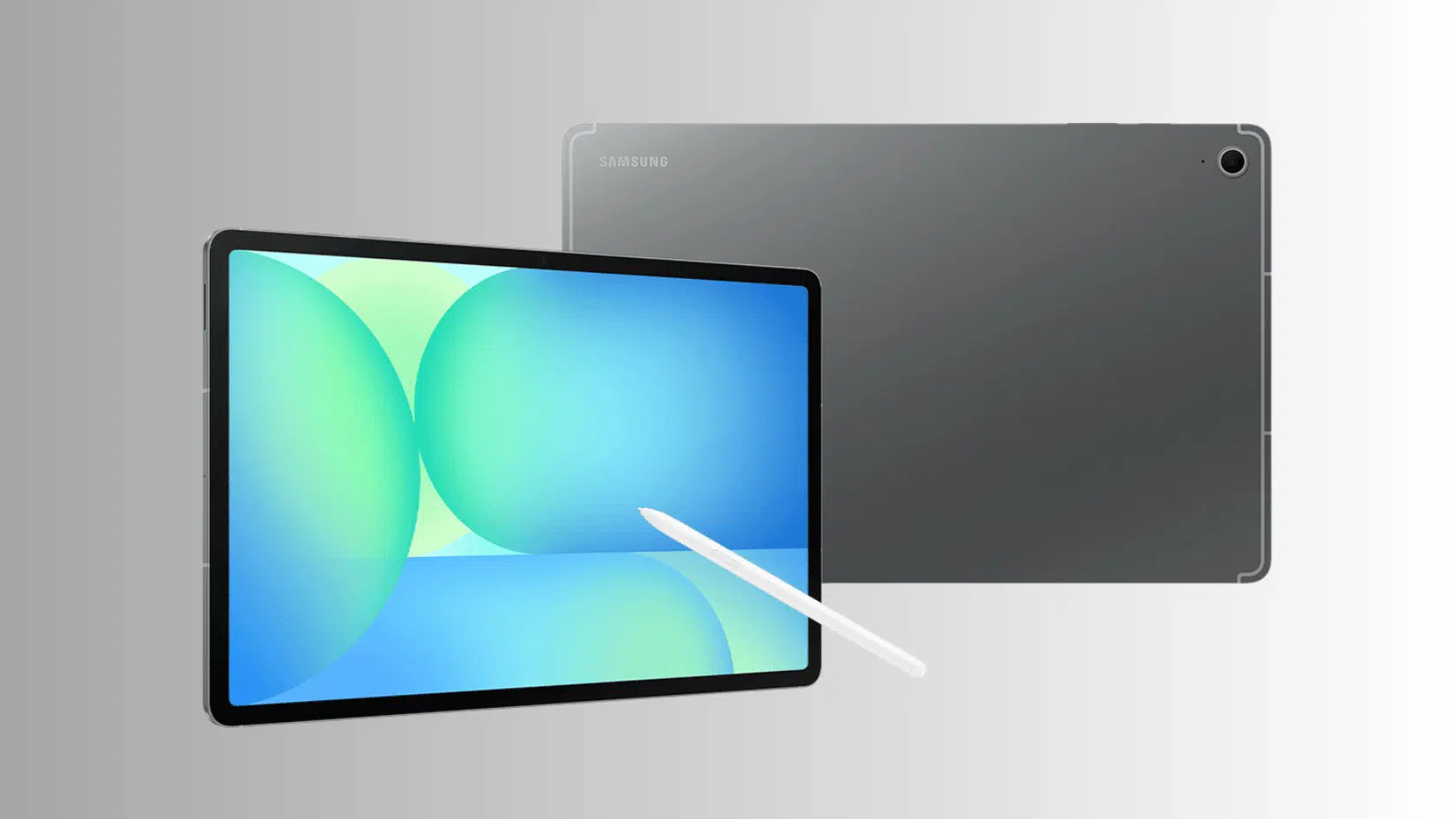
The Samsung Galaxy Tab S10 FE sits between affordable Android tablets and Samsung’s more expensive flagship models, promising a balance of performance, productivity, and portability. Its 10.9-inch 90Hz display, Exynos 1580 processor, included S Pen, IP68 rating, and 8,000mAh battery make the specifications appealing, but compromises such as the TFT LCD and midrange processor also […]
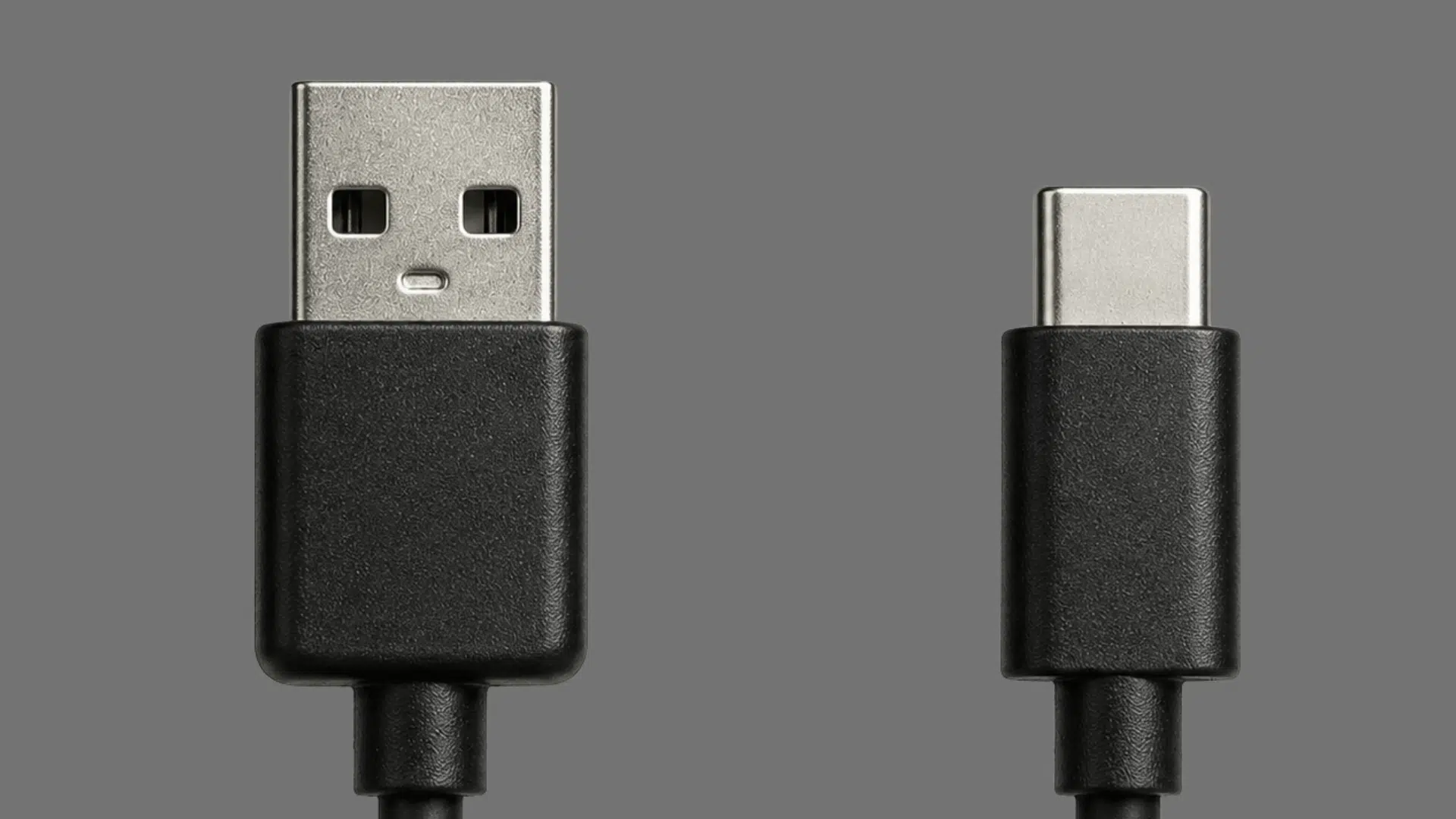
A tiny connector can make a big difference in charging time, file transfers, and everyday device performance. USB-A has powered countless devices for years, while USB-C is becoming the preferred choice for modern technology with its flexible design and advanced capabilities. Understanding the real differences between USB-A vs. USB-C helps you choose the right cable, […]
buckle up for the best
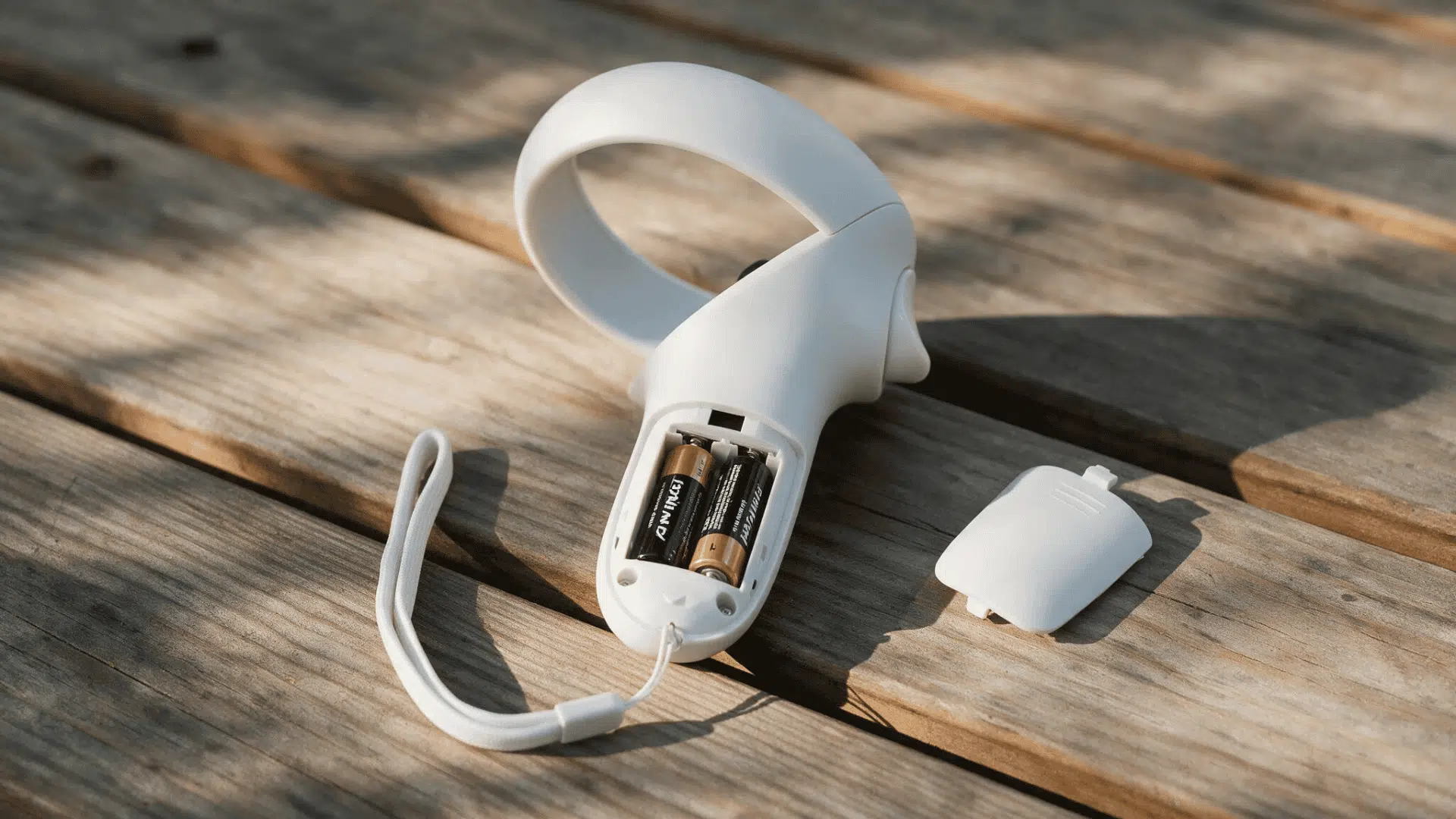
A low controller battery can interrupt a VR session faster than expected, especially if you are unsure how Meta Quest 3 controller charging actually works. Understanding the available battery options makes it easier to avoid sudden shutdowns and choose a...
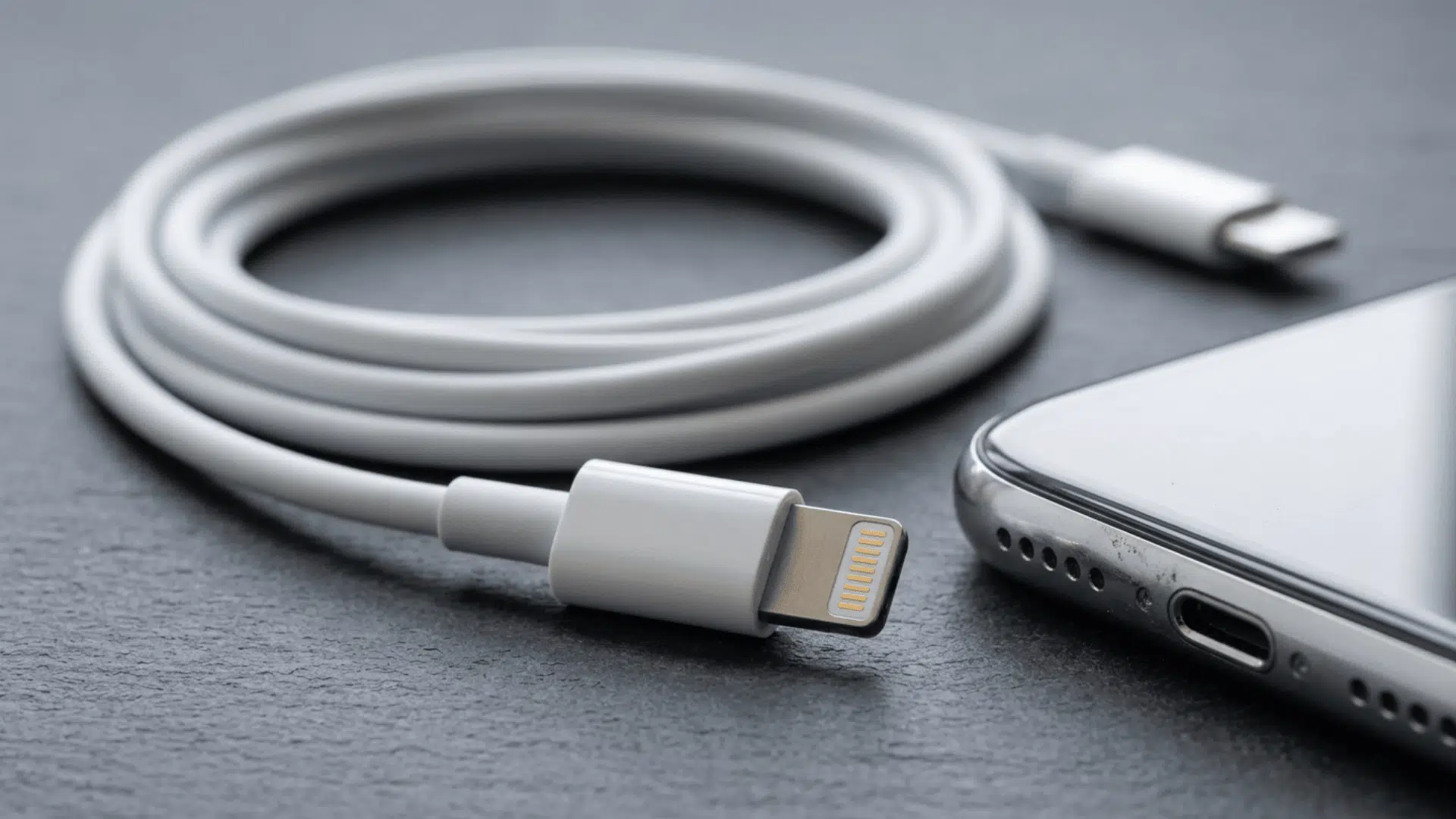
Apple’s Lightning connector powered and connected millions of iPhones, iPads, and accessories for more than a decade. Introduced in 2012, the small 8-pin connector supports charging, data transfer, and compatible audio or accessory connections on many older Apple devices. Although...

Buying a new TV, monitor, or smartphone can feel confusing when brands use terms like OLED, LED, QLED, and Mini LED. Although these technologies may sound similar, they create images differently and affect brightness, contrast, and picture quality in their...
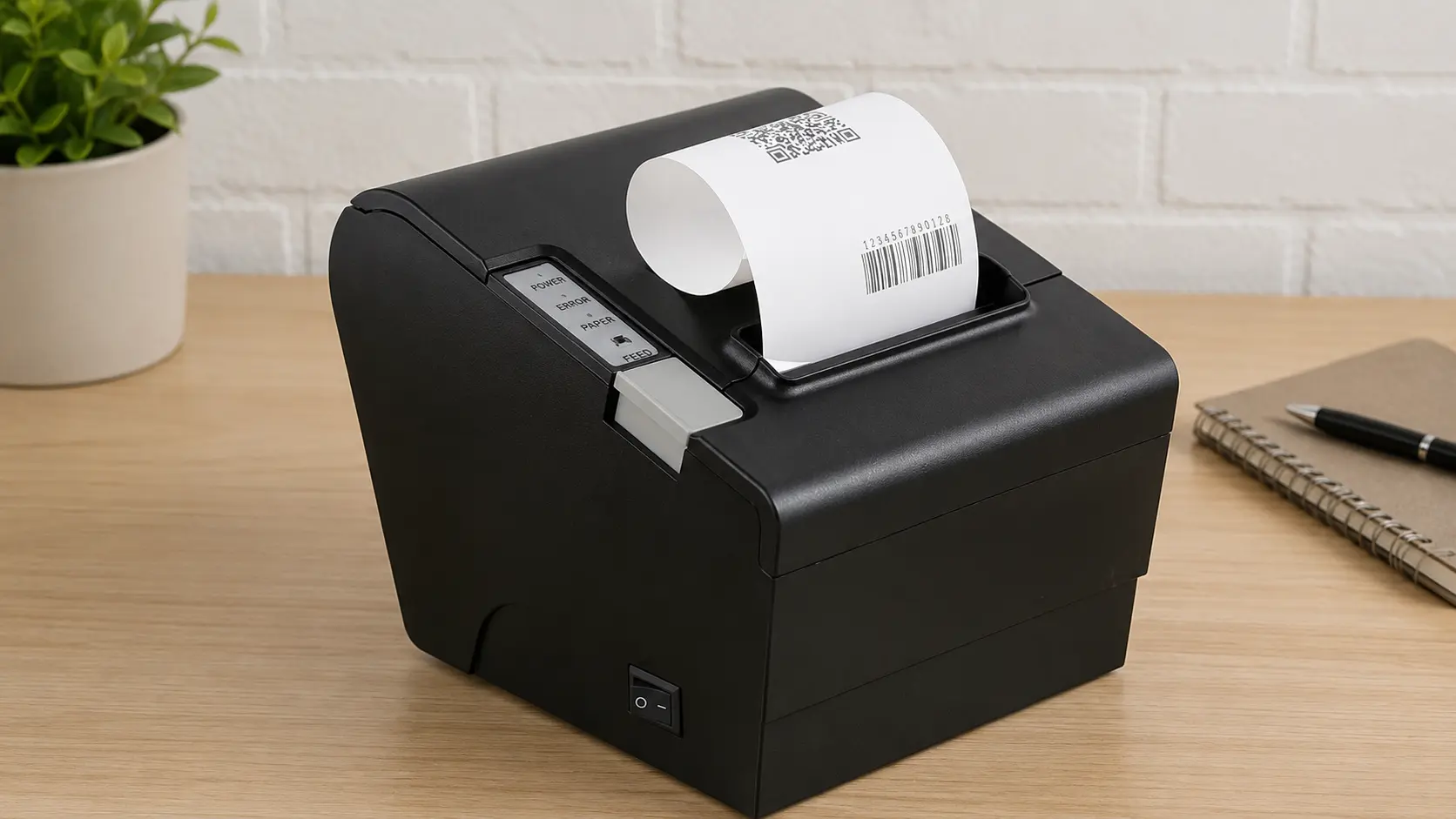
Receipts, shipping labels, and parking tickets all print instantly without an ink cartridge in sight. A thermal printer uses heat to create text, images, and barcodes on specially designed materials instead of relying on traditional ink. These printers are widely...
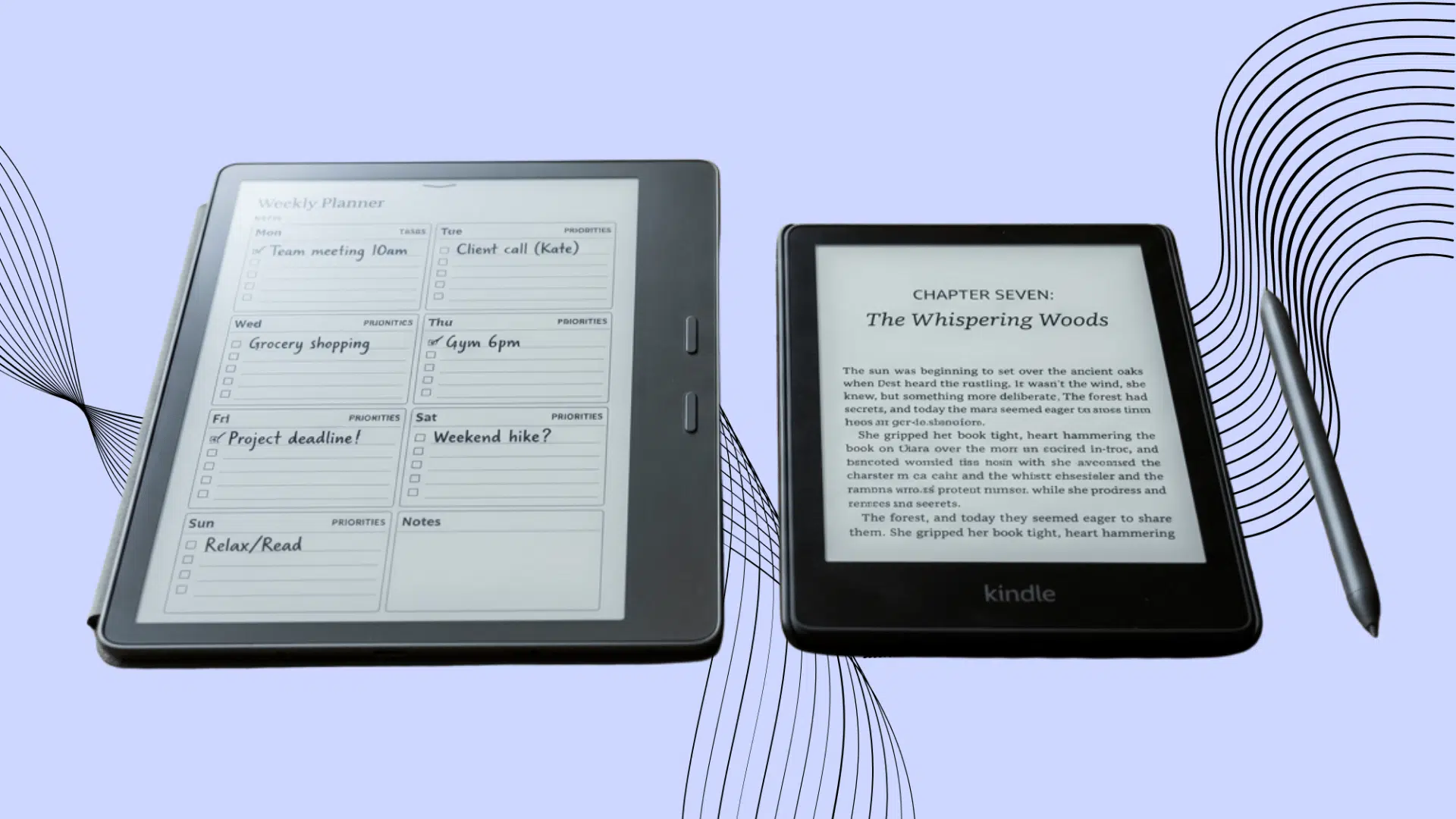
Reading feels better on a large, paper-like screen, while handwritten notes can help ideas stick. The problem is that not every digital paper tablet handles both tasks equally well. When comparing Kindle Scribe and reMarkable, one device often leans toward...
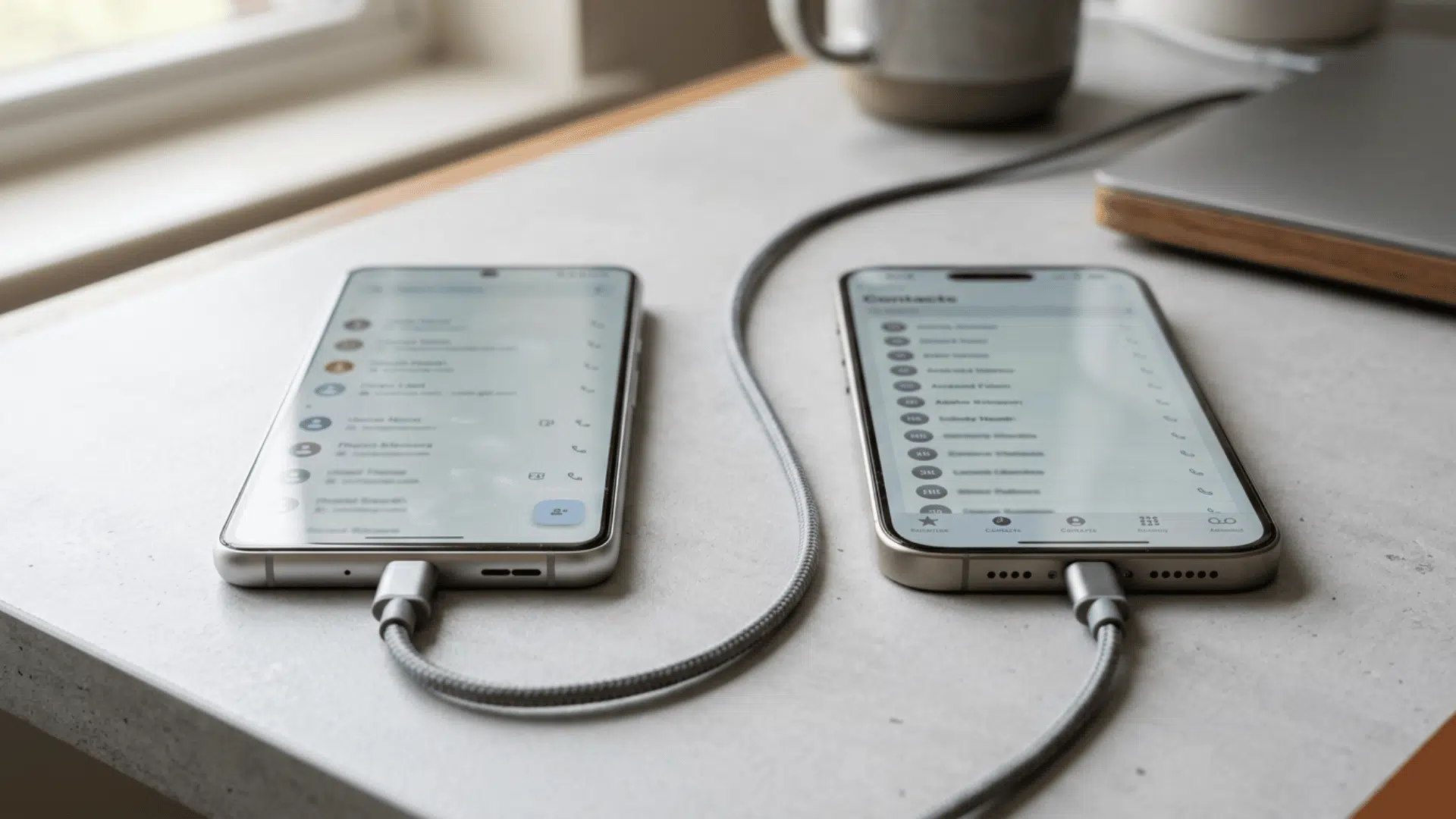
Switching from Android to iPhone is exciting, but leaving important contacts behind can make the move stressful. Fortunately, contacts can be transferred without manually copying every name, phone number, and email address. Apple’s Move to iOS, Google syncing, SIM cards,...
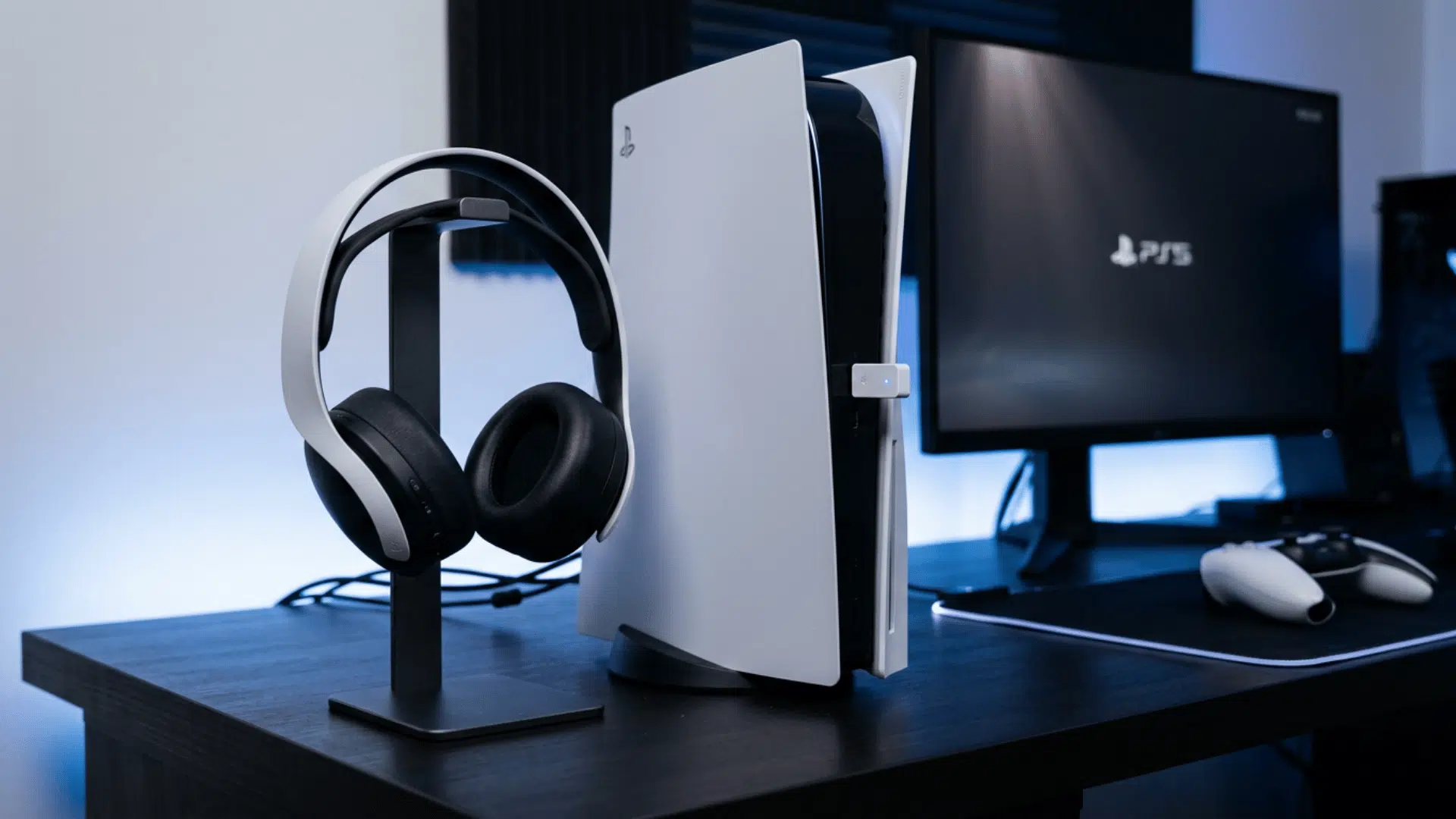
Your favorite headphones sound great everywhere else, yet the PS5 refuses to list them. That small pairing problem can hold up a game night and make the console settings feel more confusing than they should. If you want to know...
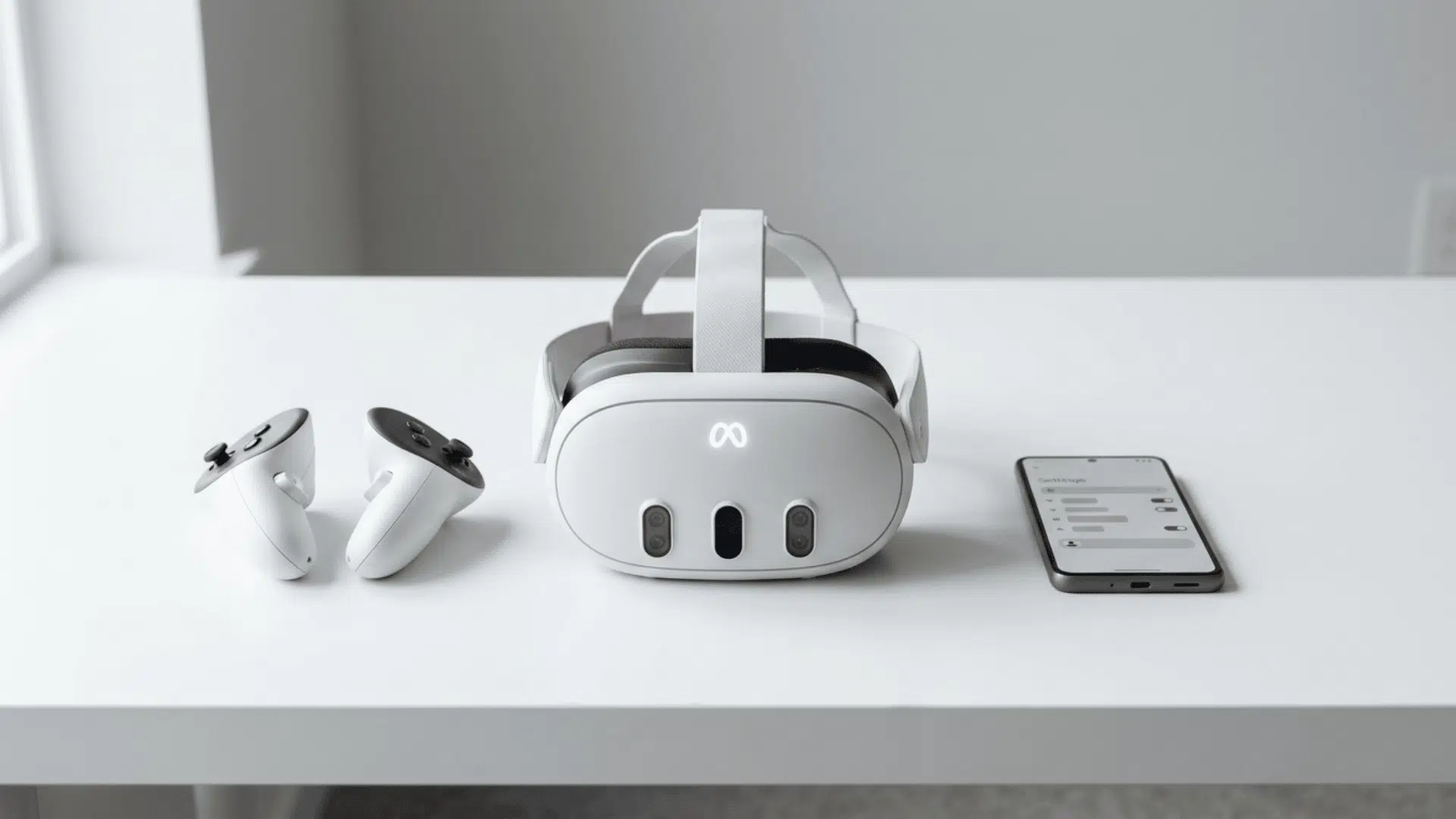
You may need to reset your Meta Quest 3 before selling it, giving it away, or fixing an ongoing issue. A factory reset removes local data and restores the original settings. You can complete the process in two ways: by...
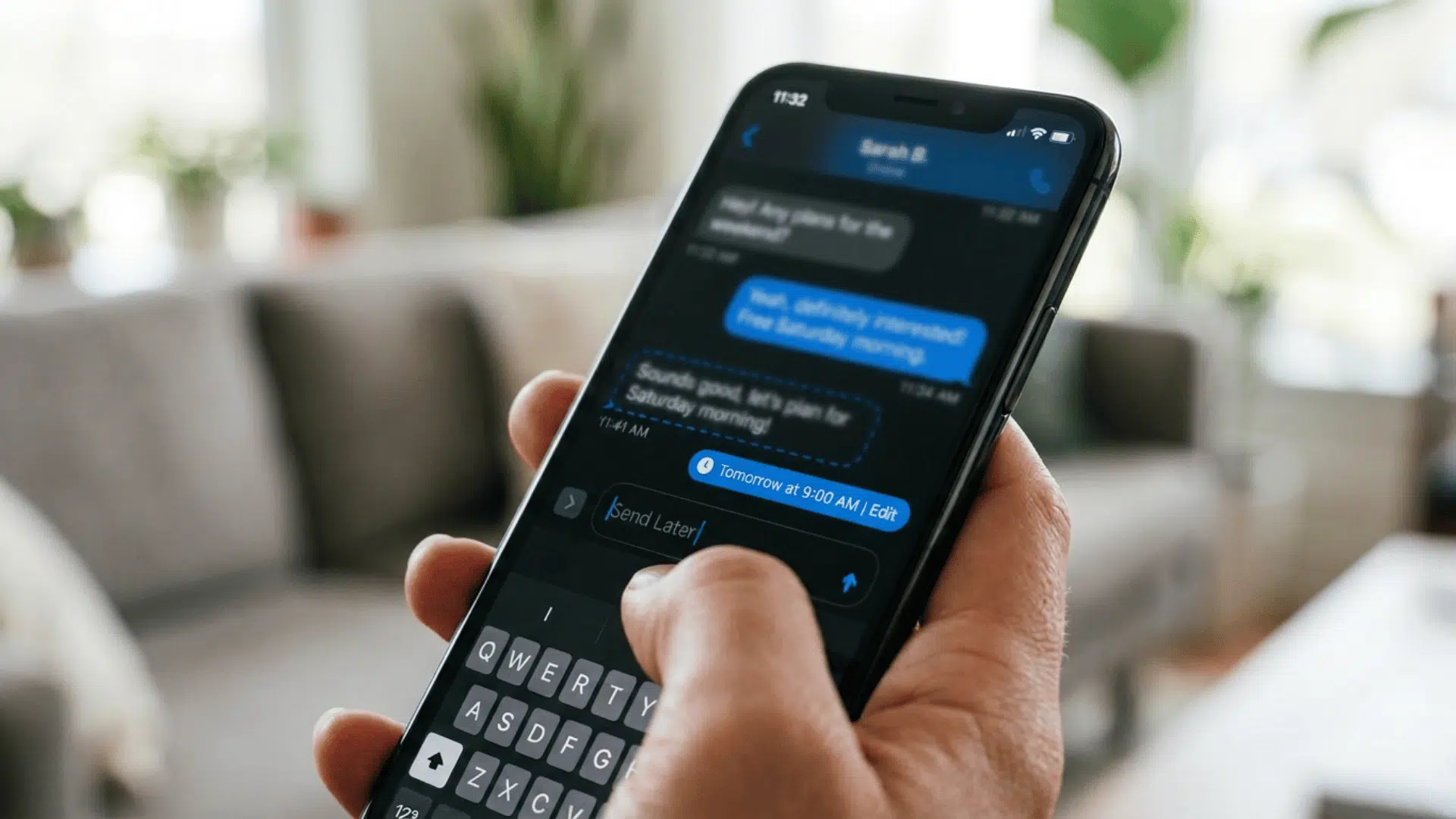
Sending a message at the right time can be difficult when life gets busy or plans change. iPhone users can schedule certain messages for later, making it easier to handle reminders, greetings, work updates, and personal plans. The exact method...

Sent an email you wish you could take back? It happens more often than you think. Outlook gives you a few ways to unsend an email or recall it, but the steps depend on which version you are using. Classic...

Don’t Just Keep Up, Stay Ahead
Join thousands of readers getting clear, practical insights on the technologies shaping the future.
